|
VOOZH | about |
|
VOOZH | about |
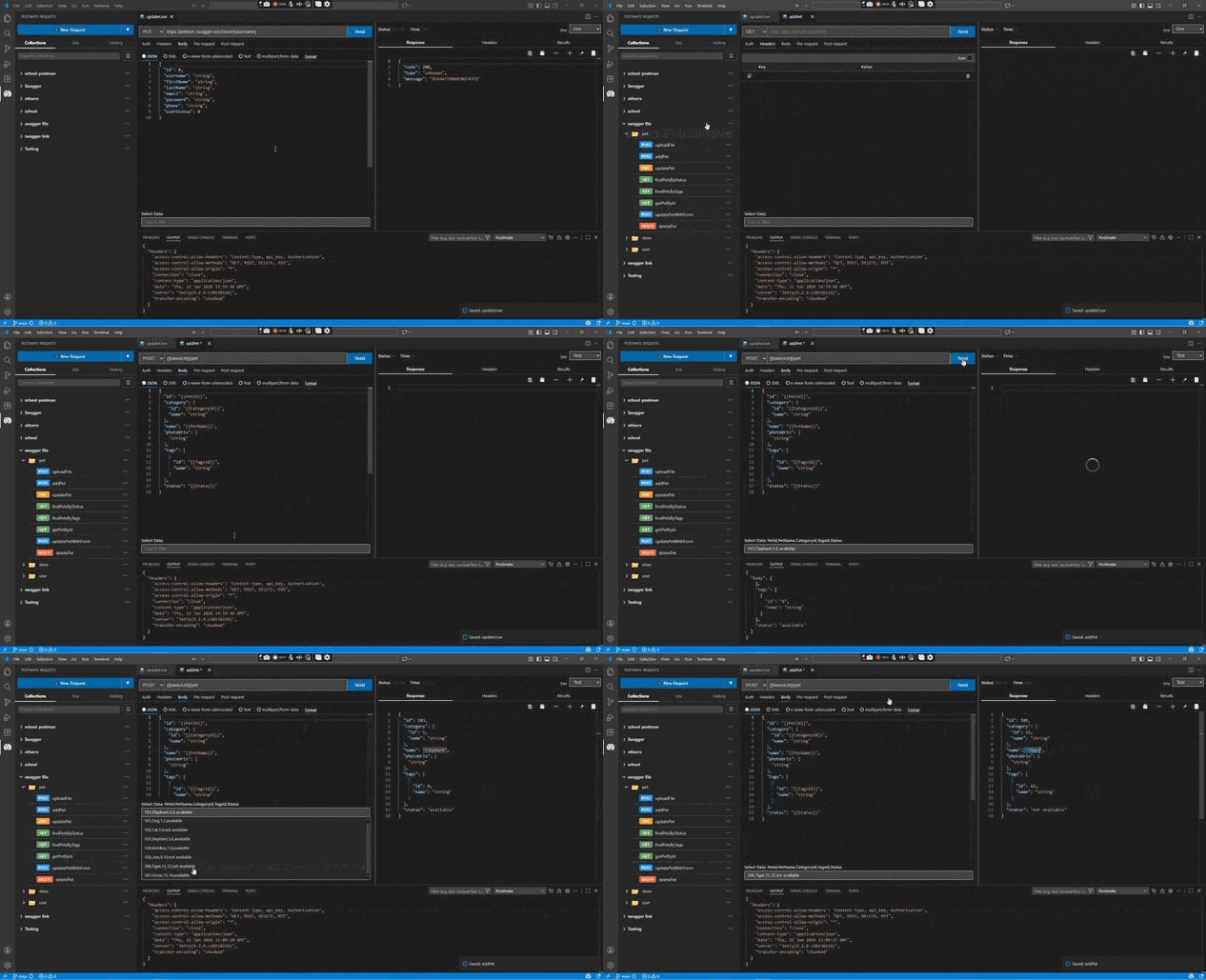
Postmate Client — Privacy-First Postman Alternative for VS CodeTest REST, GraphQL, and WebSocket APIs directly inside VS Code. No cloud sync, no login, no telemetry — free forever. Postmate Client is a local-first API client built natively into VS Code. Send REST and GraphQL calls, test WebSocket and WSS connections in real time, compare responses side-by-side, run data-driven CSV tests, and automate everything in CI/CD — without ever leaving your editor or sending your requests to someone else's servers. If you've been paying for Postman or Thunder Client just for features they put behind a paywall — WebSocket testing, the CLI runner, data-driven testing — Postmate Client gives you all of it free. 👁 Postmate Client overview — privacy-first Postman alternative running inside VS Code Why developers choose Postmate Client
What's new — WebSocket supportPostmate Client now supports WebSocket and WSS testing as a first-class request type:
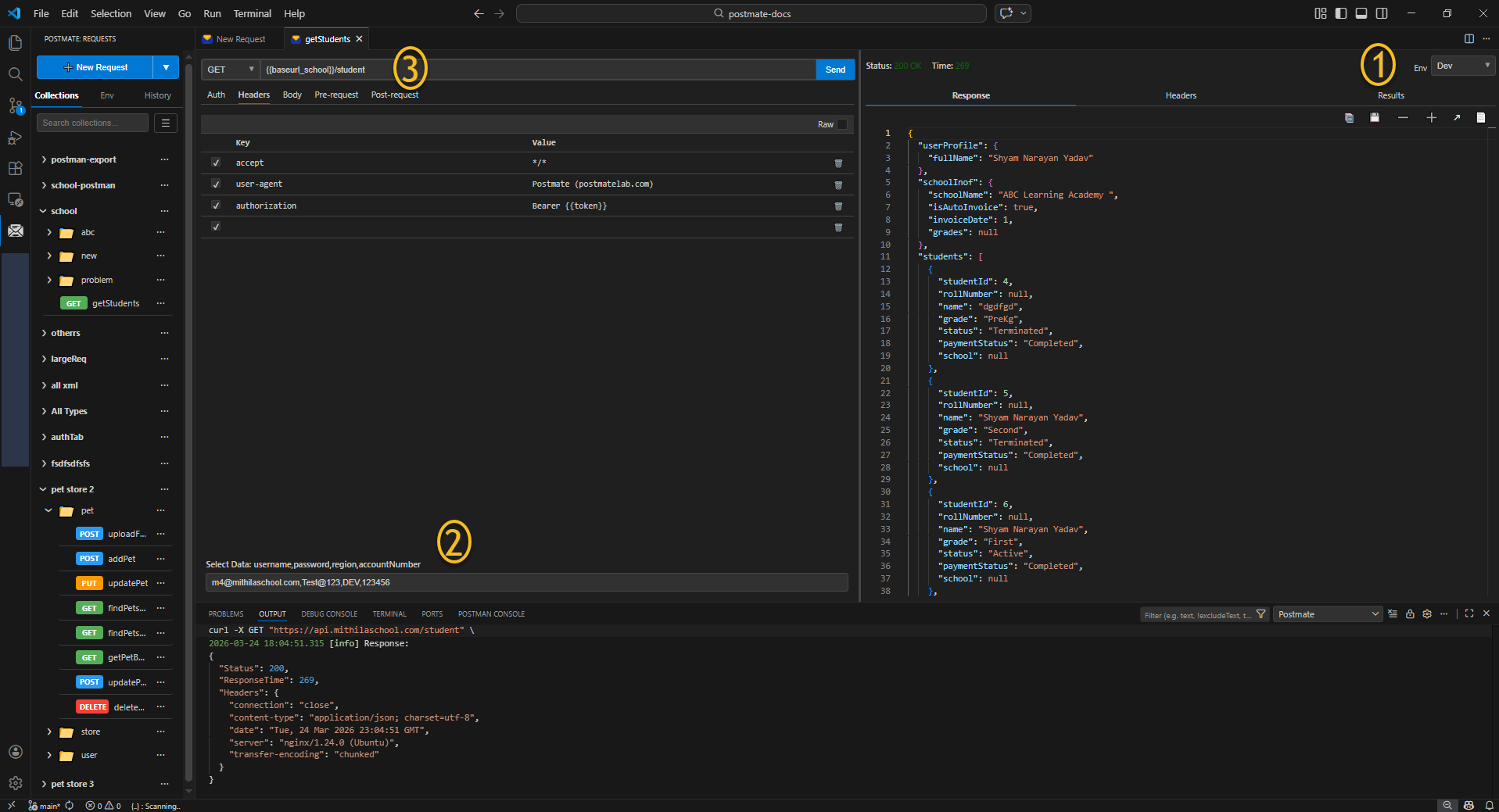
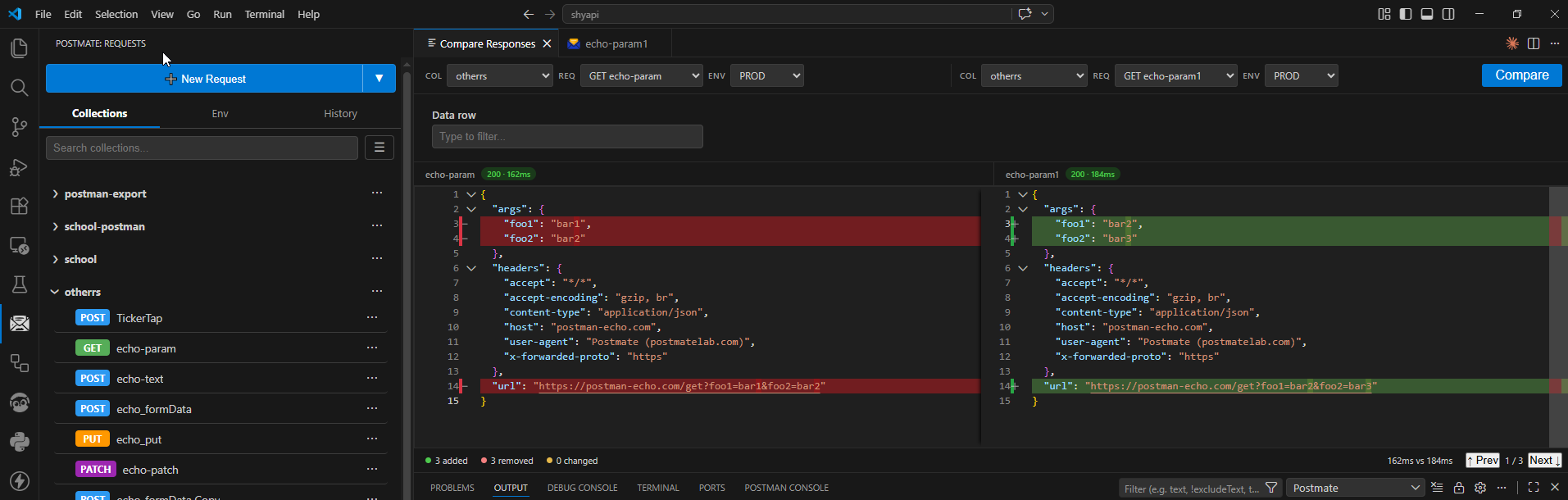
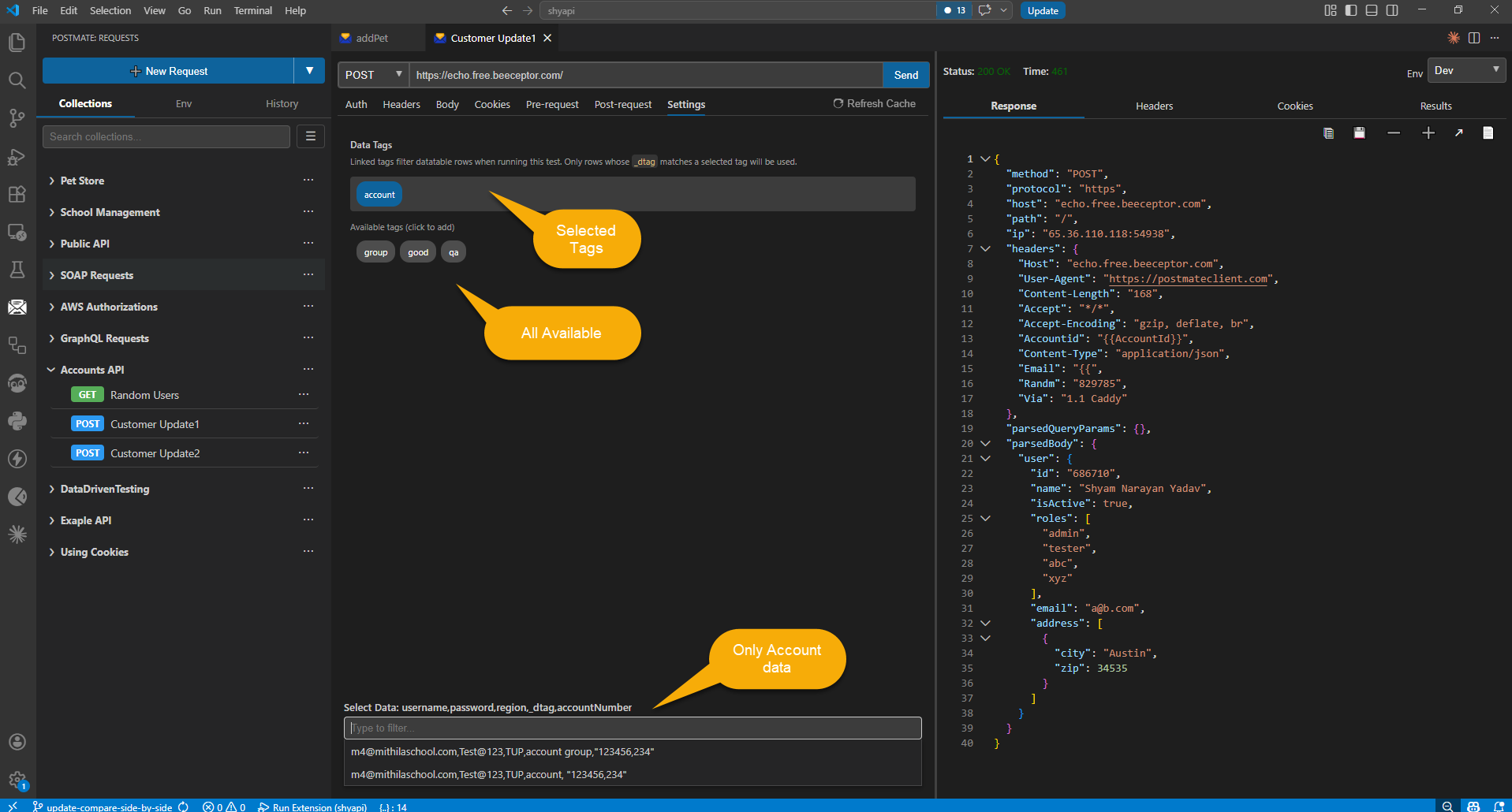
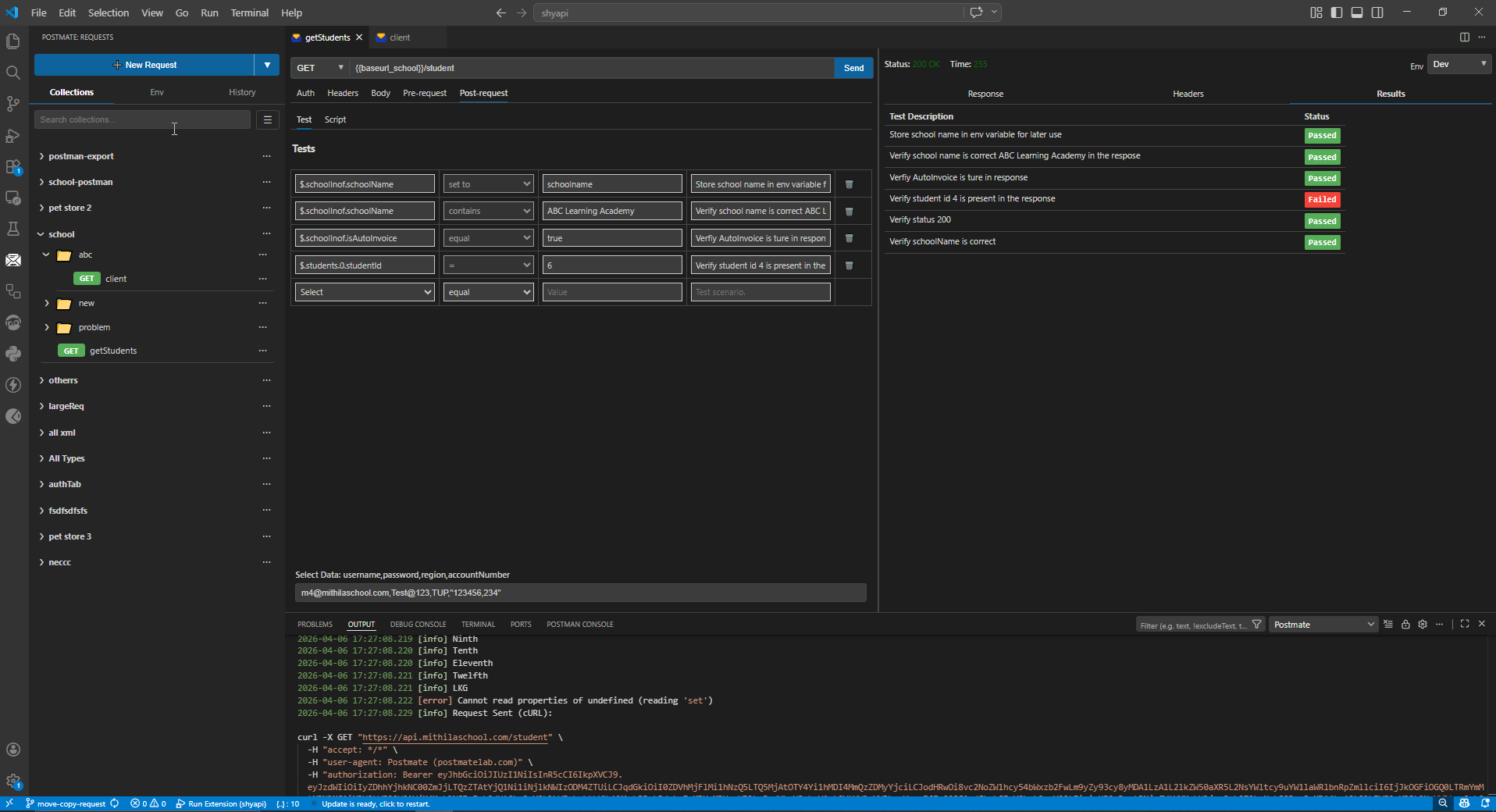
FeaturesREST, GraphQL, and WebSocket — one editorA complete visual request builder with tabs for params, headers, body, auth, tests, and pre/post-request scripts. Build REST and GraphQL calls without writing boilerplate. Stream WebSocket connections in the same UI. 👁 Postmate Client request builder — REST, GraphQL, and WebSocket in a native VS Code UI Side-by-side response comparisonFire two requests in parallel against different environments and instantly see every difference highlighted in clean JSONPath notation. Run single comparisons or bulk comparisons across CSV data tables — perfect for staging-vs-prod regression checks. 👁 Side-by-side API response comparison with diff highlighting in Postmate Client Single-row compare guide → · Bulk CSV compare guide → Data tables and per-request taggingAttach a CSV data table to any environment — automatically active across every request. Tag rows with a 👁 Data tables in Postmate Client for data-driven API testing with CSV Tests, assertions, and pm scriptingWrite tests in plain English with the tabular test editor, or use the full Available For data manipulation, the response body is exposed directly: 👁 Tests tab in Postmate Client showing tabular test editor for plain-English assertions Import from anywhereBring your existing work in one click:
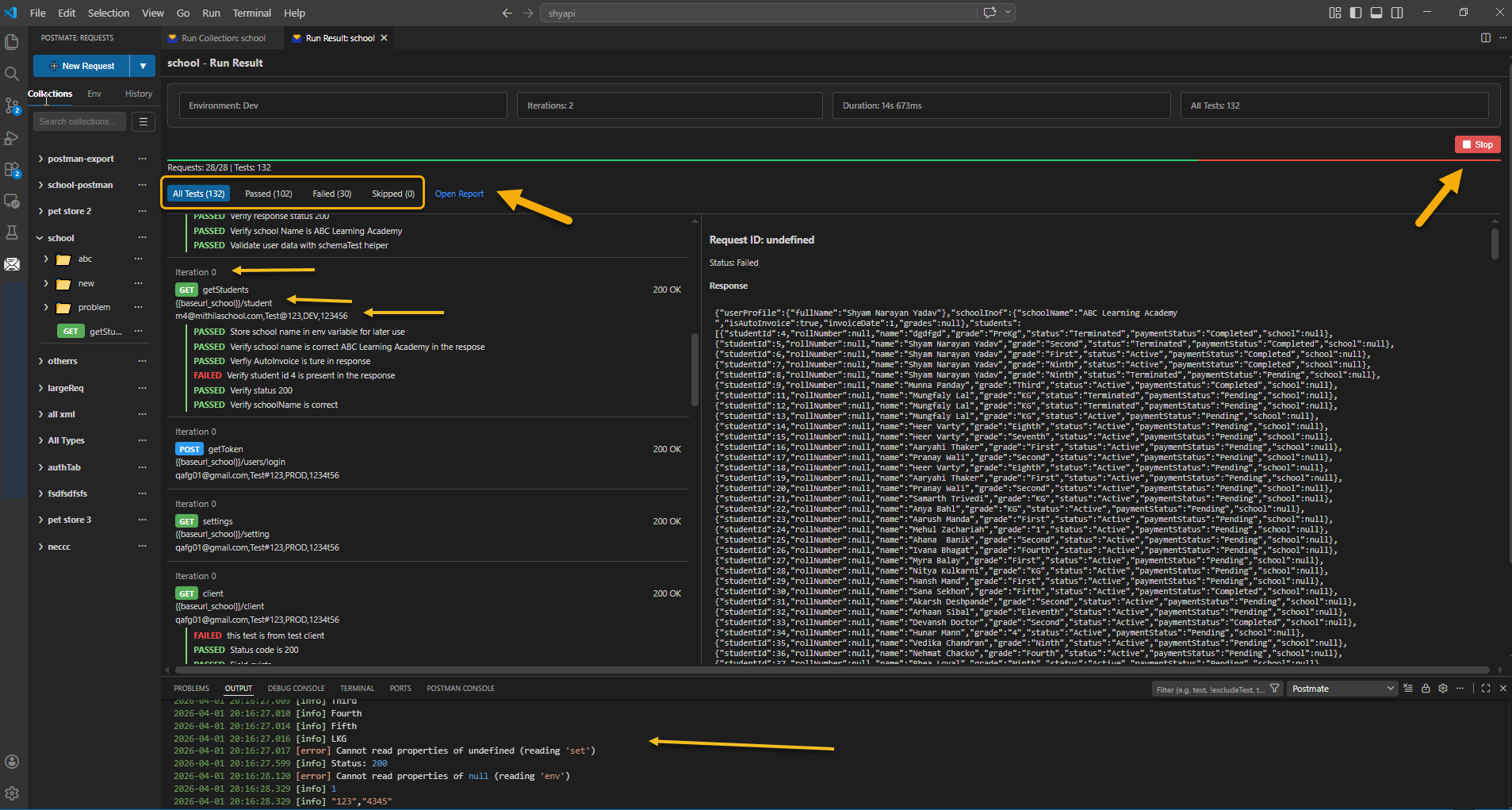
Environments, variables, and request chainingManage dev, staging, and production with named environments. Reference values anywhere with Collection Runner with drag-and-drop sequencingRun any folder or collection in sequence with a single click. Drag to reorder. Filter rows by tag. WebSocket requests are skipped automatically so they don't block your stateless HTTP run. 👁 Collection Runner in Postmate Client CLI for CI/CDRun collections from the command line. Automate API tests in any pipeline. Generate HTML reports for stakeholders. The CLI is free — no paid tier, no Newman equivalent to license. Developer-friendly extras
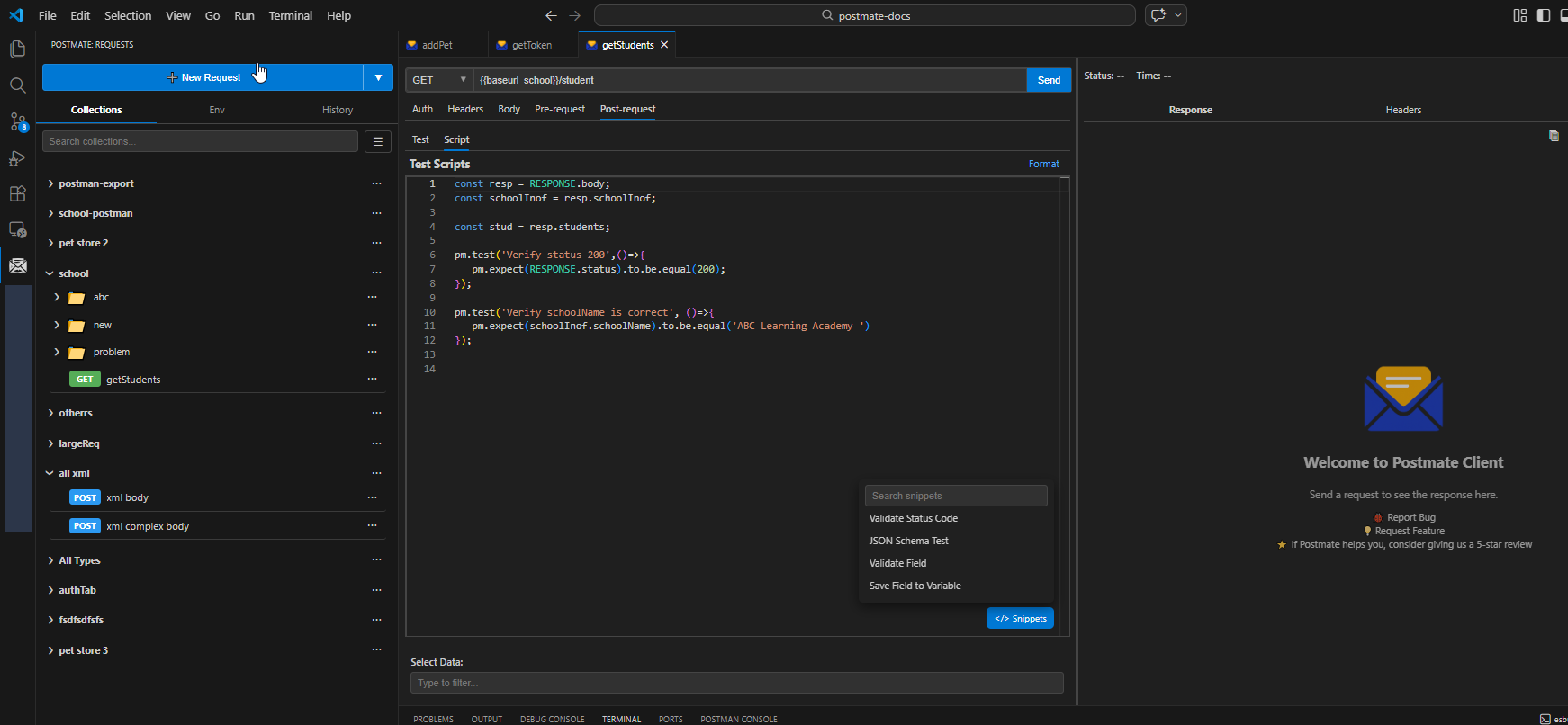
👁 Pre-request script editor in Postmate Client Postmate Client vs Postman vs Thunder Client
Quick start
For WebSocket testing, click the dropdown next to New Request and choose WebSocket. Paste Read the Getting Started guide → Resources
FeedbackPostmate Client is built by a developer who got tired of sending API tokens to someone else's cloud. If something doesn't work the way you'd expect, or you want a feature, open an issue on GitHub or post in the discussion forum. Every suggestion gets read. License & dependenciesCopyright © 2026 Shyam Narayan Yadav. All rights reserved. Postmate Client is licensed under a proprietary license. You are free to use it, but you may not redistribute, modify, or sell it without explicit permission. Third-party libraries used: chai, mocha, node-fetch, jsonpath-plus, monaco-editor, uuid, esbuild, rimraf, typescript, vscode-test, and |