Git History, Search and More (including git log)
- View and search git log along with the graph and details.
- View a previous copy of the file.
- View and search the history
- View the history of one or all branches (git log)
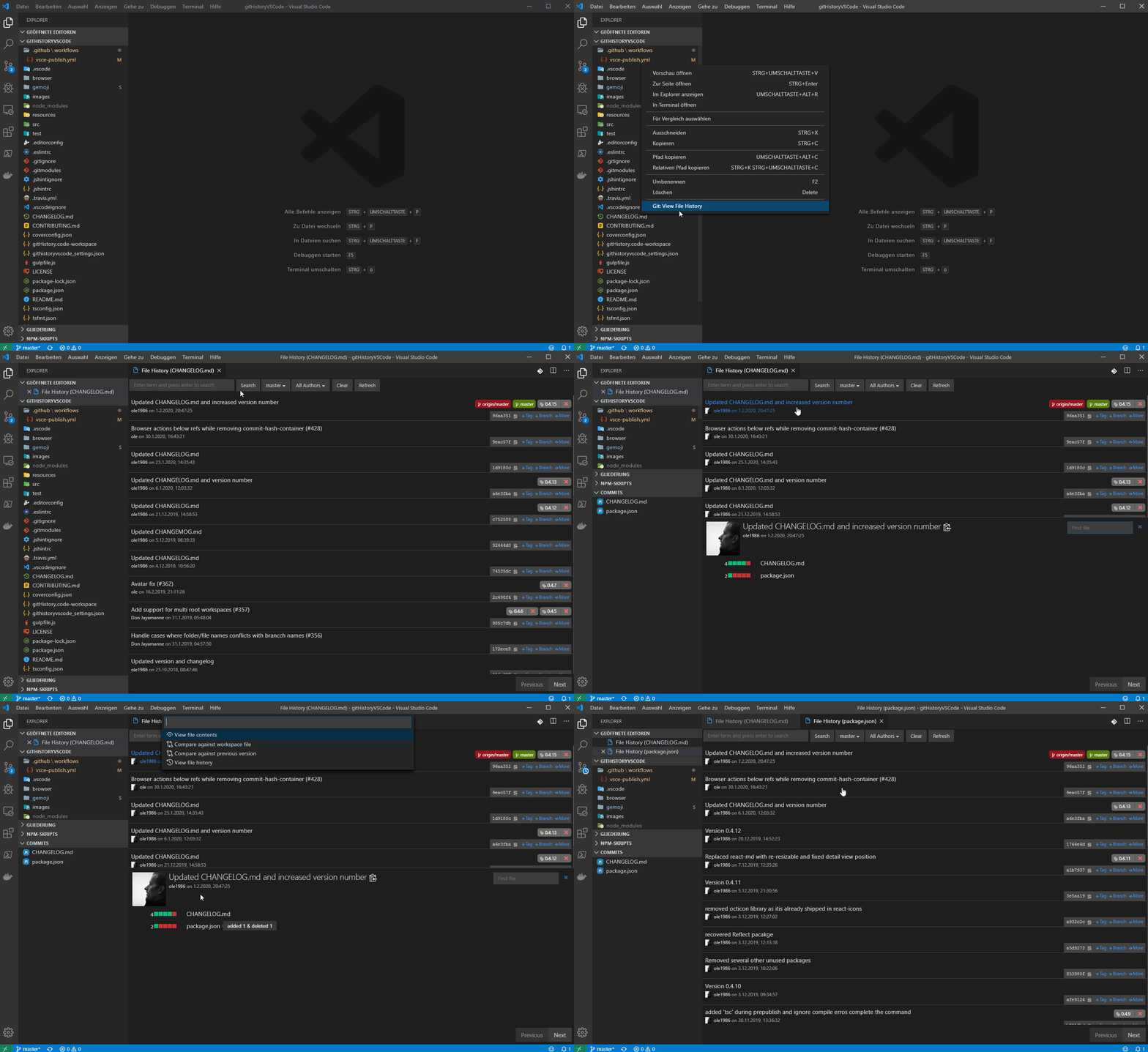
- View the history of a file
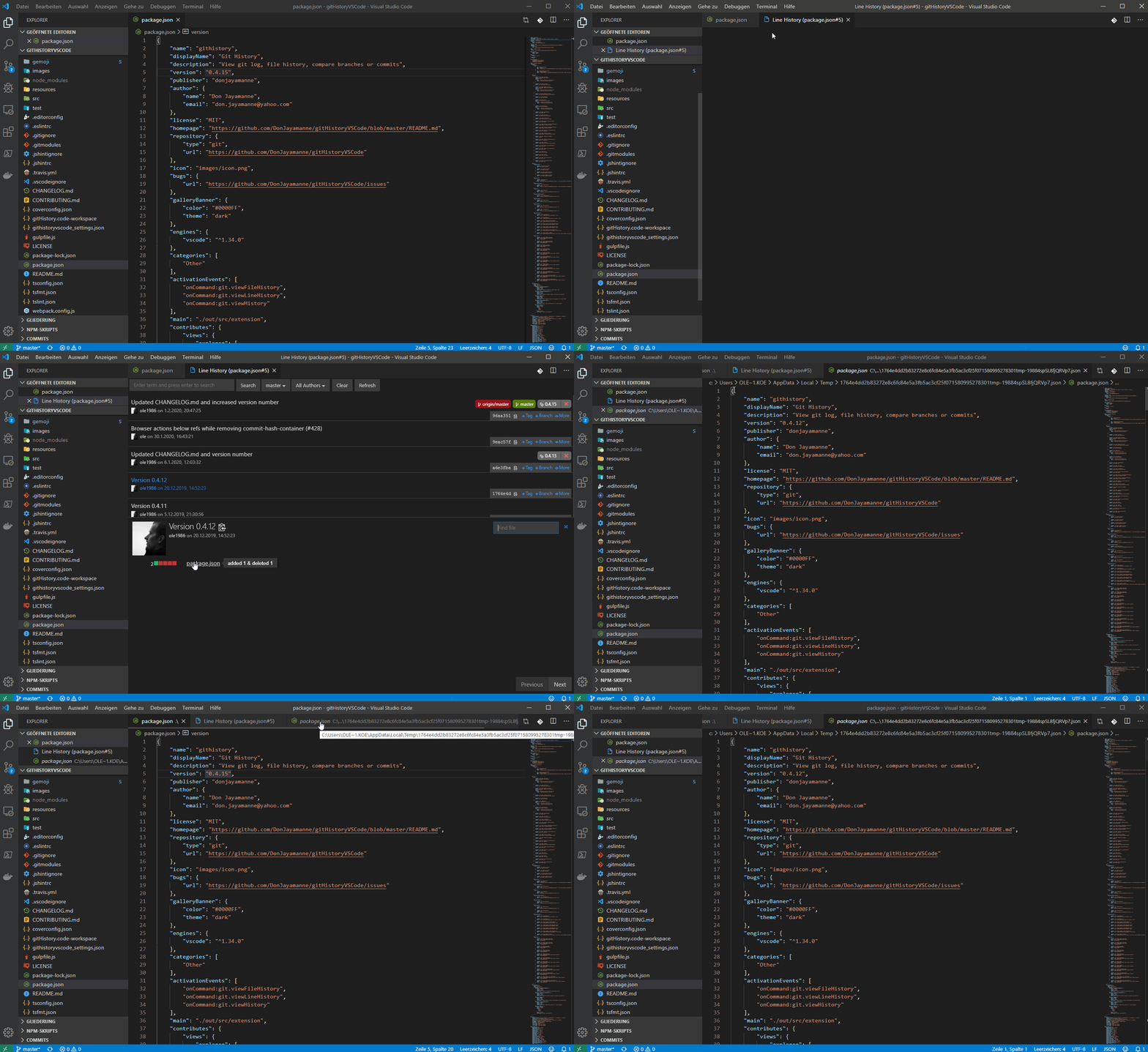
- View the history of a line in a file (Git Blame).
- View the history of an author
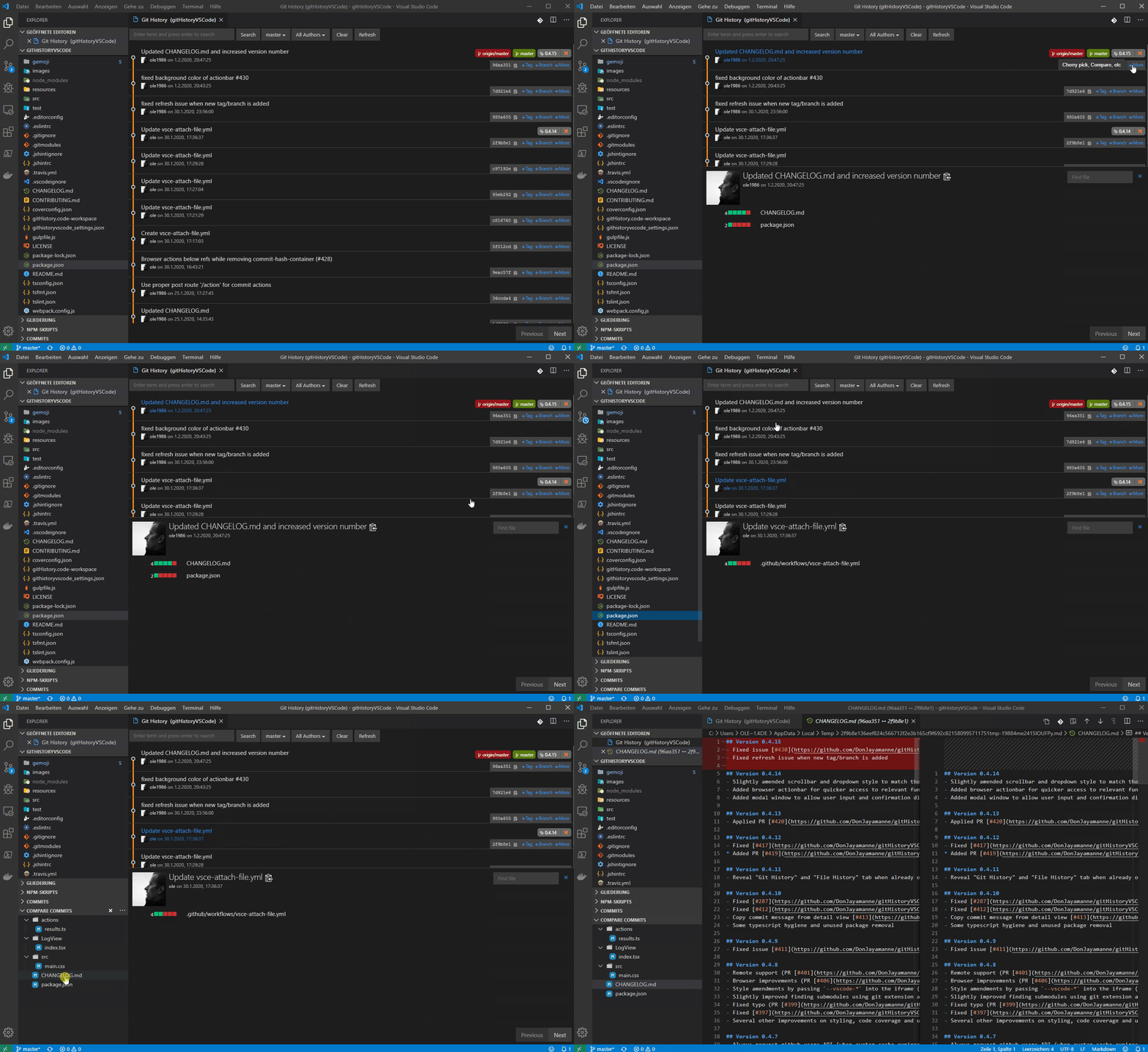
- Compare:
- Compare branches
- Compare commits
- Compare files across commits
- Miscellaneous features:
- Github avatars
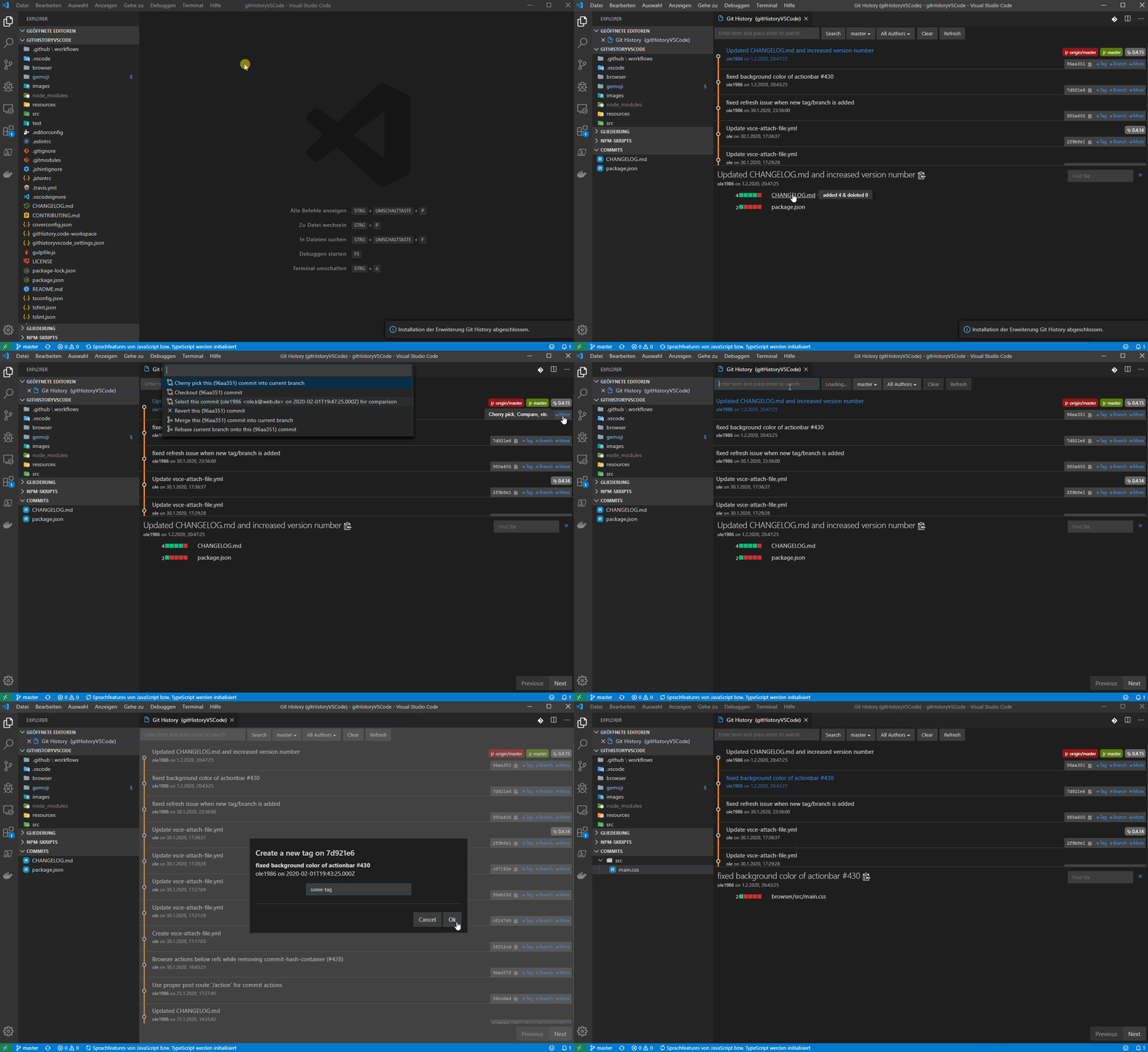
- Cherry-picking commits
- Create Tag
- Create Branch
- Reset commit (soft and hard)
- Reverting commits
- Create branches from a commits
- View commit information in a treeview (snapshot of all changes)
- Merge and rebase
Open the file to view the history, and then
Press F1 and select/type "Git: View History", "Git: View File History" or "Git: View Line History".
Available Commands
- View Git History (git log) (git.viewHistory)
- View File History (git.viewFileHistory)
- View Line History (git.viewLineHistory)
Keyboard Shortcuts
You can add keyboard short cuts for the above commands by following the directions on the website customization documentation.
NOTE: The file for which the history is to be viewed, must already be opened.
👁 Image of Git Log
👁 Image of File History
👁 Image of Line History
👁 Image of Compare
Source
GitHub
Big thanks to ole
License
MIT