GistPad 📘
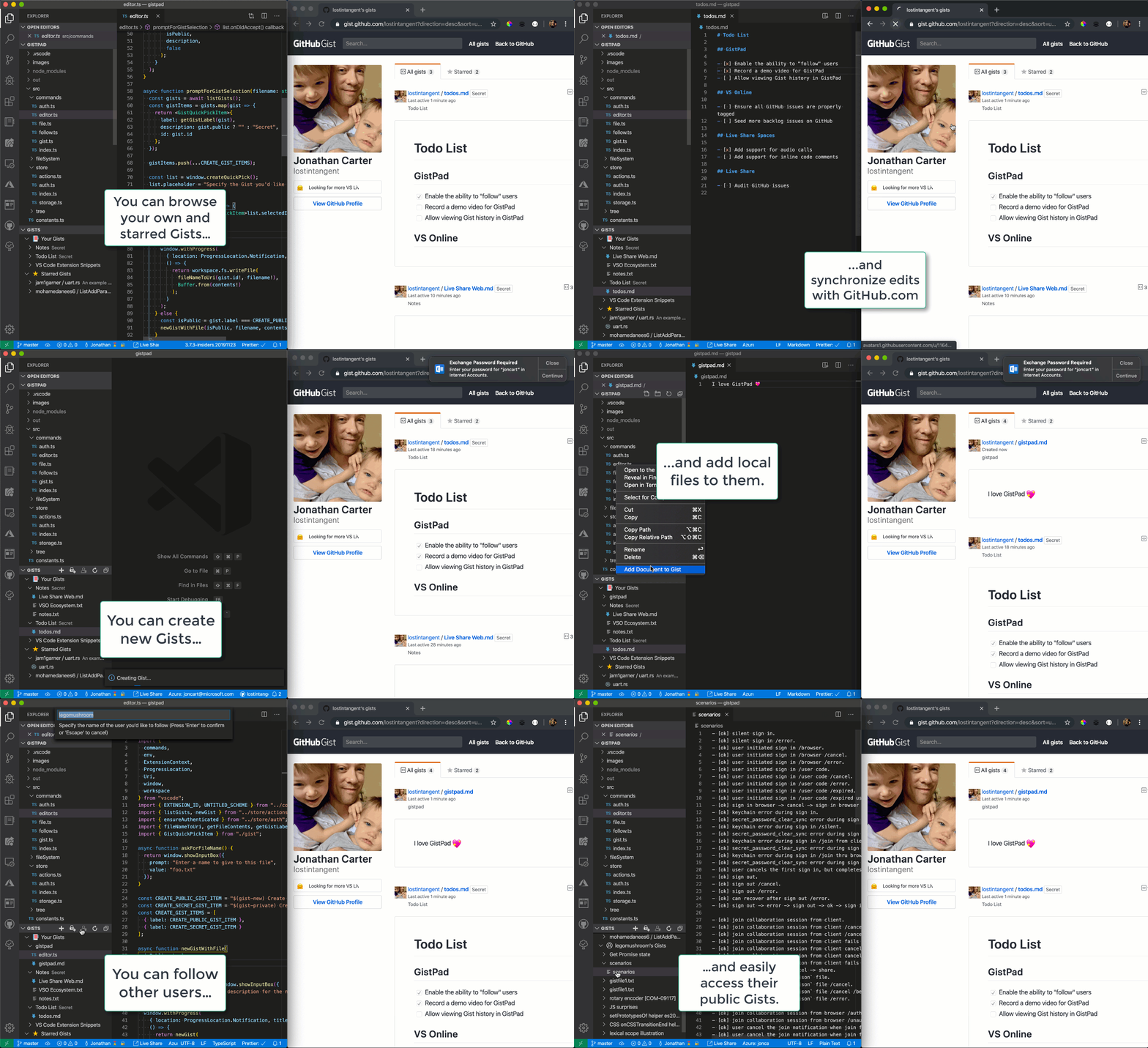
GistPad is a Visual Studio Code extension that allows you to edit GitHub Gists and repositories from the comfort of your favorite editor. You can open, create, delete, fork, archive, and star gists/repositories, and then seamlessly begin editing files as if they were local, without ever cloning, pushing or pulling anything. It's like your very own developer library for building and referencing code snippets, commonly used config/scripts, programming-related notes, knowledge bases and interactive samples.
👁 Image
🏃 Getting Started
Install this extension from the marketplace, then run Developer: Reload Window.
Open the GistPad tab (look for the notebook icon in the activity bar). From there, you can open a gist or GitHub repo by ID/URL, or sign in with a GitHub account in order to manage your gists and repositories. To sign-in, simply click the Sign In button and follow the provided flow in order to authenticate with your GitHub account.
From here, you can create and edit gists, repositories, wikis and runnable code samples. And in addition to doing this from the Gists tree view, you can also do it from Copilot chat (thanks to a built-in MCP server). Have fun, and let us know how we can make your knowledge-management experience even more awesome! 🙌