 |
VOOZH | about |
|
VOOZH | about |
We use cookies to improve your experience on our site. By using our site, you are agreeing to the collection and use of data as described in our Privacy Policy.
Cookie Settings×Table of contents
If you’re reading this article, you likely already know that customer-facing integrations are critical to your business.
They can differentiate your product and allow you to close more deals; enable clients to see more value from your product and, as a result, make them more inclined to renew; help you move upmarket—and much more.
The question isn’t if you should build product integrations—it’s how. In other words, it’s deciding between scoping, building, and maintaining API integrations in-house (what’s commonly referred to as native integrations) or using a 3rd-party solution.
There isn’t a one-size-fits-all answer. That said, we can help you navigate this decision by breaking down the pros and cons of each approach.
Before we do, let’s align on how application programming interfaces (APIs) work and dive deeper on the definitions of native and 3rd-party integrations.
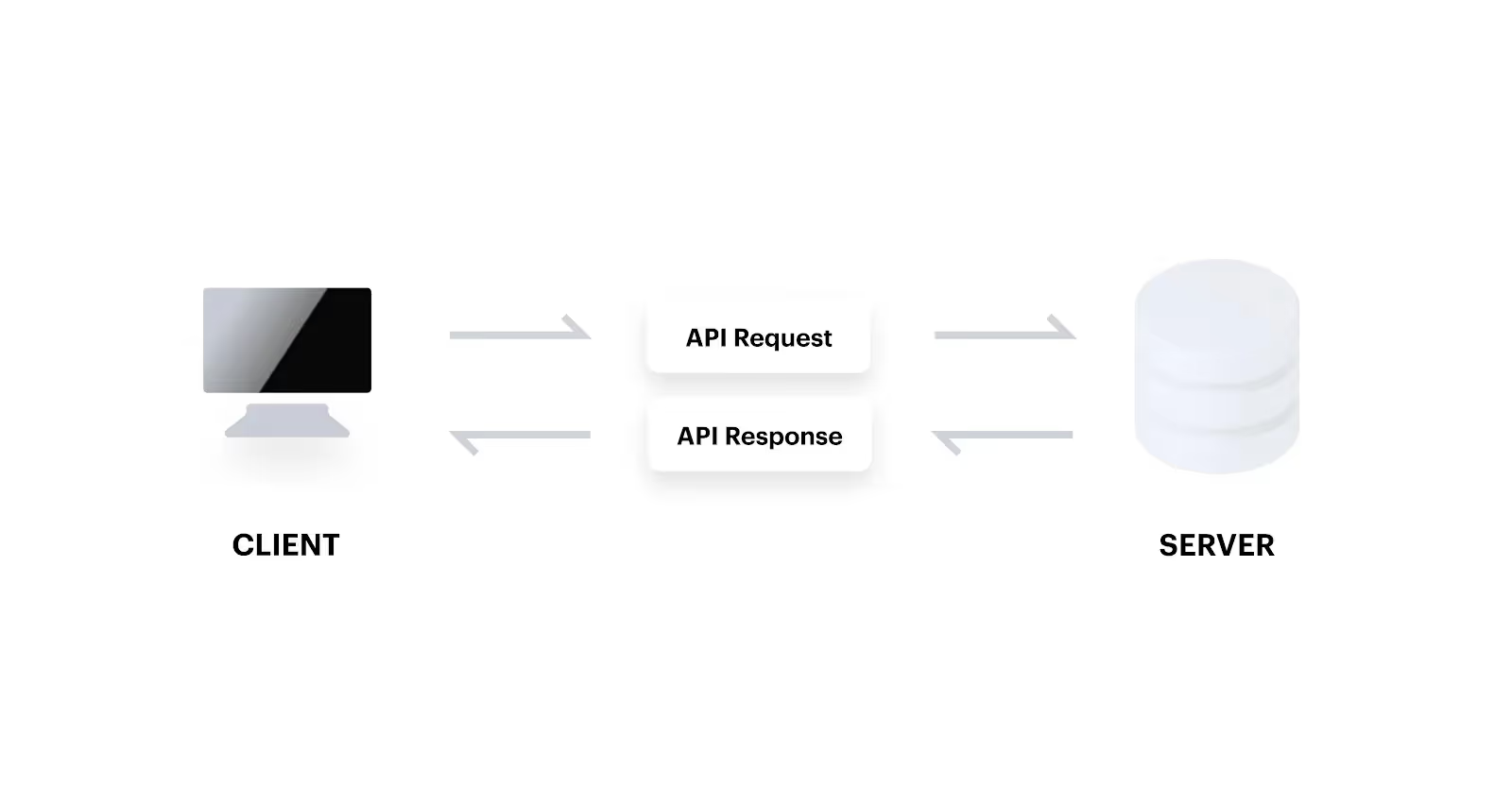
APIs allow software applications to communicate with one another through a specific set of rules and protocols. There are two parties involved in the exchange; a client application makes the requests and another application receives and responds to them via its server.
APIs typically come in one of two forms: simple object access protocol (SOAP) or representational state transfer (REST). The former is a protocol while the latter consists of architectural principles and is more widely adopted.
There are a few components to an API request: the endpoint (i.e. the base url and the path); the method (e.g. GET); the header, which provides additional context on the request and can include the API key for authentication; and the body, which is typically used when data needs to be sent to the API endpoint.
The API response will include the HTTP status code to signal whether the request was successful or not (and why it wasn’t) and the appropriate response (via the response header and body), assuming the request was formatted correctly.
Related: How integrations and APIs differ
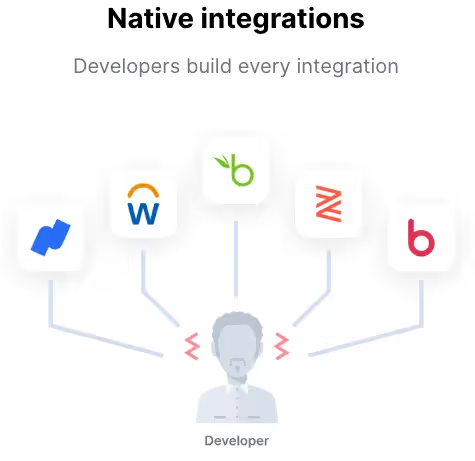
Native integrations are integrations that your employees (typically developers) implement and maintain internally.
Related: How point-to-point integrations work
Here are some of the benefits and drawbacks of this approach:
Related: Best practices for evaluating third-party API integration solutions
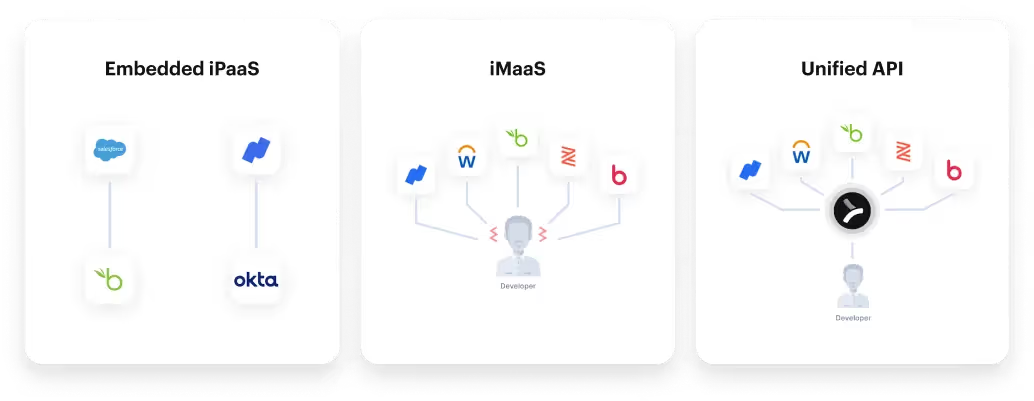
3rd-party integrations are any your organization builds with another company. Your options typically fall in three buckets: an embedded integration platform as a service (iPaaS), a unified API solution, or an integration marketplace as a service (iMaaS).
Here are some reasons to invest in as well as stay away from 3rd-party integrations:
Note: These pros and cons largely depend on the category of solution you use and the specific vendor you choose within that category.
Given the pros and cons of both native and 3rd-party builds, it can be difficult to decide on your approach. To make it easier, we’ve provided a direct, concise comparison below.
Related: A guide to 3rd-party integrations
Generally speaking, you should outsource your integrations if you need to implement several, quickly. On the other hand, it can make sense to implement integrations natively when there’s only a few you need to build and they don’t have demanding requirements.
Merge, the leading unified API platform, offers all the benefits of 3rd-party integrations while avoiding their drawbacks.
The platform lets you implement hundreds of customer-facing integrations with a single API build, identify and address integration issues with ease, access both standard and custom objects and data, and much, much more.
Learn more about Merge by scheduling a demo with one of our integration experts.

.jpg)



.png)



