How to create slideshows online quickly?
Create an online slideshow using Movie Maker Online Video Editor takes several minutes. Use your photos and videos for free. Everything works without registering and installing programs.

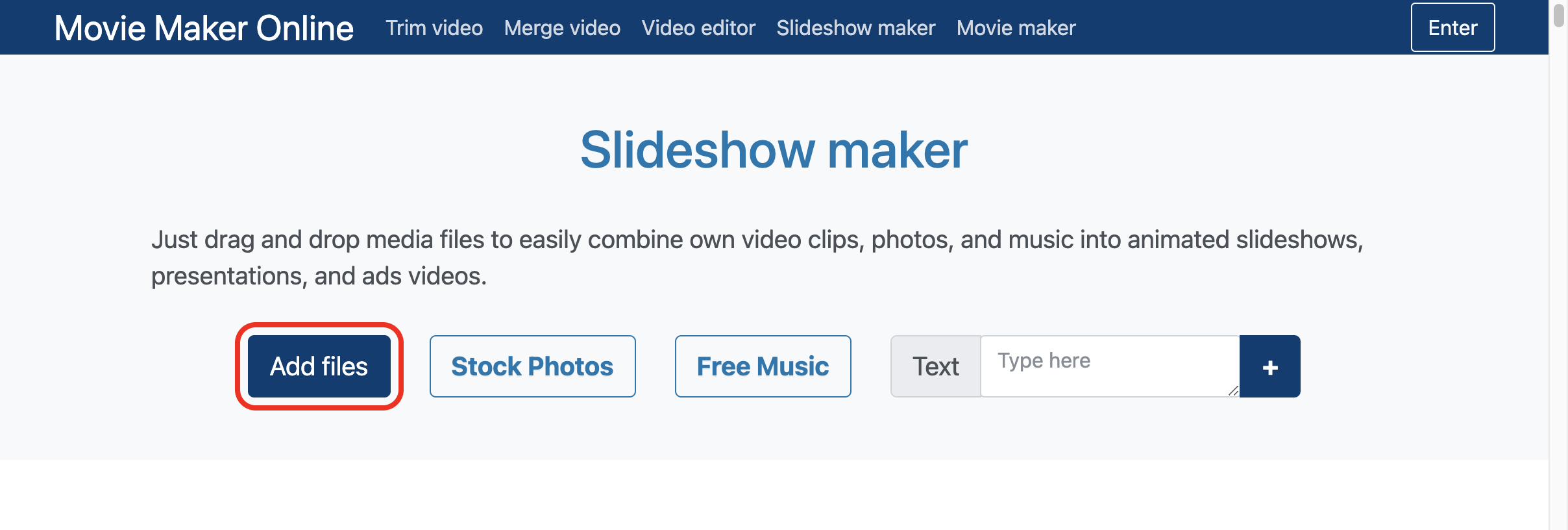
2. Edit slideshow
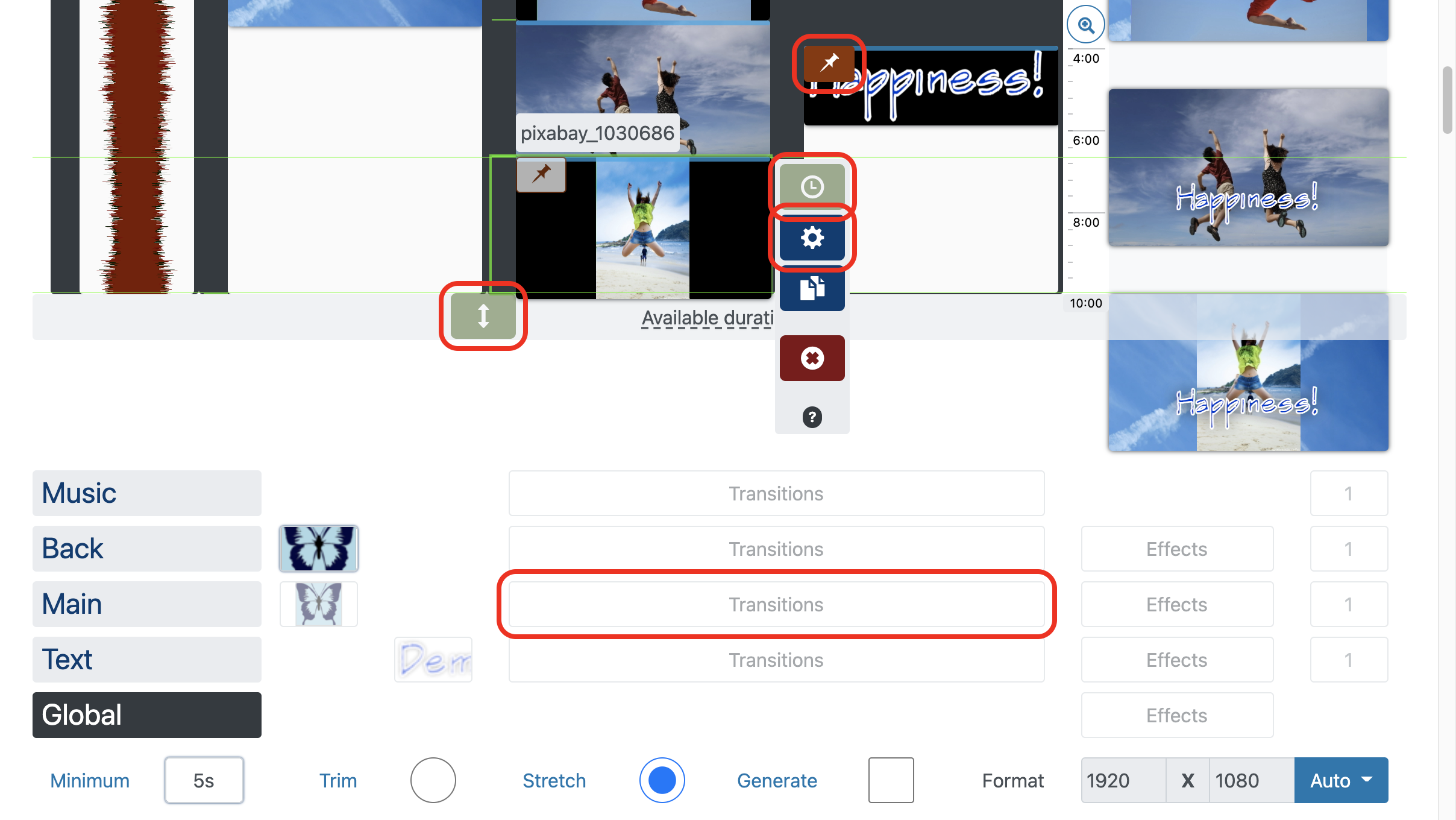
Drag and drop files to set the order. The files below follow the files above. The files on the right overlap the files on the left in the frame.
Turn on to attach to the selected location when dragging, instead of automatically aligning it.
Use duration buttons or drag to set duration of photos and texts.
Set transitions and effects for each layer.
Set transitions, effects, trim, speed and other parameters to a separate file in the editor .
👁 Making slideshow - parameters
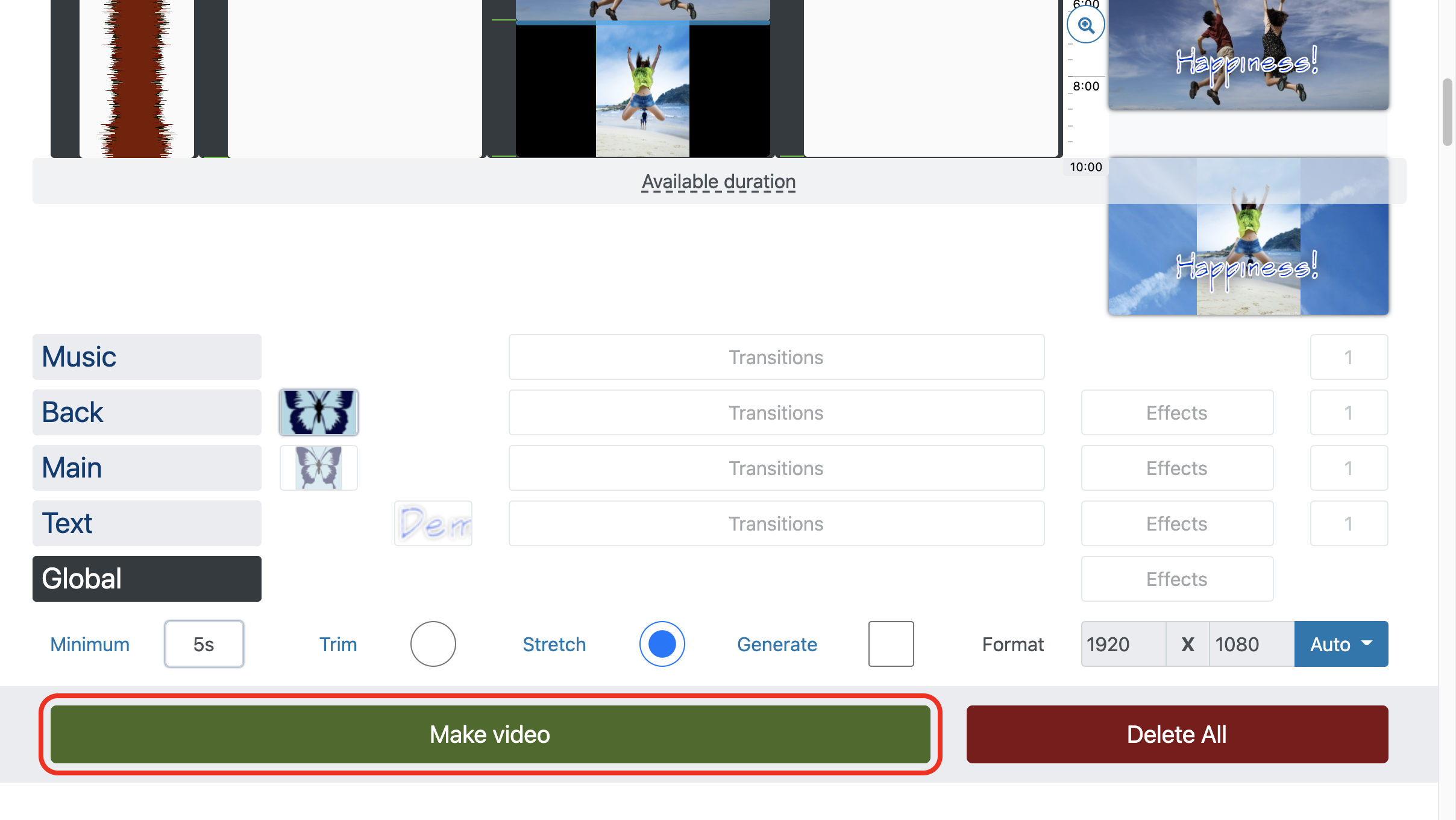
3. Make and download Slideshow

Use videos, photos and free music to create hit
Some videos collect billions of views. And creating a slideshow you have a real chance to stand out from the crowd. This will work in any social media, the video collects 12 times more views than text and images.
Tell idea
Success requires an idea. Whether it's a ten-minutes explanation or a five-second sketch:
- In the case of a promotional video, explain the problem and show how to solve it quickly. “See how this is done” works great for everything.
- If you want to share your impression of a recent trip or a family event, brief moments in random order is a perfect choice.
Brevity: Express your idea clearly
The less inexpressive moments and unnecessary information, the more likely that the slide show will be watched to the end. This applies both to the general idea of the presentation and to text messages. Clear and short phrases are understood quickly and easily.
👁 Brevity: Express your idea clearly