
What's the best deployment stack for AI apps in 2026?
An AI app is not one workload. It is a frontend, a backend API, a database, often a vector store, model inference (hosted or self-served), background jobs for things like embeddings and agent runs, and observability across all of it. Most "best AI deployment platform" comparisons answer which single tool to use. That question matters less than which pieces you need and how they fit together.
This article covers the deployment stack for a typical AI app in 2026: what each layer does, what the options are at each layer, and how to decide between a single full-stack platform and stitching together specialized tools.
TL;DR: the deployment stack for AI apps in 2026
A production AI app stack has six layers: frontend, backend API, database, vector store, model inference, and background jobs, plus observability cutting across all of them. Most teams either assemble five or six separate vendors or use a full-stack platform that covers most layers natively.
Northflank runs the full AI app stack on one platform: frontend, backend, database, vector store, model inference, and background jobs, with GPU workloads, managed databases, and BYOC into your own cloud. One control plane, one deployment pipeline, one place to see logs across every layer. Get started (self-serve)or book a demo.
What are the layers of an AI app deployment stack?
Frontend
The user-facing layer: a web app, often React or Next.js, sometimes a mobile client. This layer is the most commoditized part of the stack. Platforms like Vercel specialize in frontend delivery, while platforms like Northflank allow frontend services to run alongside backend infrastructure. The decision here rarely determines the rest of the stack unless the frontend has heavy SSR or edge requirements.
Backend API
The application logic: request handling, auth, orchestration between the database, the vector store, and the model. This is where most of the AI-specific logic lives, including prompt construction, RAG retrieval, and agent orchestration. The backend needs to run as a long-lived service, not only a function with a timeout, if it handles streaming responses or long-running agent tasks.
Database
Application state: users, sessions, conversation history, billing. Standard relational or document databases (PostgreSQL, MongoDB) cover this layer. AI apps add a wrinkle: conversation and agent run history can grow quickly and benefit from a database that handles both structured queries and JSON-heavy records well.
Vector store
Embeddings for RAG, semantic search, and memory. Options range from a dedicated vector database (Pinecone, Weaviate, Qdrant) to a Postgres extension (pgvector) for teams that want to avoid adding another database to the stack. For many early and mid-stage applications, pgvector inside Postgres is simpler to operate and avoids introducing another data system.
Model inference
Calling a hosted model API (Claude, GPT, Gemini) or serving an open-source model on your own GPU compute. Hosted APIs cover most use cases and require no infrastructure. Self-hosted inference becomes relevant for cost at scale, data residency requirements, or fine-tuned models that are not available as a hosted API.
Background jobs
Embedding generation, batch processing, scheduled agent runs, webhook processing. AI apps generate more background work than typical web apps because embedding and indexing are usually asynchronous. This layer needs a job queue or a cron-capable compute layer, not just request-response handling.
Observability
Logs, metrics, and tracing across all of the above, plus AI-specific observability: token usage, latency per model call, and prompt/response logging for debugging and evaluation. This layer is often the most neglected in early-stage AI app deployments and the first thing teams wish they had set up after a production incident.
If you built your AI app with a vibe coding tool rather than from scratch, the deployment steps are slightly different depending on the tool. These step-by-step guides cover taking an AI-generated app to production:
- How to deploy vibe-coded Claude Code apps to production
- How to deploy vibe-coded Lovable apps to production
- How to deploy vibe-coded Bolt.new apps to production
- How to deploy vibe-coded Cursor apps to production
- How to deploy vibe-coded Replit Agent apps to production
For a general starting point, see the Introduction to Northflank guide. If you are deploying at enterprise scale, see enterprise vibe coding: how to deploy AI-generated apps safely. If you are shipping without a dedicated engineering team, see how non-technical teams can build and ship internal apps with AI securely.
Should you assemble a stack or use one platform?
There are two structurally different approaches.
- Assemble specialized tools per layer: Vercel for frontend, Render or Railway for backend, Neon or Supabase for the database, Pinecone for vectors, a hosted model API for inference, Inngest or a queue service for background jobs, and a separate observability tool. Each tool is good at its specific layer. The cost is integration: separate billing, separate auth between services, separate deployment pipelines, and separate places to debug when something breaks across layer boundaries.
- Use a full-stack platform that covers most layers: A platform like Northflank runs the backend, database, vector store (via pgvector or a dedicated service), model inference (hosted GPU workloads), and background jobs from one control plane with one deployment pipeline and one place to view logs across all of them. The frontend can run on the same platform or be paired with a frontend-specialized platform like Vercel.
The assembled approach makes sense when a team has strong infrastructure expertise and wants the single best tool at each layer, regardless of integration cost. The full-stack approach makes sense when a team wants to minimize the number of vendors, dashboards, and billing relationships, and is willing to trade some best-in-class specialization for operational simplicity.
How Northflank covers the full AI app stack
Rather than solving one slice of the stack, Northflank is built to run every layer of an AI app from the same control plane: frontend, backend, database, vector store, model inference, and background jobs, alongside the CI/CD, preview environments, and observability that ship them to production.
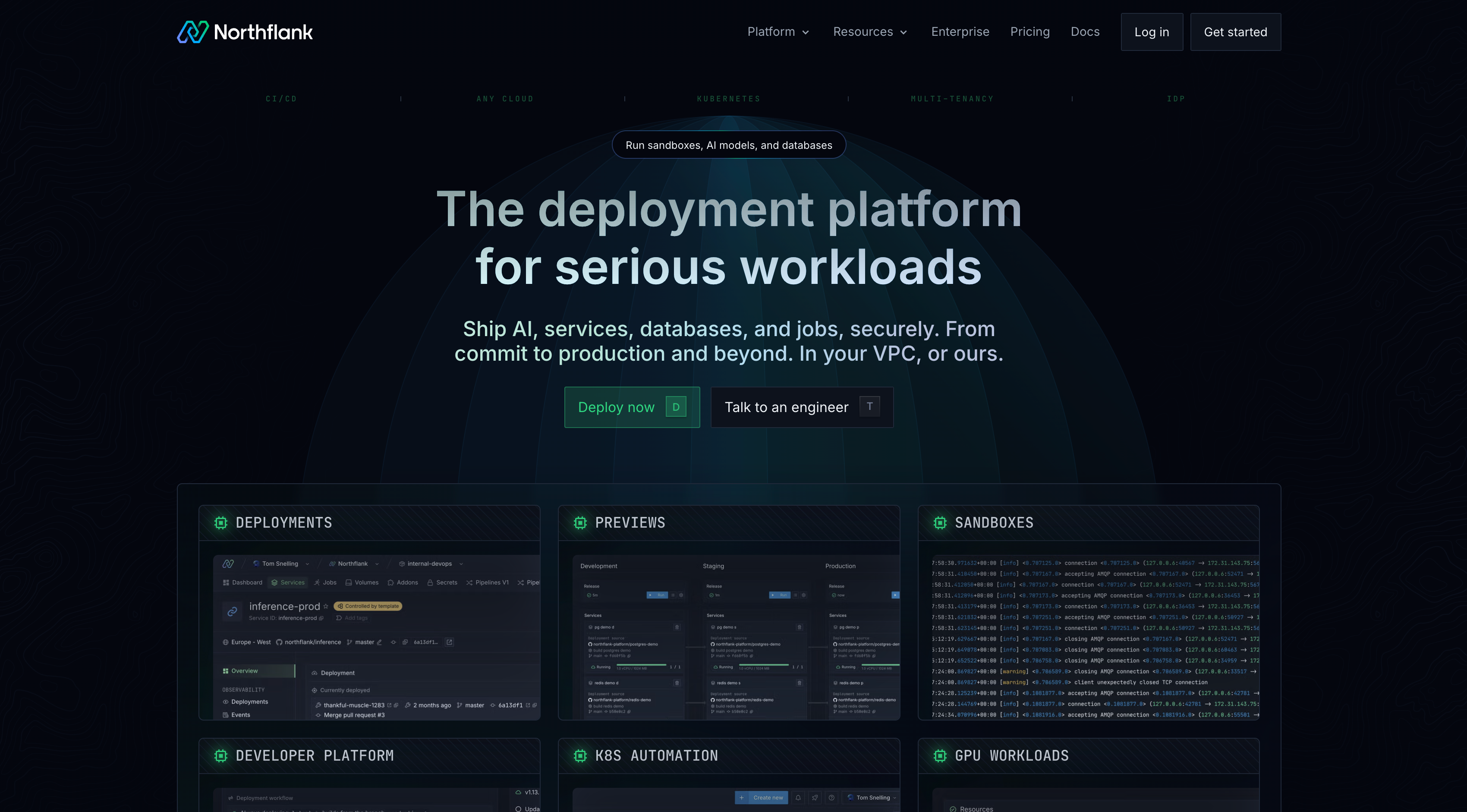
Run the frontend and backend together: Deploy a Next.js or React frontend and a backend API as separate services in the same project, both from Git, both with CI/CD and preview environments built in. No separate frontend platform required, though Northflank pairs fine with one if you prefer to split it.
Database and vector store without adding a vendor: A managed PostgreSQL database with the pgvector extension covers application state and vector search in one place. Redis, MongoDB, MySQL, MinIO, and RabbitMQ are available as managed addons for apps that need them.
Model inference alongside everything else: Self-hosted models run as GPU-backed services on H100, H200, A100, L4, L40S, or B200, provisioned in the same project as the rest of the stack. Calling a hosted model API instead just means storing the credentials in a secret group and calling it from the backend, no separate infrastructure needed either way.
Background jobs as first-class services: Embedding generation, batch indexing, and scheduled agent runs run as cron services or persistent workers, sharing the same database and secrets as the rest of the app rather than living in a separate queue platform.
One place to see what is happening across all of it: Preview environments spin up the full stack, frontend, backend, database, and vector store, per pull request, so changes to RAG logic or prompt construction get tested against a real isolated environment before merging. Logs and metrics are built in across every service rather than requiring a separate observability tool.
BYOC for sensitive workloads: For teams with data residency requirements, BYOC deploys the same stack into your own AWS, GCP, Azure, or on-premises infrastructure, including the model inference layer, so model calls never leave your network boundary.
Get started on Northflank (self-serve) or book a demo to see how it fits your stack.
FAQ: deployment stack for AI apps
Do I need a dedicated vector database for an AI app?
Not necessarily. pgvector, a PostgreSQL extension, handles vector similarity search well for most apps below very large scale (millions of vectors with high query throughput). A dedicated vector database like Pinecone or Weaviate becomes worth the added complexity at larger scale or when you need vector-specific features like hybrid search tuning that pgvector does not support natively.
Should I self-host model inference or use a hosted API?
Use a hosted API (Claude, GPT, Gemini) unless you have a specific reason not to: cost at high volume, a fine-tuned model not available as a hosted API, or a data residency requirement that prohibits sending data to a third-party model provider. Self-hosting requires GPU infrastructure and adds operational overhead that is only worth it when one of those conditions applies.
What is the difference between assembling a stack and using a full-stack platform?
Assembling a stack means choosing the best specialized tool for each layer (frontend, backend, database, vector store, inference, jobs) and integrating them yourself. A full-stack platform runs most of these layers from one control plane with unified billing, deployment, and observability. Assembly gives more flexibility per layer. A full-stack platform reduces the number of vendors and integration points.
How do I handle background jobs like embedding generation in an AI app?
Run them as a dedicated worker service or cron job separate from the request-handling backend. Embedding generation, batch indexing, and scheduled agent runs should not block or compete with user-facing request latency. On Northflank, this is a separate service or cron job in the same project as the backend, sharing the same database and secrets.
What observability do I need specifically for AI apps?
Standard logs and metrics cover infrastructure health. AI-specific observability adds token usage per request, latency per model call (which is often the dominant source of overall request latency), and prompt/response logging for debugging incorrect outputs. Set this up before launch rather than after the first production incident.
Conclusion
The best deployment stack for an AI app depends on how many layers you want to manage individually versus how many you want a single platform to absorb. Every AI app needs the same six layers: frontend, backend, database, vector store, model inference, and background jobs, plus observability across all of them.
Northflank covers the backend, database, vector store, model inference, and background jobs from one control plane, with GPU support and BYOC for teams with data residency requirements. Pair it with a frontend-specialized platform or deploy the frontend on the same platform.
Sign up for free on Northflank or book a demo to deploy your AI app stack.
Related articles
- Best AI deployment platforms in 2026: A comparison of platforms for deploying AI workloads, covering GPU support, pricing, and deployment workflows.
- Top AI PaaS platforms in 2026: Platforms for model deployment, fine-tuning, and full-stack AI apps compared on infrastructure and pricing.
- Best tools for deploying internal AI apps in 2026: Deployment platforms for internal AI tools, covering secrets management, sandbox isolation, and enterprise governance.
- What is BYOC in cloud computing?: How the BYOC deployment model works and when AI apps with data residency requirements need it.