|
VOOZH | about |
|
VOOZH | about |
OneRNG is a reliable and Open verifiable USB-connected hardware entropy source & random number generator.
We are working to populate these pages as quickly as possible, so please bear with us!
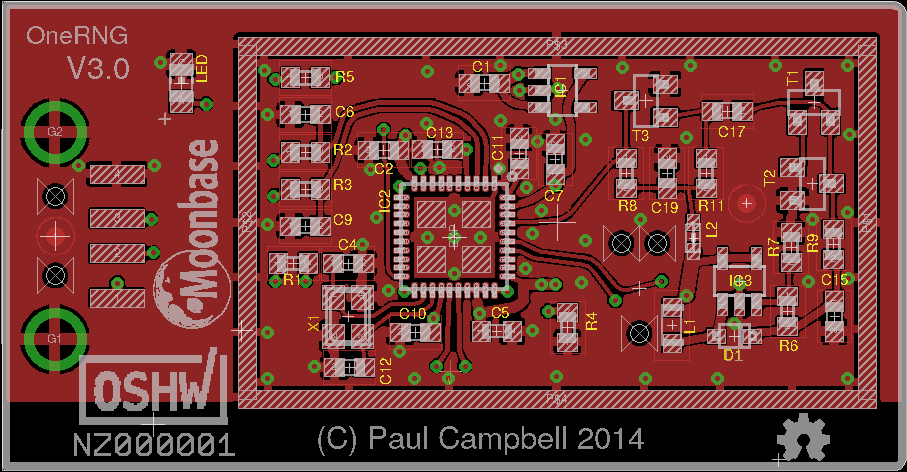
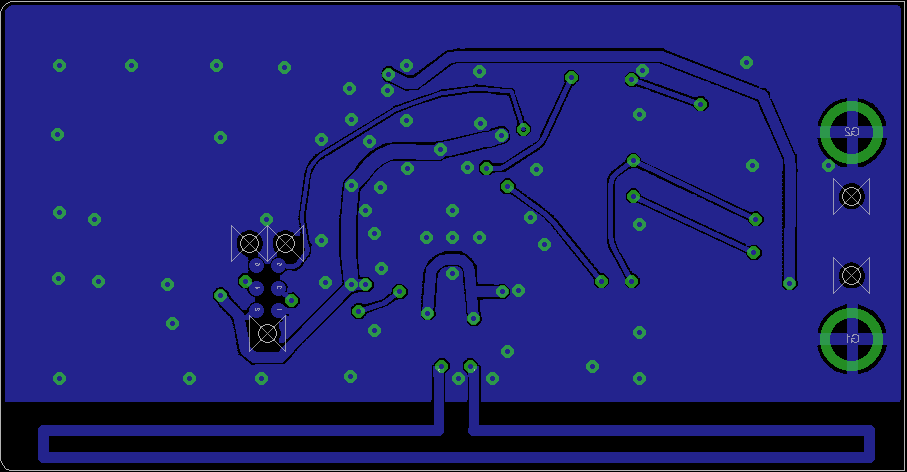
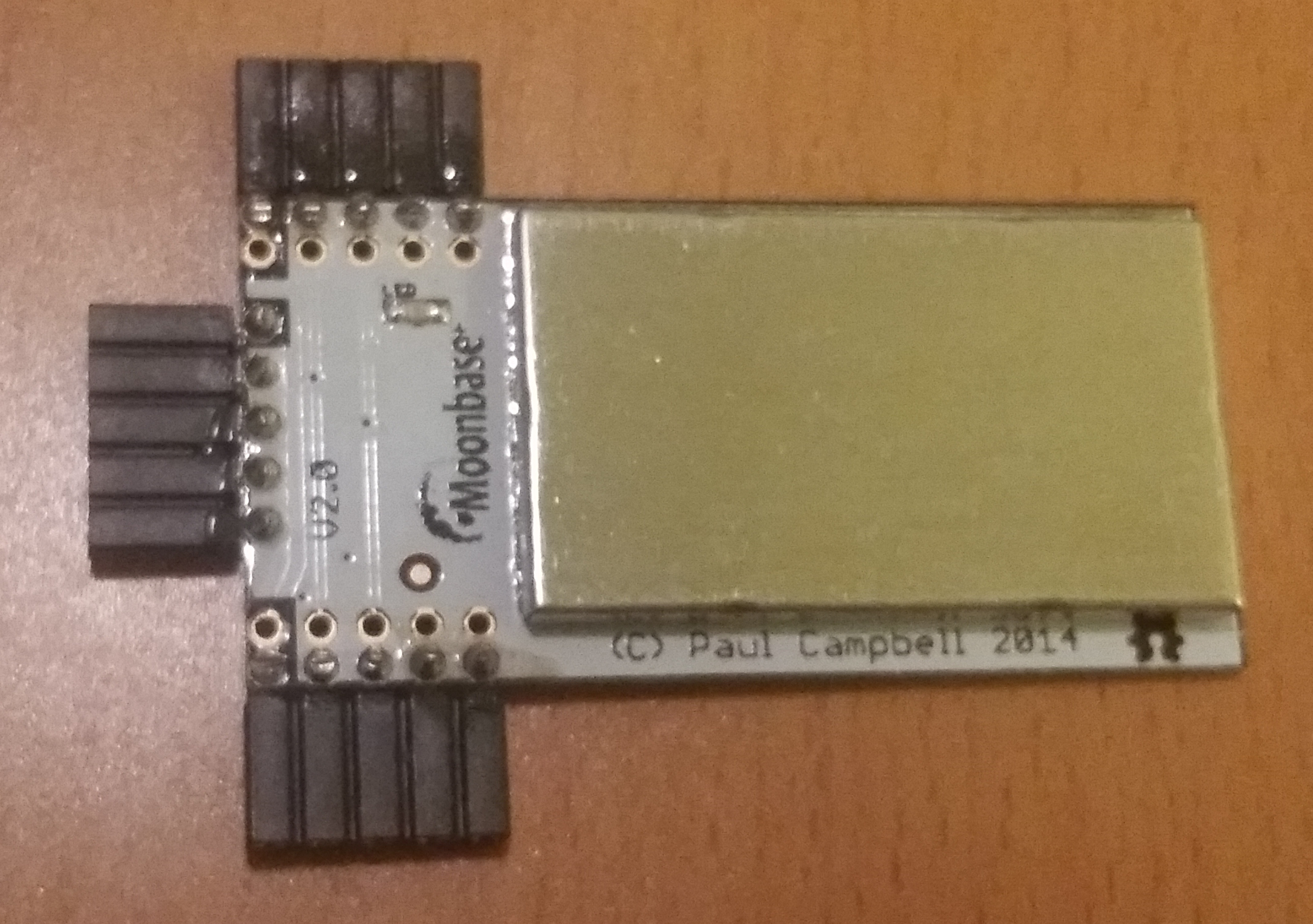
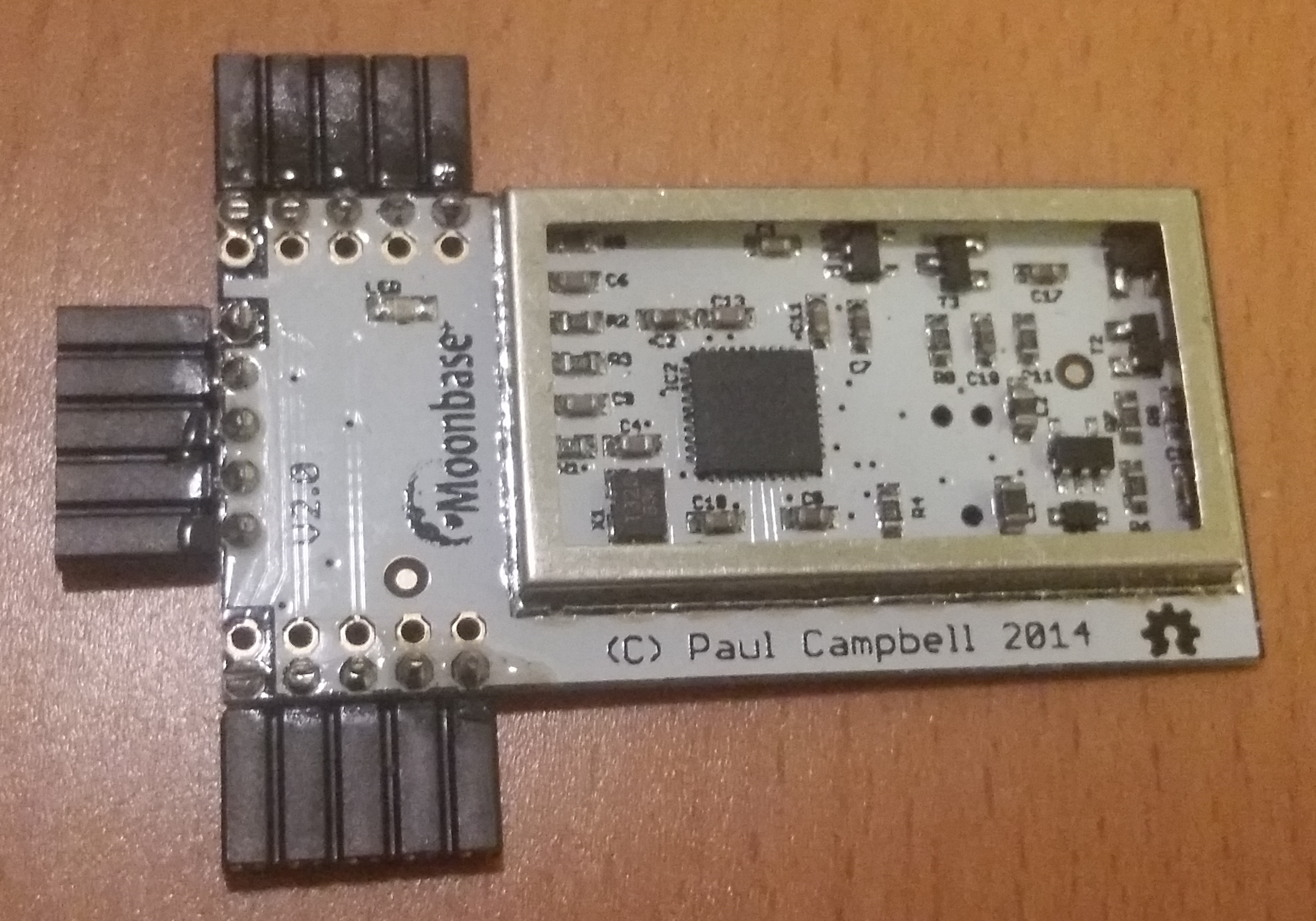
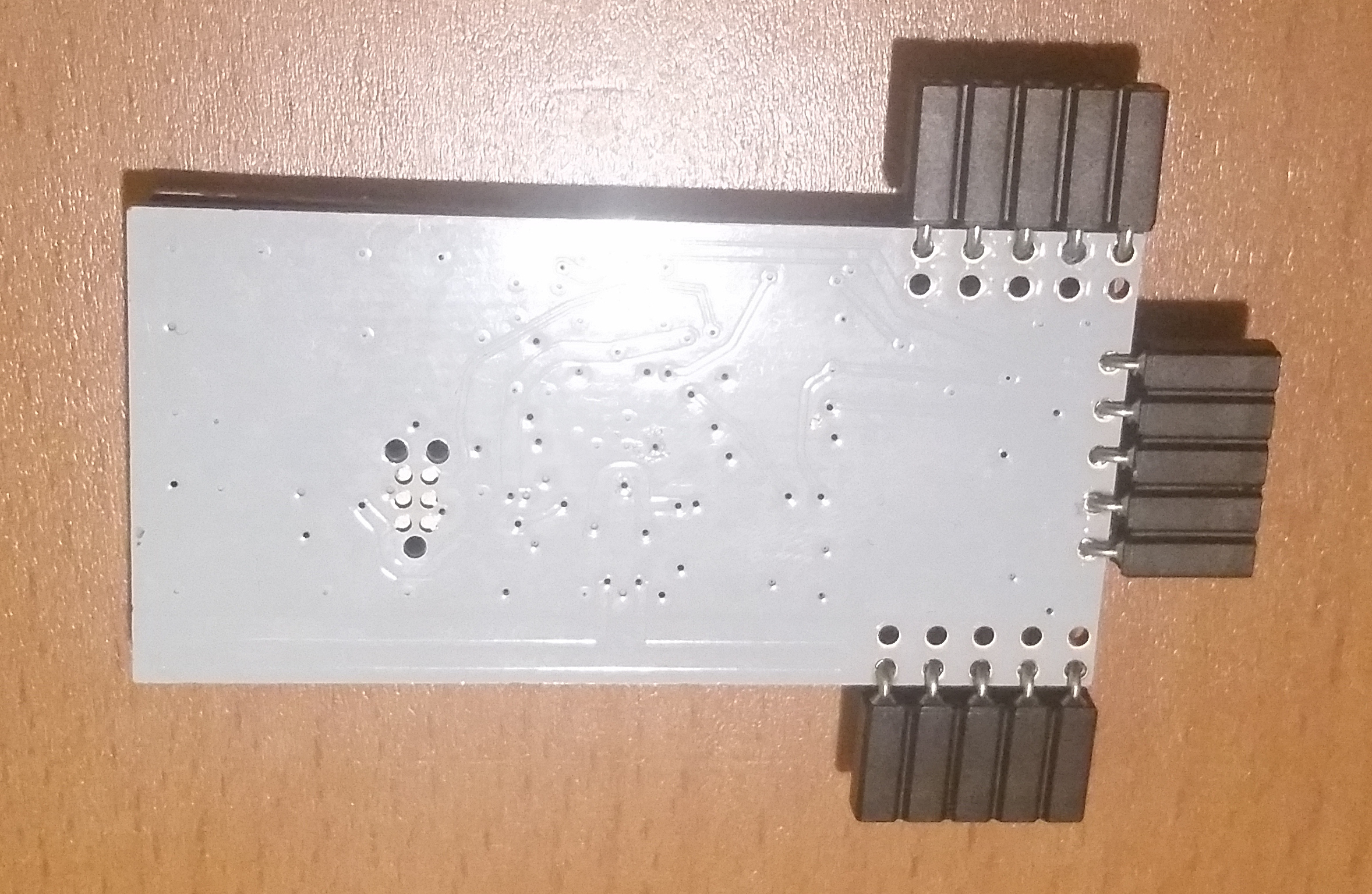
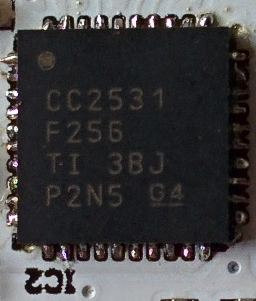
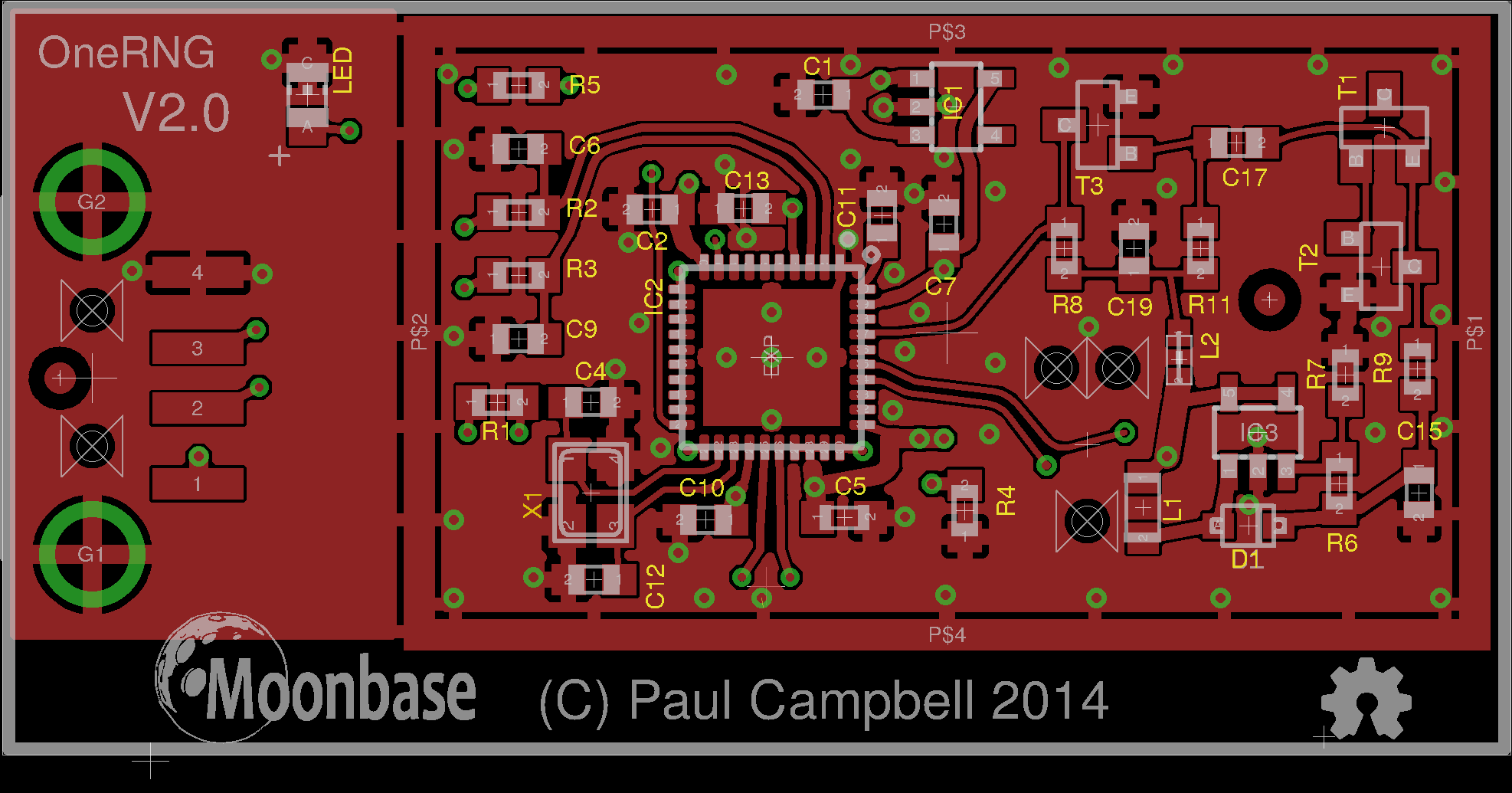
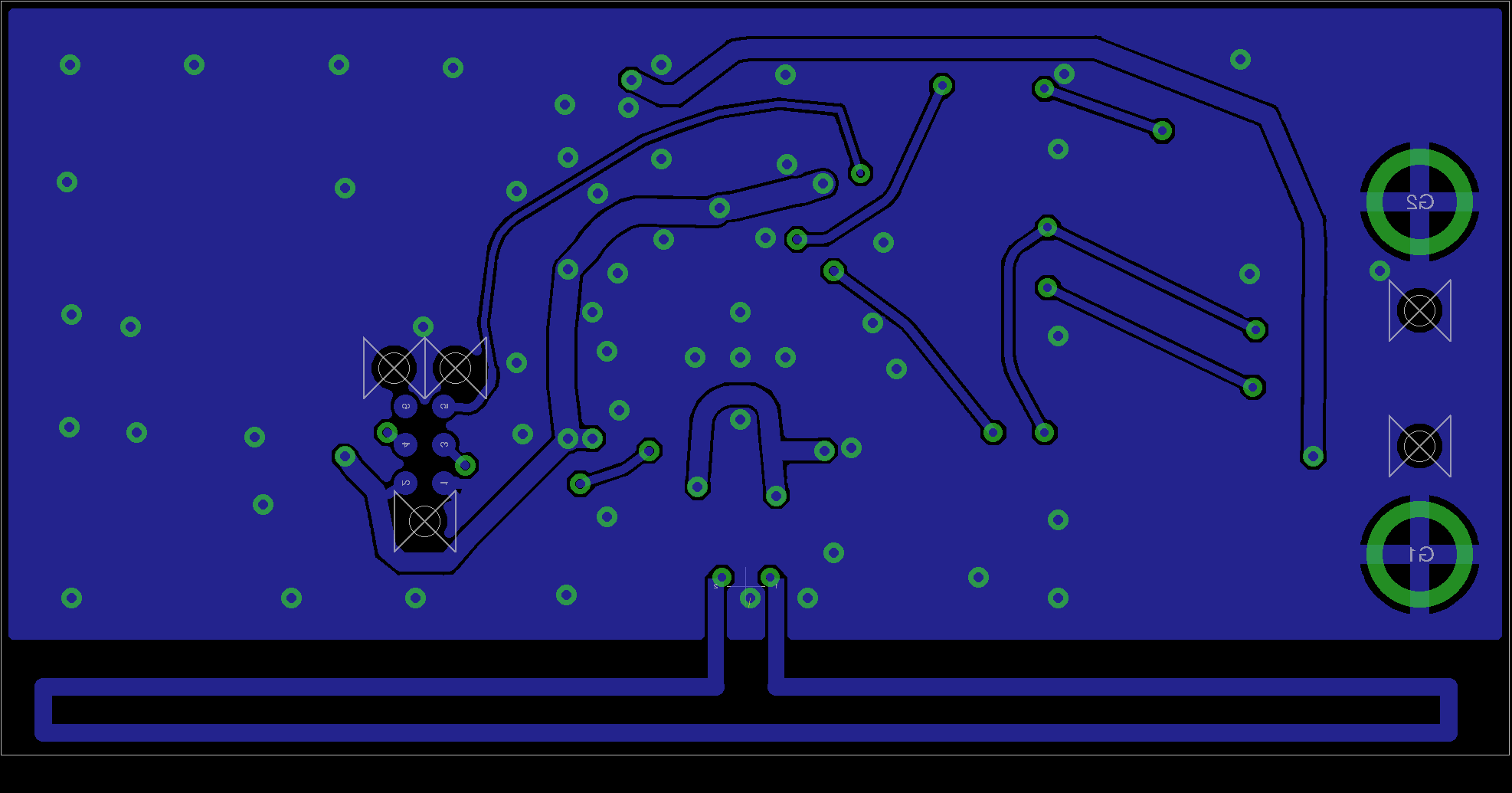
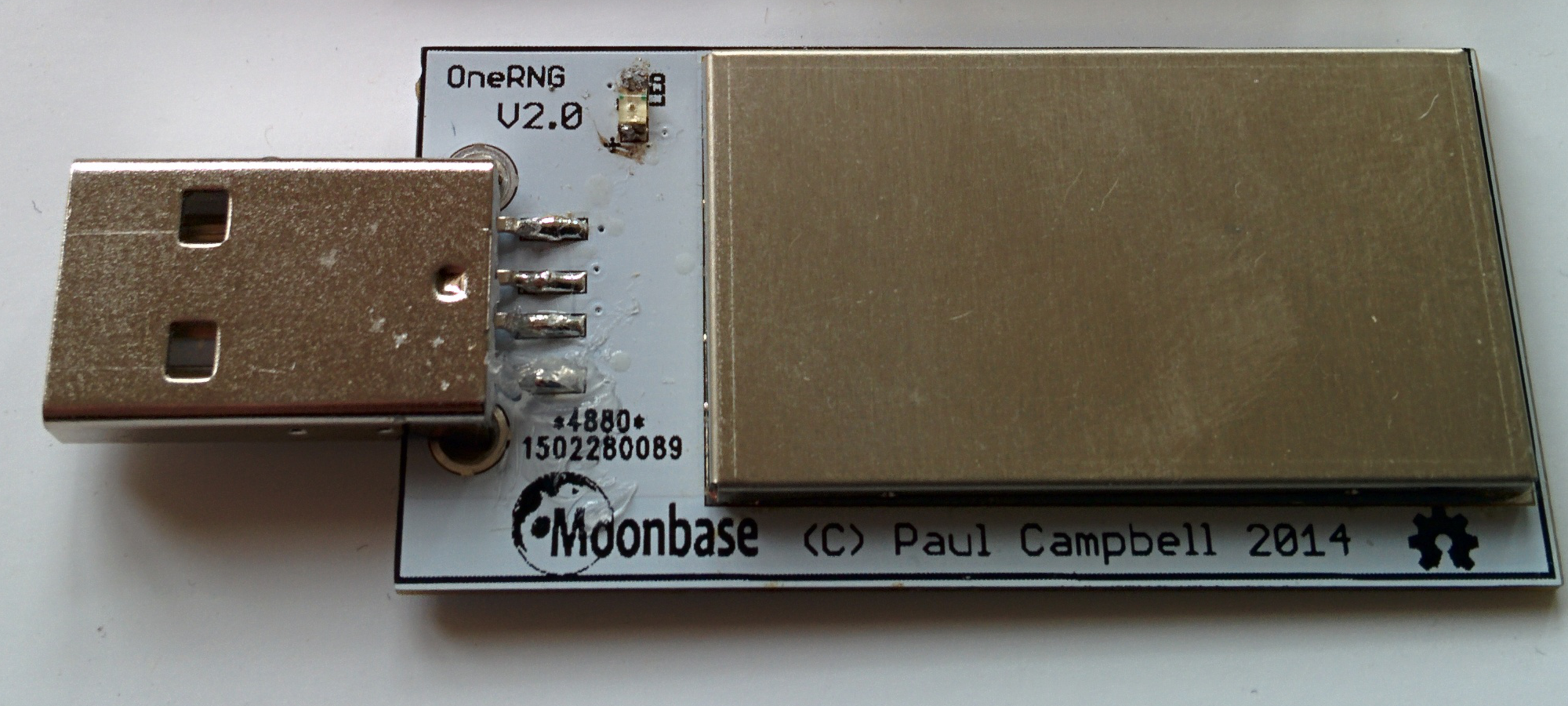
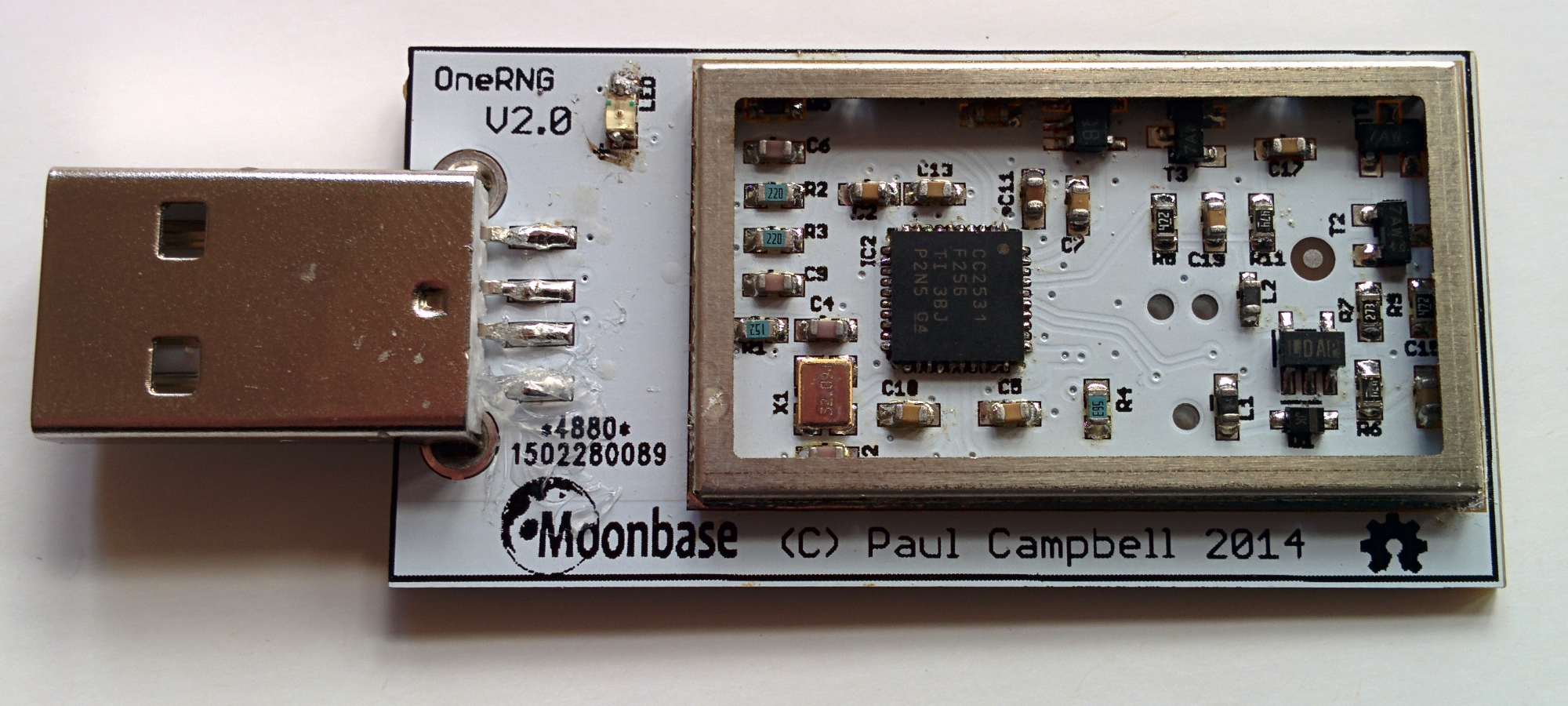
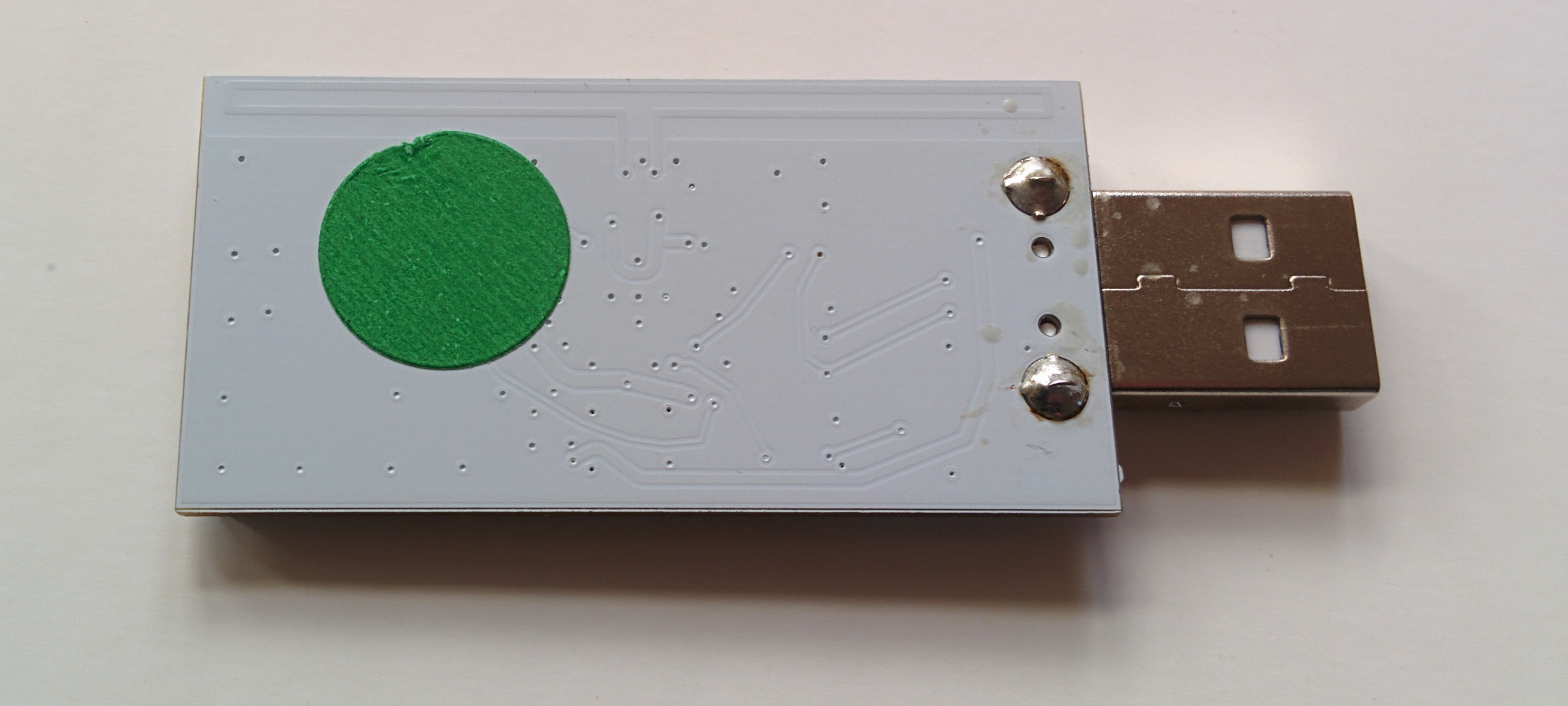
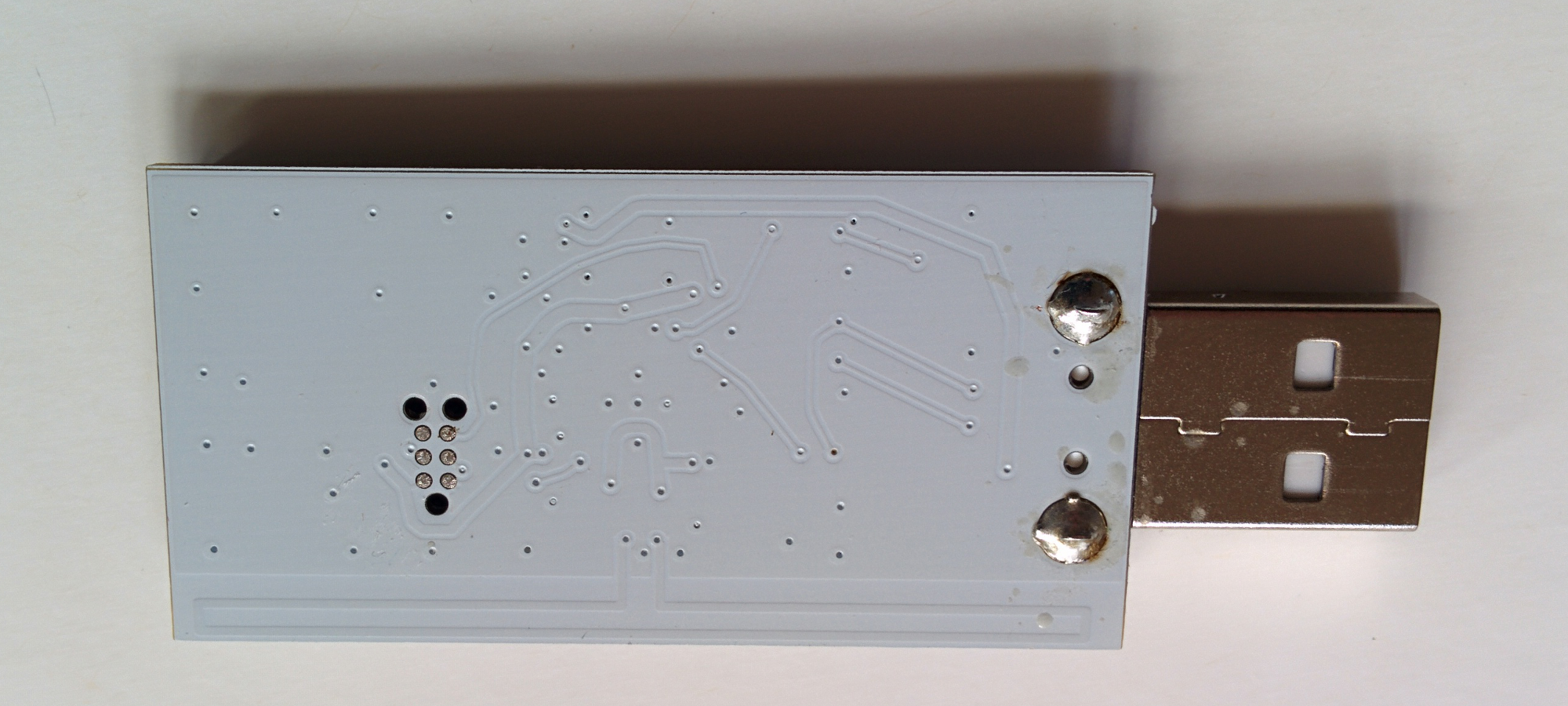
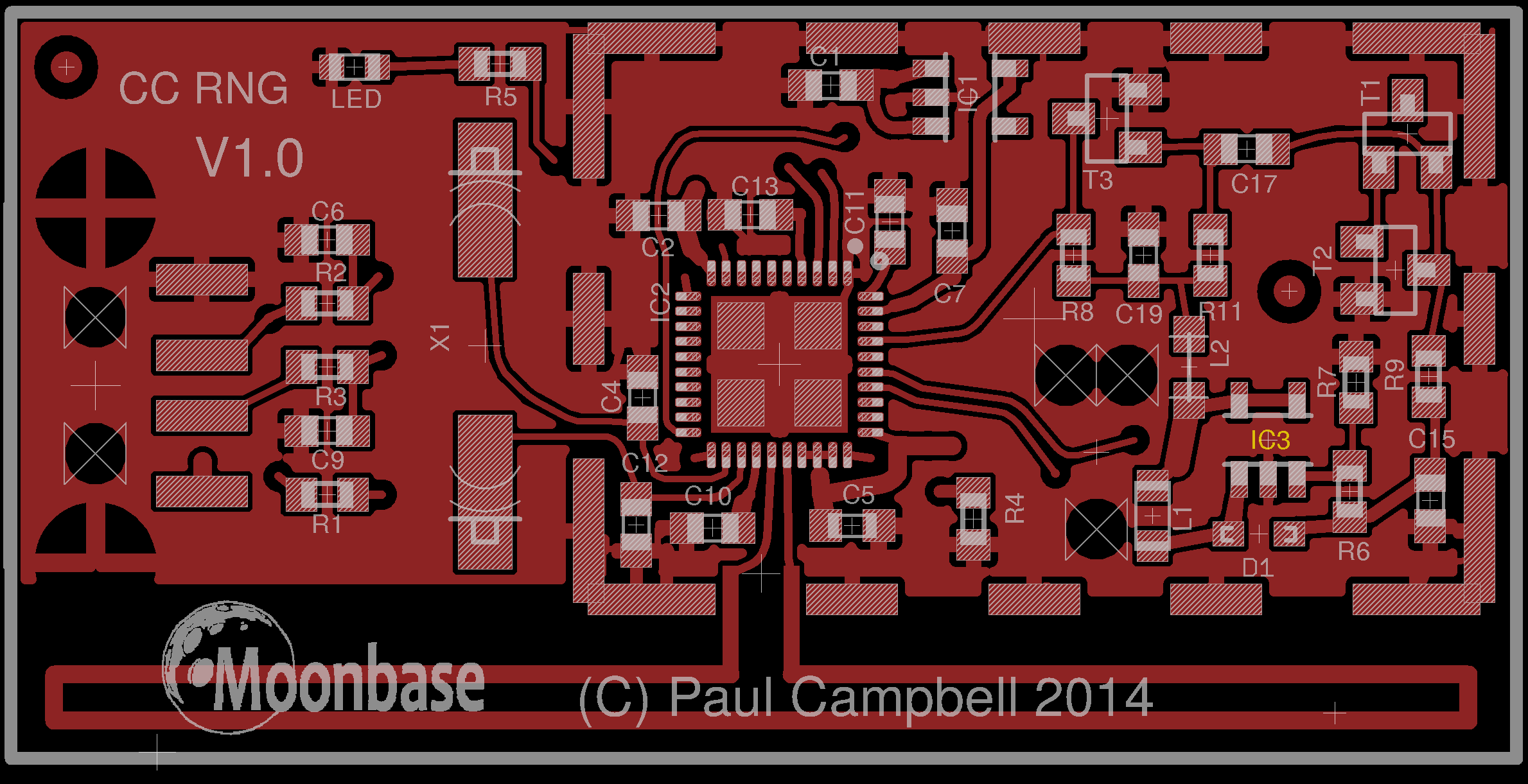
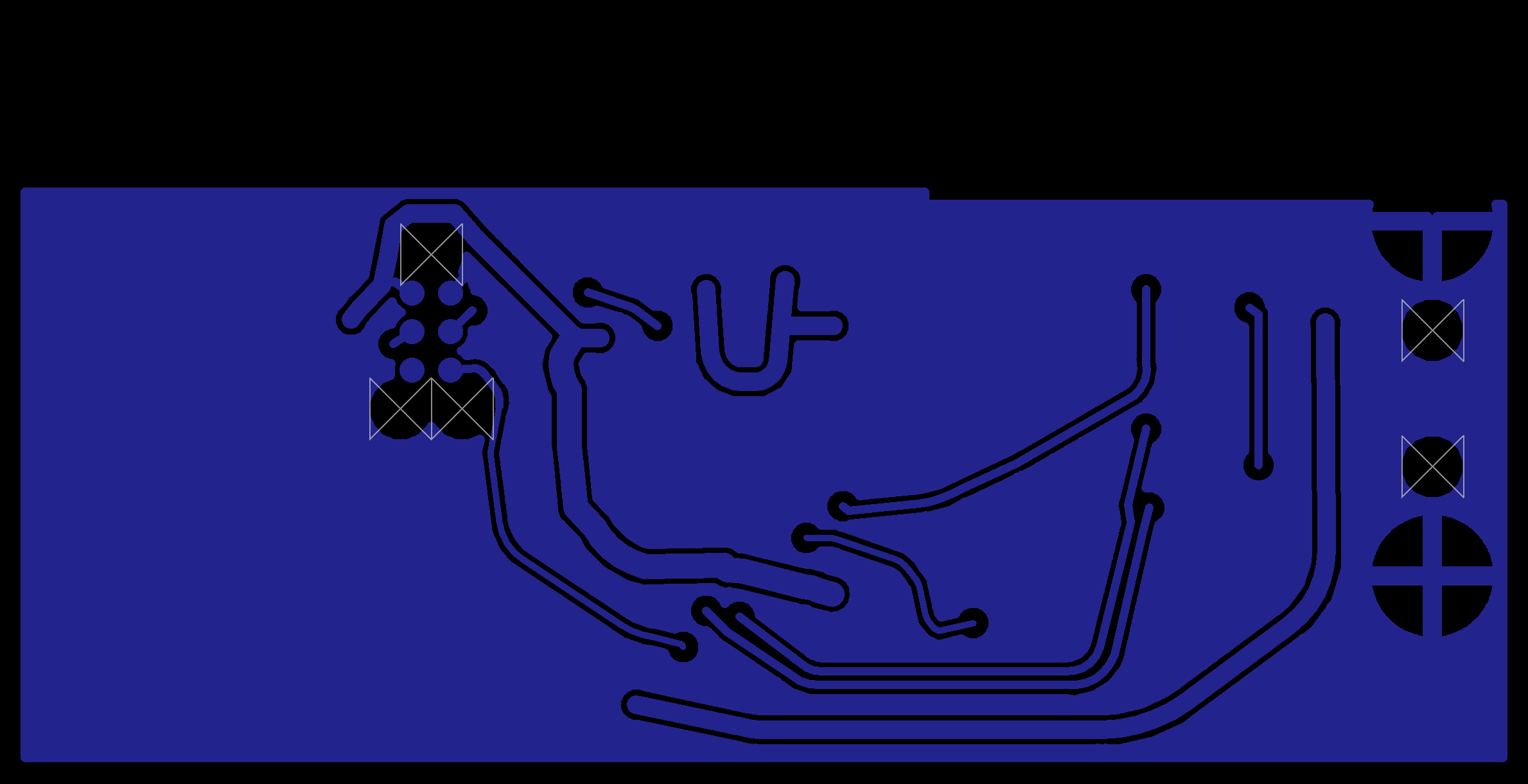
| Version | Picture | Visual Inspection | CPU | Diagrams |
|---|---|---|---|---|
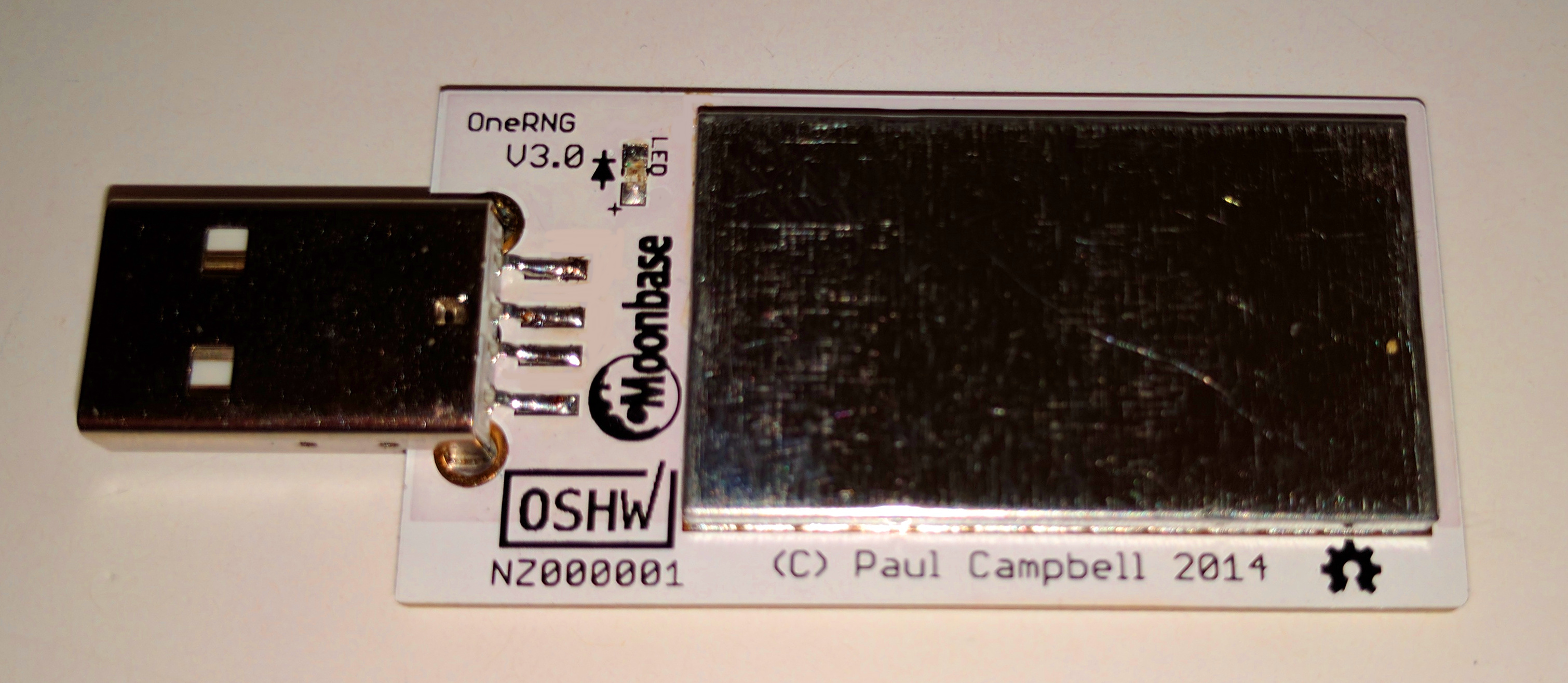
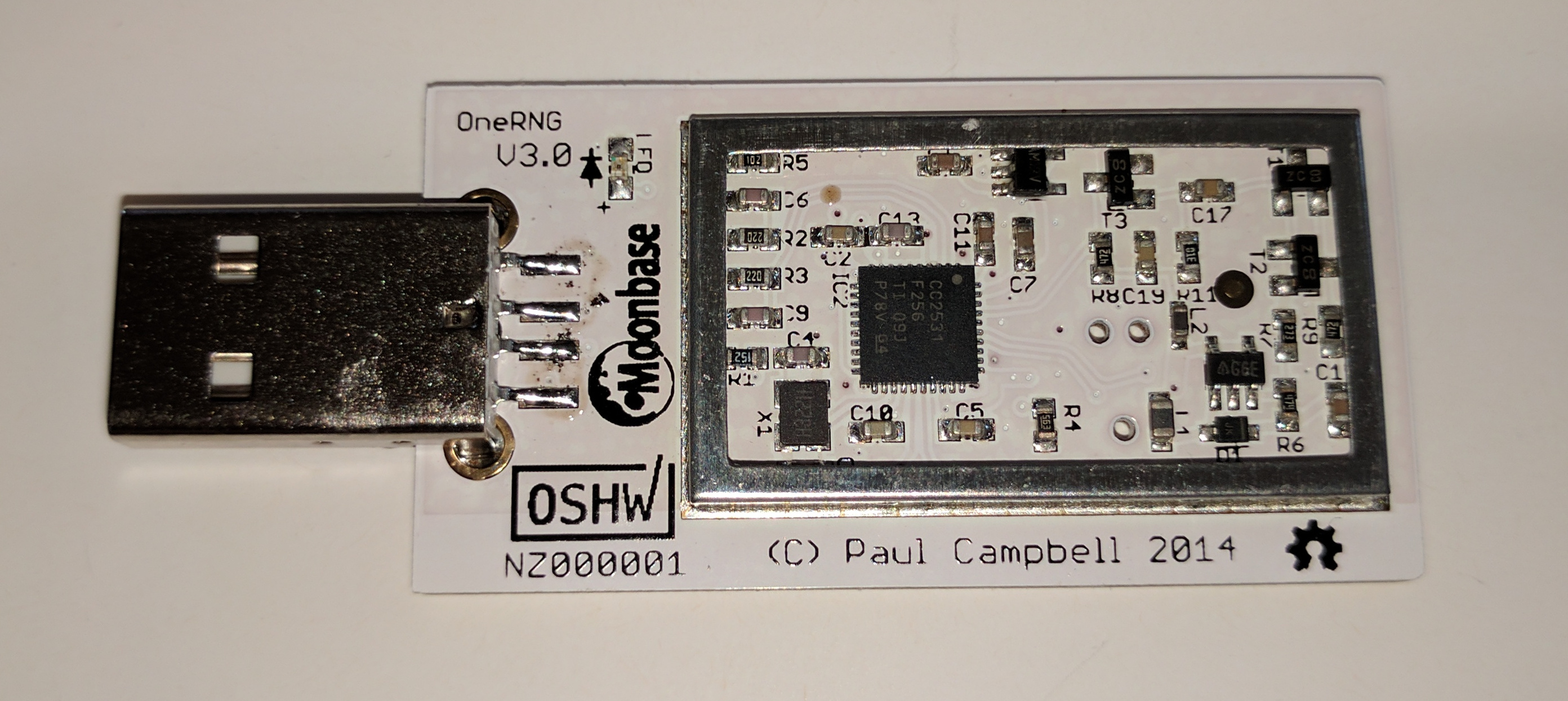
| V3.0 internal Built in China early 2017 |
👁 Image |
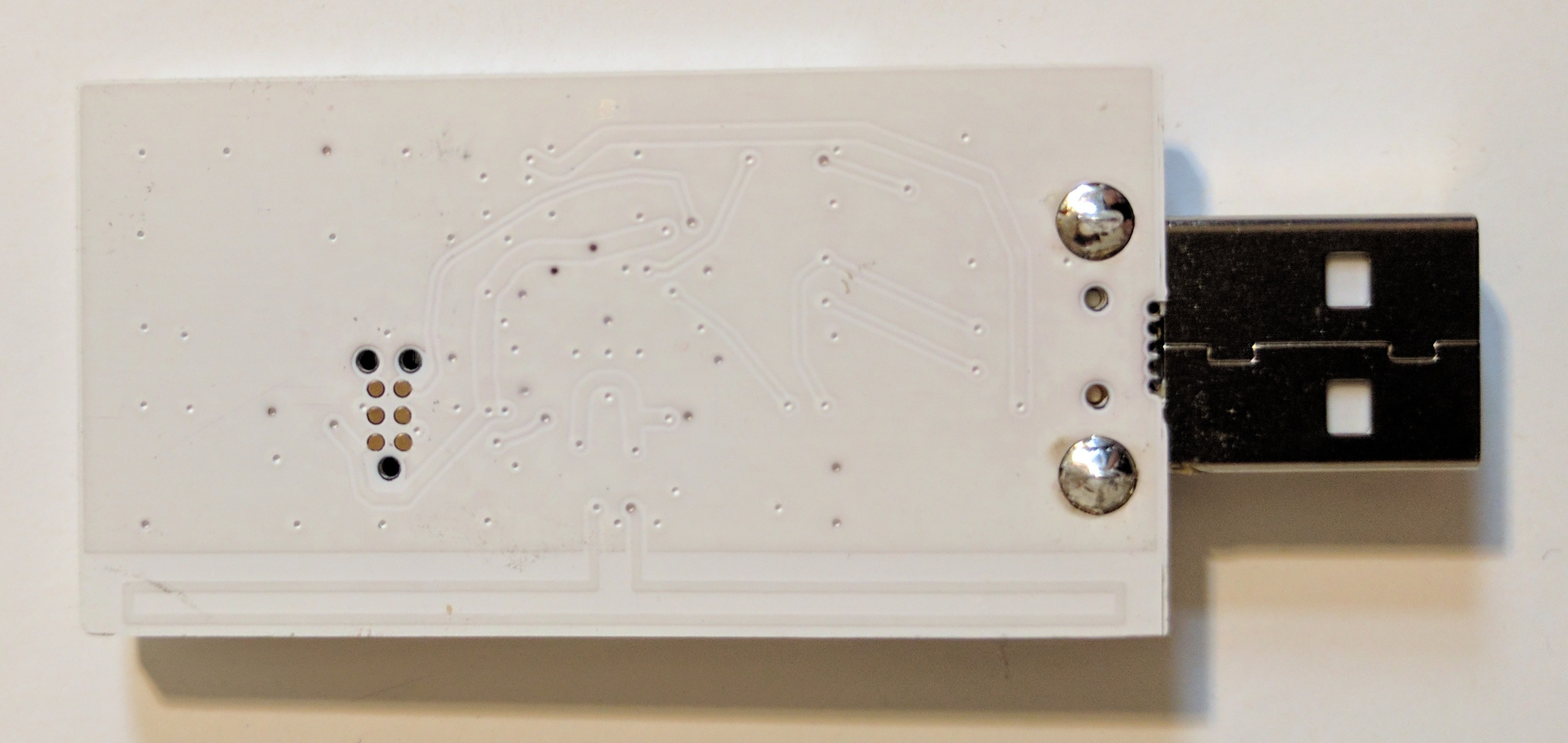
👁 Image 👁 Image |
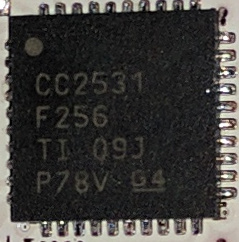
👁 Image CC2531 F256 |
👁 Image 👁 Image |
| V2.0 internal Built in China (Kickstarter stretch reward) |
👁 Image |
👁 Image 👁 Image |
👁 Image CC2531 F256 |
👁 Image 👁 Image |
| V2.0 Built in China (Kickstarter $50 reward) |
👁 Image |
👁 Image 👁 Image 👁 Image |
👁 Image CC2531 F256 |
👁 Image 👁 Image |
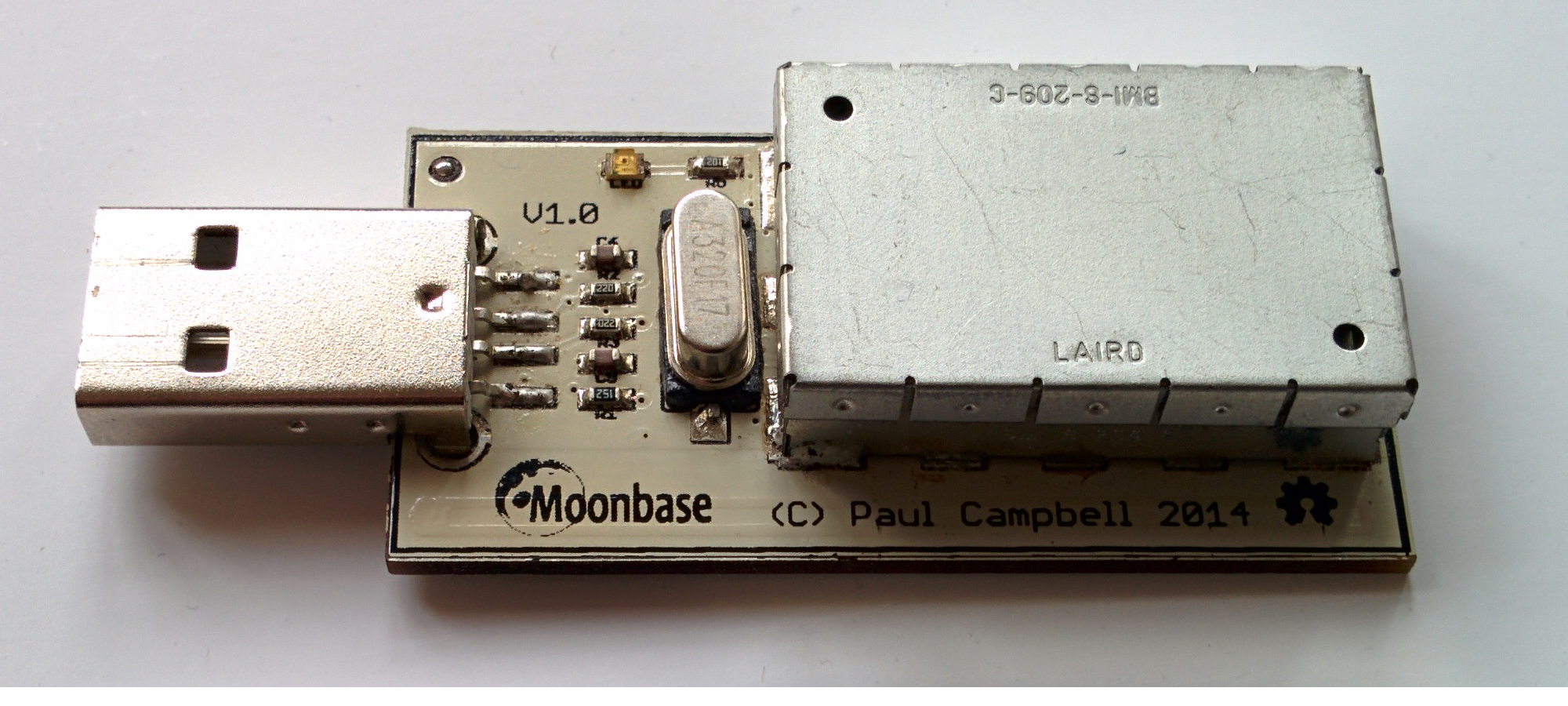
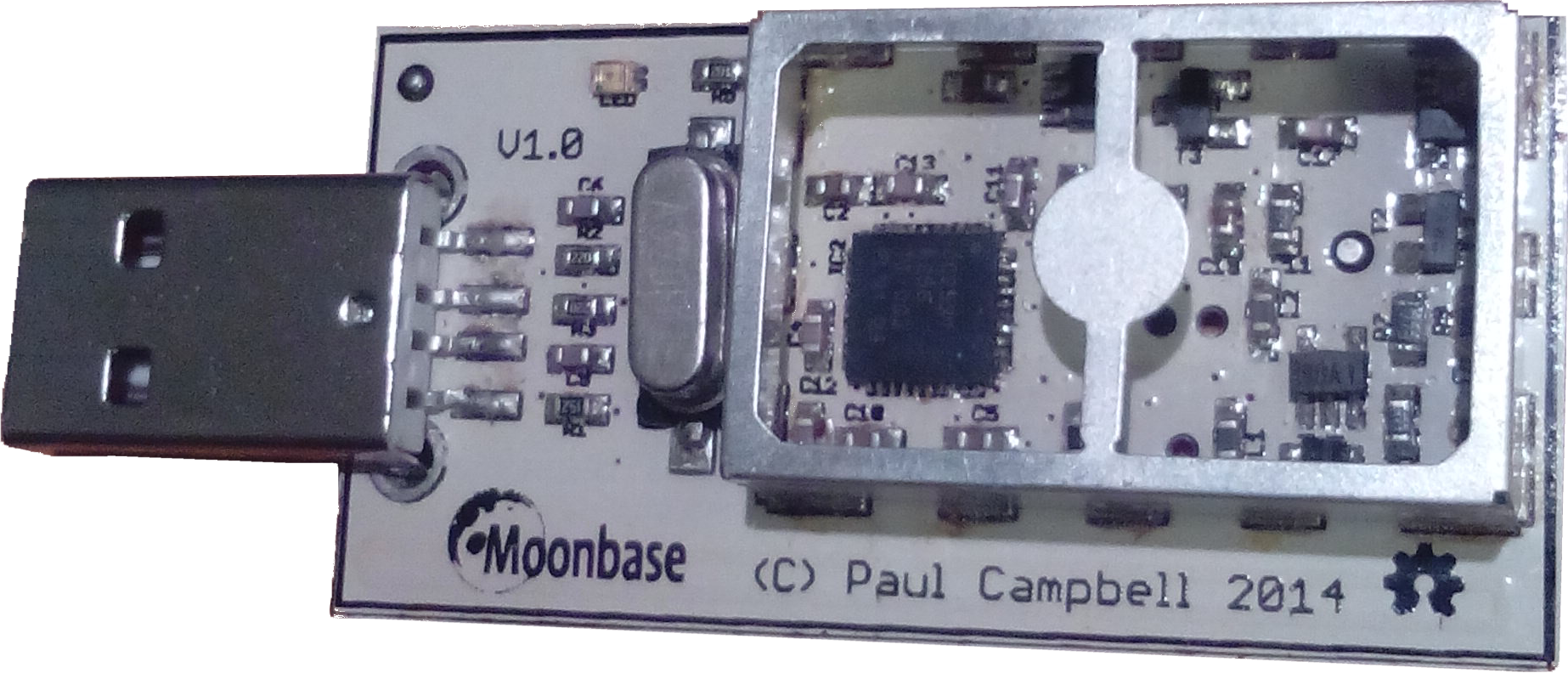
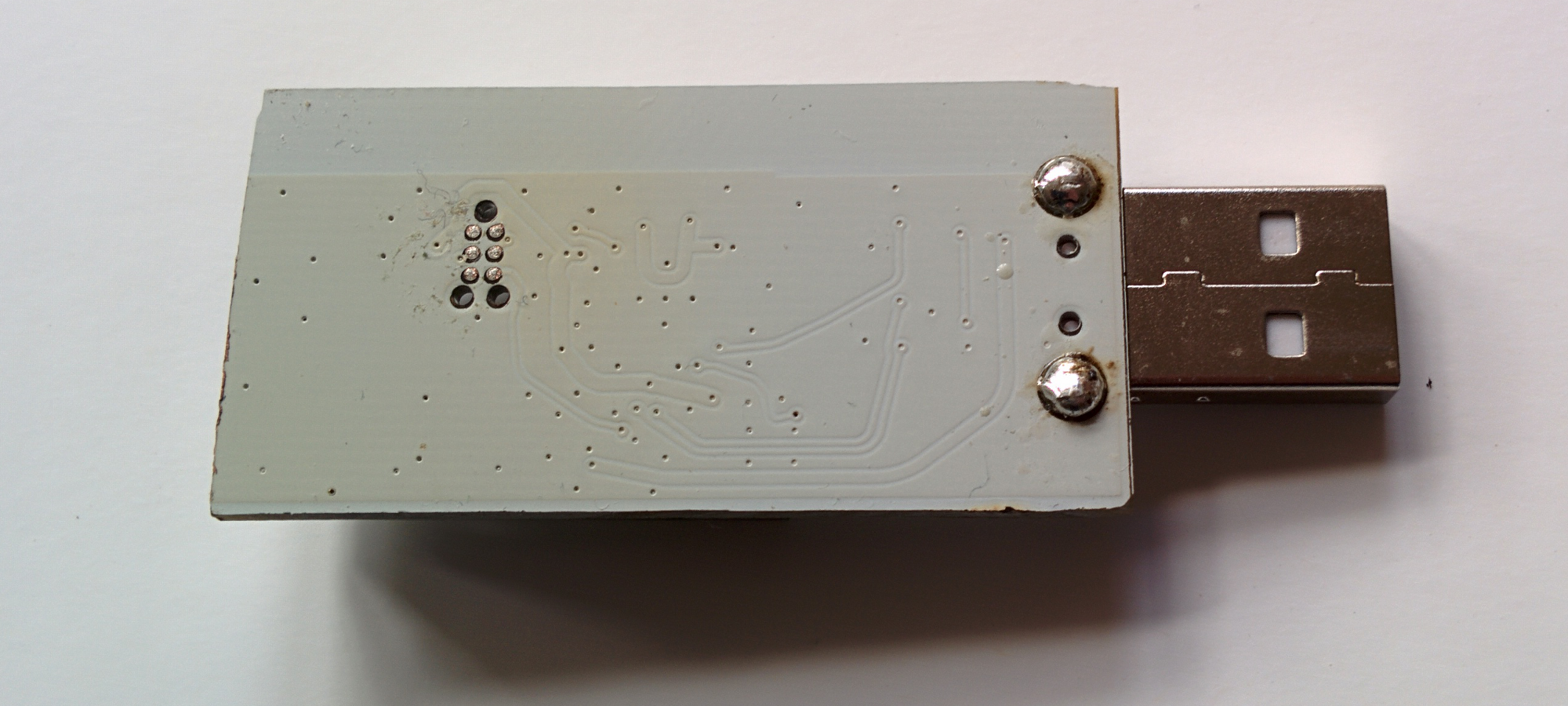
| V1.0 Built in NZ (Kickstarter $110 reward) | 👁 Image |
👁 Image 👁 Image |
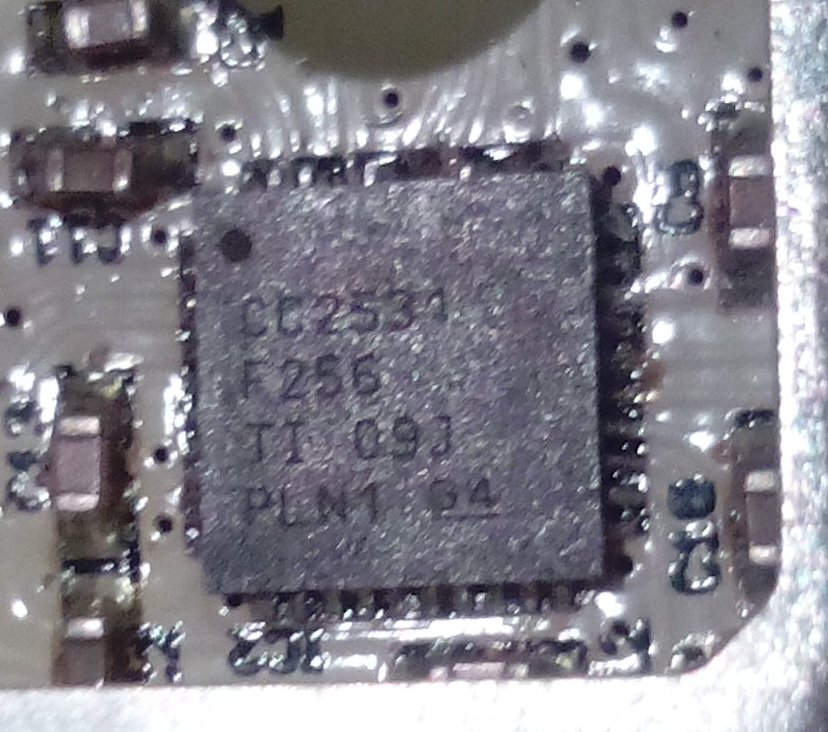
👁 Image CC2531 F256 |
👁 Image 👁 Image |
Once connected, the LED light should come on and stay brightly lit, indicating that the entropy pool is populated and available.
It is possible that your computer will attempt to probe the OneRNG, mistaking it for a modem device (for example, if you have an old version of the Linux modem-manager package). If this happens you might see the LED flicker momentarily.
Remove the OneRNG from your system before proceeding to the Software steps.
We appreciate that these steps might be inconvenient for the V2.0 Internal hardware version, but strict verification is very important for all users of OneRNG.
We provide an architecture-independent set of scripts to connect your OneRNG
to the rngd daemon present on most Linux distributions.
The pre-requisites for these scripts are small :
at, rng-tools, python3-gnupg and openssl.
Arch Linux users will need to install and enable atd to support the at
These scripts check the firmware every time they start communicating with OneRNG, and will refuse to use the unit if the signature checks fail.
Note: if rng-tools fails to install you can ignore that error
sudo apt-get install rng-tools at python3-gnupg openssl
SHA256: b7cda2fe07dce219a95dfeabeb5ee0f662f64ba1474f6b9dddacc3e8734d8f57
 MD5: f33216262757e317e4843e0c6896ce8a
sudo dpkg -i onerng_3.7-1_all.deb
sudo dpkg -r onerng
sudo yum install rng-tools at python3-gnupg
SHA256: 00a793e7f73c060682fee6ae98fe13db629fce4eaa465637b7bfab35f136e770
 MD5: f499b3bca5799dd385252507c382bc58
sudo rpm -i onerng-3.7-1.fc33.noarch.rpm
sudo rpm -e onerng
SHA256: cf53c56fca9eed7f3c93db4ad949ccebc629725b52fbedc4b10761d0c7fe9d3c
 MD5: 7abe6589491788b881e82528f5c80a20
tar xzf onerng_3.7.orig.tar.gz
cd onerng_1
sudo make install
sudo udevadmin control --reload-rules
sudo rm /usr/lib/udev/rules.d/79-onerng.rules /sbin/onerng.sh
Release 3.7 is a maintenance release, if your OneRNG is working well for you there is no reason to upgrade the software. There are two main changes, both in response to changes in modern linux systems:
Starting with version 3.7 you can verify that your OneRNG is working correctly by noting that the orange LED blinks every second or so.
Once the Host Software has been installed, insert your OneRNG. Test the correct operation of the hardware
and software combined by demanding large quantities of data from /dev/random.
cat /dev/random >/dev/null
If OneRNG is working correctly, you should see the LED light dim as the onboard entropy pool is rapidly depleted.
When you interrupt the cat command (by pressing control-C) the LED should return to normal brightness.
👁 Creative Commons License, BY-SA
The OneRNG.info website by Jim Cheetham is licensed under a Creative Commons Attribution-ShareAlike 4.0 International License.
Website copyright © 2019 Jim Cheetham, jim@inode.co.nz; Pictures copyright © 2014, 2015, 2016 Jim Cheetham and/or Paul Campbell; Icons copyright various; see website source on GitHub for details.