

phpspec/nyan-formatters
PHPSpec Nyan Formatter Extension
Maintainers
Requires
- php: >=5.3.3
- phpspec/phpspec: ~3.0|~4.0|~5.0|~6.0
- whatthejeff/nyancat-scoreboard: ~1.1
Requires (Dev)
None
Suggests
None
Provides
None
Conflicts
None
Replaces
None
This package is not auto-updated.
Last update: 2026-06-17 15:42:29 UTC
README
This PHPSpec extension provides Nyan formatters for PHPSpec.
Requirements
This extension requires:
- PHP 5.3.3 or later.
- A terminal emulator with support for ANSI escape sequences, including color and cursor control.
NOTE: By default, the Windows console does not support ANSI escape sequences. If you'd like to use this extension on Windows, you may want to try one of the following solutions:
Installation
To install this, make sure you are using the latest release of PHPSpec, and then add the following to your
composer.json:
"require-dev": {
 ...,
 "phpspec/nyan-formatters": "2.*"
}
Install or update your dependencies, and then in a phpspec.yml file in the root of your project, add the following:
extensions:
 PhpSpec\NyanFormattersExtension\Extension: ~
Then, you can add a --format switch to your phpspec command with one of the following values:
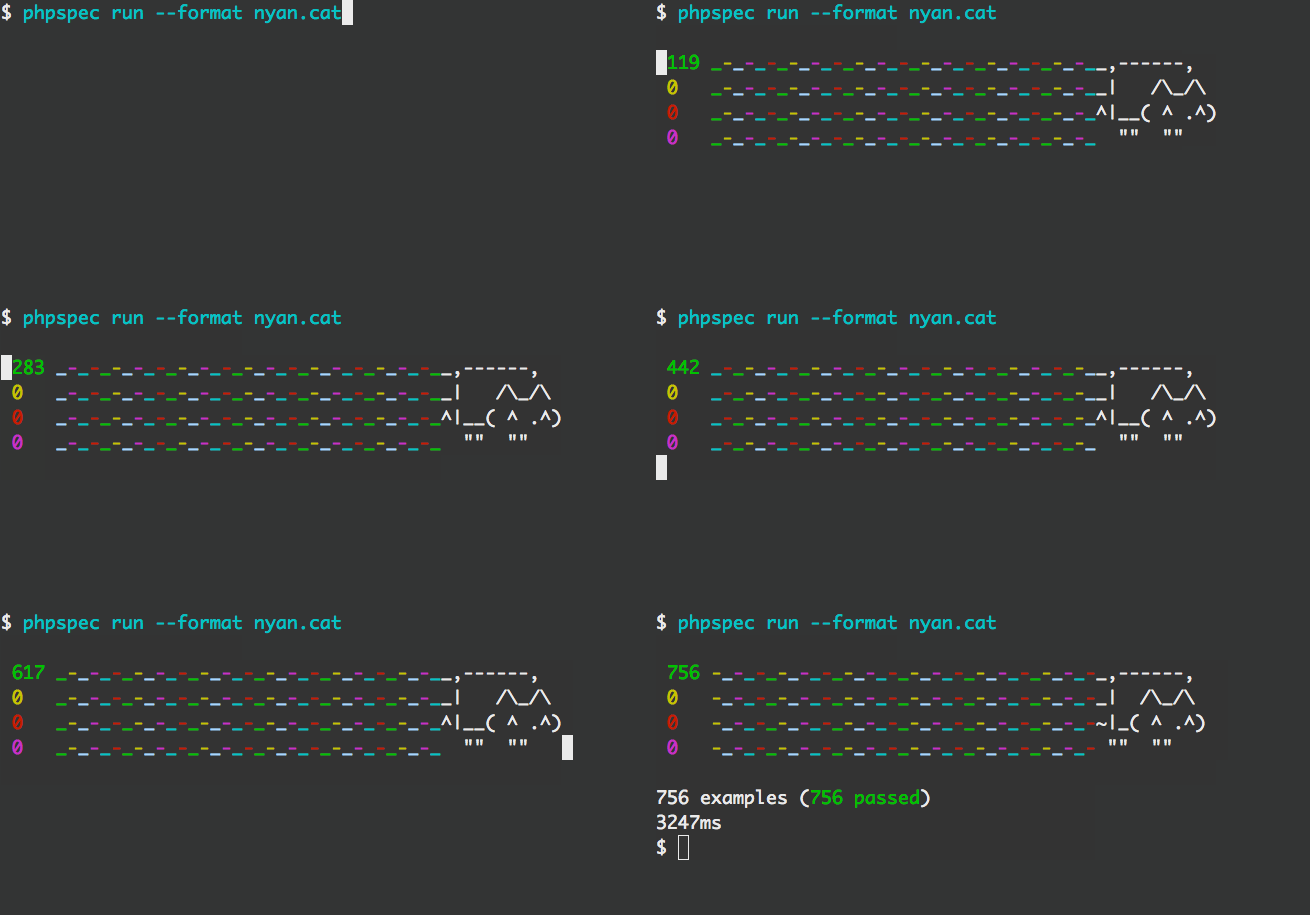
nyan.cat- Gives the standard Nyan Cat formatter

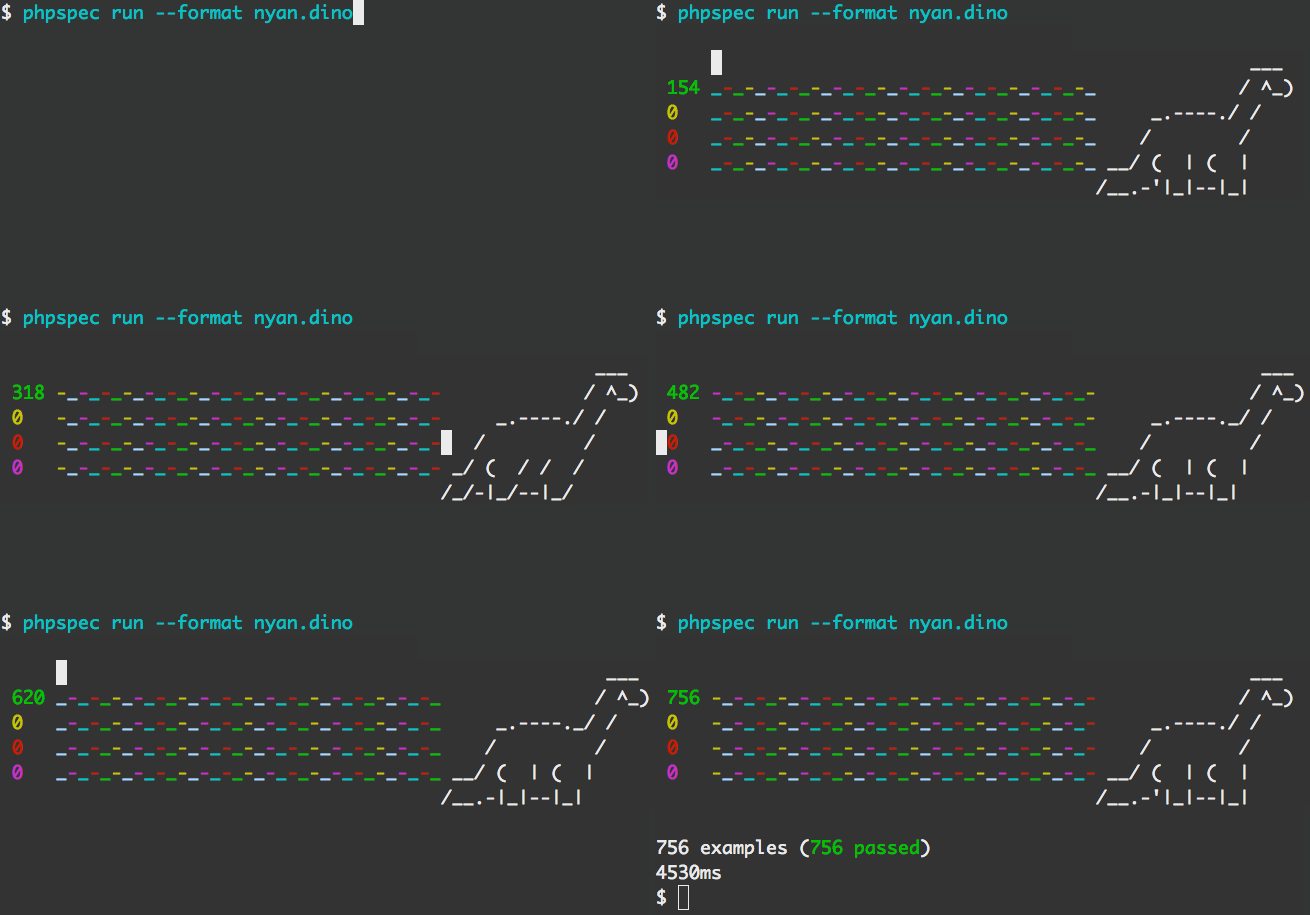
nyan.dino- Gives a dinosaur formatter - Rawwr!

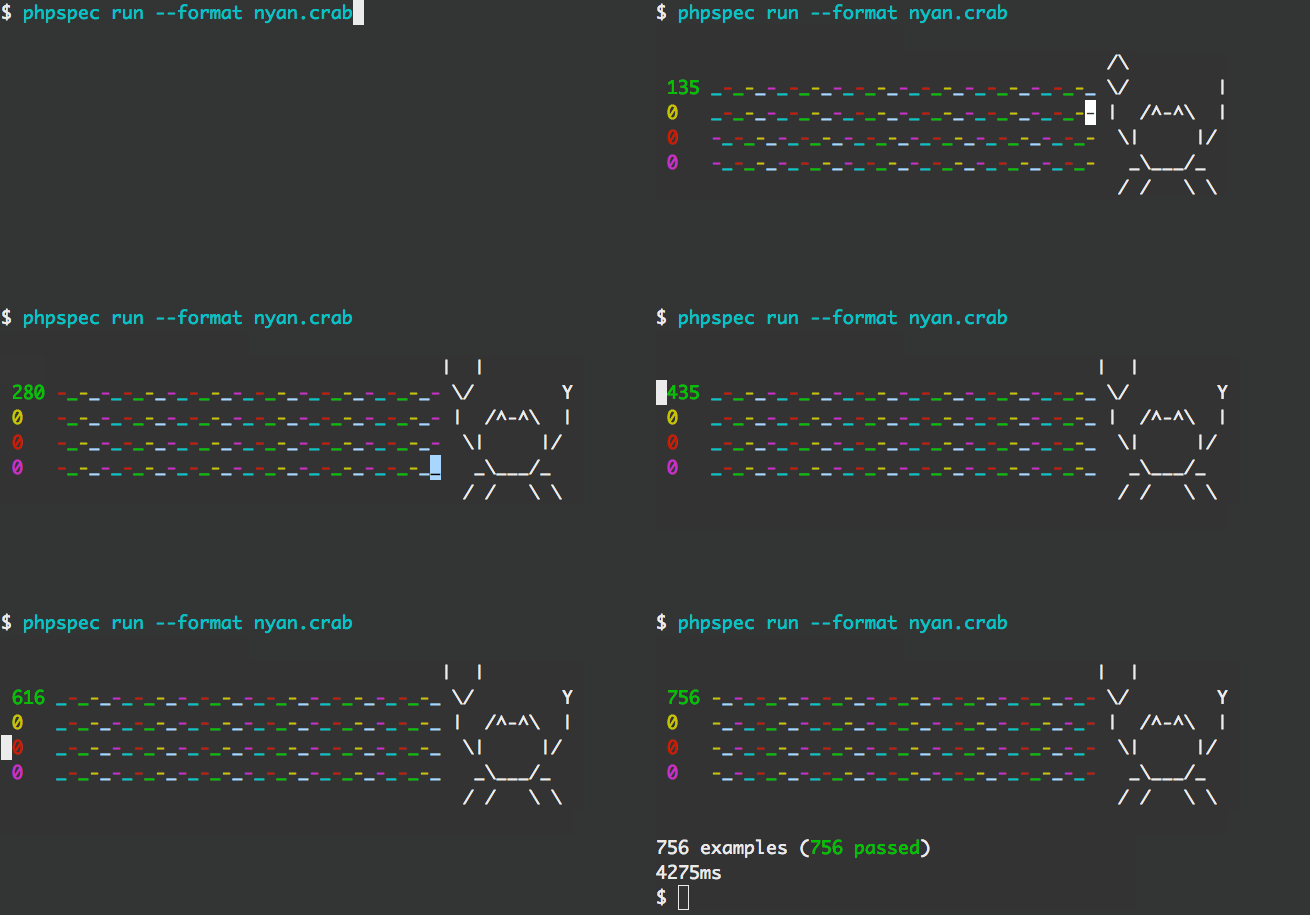
nyan.crab- Gives a crab formatter

If you want to use one of the formatters all the time, you can enforce a default by adding a formatter.name option in
the phpspec.yml file as follows:
formatter.name: nyan.dino
Authors
This project was written by:
Contributions
This project wouldn't have been possible without the help and support of the following people: