

rias/statamic-button-box
Maintainers
Package info
github.com/riasvdv/statamic-button-box
Type:statamic-addon
pkg:composer/rias/statamic-button-box
Requires
- statamic/cms: ^6.0
Requires (Dev)
None
Suggests
None
Provides
None
Conflicts
None
Replaces
None
Unknown License df9cd8920bf1cde5497d0a2825f73bc30ce669a9
README
Button Box
Button Box for Statamic 3.
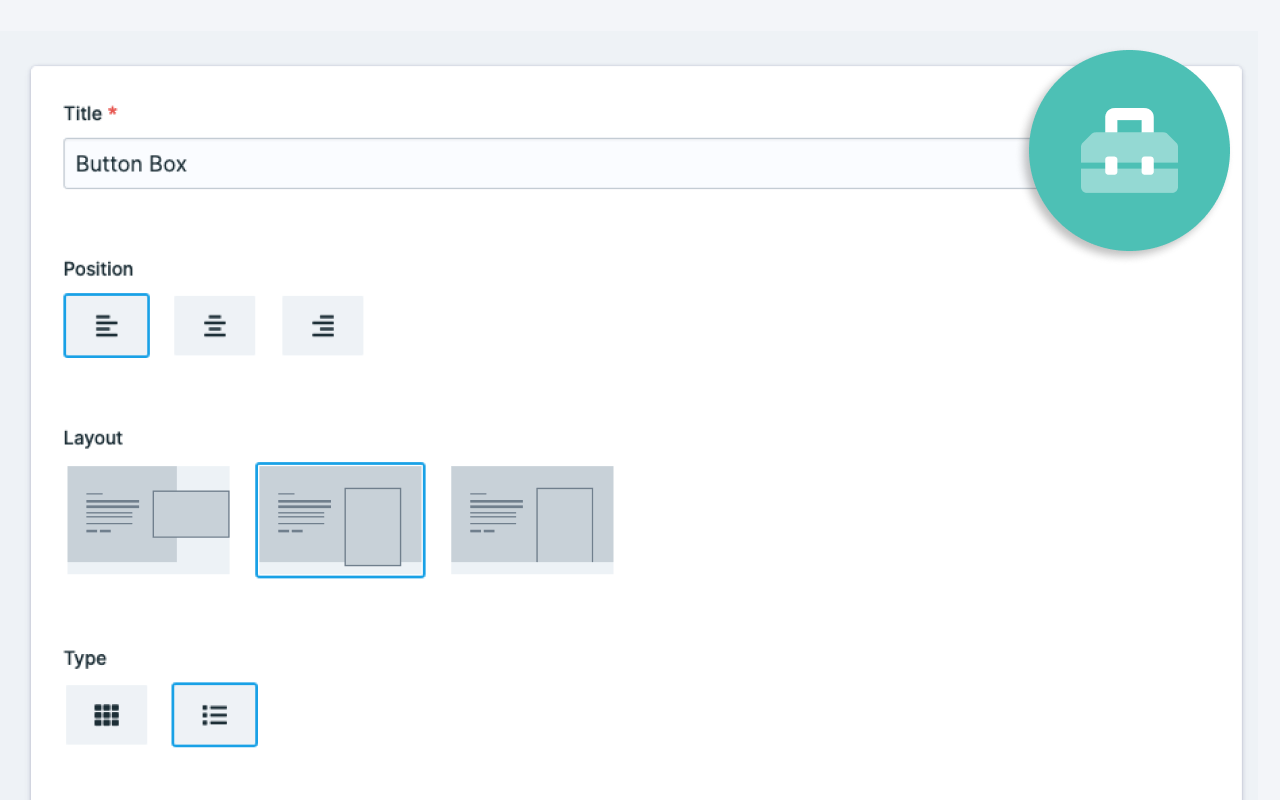
Create beautiful choices for your clients.

License
Button Box requires a license to be used while on a production site.
You can purchase one at https://statamic.com/marketplace/addons/button-box.
You may use Button Box without a license while Statamic is in Trial mode.
Installation
Require it using Composer.
composer require rias/statamic-button-box
Publish the assets and configuration:
php artisan vendor:publish --provider="Rias\ButtonBox\ServiceProvider"
Using Button Box
Add the fieldtype to your fieldset.
Each option contains the following fields:
- label - This is show when neither an icon or an image is present
- value - The value that you'll use in your templates
- image - An image
- icon - A FontAwesome Free icon
sections:
 main:
 display: Main
 fields:
 -
 handle: choice
 field:
 type: button_box
 display: Choice
 options:
 -
 label: Left
 value: left
 image: left.svg
 icon: null
 -
 label: Center
 value: center
 image: center.svg
 icon: null
 -
 label: Right
 value: right
 image: right.svg
 icon: null
Using Button Box
{{ choice }} # will contain either "left", "center" or "right" from the example above
Using a different Asset container
Button Box comes with a configuration file that you can change after publishing, it will live at config/statamic/button-box.php, here you can define the handle of the Asset Container that has to be used for the images.
return [
 /**
 * If you want Button Box to use a different container
 * you can define the container handle to be used.
 */
 'container' => null,
];
Brought to you by Rias