Loading...
Loading...
Loading...
Loading...
Loading...
Loading...
Loading...
Loading...
Loading...
Loading...
Loading...
Loading...
 |
VOOZH | about |
claude "/claude-api help me configure a customer-managed encryption key with AWS KMS"This guide walks through configuring an AWS KMS key as a customer-managed encryption key (CMEK) for your Anthropic organization.
Enabling CMEK is permanent. If your KMS key is deleted or disabled, Anthropic cannot recover the data encrypted under it. Review the warnings and limitations before you begin.
kms:CreateKey and kms:PutKeyPolicy).To have Anthropic use your encryption key, you must give Anthropic's IAM role a KMS key it can use for encrypting data. The ARN for Anthropic CMEK is:
arn:aws:iam::915198916910:role/anthropic-cmek-client-usUse only this published ARN. Never trust an identifier provided over email, chat, or any onboarding channel.
Create the KMS key with a cross-account key policy
The key policy grants Anthropic's IAM role cross-account access. Three statements are required:
kms:Encrypt and kms:Decrypt actions, which Anthropic uses to encrypt and decrypt the data keys that protect your workspace data (envelope encryption).DescribeKey has no EncryptionContext parameter, so an EncryptionContext condition on this action would always deny.export YOUR_ACCOUNT=$(aws sts get-caller-identity --query Account --output text)
aws kms create-key \
--region <region> \
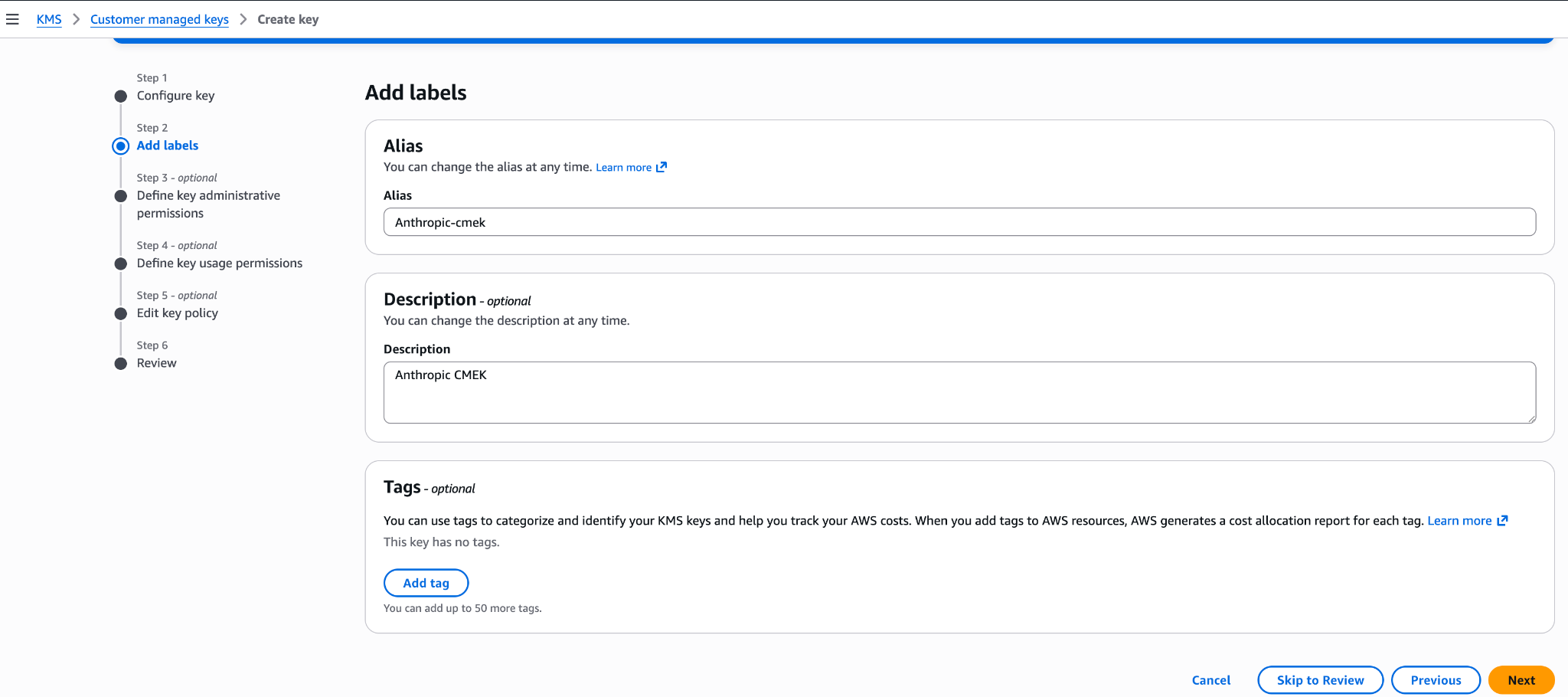
--description "Anthropic CMEK" \
--key-usage ENCRYPT_DECRYPT \
--policy "{
\"Version\": \"2012-10-17\",
\"Statement\": [
{
\"Sid\": \"AccountRootAdmin\",
\"Effect\": \"Allow\",
\"Principal\": {\"AWS\": \"arn:aws:iam::${YOUR_ACCOUNT}:root\"},
\"Action\": \"kms:*\",
\"Resource\": \"*\"
},
{
\"Sid\": \"AllowAnthropicCMEKCrypto\",
\"Effect\": \"Allow\",
\"Principal\": {\"AWS\": \"arn:aws:iam::915198916910:role/anthropic-cmek-client-us\"},
\"Action\": [\"kms:Encrypt\", \"kms:Decrypt\"],
\"Resource\": \"*\",
\"Condition\": {
\"StringEquals\": {
\"kms:EncryptionContext:anthropic:compartment_uuid\": \"<compartment-uuid>\"
}
}
},
{
\"Sid\": \"AllowAnthropicCMEKDescribe\",
\"Effect\": \"Allow\",
\"Principal\": {\"AWS\": \"arn:aws:iam::915198916910:role/anthropic-cmek-client-us\"},
\"Action\": \"kms:DescribeKey\",
\"Resource\": \"*\"
}
]
}"How you register the key depends on which product you use.
For infrastructure-as-code deployments, the same steps map to the aws provider with the aws_kms_key and aws_kms_alias resources.
Was this page helpful?
Capture KeyMetadata.Arn from the output. You need it when you register the key in the next step.
The EncryptionContext condition is recommended but optional. Anthropic always includes your workspace's compartment ID in the encryption context, so ciphertext is cryptographically bound to that compartment regardless. Adding the condition provides defense-in-depth at the IAM layer. To start without it, omit the Condition block from the AllowAnthropicCMEKCrypto statement and add it later with kms:PutKeyPolicy.
Finding your compartment ID: Each workspace has a compartment ID that scopes its CMEK data. Find it in the Claude Console under Workspace > Security > Encryption keys (the Compartment ID field), or read the compartment_id field returned by the Get Workspace endpoint. Substitute that value for <compartment-uuid> in the key policy above. Anthropic also sends it as the encryption context when validating the key, so the condition value must match for validation to succeed.
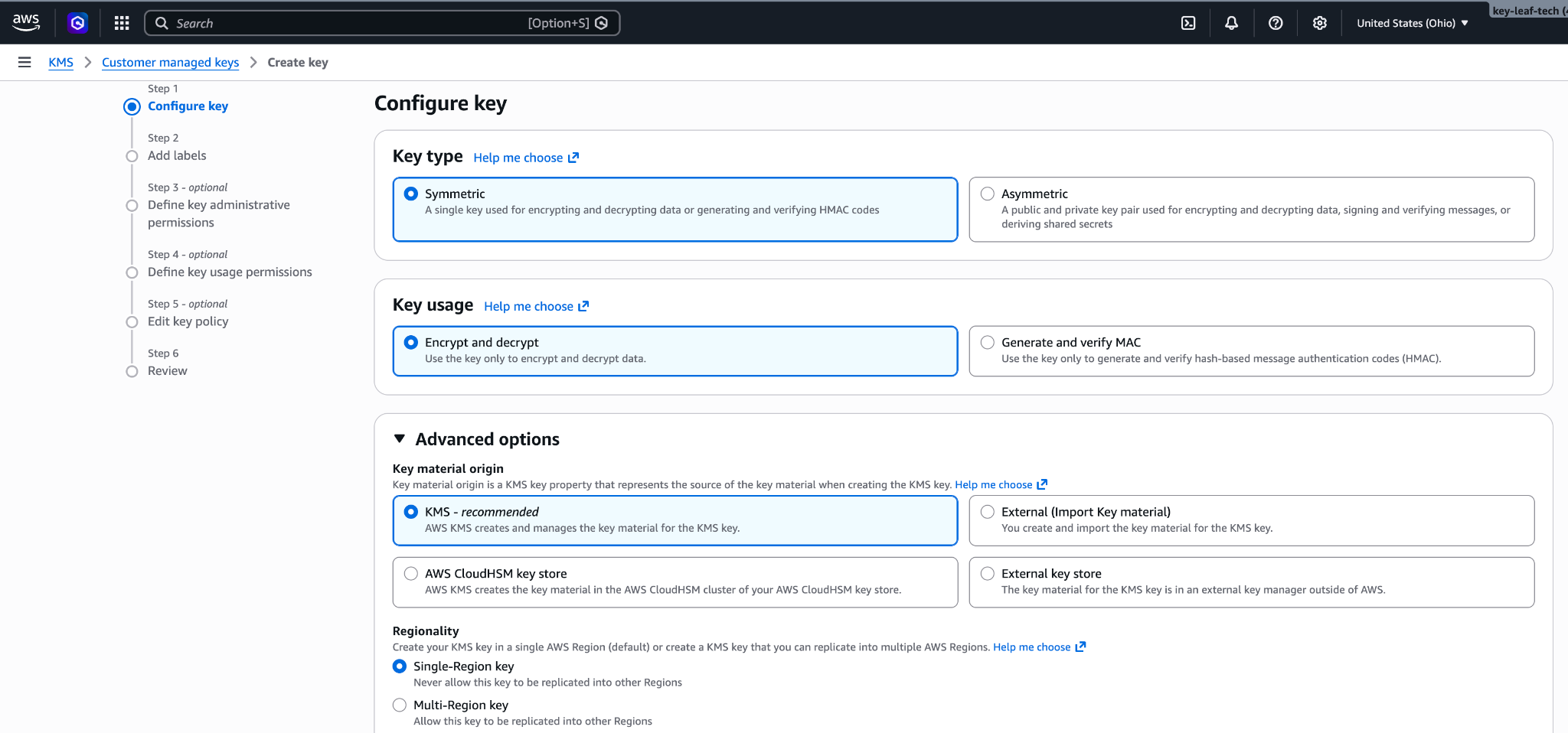
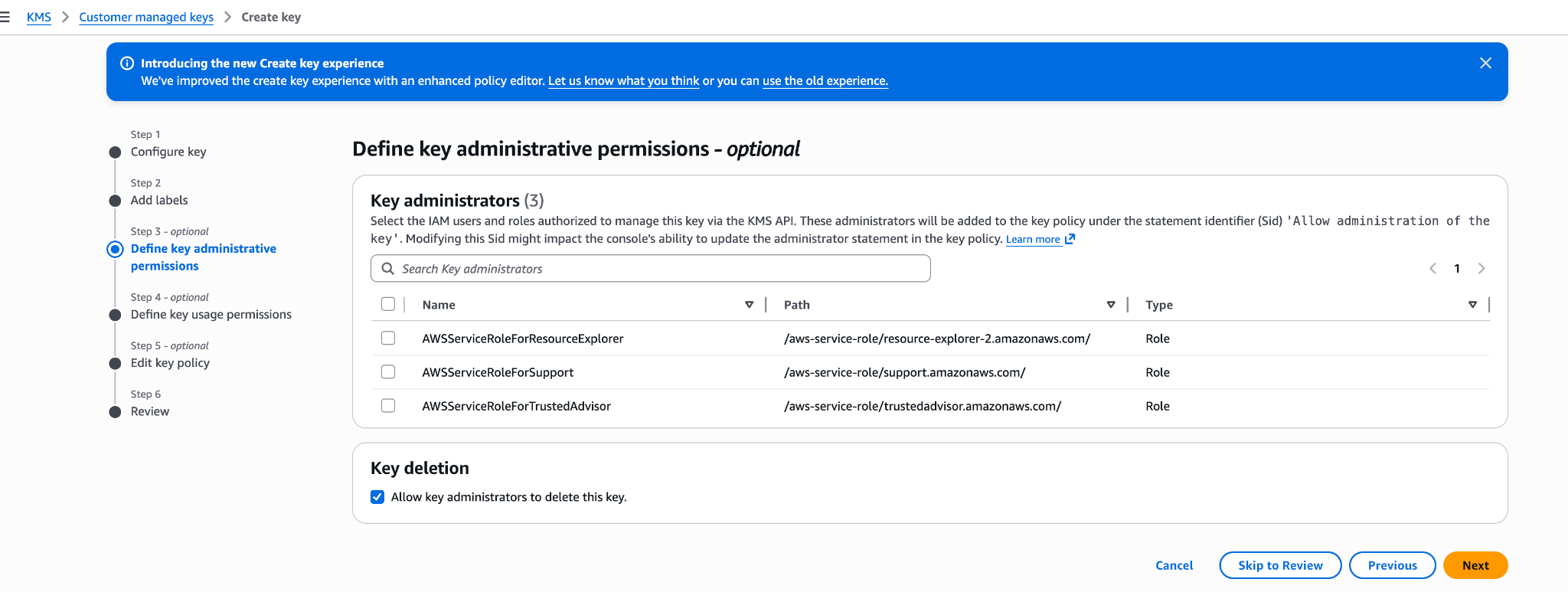
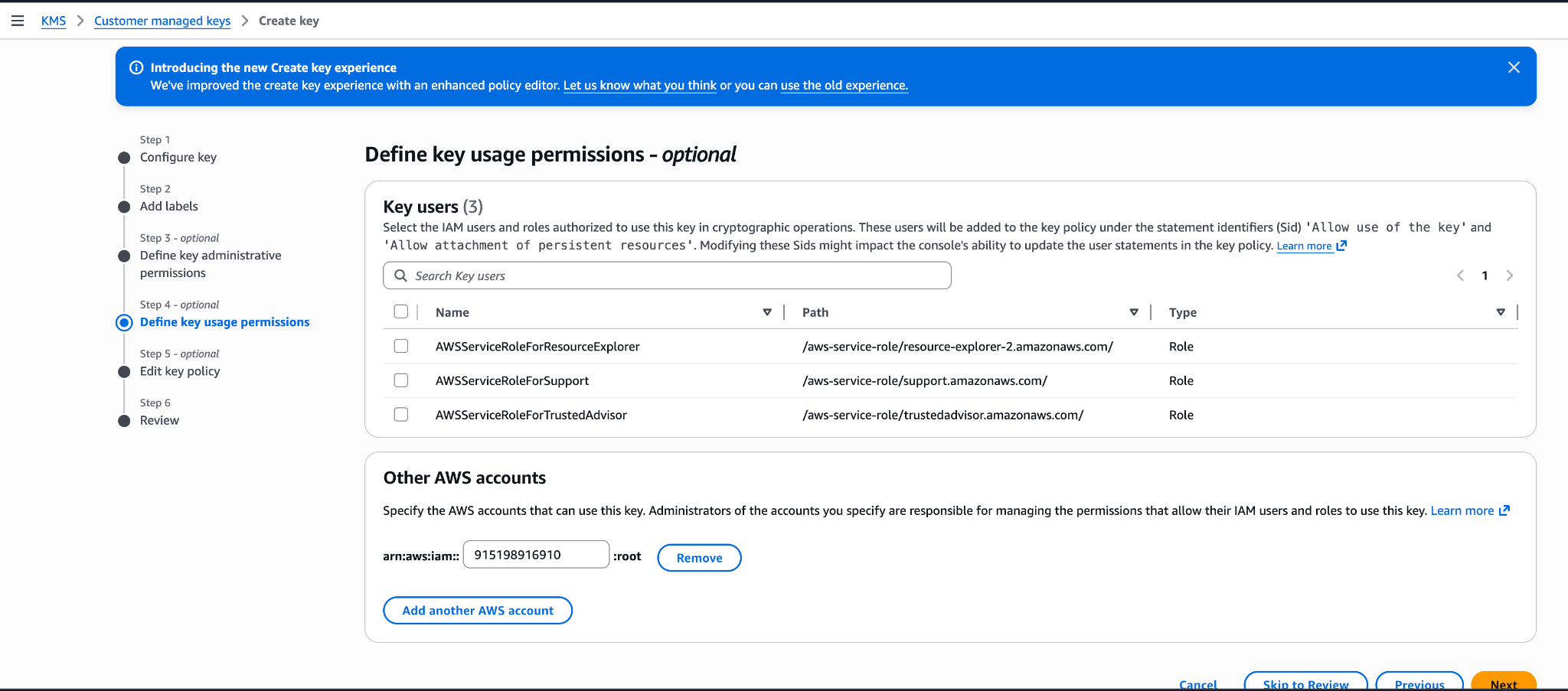
You can also create the key from the AWS Console. Choose a symmetric key with the encrypt and decrypt key usage, a single-region key, and KMS key material origin. The Create-key wizard commits a key policy at its Review step: if you add Anthropic's account ID 915198916910 under key usage permissions there, the generated policy grants the whole Anthropic account broader actions (such as kms:ReEncrypt* and kms:GenerateDataKey*) with no EncryptionContext condition, and validation would still succeed against it. To avoid leaving an over-permissive key, finish the wizard with administrative permissions only, then open the key's Key policy tab and replace the JSON with the role-scoped policy shown above (the three statements scoped to the anthropic-cmek-client-us role, with the EncryptionContext condition).