VOOZH about

URL: https://qiita.com/chezou/items/b62053636fb62a8b62a5

⇱ Githubのmarkdownででかい画像のサイズを調整するには #Markdown - Qiita


👁 Image
62

Go to list of users who liked

29

Share on X(Twitter)

Share on Facebook

Add to Hatena Bookmark

More than 5 years have passed since last update.

@chezou(Aki Ariga)

Githubのmarkdownででかい画像のサイズを調整するには

62
Posted at

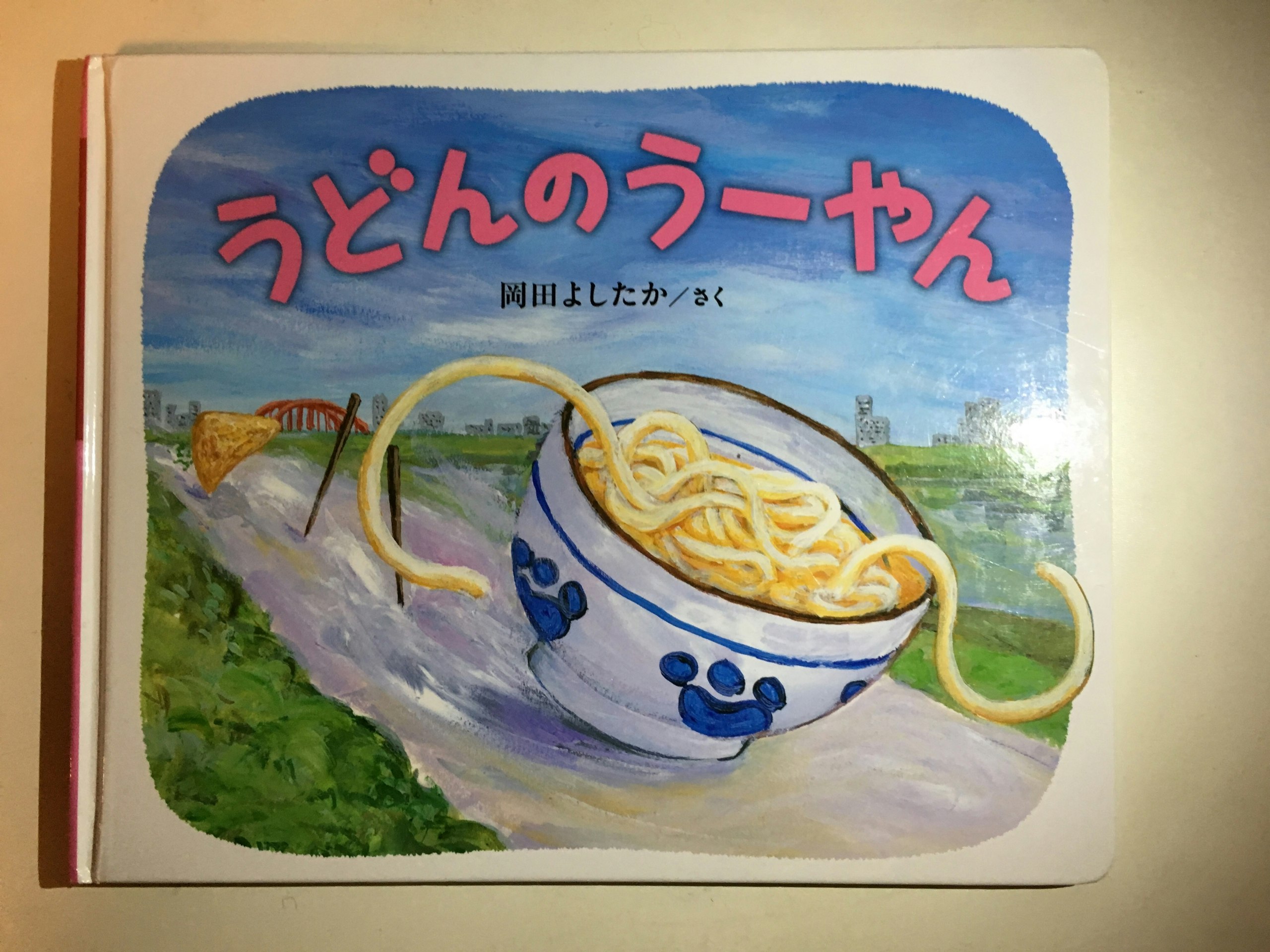
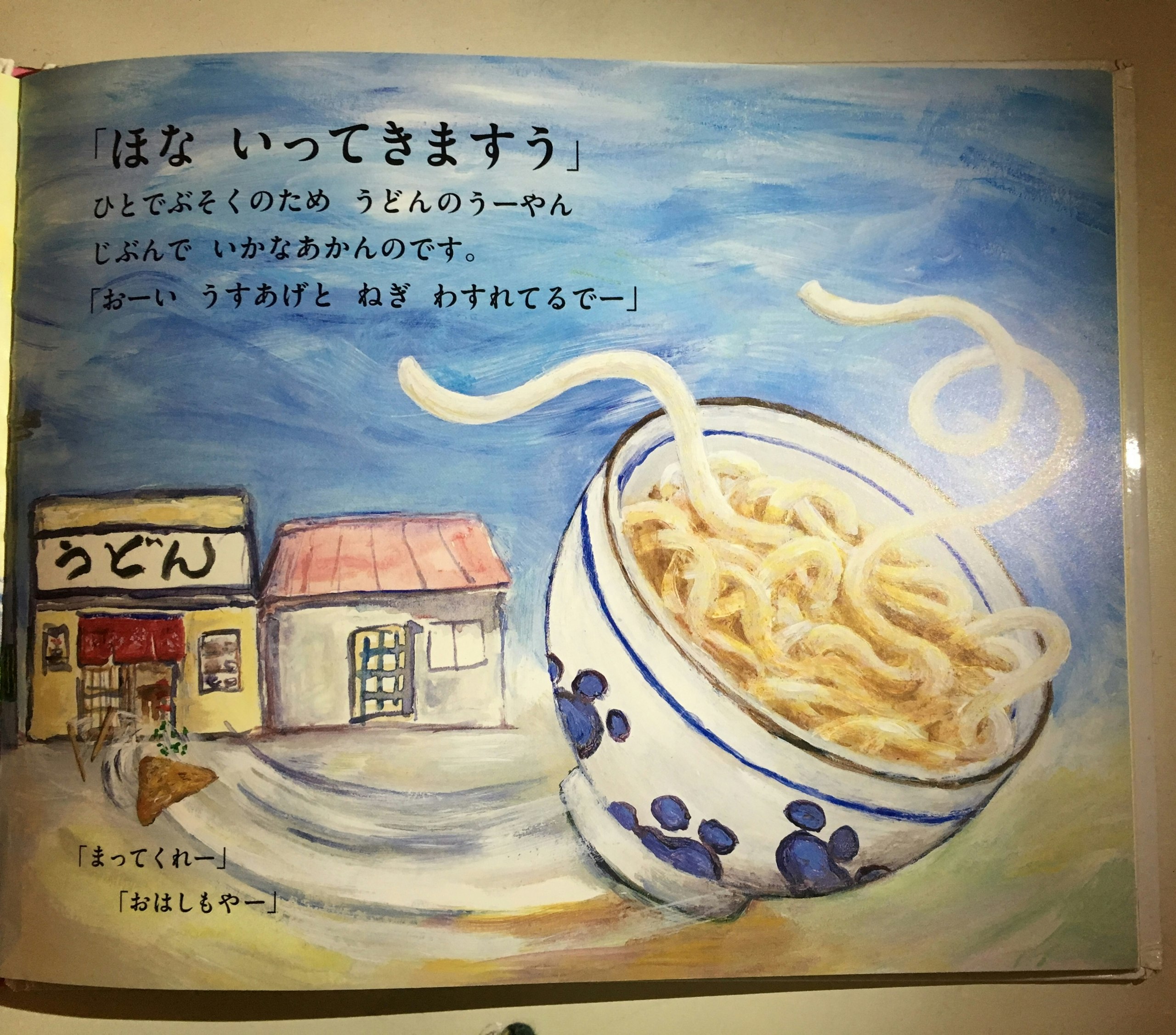
tableを使えばよい!(ただし複数画像に限る)

![](http://cdn-ak.f.st-hatena.com/images/fotolife/c/chezou/20151205/20151205171506.jpg)

こうやって書くと

👁 Image

でかい画像も、tableに入れると

|表紙|中面1|
|---|---|
|![](http://cdn-ak.f.st-hatena.com/images/fotolife/c/chezou/20151205/20151205171506.jpg)|![](http://cdn-ak.f.st-hatena.com/images/fotolife/c/chezou/20151205/20151205171532.jpg)|
表紙 中面1
👁 Image
👁 Image

ほら、いい感じに小さくなるでしょ!
特にiOSとかで撮ったスクリーンショットのサイズがでかくてだるい時におすすめです。
「昔からWebを知っている人には当たり前でしょ」とか言われたのですが、知らなかった僕にはライフチェンジング!

62

Go to list of users who liked

29
3

Go to list of comments

Register as a new user and use Qiita more conveniently

  1. You get articles that match your needs
  2. You can efficiently read back useful information
  3. You can use dark theme
What you can do with signing up
62

Go to list of users who liked

29