|
VOOZH | about |
|
VOOZH | about |
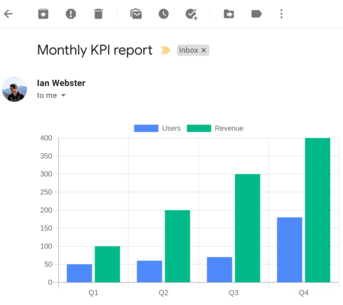
Add charts to emails, reports, and anywhere else. Over 4 billion charts rendered for users around the world.
https://quickchart.io/chart?c={type:'bar',data:{labels:['Q1','Q2','Q3','Q4'], datasets:[{label:'Users',data:[50,60,70,180]},{label:'Revenue',data:[100,200,300,400]}]}}
⇣
Embed charts anywhere. Our chart API generates chart images, QR codes, and more.
Highly customizable. We're built on Chart.js, the most popular open-source charting library. We'll render any Chart.js configuration.
Easy to use.
Start by putting your Chart.js definition in a URL:
https://quickchart.io/chart?c={your chart here}
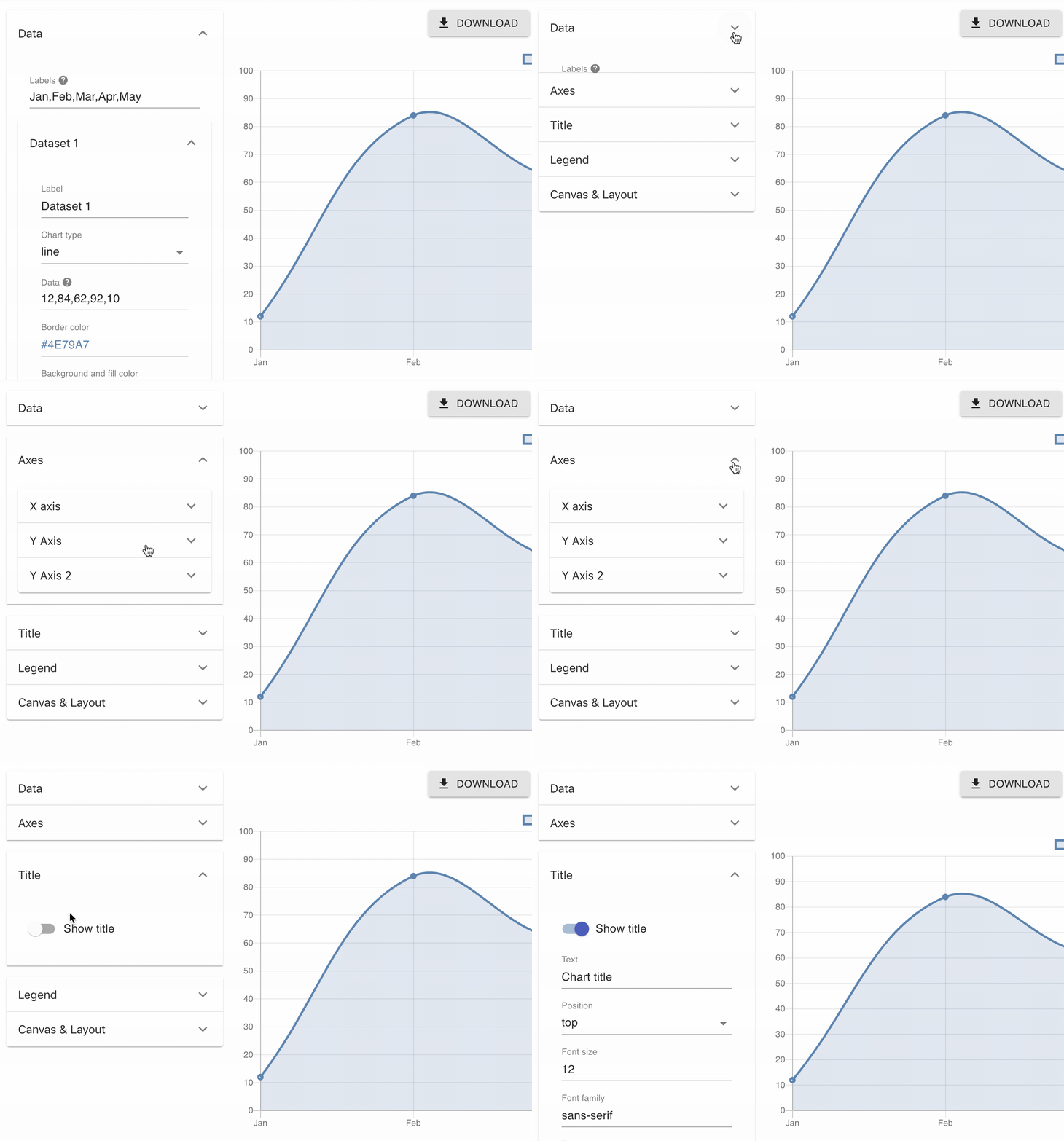
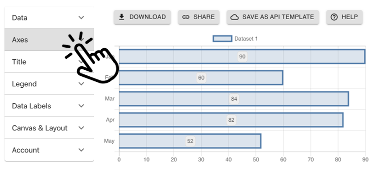
No-code support. Not technical? No problem. Design your chart using the Chart Maker, Zapier, or Make.
Create chart images by concatenating URL parameters and embedding them in an image tag. For example:
<img src="https://quickchart.io/chart?width=500&height=300&chart={type:'bar',data:{labels:['January','February', 'March','April', 'May'], datasets:[{label:'Dogs',data:[50,60,70,180,190]},{label:'Cats',data:[100,200,300,400,500]}]}}" />
const QuickChart = require('quickchart-js');

const chart = new QuickChart();

chart.setWidth(500)
chart.setHeight(300);

// Config can be set as string or as a Javascript object
chart.setConfig(`{
 type: 'bar',
 data: {
 labels: ['Q1', 'Q2', 'Q3', 'Q4'],
 datasets: [{
 label: 'Users',
 data: [50, 60, 70, 180]
 }]
 }
}`);

// Print the chart URL
console.log(chart.getUrl());

// Get the image...
const image = await chart.toBinary();

// Or write it to a file
chart.toFile('chart.png');from quickchart import QuickChart
qc = QuickChart()
qc.width = 500
qc.height = 300
# Config can be set as a string or as a nested dict
qc.config = """{
type: 'bar',
data: {
labels: ['Q1', 'Q2', 'Q3', 'Q4'],
datasets: [{
label: 'Users',
data: [50, 60, 70, 180]
}]
}
}"""
# You can get the chart URL...
print(qc.get_url())
# Get the image as a variable...
image = qc.get_image()
# Or write the chart to a file
qc.to_file('mychart.png')namespace QuickChartExample
{
public class SimpleExample
{
static void Main(string[] args) {
Chart qc = new Chart();
qc.Width = 500;
qc.Height = 300;
qc.Config = @"{
type: 'bar',
data: {
labels: ['Q1', 'Q2', 'Q3', 'Q4'],
datasets: [{
label: 'Users',
data: [50, 60, 70, 180]
}]
}
}";
// Get the URL
Console.WriteLine(qc.GetUrl());
// Or get the image
byte[] imageBytes = qc.ToByteArray();
// Or write it to a file
qc.ToFile("chart.png");
}
}
}`;import io.quickchart.QuickChart;
public class PrintUrlExample {
public static void main(String[] args) {
QuickChart chart = new QuickChart();
chart.setWidth(500);
chart.setHeight(300);
chart.setConfig("<chart config>");
// Print the chart image URL
System.out.println(chart.getUrl());
// Or get the image
byte[] imageBytes = chart.toByteArray();
// Or write it to disk
chart.toFile("chart.png");
}
}require 'quickchart'
# Chart config can be set as a string or as a nested hash
config = <<~EOS
{
type: 'bar',
data: {
labels: ['Q1', 'Q2', 'Q3', 'Q4'],
datasets: [{
label: 'Users',
data: [50, 60, 70, 180]
}]
}
}
EOS
qc = QuickChart.new(config)
# Print the chart URL
puts qc.get_url
# Get the image
image = qc.to_blob
# Or write it to a file
qc.to_file("chart.png")require 'quickchart'
$qc = new QuickChart(array(
'width': 500,
'height': 300,
));
// Chart config can be set as a string or as a nested array
$config = <<<EOD
{
type: 'bar',
data: {
labels: ['Q1', 'Q2', 'Q3', 'Q4'],
datasets: [{
label: 'Users',
data: [50, 60, 70, 180]
}]
}
}
EOD;
$qc->setConfig(config);
// Print the chart URL
echo $qc->getUrl();
// Get the image
$image = $qc->toBinary();
// Or write it to a file
$qc->toFile('chart.png')qc := quickchartgo.New()
qc.Config = chartConfig
qc.Config := `{
type: 'bar',
data: {
labels: ['Q1', 'Q2', 'Q3', 'Q4'],
datasets: [{
label: 'Users',
data: [50, 60, 70, 180]
}]
}
}`
qc.Width = 500;
qc.Height = 300;
qc.Version = "2.9.4";
// Print the chart URL
fmt.Println(qc.GetUrl());
// Or write it to a file
file, err := os.Create("output.png")
if err != nil {
panic(err)
}
defer file.Close()
qc.Write(file)Because chart URLs are built by string concatenation, you can create a QuickChart URL in any programming language by building a URL string. In most cases it is not necessary to use a library.
See the API Parameters documentation to learn how to build a URL that renders a chart image. If you need help, please reach out and we will help you implement in your preferred programming language.
QuickChart's Chart Maker offers no-code support for generating dynamic charts in spreadsheets, Airtable, Bubble, AppSheet, Thunkable, and many other platforms.
We also offer chart integrations with Zapier and Make.
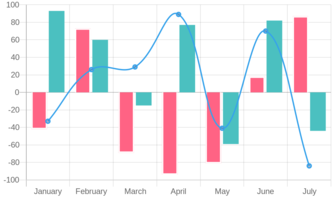
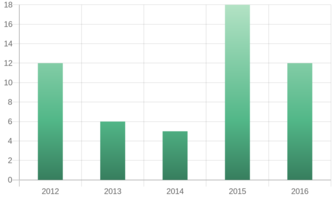
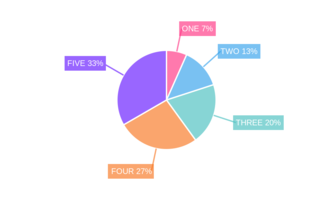
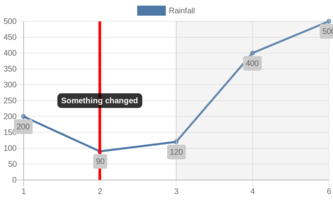
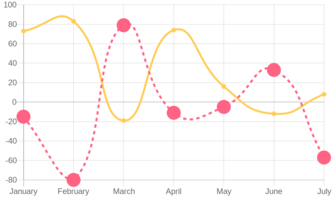
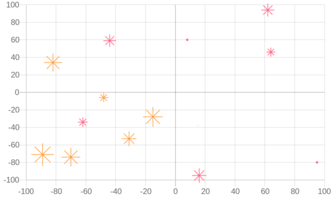
Let's get creative! You can use all static customization options available in Chart.js. Visit our chart gallery to see different chart types and plugins: bar charts, line graphs, pie charts, and much more.
Use our no-code chart maker to create custom chart templates that you can embed dynamically in spreadsheets, Airtable, Bubble, AppSheet, Thunkable, and many other no-code tools.
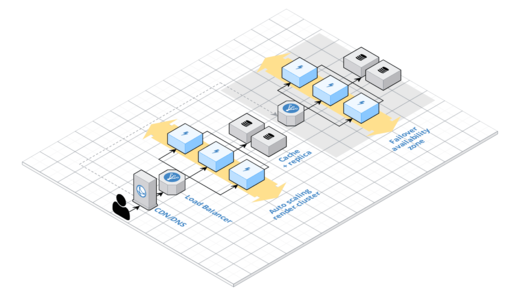
Rendering at scale is difficult and resource intensive. We've put a lot of working into taking care of the most difficult parts so you can focus on building your application.
Purchasing a license also grants permission to modify QuickChart for private and on-prem commercial use.
A chart is simply defined by its URL, so you can use our chart API in any programming language you like. And because our API produces images, you can include these charts nearly anywhere.
We support many languages and frameworks, including Python, Javascript/Node, Java, C#, and PHP.
Need help with development? Send us a message.
QuickChart is open source, dual licensed under the GNU AGPLv3 and a commercial license. You may use images produced by our API for any purpose.
Don't build your software on top of proprietary chart formats - use open source!