
The SignatureAPI connector lets you add electronic signatures to your Power Automate flows.
Get a Test API Key
To use SignatureAPI in Power Automate, you need an API key.
You can start with a free test API key to try out the platform. Here’s how:
Test API keys let you create test envelopes. These are useful when building and testing your flows. Test envelopes:
- Don’t send emails to recipients, but you can see them in the Email section of your dashboard.
- Are not legally binding.
- Are free to use.
Create a Connection
Use your test API key to create a connection to SignatureAPI in Power Automate:
Learn more about API keys and how to create them.
Your First SignatureAPI Flow
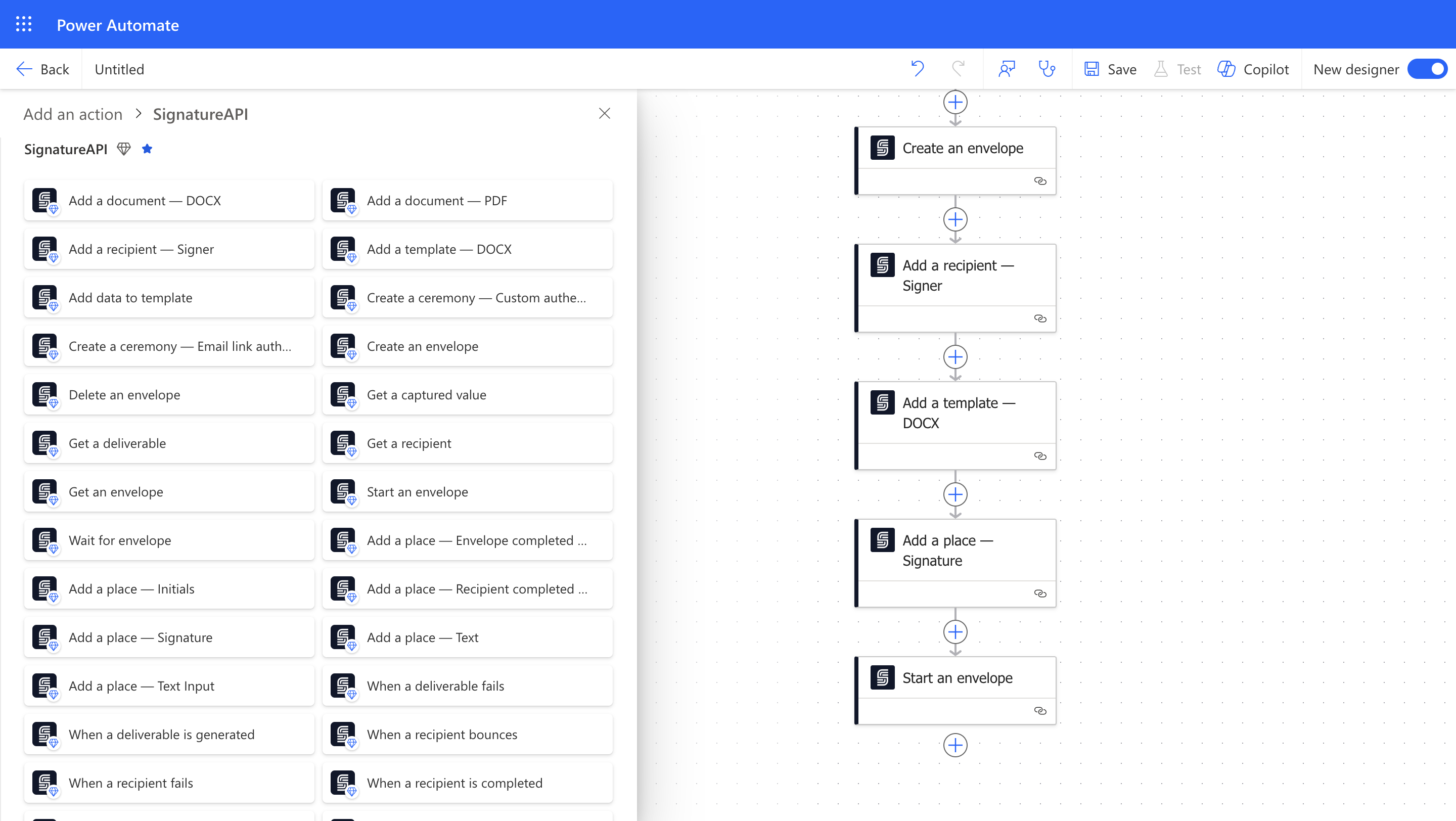
Follow our Quickstart to create an envelope and send it with SignatureAPI.
Switch to Live Mode
When you’re ready to send legally binding envelopes, add a payment method and get a live API key. Live envelopes:
- Send emails to recipients. You can also view these emails in your dashboard.
- Are legally binding.
- Are billed.
We recommend creating a new connection with your live API key. You can name it something like SignatureAPI Live.