
Installing the Simple Membership plugin is straightforward. Follow the steps below to install the plugin.
These same steps can also be used to install any add-ons or extensions.
Step 1) Go to the Add New plugins screen in your WordPress admin dashboard area.
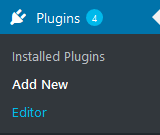
Step 2) Click the Upload Plugin button.

Step 3) Browse for the plugin’s file (simple-membership.zip)
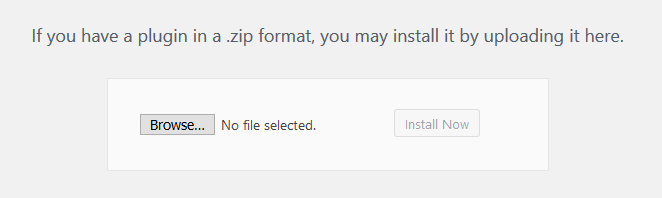
Step 4) Click Install Now and then activate the plugin.
Installing Simple Membership via WordPress
To install the Simple Membership plugin directly from WordPress, simply search for ‘Simple Membership’ in the WordPress plugin search interface. Once found, click the Install button to begin the installation process.

