VOOZH about

URL: https://snapcraft.io/adguard-home

⇱ Install AdGuard Home on Linux | Snap Store


👁 Image

AdGuard Home

AdGuard (ameshkov) Publisher 👁 Verified account
Verified account

Available as an Ubuntu Appliance › Install a ready-made AdGuard Home image
on a Raspberry Pi, an Intel NUC or try
it in a VM and get started.

Contact us about Snaps and IoT ›

Install latest/stable of AdGuard Home

Ubuntu 16.04 or later?

Make sure snap support is enabled in your Desktop store.


Install using the command line

sudo snap install adguard-home

Don't have snapd? Get set up for snaps.


Available as an Ubuntu Appliance

Channel Version Published

Details for AdGuard Home

Package name

  • adguard-home

License

  • GPL-3.0

Last updated

  • 2 June 2026 - latest/stable
  • Today - latest/edge

Websites


Contact


Report a Snap Store violation

Thank you for your report. Information you provided will help us investigate further.

There was an error while sending your report. Please try again later.


Share this snap

Generate an embeddable card to be shared on external websites.

Customise your embeddable card using the options below.

Snap Store button:

Options:

Preview:

HTML:

Network-wide ads & trackers blocking DNS server

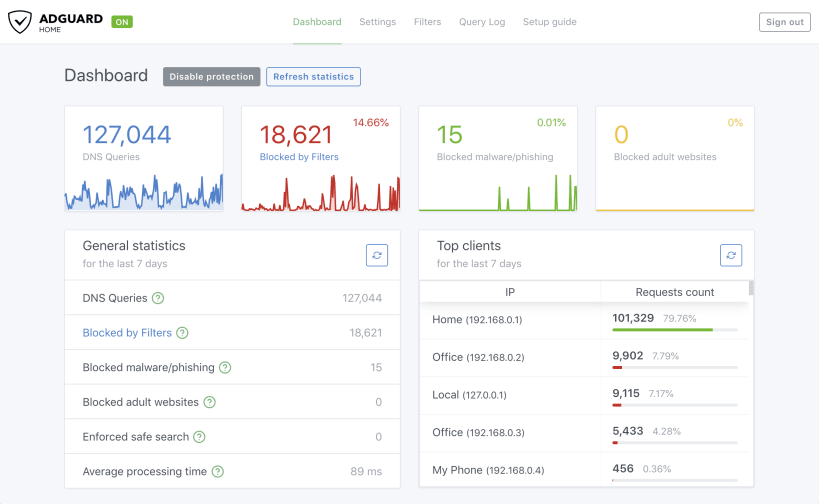
AdGuard Home is a network-wide software for blocking ads & tracking. After you set it up, it'll cover ALL your home devices, and you don't need any client-side software for that.

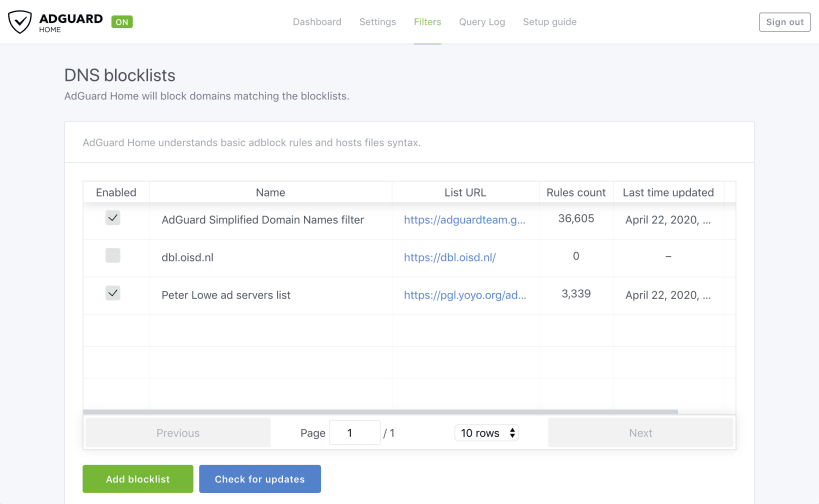
It operates as a DNS server that re-routes tracking domains to a "black hole," thus preventing your devices from connecting to those servers. It's based on software we use for our public AdGuard DNS servers -- both share a lot of common code.

IMPORTANT:

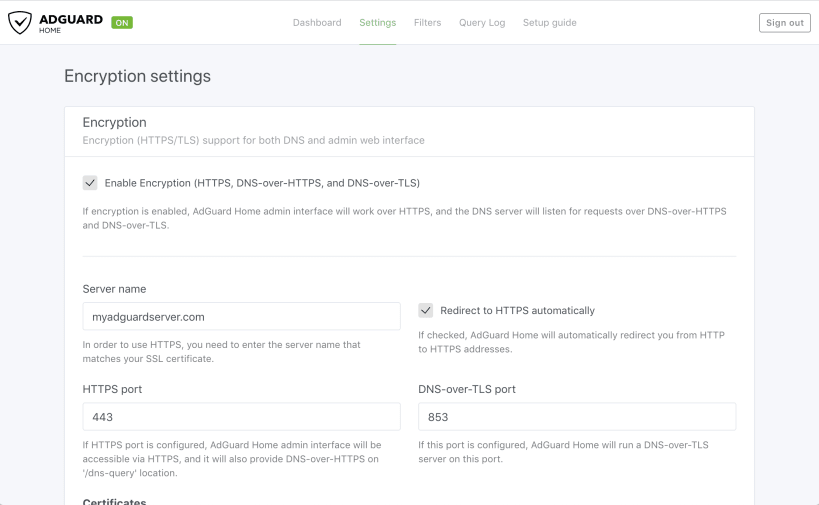
  1. Once it's installed, open http://127.0.0.1:3000/ in your browser to do the initial setup and learn how to configure your devices to use AdGuard Home. You don't need to Launch anything explicitly, AdGuard Home service is already started after the installation.
  2. If you're running it on Ubuntu, you may need to select a different "Listen interface" for the DNS server. Listening to all interfaces is not possible because Ubuntu's systemd-resolved service uses 127.0.0.1:53 already.

Install AdGuard Home on your Linux distribution

Choose your Linux distribution to get detailed installation instructions. If yours is not shown, get more details on the installing snapd documentation.

👁 Image

Arch Linux

👁 Image

CentOS

👁 Image

Debian

👁 Image

elementary OS

👁 Image

Fedora

👁 Image

KDE Neon

👁 Image

Kubuntu

👁 Image

Manjaro

👁 Image

Pop!_OS

👁 Image

openSUSE

👁 Image

Red Hat Enterprise Linux

👁 Image

Ubuntu

👁 Image

Raspberry Pi


Where people are using AdGuard Home

Users by distribution (log)

Ubuntu 24.04
Ubuntu 22.04
Ubuntu 26.04
Debian 12
Ubuntu 20.04
Debian 13
Debian 11
Ubuntu 25.10
Zorin OS 18
Ubuntu Core 18
Ubuntu 18.04
Linux Mint 22.3
Raspbian 11
Raspbian 10
Ubuntu 25.04
Zorin OS 17
Debian 10
Fedora 44
Linux Mint 21.3
Manjaro
Ubuntu 16.04
Ubuntu 24.10
Fedora 43
Raspbian 12
Zorin OS 16
Ubuntu 22.10
Ubuntu 23.04
Ubuntu 23.10
Raspbian 13
Ubuntu Core 24
Linux Mint 22.2
pop 24.04
Ubuntu 20.10
Debian 9
Debian sid
Linux Mint 22.1
pop 22.04
Ubuntu Core 22
Ubuntu 21.04
CentOS 7
CentOS 9
Kali Linux 2026.2
Linux Mint 20.3
KDE Neon 24.04
openSUSE Leap 16.0
rocky 9.8
Ubuntu 21.10
Arch Linux
Linux Mint 22
Ubuntu Core 20
Linux Mint 6
ol 8.10
Zorin OS 15