VOOZH about

URL: https://snapcraft.io/audacity

โ‡ฑ Install Audacity on Linux | Snap Store


๐Ÿ‘ Image

Audacity

Snapcrafters Publisher ๐Ÿ‘ Star developer
Star developer

Install latest/stable of Audacity

Ubuntu 16.04 or later?

Make sure snap support is enabled in your Desktop store.


Install using the command line

sudo snap install audacity

Don't have snapd? Get set up for snaps.

Channel Version Published

Details for Audacity

Package name

  • audacity

License

  • MIT

Last updated

  • Today - latest/stable
  • Today - latest/candidate

Websites


Contact


Source code


Report a bug


Report a Snap Store violation

Thank you for your report. Information you provided will help us investigate further.

There was an error while sending your report. Please try again later.


Share this snap

Generate an embeddable card to be shared on external websites.

Customise your embeddable card using the options below.

Snap Store button:

Options:

Preview:

HTML:

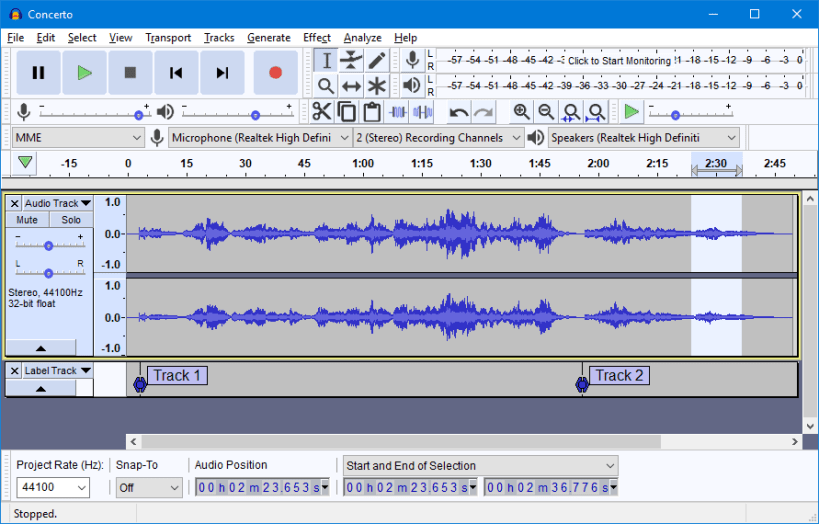
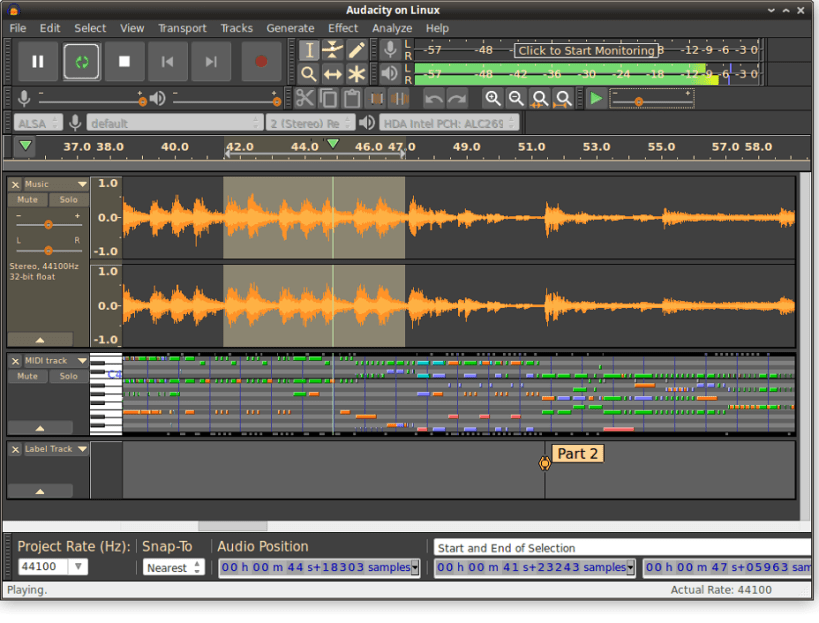
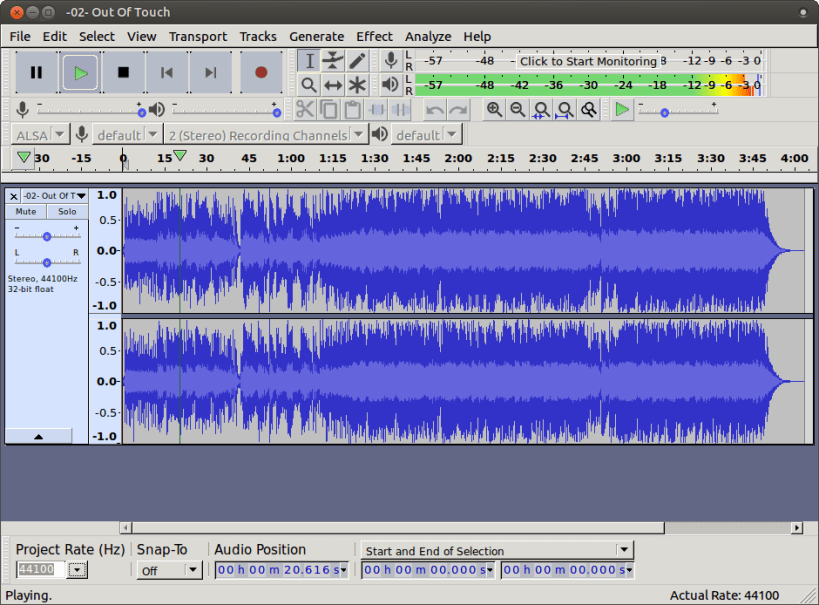
Audacity is the world's most popular audio editing and recording app

Audacityยฎ is a free, easy-to-use, multi-track audio editor and recorder for Windows, Mac OS X, GNU/Linux and other operating systems. The interface is translated into many languages.

You can use Audacity to:

  • Record live audio
  • Convert tapes and records into digital recordings or CDs
  • Edit WAV, AIFF, FLAC, MP2, MP3 or Ogg Vorbis sound files
  • Cut, copy, splice or mix sounds together
  • Change the speed or pitch of a recording
  • Apply a wide range of other effects to audio recordings

This snap also includes OpenVINOโ„ข AI plugins for music separation, noise suppression, music generation and continuation, transcription, and super resolution. These plugins can only be run on Intel hardware (CPU, GPU, and NPU) and a user must be in the render Unix group in order to run on Intel accelerators (GPU and NPU). To ease the installation of the AI models, the snap also includes a model management command that can be run using:

sudo audacity.fetch-models

For Intel NPU support, make sure to also run the following prior to running Audacity:

sudo snap install intel-npu-driver sudo snap connect audacity:npu-libs intel-npu-driver:npu-libs


Install Audacity on your Linux distribution

Choose your Linux distribution to get detailed installation instructions. If yours is not shown, get more details on the installing snapd documentation.


Where people are using Audacity

Users by distribution (log)

Ubuntu 24.04
Ubuntu 22.04
Ubuntu 26.04
Ubuntu 20.04
Ubuntu 25.10
Ubuntu 18.04
Ubuntu 25.04
Linux Mint 22.3
Ubuntu 24.10
Ubuntu 16.04
Zorin OS 18
Debian 12
Debian 13
KDE Neon 24.04
Ubuntu 23.04
Ubuntu 23.10
Fedora 44
Linux Mint 21.3
Manjaro
pop 22.04
Ubuntu 21.10
Zorin OS 16
Zorin OS 17
pop 24.04
Ubuntu 22.10
Zorin OS 15
Debian 11
Linux Mint 22.2
Fedora 43
Linux Mint 22.1
Ubuntu 19.10
Ubuntu 20.10
Ubuntu 21.04
Linux Mint 22
Linux Mint 20.3
Ubuntu 19.04
cachyos
Debian sid
Fedora 42
Kali Linux 2026.2
Raspbian 11
Arch Linux
elementary OS 7.1
Linux Mint 21
Linux Mint 21.1
Linux Mint 21.2
openSUSE Leap 15.6
Ubuntu 18.10
Zorin OS 12
Debian 10
elementary OS 6.1
elementary OS 8
endeavouros
Linux Mint 19.3
Linux Mint 7
KDE Neon 22.04
Raspbian 10
Fedora 40
Kali Linux 2026.1
Linux Mint 20
KDE Neon 20.04
Ubuntu 26.10
Fedora 41
Kali Linux 2025.4
Linux Mint 20.1
Linux Mint 20.2
Linux Mint 6
openSUSE Leap 16.0
rhel 9.8
tuxedo 24.04
biglinux
Debian 6.4
Linux Mint 19.1
CentOS 10
Debian 7.2
garuda
Linux Mint 19
rhel 10.2
rocky 9.8

More from Snapcrafters

๐Ÿ‘ luanti

luanti

Open source voxel game engine (formerly minetest)

๐Ÿ‘ wethr

wethr

Command line weather tool.

๐Ÿ‘ Duck Marines

Duck Marines

Remake of ChuChu Rocket

๐Ÿ‘ codespell

codespell

Fix common misspellings in your code

View all snaps