|
VOOZH | about |
|
VOOZH | about |
Install latest/stable of FBReader 2.1
Ubuntu 16.04 or later?
Make sure snap support is enabled in your Desktop store.
| Channel | Version | Published |
|---|
You are about to open
Do you wish to proceed?
Thank you for your report. Information you provided will help us investigate further.
There was an error while sending your report. Please try again later.
Generate an embeddable card to be shared on external websites.
Customise your embeddable card using the options below.
FBReader is a cross-platform ebook reader available on all major desktop operating systems (Linux, macOS, Windows) as well as mobile platforms (iOS and Android).
FBReader supports both unencrypted ebooks and ePub files protected with Readium LCP DRM.
Comfortable reading
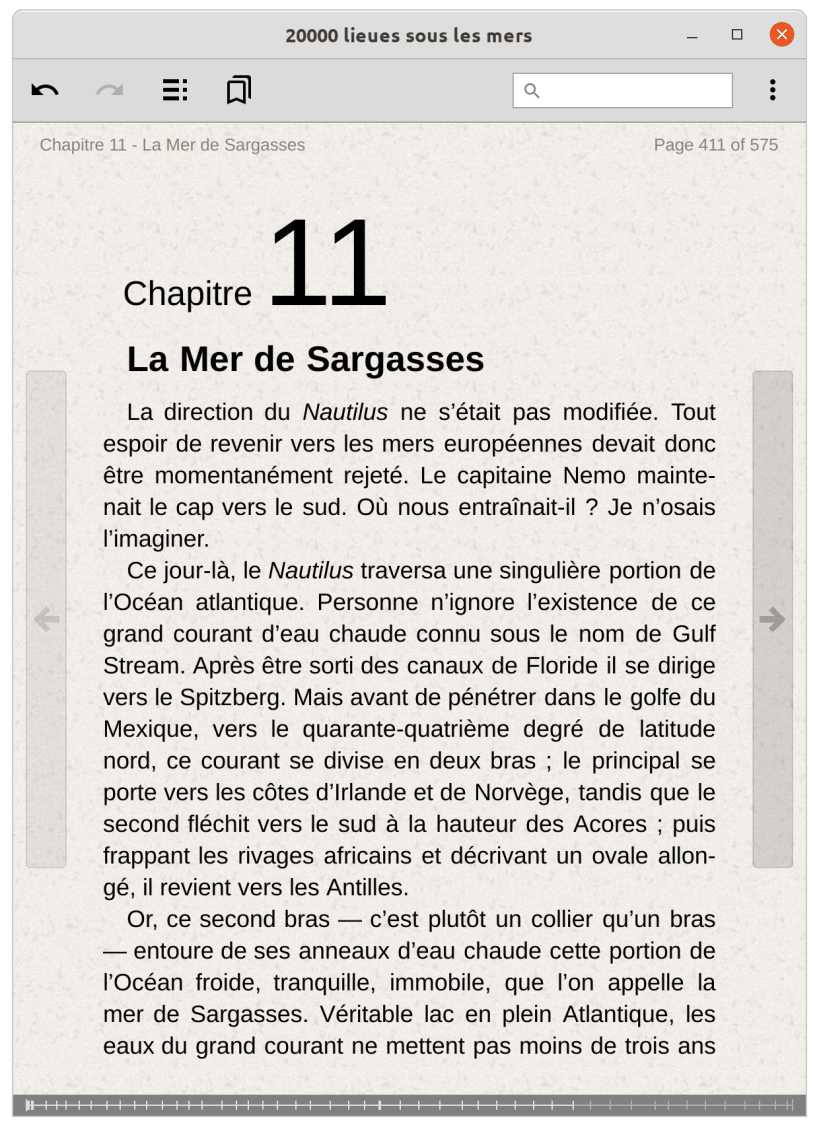
Customisable text styles and colours for day and night modes, convenient navigation, and bookmarking provide a smooth and distraction-free reading experience.
Flexible book sources
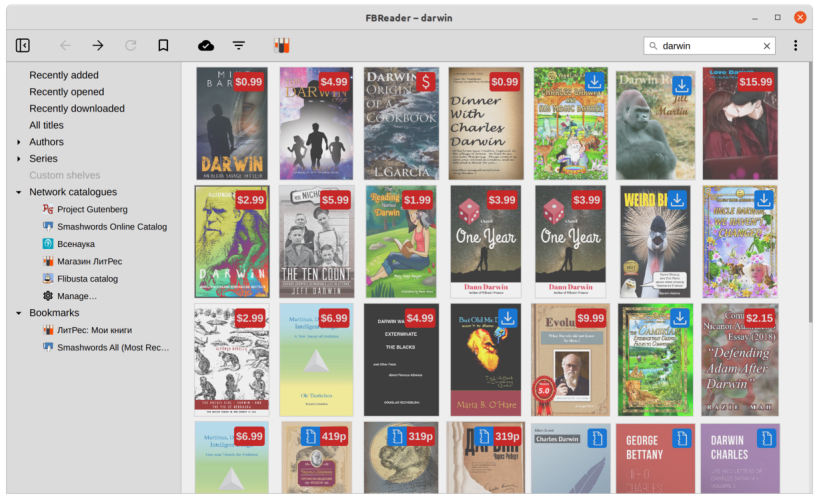
Access books from a wide range of sources. You can configure network catalogues to download free or paid ebooks, open local files, or add your preferred OPDS catalogues. FBReader includes a powerful catalogue browser with search, browsing history, and bookmarks.
Cloud synchronisation
Keep your library in sync across all devices. FBReader synchronises your books, reading positions, and bookmarks, allowing you to start reading on one device and continue seamlessly on another.
Supported formats
Choose your Linux distribution to get detailed installation instructions. If yours is not shown, get more details on the installing snapd documentation.