|
VOOZH | about |
|
VOOZH | about |
Install harmonic/stable of gazebo
Ubuntu 16.04 or later?
Make sure snap support is enabled in your Desktop store.
| Channel | Version | Published |
|---|
You are about to open
Do you wish to proceed?
Thank you for your report. Information you provided will help us investigate further.
There was an error while sending your report. Please try again later.
Generate an embeddable card to be shared on external websites.
Customise your embeddable card using the options below.
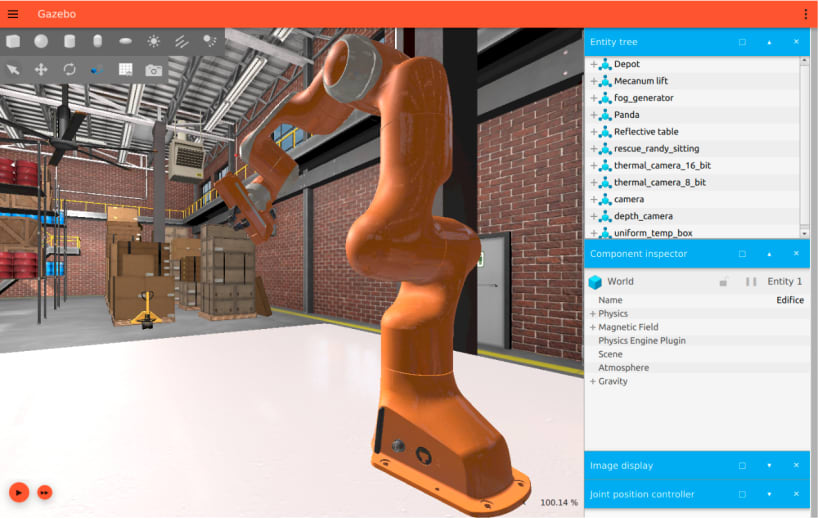
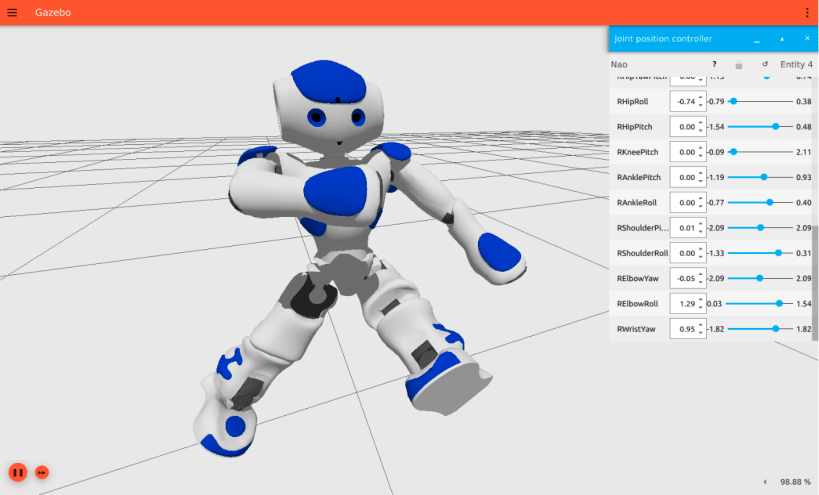
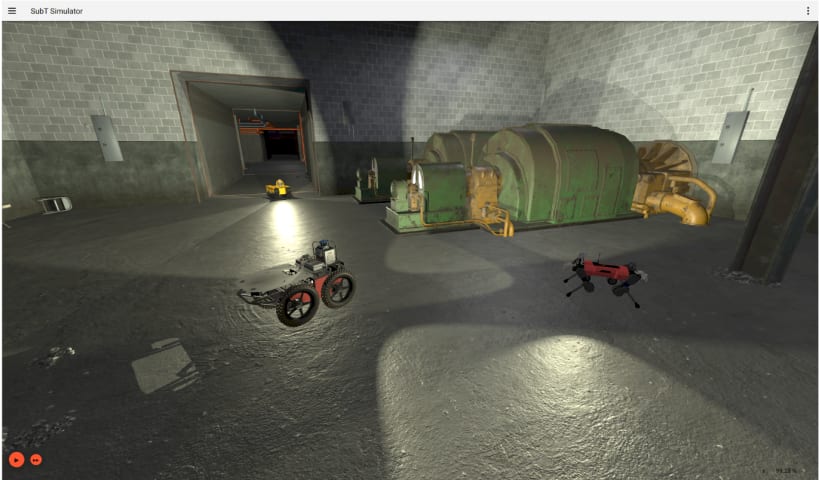
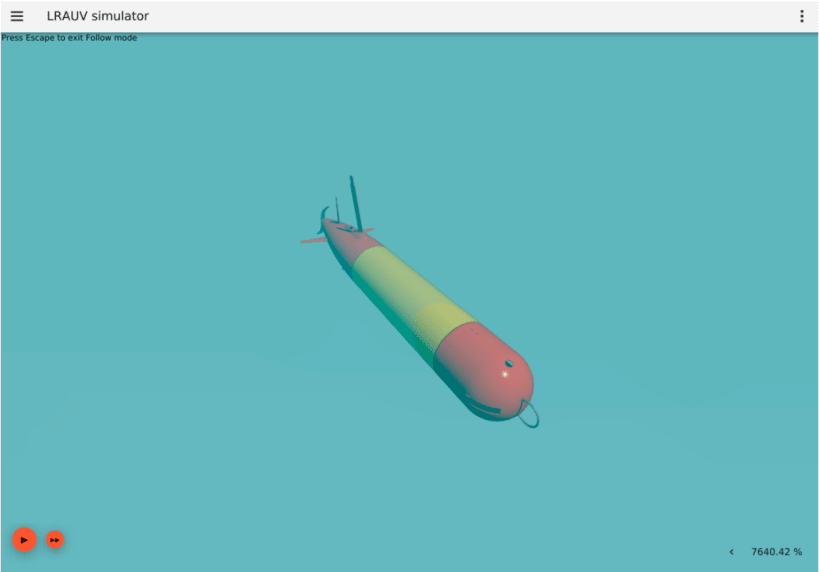
Gazebo (formerly known as Ignition [1]) is an open source robotics simulator maintained by Open Robotics [2].
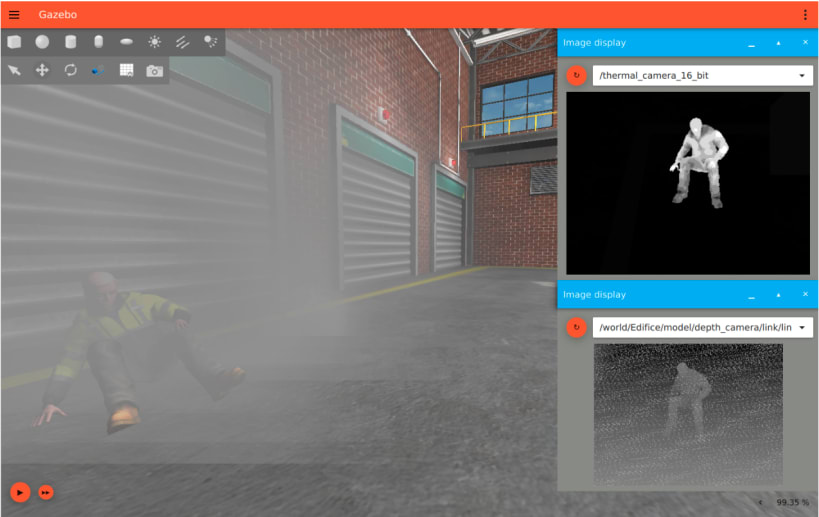
Through Gazebo, users have access to high fidelity physics, rendering, and sensor models. Additionally, users and developers have multiple points of entry to simulation, including a graphical user interface, plugins, and asynchronous message passing and services.
Gazebo brings a fresh approach to simulation with a complete toolbox of development libraries and cloud services to make simulation easy. Iterate fast on your new physical designs in realistic environments with high fidelity sensor streams. Test control strategies in safety, and take advantage of simulation in continuous integration tests.
Note: This is a beta release, do expect bugs and limitations. If you encounter any, please do report it [3].
Installation Instructions:
snap install gazebo --edge
gazebo.gz gazebo shapes.sdf
If you are following the Gazebo 'Getting Started' documentation, you can replace the entire 'Step 1: Install' with the snap command and resume at 'Step 2: Run'.
Learn more about Gazebo on the official website [4].
[1] https://community.gazebosim.org/t/a-new-era-for-gazebo/1356
Choose your Linux distribution to get detailed installation instructions. If yours is not shown, get more details on the installing snapd documentation.