VOOZH about

URL: https://snapcraft.io/gimp

⇱ Install GNU Image Manipulation Program on Linux | Snap Store


👁 Image

GNU Image Manipulation Program (gimp) Package name

GIMP team (gimp) Publisher 👁 Verified account
Verified account

Install latest/stable of GNU Image Manipulation Program

Ubuntu 16.04 or later?

Make sure snap support is enabled in your Desktop store.


Install using the command line

sudo snap install gimp

Don't have snapd? Get set up for snaps.

Channel Version Published

Details for GNU Image Manipulation Program

Package name

  • gimp

License

  • GPL-3.0+ AND LGPL-3.0+

Last updated

  • 17 April 2026 - latest/stable
  • 3 March 2026 - preview/stable

Websites


Donations


Source code


Report a bug


Report a Snap Store violation

Thank you for your report. Information you provided will help us investigate further.

There was an error while sending your report. Please try again later.


Share this snap

Generate an embeddable card to be shared on external websites.

Customise your embeddable card using the options below.

Snap Store button:

Options:

Preview:

HTML:

High-end image creation and manipulation

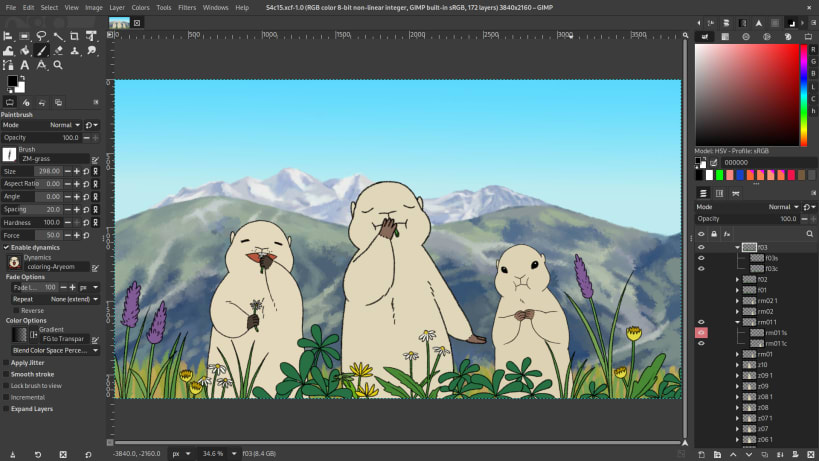
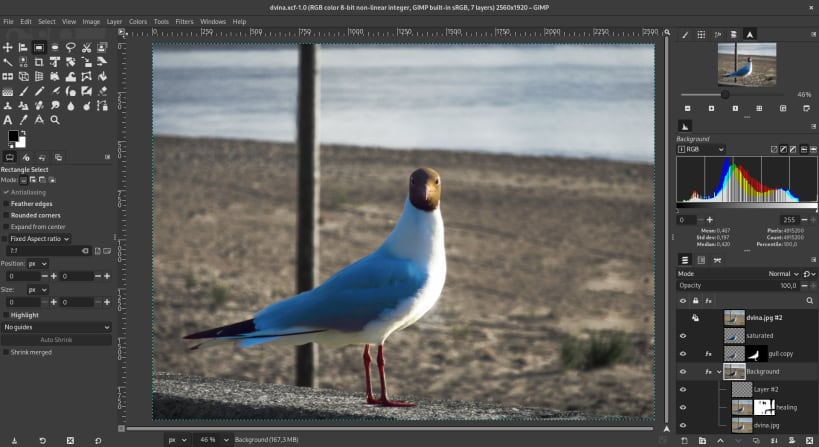
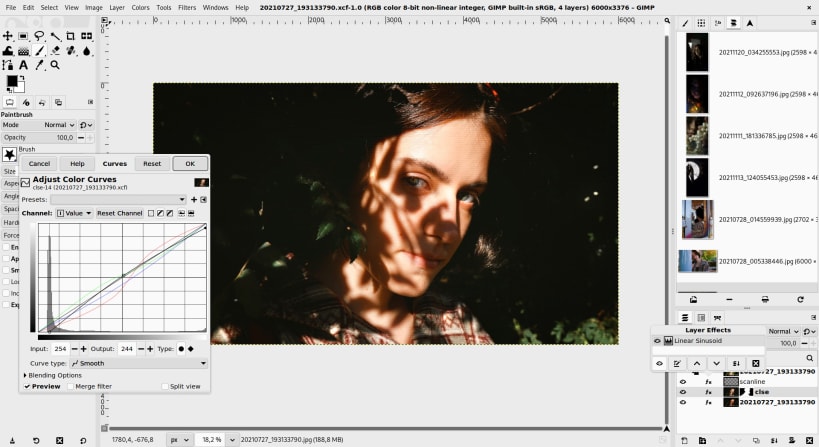
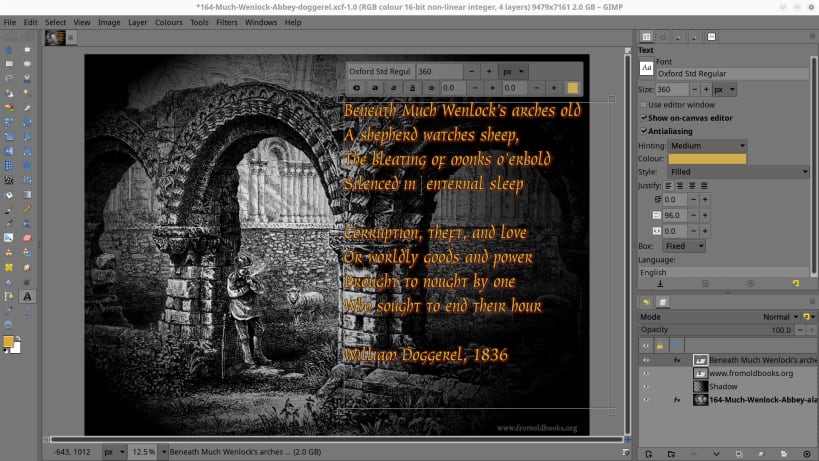
GIMP is an acronym for GNU Image Manipulation Program. It is Community-driven Free Software for high-end image creation and manipulation.

It has many capabilities. It can be used as a paint program, an expert quality photo retouching program, image composition, an online batch processing system, a mass production image renderer, an image format converter, etc.

GIMP is expandable and extensible. It is designed to be augmented with plug-ins and extensions to do just about anything. The advanced scripting interface allows everything from the simplest task to the most complex image manipulation procedures to be easily scripted. GIMP is available for Linux, Microsoft Windows and macOS.


Install GNU Image Manipulation Program on your Linux distribution

Choose your Linux distribution to get detailed installation instructions. If yours is not shown, get more details on the installing snapd documentation.

👁 Image

Arch Linux

👁 Image

CentOS

👁 Image

Debian

👁 Image

elementary OS

👁 Image

Fedora

👁 Image

KDE Neon

👁 Image

Kubuntu

👁 Image

Manjaro

👁 Image

Pop!_OS

👁 Image

openSUSE

👁 Image

Red Hat Enterprise Linux

👁 Image

Ubuntu

👁 Image

Raspberry Pi


Where people are using GNU Image Manipulation Program

Users by distribution (log)

Ubuntu 24.04
Ubuntu 22.04
Ubuntu 26.04
Ubuntu 20.04
Ubuntu 25.10
Ubuntu 18.04
Ubuntu 25.04
Ubuntu 24.10
Ubuntu 16.04
Linux Mint 22.3
Ubuntu 23.04
Ubuntu 23.10
Zorin OS 18
Debian 13
Ubuntu 21.10
Ubuntu 22.10
Debian 12
pop 22.04
Linux Mint 20.2
Linux Mint 21.3
KDE Neon 24.04
pop 24.04
Ubuntu 21.04
Zorin OS 17
Fedora 44
Linux Mint 22.2
Ubuntu 20.10
Linux Mint 20.3
Linux Mint 22.1
Manjaro
Zorin OS 16
Fedora 43
Linux Mint 22
Ubuntu 19.04
Ubuntu 19.10
Debian 11
Kali Linux 2026.2
Linux Mint 21.2
Zorin OS 15
Arch Linux
Debian sid
elementary OS 7.1
elementary OS 8
Fedora 42
Linux Mint 21
Ubuntu 18.10
Ubuntu 26.10
cachyos
elementary OS 6.1
Kali Linux 2026.1
Linux Mint 20
Linux Mint 21.1
KDE Neon 20.04
KDE Neon 22.04
CentOS 10
elementary OS 5.1.7
endeavouros
Kali Linux 2025.4
Linux Mint 19.3
Linux Mint 20.1
ol 9.7
rhel 8.10
rocky 9.8
Ubuntu 17.10
Debian 10
Fedora 40
openSUSE Leap 15.6
rhel 9.8
Fedora 41
Linux Mint 18.3
pop 20.04
rhel 10.2
rocky 10.2
tuxedo 24.04
Zorin OS 12
ageless 0.0.4
astra 2.12.46
CentOS 7
Kali Linux 2025.3
kylin v10
Linux Mint 7
openSUSE Leap 16.0
Raspbian 11
rocky 9.7
almalinux 10.2
almalinux 9.8
CentOS 9
Debian 7.2
Debian 9
deepin 25
Fedora 39
Kali Linux 2025.1
Kali Linux 2025.2
Linux Mint 6
KDE Neon 2.0.0
redos 8.0.2
rocky 8.7
Fedora 38
garuda
Kali Linux 2024.4
Linux Mint 19
Linux Mint 19.1
Raspbian 10
Ubuntu 14.04