VOOZH about

URL: https://snapcraft.io/gradia

⇱ Install Gradia on Linux | Snap Store


The Snap Store will undergo scheduled database maintenance on July 5, 2026 22:00 to July 6, 02:00 UTC. During this time, you will not be able to install or update snaps. No user action is required and services will automatically resume once maintenance is complete.

👁 Image

Gradia

Install latest/stable of Gradia

Ubuntu 16.04 or later?

Make sure snap support is enabled in your Desktop store.


Install using the command line

sudo snap install gradia

Don't have snapd? Get set up for snaps.

Channel Version Published

Details for Gradia

Package name

  • gradia

License

  • GPL-3.0-or-later

Last updated

  • 2 March 2026 - latest/stable

Websites


Source code


Report a bug


Report a Snap Store violation

Thank you for your report. Information you provided will help us investigate further.

There was an error while sending your report. Please try again later.


Share this snap

Generate an embeddable card to be shared on external websites.

Customise your embeddable card using the options below.

Snap Store button:

Options:

Preview:

HTML:

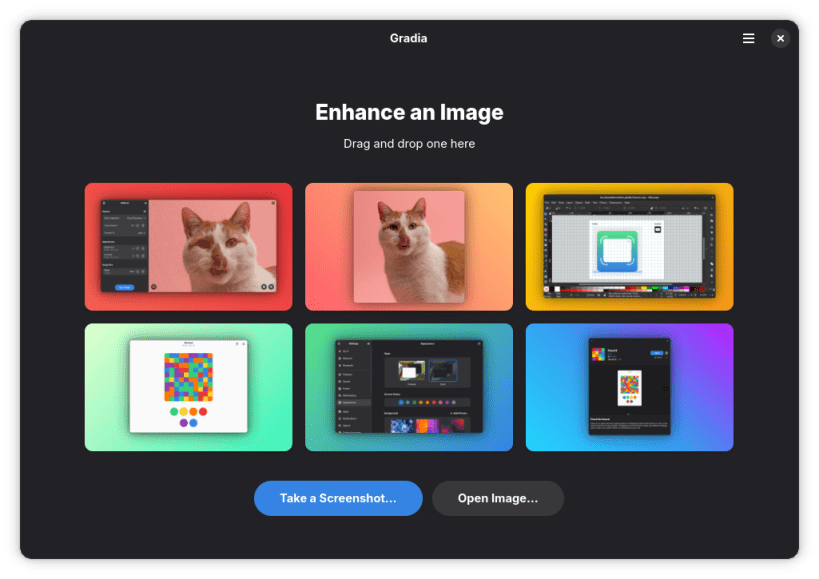
Annotate your screenshots

Gradia helps you get your screenshots ready for sharing, whether quickly with friends or colleagues, or professionally with the entire world.

Key features:

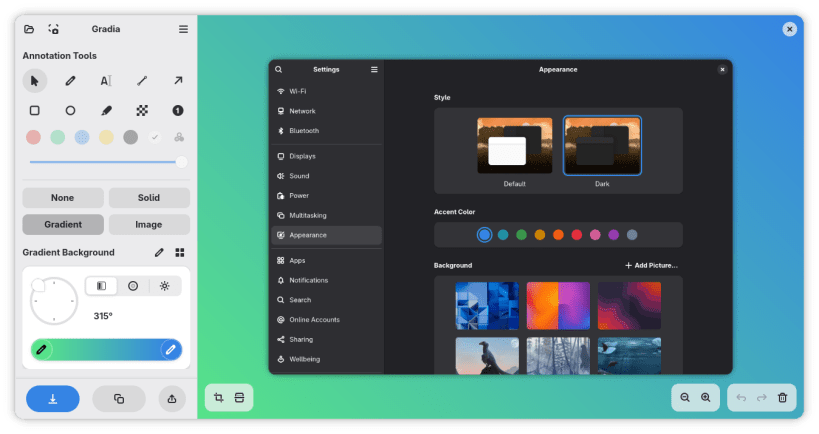
  • Add optional image and gradient backgrounds to your images
  • Adjust aspect ratios and padding to fit different platforms
  • Ten annotation modes, including text, arrow, and censor
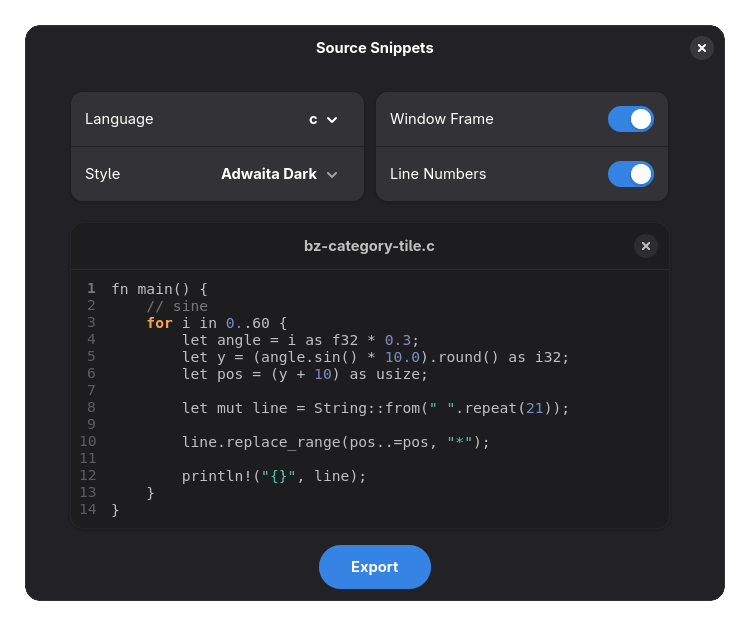
  • Multiple ways to import and export screenshots
  • Quick upload button for image services like Imgur

Want a keyboard shortcut on GNOME?
Simply go to Settings → Keyboard → View and Customize Shortcuts → Custom Shortcuts.
Then create a shortcut that runs:

gradia --screenshot=INTERACTIVE


Install Gradia on your Linux distribution

Choose your Linux distribution to get detailed installation instructions. If yours is not shown, get more details on the installing snapd documentation.


👁 Image

Arch Linux

👁 Image

CentOS

👁 Image

Debian

👁 Image

elementary OS

👁 Image

Fedora

👁 Image

KDE Neon

👁 Image

Kubuntu

👁 Image

Manjaro

👁 Image

Pop!_OS

👁 Image

openSUSE

👁 Image

Red Hat Enterprise Linux

👁 Image

Ubuntu


Where people are using Gradia

Users by distribution (log)

Ubuntu 24.04
Ubuntu 26.04
Ubuntu 22.04
Ubuntu 25.10
Fedora 44
Ubuntu 20.04
Ubuntu 25.04
Debian 13
Zorin OS 18
Fedora 43
pop 24.04
Linux Mint 22.3
Zorin OS 17