|
VOOZH | about |
|
VOOZH | about |
Install latest/stable of Stretchly
Ubuntu 16.04 or later?
Make sure snap support is enabled in your Desktop store.
| Channel | Version | Published |
|---|
You are about to open
Do you wish to proceed?
Thank you for your report. Information you provided will help us investigate further.
There was an error while sending your report. Please try again later.
Generate an embeddable card to be shared on external websites.
Customise your embeddable card using the options below.
Stretchly is a cross-platform Electron app that reminds you to take breaks when working on your computer.
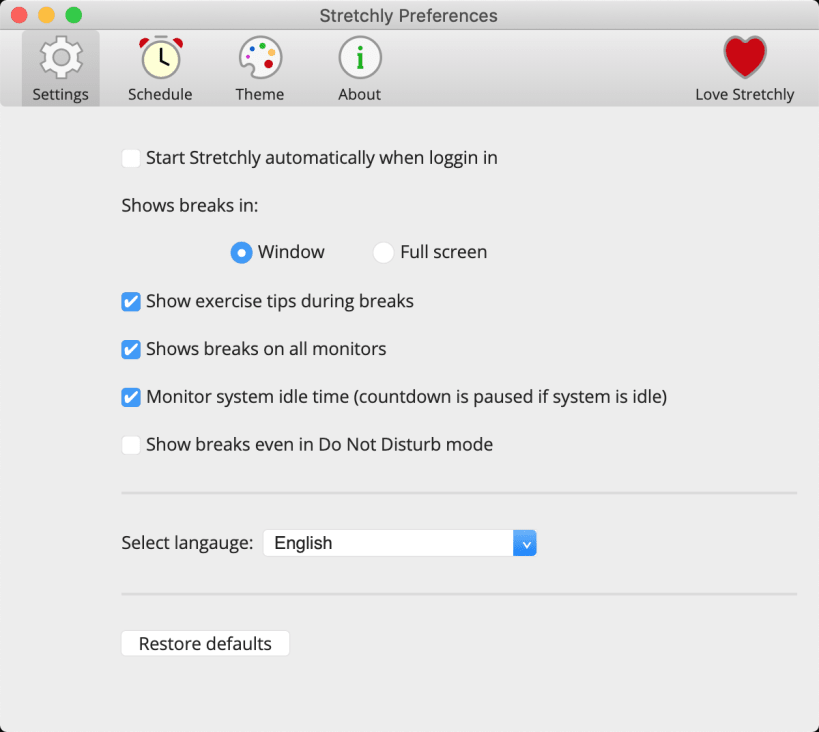
When you run Stretchly for the first time, you are presented with a Welcome window that allows you to change the language, review the settings, view the online tutorial or simply continue with the default settings.
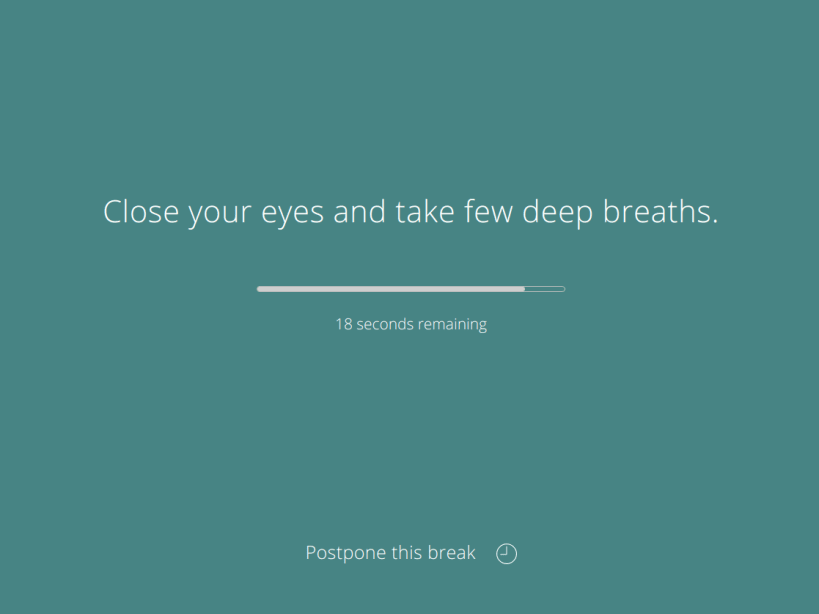
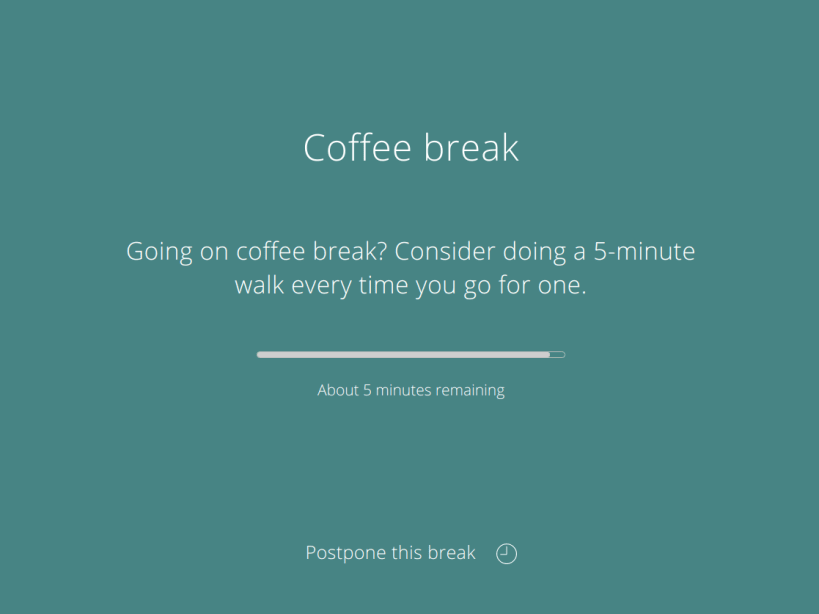
Stretchly itself lives in your tray, only displaying a reminder window from time to time, which contains an idea for a break.
By default, there is a 20 second Mini Break every 10 minutes and a 5 minute Long Break every 30 minutes (after 2 Mini Breaks).
You'll be notified 10 seconds before a Mini Break (and 30 seconds before a Long Break) so that you can prepare to pause your work.
When a break starts, you can postpone it once for 2 minutes (Mini Breaks) or 5 minutes (Long Breaks). Then, after a specific time interval passes, you can skip the break. Both actions are available by clicking on the link at the bottom of window or by using the Ctrl/Cmd + X keyboard shortcut.
Clicking the Stretchly icon in your tray area will display the current status of breaks, provide menu items with extra functionality, and link to the Preferences.
Stretchly is monitoring your idle time, so when you are idle for 5 minutes, breaks will be paused until you return.
Stretchly is also monitoring Do Not Disturb mode, so breaks are paused when DnD mode is On.
Stretchly follows the theme of your system and is also available in dark mode.
Choose your Linux distribution to get detailed installation instructions. If yours is not shown, get more details on the installing snapd documentation.