|
VOOZH | about |
|
VOOZH | about |
Install latest/stable of VLC
This channel hasn't been updated in a while. It might be unmaintained and have stability or security issues.
Ubuntu 16.04 or later?
Make sure snap support is enabled in your Desktop store.
| Channel | Version | Published |
|---|
You are about to open
Do you wish to proceed?
Thank you for your report. Information you provided will help us investigate further.
There was an error while sending your report. Please try again later.
Generate an embeddable card to be shared on external websites.
Customise your embeddable card using the options below.
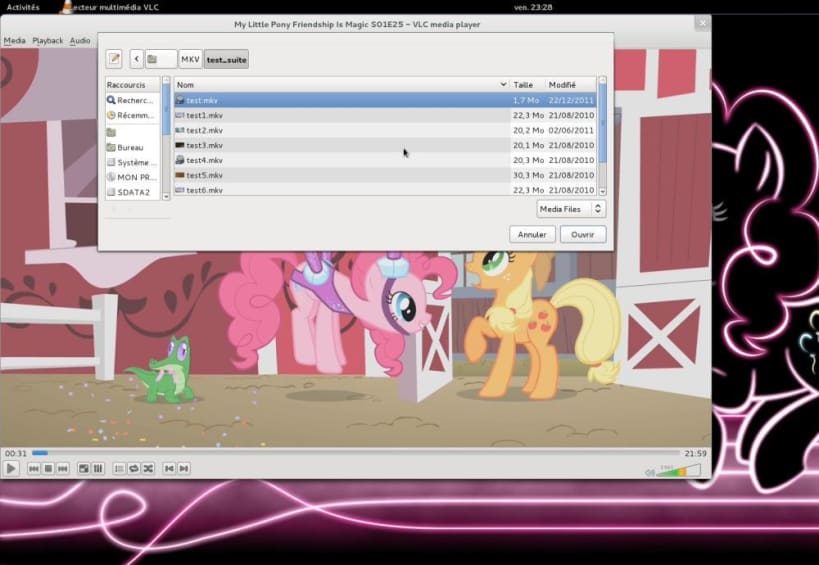
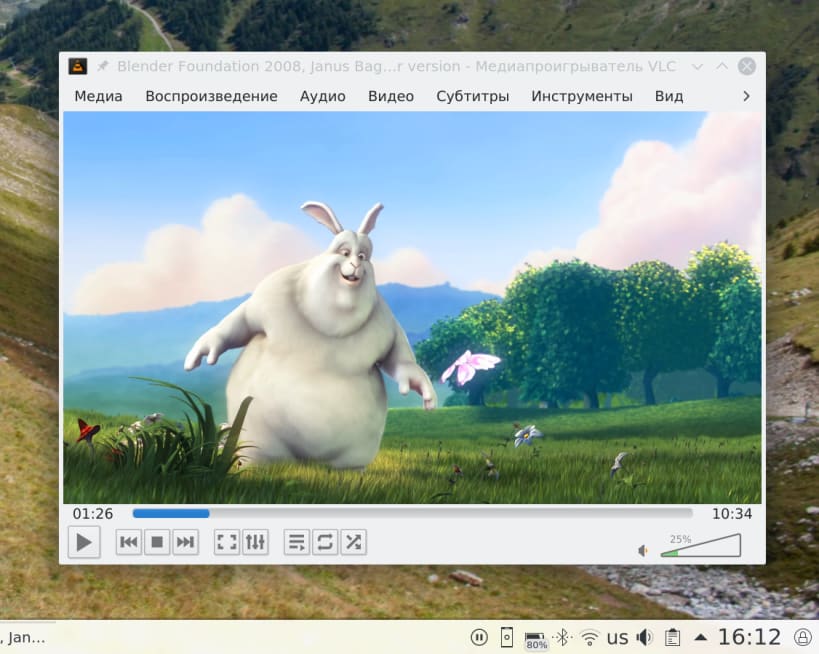
VLC is the VideoLAN project's media player.
Completely open source and privacy-friendly, it plays every multimedia file and streams.
It notably plays MKV, MP4, MPEG, MPEG-2, MPEG-4, DivX, MOV, WMV, QuickTime, WebM, FLAC, MP3, Ogg/Vorbis files, BluRays, DVDs, VCDs, podcasts, and multimedia streams from various network sources. It supports subtitles, closed captions and is translated in numerous languages.
Choose your Linux distribution to get detailed installation instructions. If yours is not shown, get more details on the installing snapd documentation.