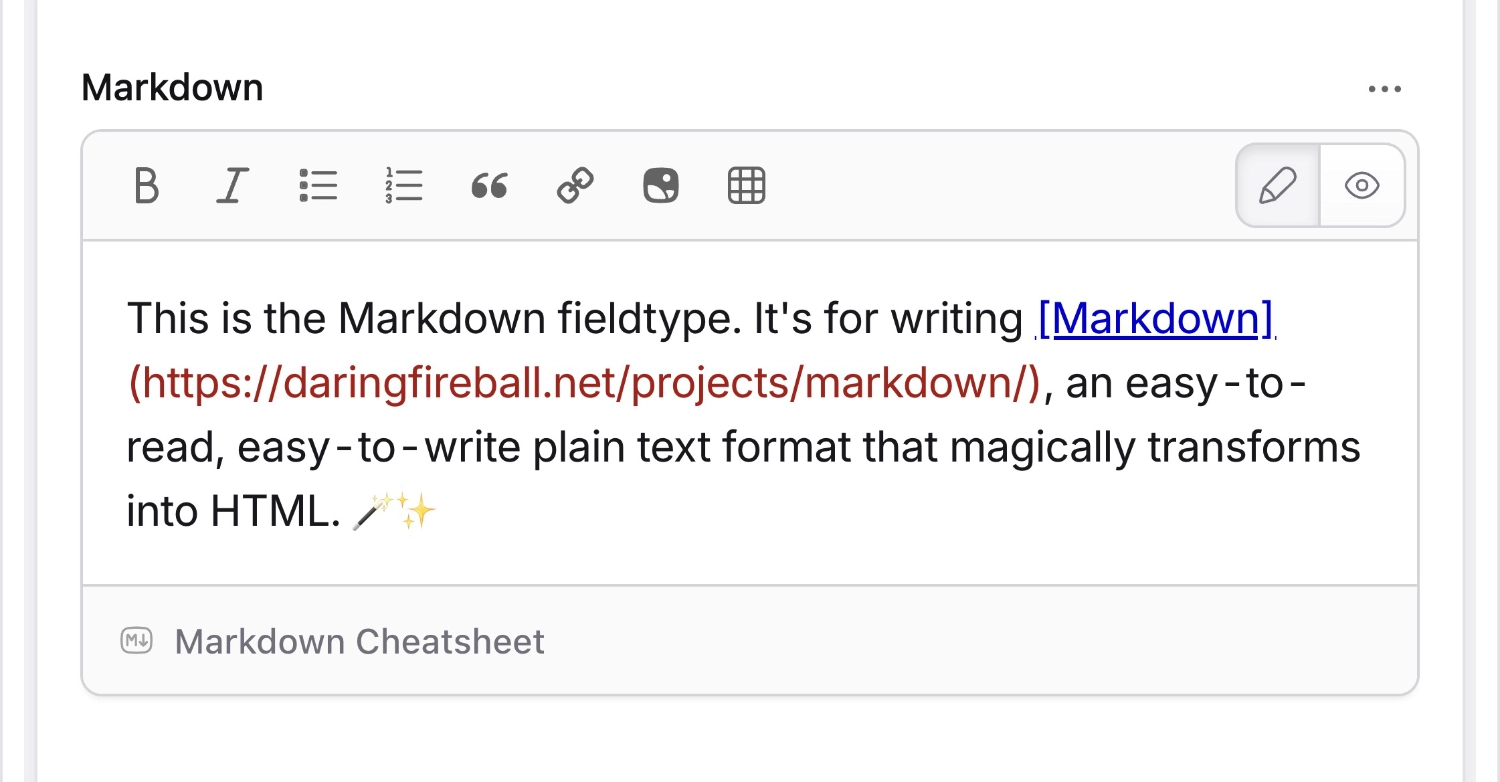
👁 Screenshot of Markdown
Overview#
Markdown has been around since 2004. One fateful day in December, John Gruber published his spec and first version of the Markdown parser. Since that day (it was a Friday), Markdown has grown wildly in popularity, and today has become the de facto standard format for writing portable content.
Back in 2004 there was just one flavor: John's. Today's landscape has many variations, parsers, extensions, and standards groups. The most widely accepted feature set is Github-Flavored Markdown, or GFM for short.
Statamic uses the League\CommonMark library to support GFM, to enable tables, special attributes like classes and ids on block-level elements, and fenced code blocks.
Data Structure#
The data will be saved exactly as written – a Markdown string.
## Overview
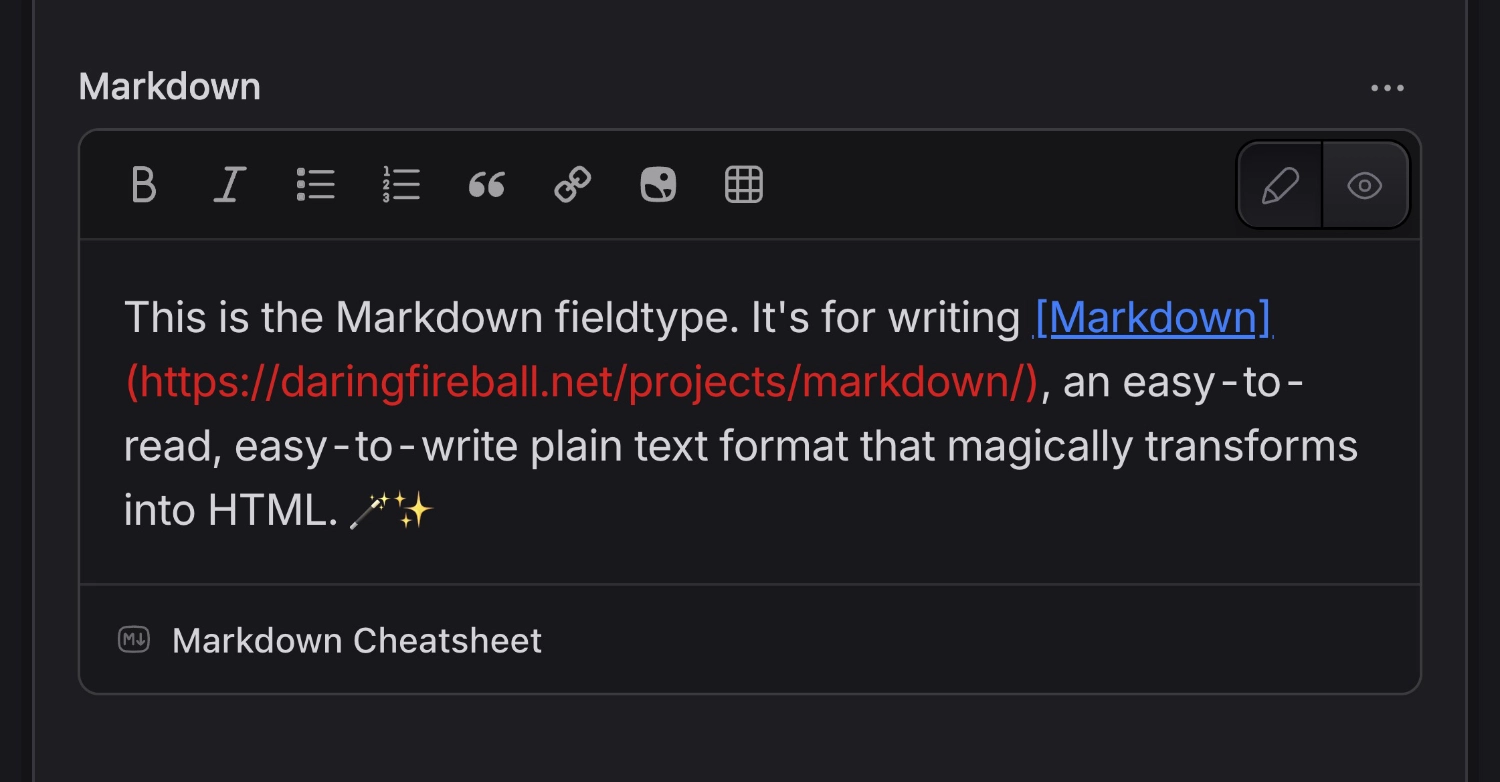
This is the Markdown fieldtype. It's for writing [Markdown](https://daringfireball.net/projects/markdown/), an easy-to-read, easy-to-write plain text format that magically transforms into HTML.
Templating#
The Markdown content will be automatically transformed into HTML through augmentation. You need only use the variable and the rest is done for you.
{{ content }}
{!!$content!!}<h2>Overview</h2><p>This is the Markdown fieldtype. It's for writing <ahref="https://daringfireball.net/projects/markdown/">Markdown</a>, an easy-to-read, easy-to-write plain text format that magically transforms into HTML.</p>Options
Enable Antlers parsing in this field's content.
Automatically convert line breaks to <br> tags. Default: true.
Automatically links any URLs in the text. Default: false.
Set the name of an asset container to enable browsing, uploading, and inserting assets.
Escapes inline HTML markup. For example, <div> will be replaced with &lt;div&gt;. Default: false.
The folder (relative to the container) to begin browsing. Default: the root folder of the container.
Inject anchor links to all of your heading elements (<h1>, <h2>, etc). Default: false.
The name of a customized Markdown parser. Leave blank for default.
If true, navigation within the asset browser will be disabled. Your users will be restricted to specified the container and folder. Default: false.
Automatically convert straight quotes into curly quotes, dashes into en/em-dashes, and other similar text transformations. Default: false.
Automatically insert a table of contents at the top of your content with links to your headings. Default: false.
Our beautiful Markdown editor with preview, assets integration, and more.