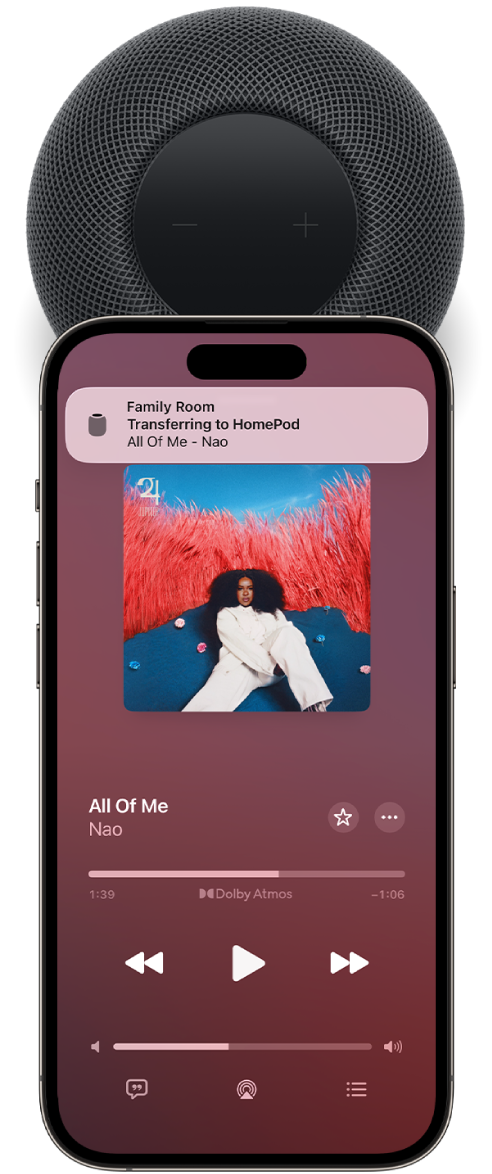
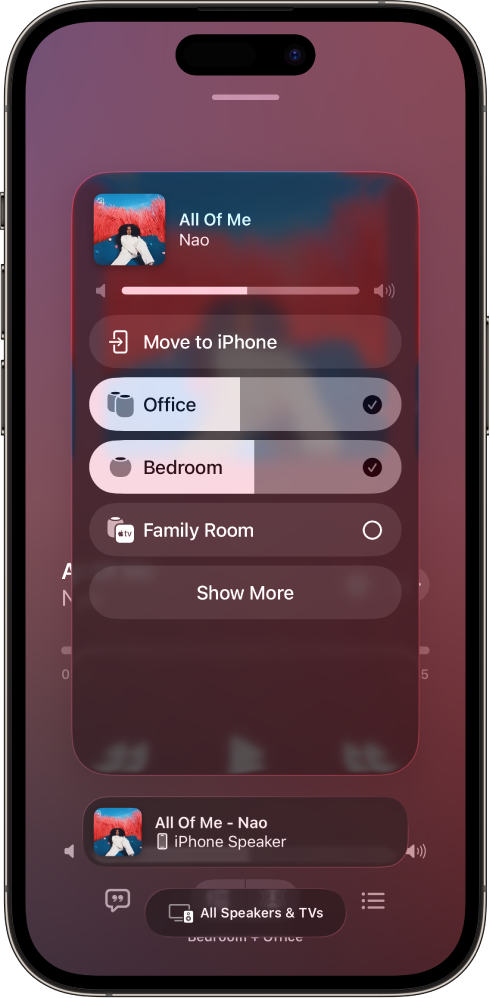
To return to the playback screen, tap outside the AirPlay options.
To add an item to the Playing Next queue on HomePod, touch and hold the item, then tap Play Next or Play Last.
Play audio on HomePod using Control Center
To open Control Center on your iPhone or iPad, do one of the following:
On iPhone with Face ID or on iPad: Swipe down from the top-right edge.
On iPhone with a Home button: Swipe up from the bottom.
Tap the audio card, tap 👁 the AirPlay button , then select one or more HomePod speakers.
To play audio from other devices that support AirPlay, see the documentation for that device for details about selecting an audio destination.
Use Siri to play music on HomePod with AirPlay
You can use Siri to play media from media services that aren’t supported on HomePod. HomePod will automatically start an AirPlay session from your nearby iPhone or iPad.
Note: Some music services may not support Siri and AirPlay on iPhone or iPad.
Go to the Settings app 👁 Image on your iPhone or iPad.
Check the following:
Wi-Fi: Make sure your iPhone or iPad is connected to the same Wi-Fi network as HomePod.
Your location: Tap your name, tap Find My, then make sure My Location is set to This Device.
When making your request to Siri, mention the app name.
Siri on HomePod learns your preferred music service over time and automatically plays music from that app so you no longer need to say the app name in your request.
If your iPhone or iPad moves out of range of your HomePod, media automatically stops playing.