The current version of the Tailscale client available for download requires Windows 10 or later or Windows Server 2016 or later.
This topic shows how to install with the Tailscale .exe installer. If you want to use the
Tailscale .msi installer, refer to Install Tailscale on Windows with MSI.
Download the latest .exe installer. You can use the same .exe installer on both 32- and 64-bit Windows; it will install the right version for your system automatically.
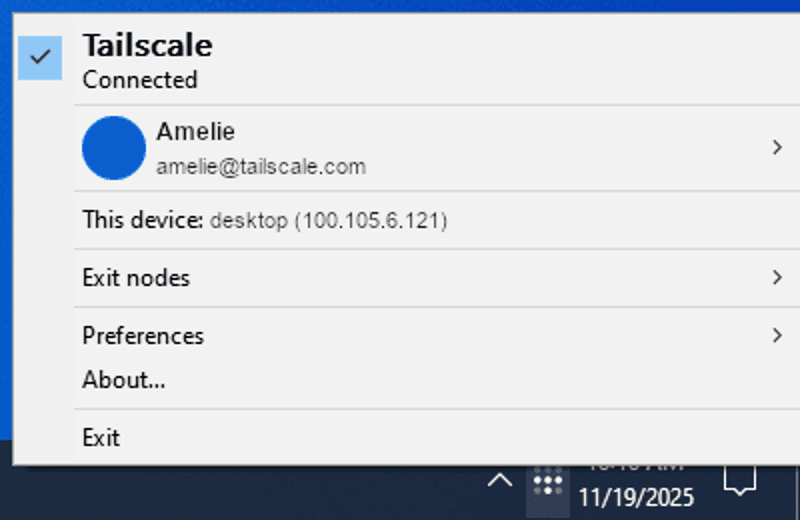
Run the installer. After installation, a new Tailscale icon will appear in your system tray. If it is not visible, select the up arrow to find it in the system tray overflow area.