


Articles
5 mins
Firebase vs Supabase: Choosing the Right Backend for Your Web App

Updated:
July 9, 2025
If you're building a web or mobile app and want to move fast without reinventing the backend wheel, chances are you've considered Firebase or Supabase. Both are popular Backend-as-a-Service (BaaS) platforms, and they offer ready-to-use solutions for authentication, databases, storage, and more.
But which one should you choose?
In this article, we’ll compare Firebase vs Supabase from a practical point of view – focusing on performance, developer experience, scalability, pricing, and ecosystem. Whether you’re building your next MVP, a side project, or scaling a production-grade app, this comparison will help you make the right call.
TL;DR: The Key Differences
Firebase is battle-tested, production-ready, and backed by Google. It uses NoSQL (Firestore) and offers a polished serverless experience.
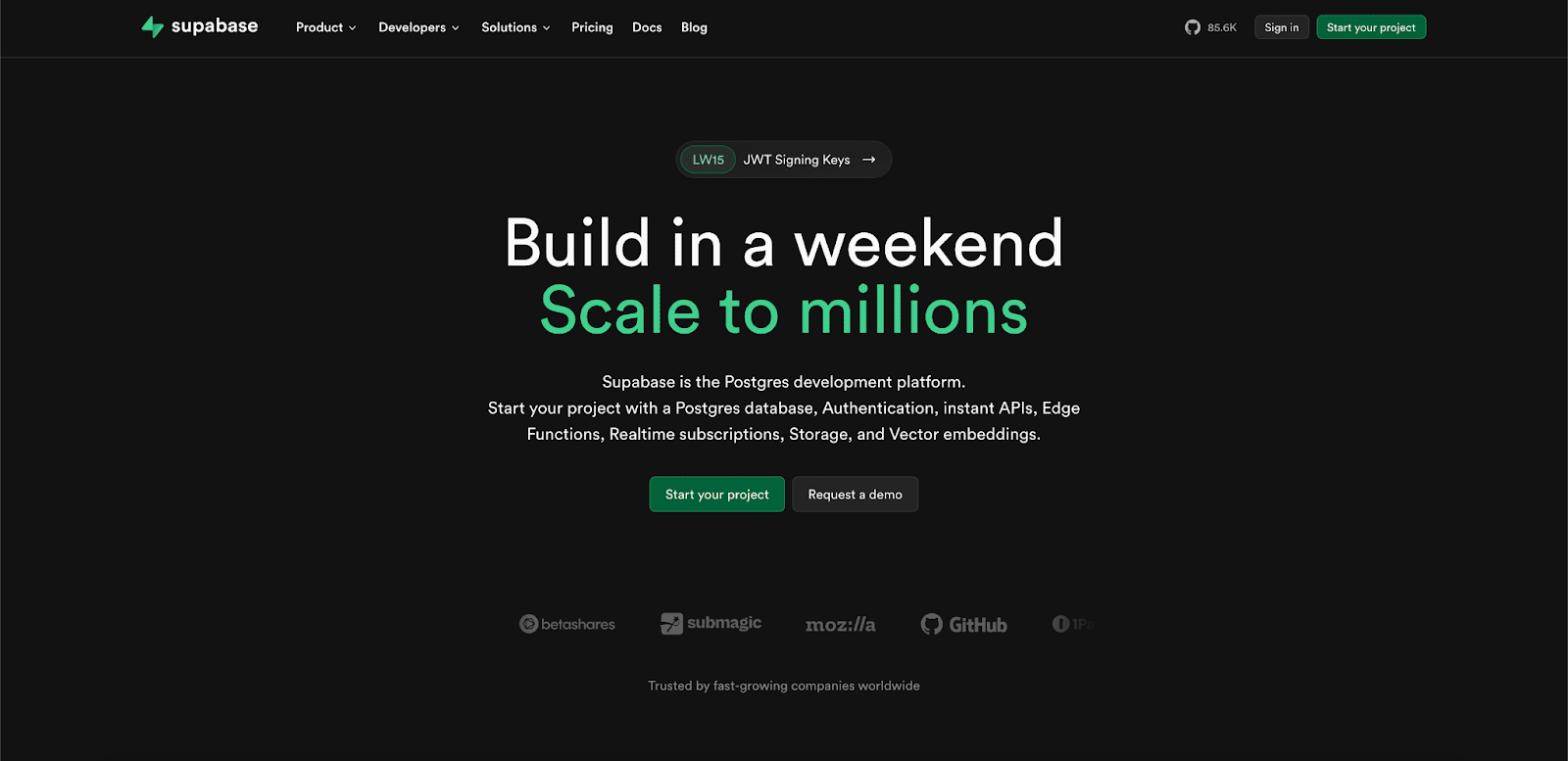
Supabase is an open-source Firebase alternative built on PostgreSQL, with a strong focus on developer-friendliness and SQL-first approach.
Let’s break it down.
Database: Firestore vs PostgreSQL
- Firebase uses Firestore – a scalable NoSQL database. Great for hierarchical, flexible data. Not so great when you need relational data or complex queries.
- Supabase is built on top of PostgreSQL – a powerful relational database that supports joins, views, triggers, and full-text search out of the box.
What it means in practice:
If you’re storing structured, relational data (like users → projects → tasks), Supabase will feel more natural. If your data is schema-less or hierarchical and you prioritize real-time sync, Firestore can work well – but be ready to restructure your thinking around NoSQL patterns.
Authentication
Both platforms offer plug-and-play authentication with email/password, magic links, social providers (Google, GitHub, etc.), and support for role-based access.
- Firebase Auth is mature, fast, and widely adopted.
- Supabase Auth is based on GoTrue and integrates tightly with Postgres, which lets you write SQL policies for granular access control.
Developer tip: Supabase’s RLS (Row-Level Security) is incredibly powerful if you're familiar with SQL. Firebase rules, on the other hand, can feel unintuitive and hard to debug at scale.
Real-Time Capabilities
Both platforms support real-time functionality:
- Firebase offers native real-time updates via Firestore and Realtime Database.
- Supabase uses Postgres' replication logs (via Realtime server) to push live updates to clients.
Firebase is more real-time “by default,” while Supabase’s real-time feels more transparent and customizable – especially for developers who prefer to stay closer to the database.
Storage
Need to store files (images, PDFs, etc.)?
- Firebase Storage is powered by Google Cloud Storage. It’s fast, reliable, and deeply integrated with Firebase Auth.
- Supabase Storage is built on S3-compatible storage. It's simple and effective, and integrates with RLS policies for secure access.
Both offer SDKs for uploading, downloading, and managing files.
Functions / Serverless Logic
- Firebase has Cloud Functions – powerful, production-ready, and tightly integrated with Google Cloud.
- Supabase recently introduced Edge Functions (powered by Deno). They’re fast, deploy in seconds, and written in TypeScript.
Firebase's serverless story is more robust today, but Supabase is catching up quickly – especially if you want a lighter, JS-native environment.
Performance & Scalability
- Firebase is built to scale – think of products like Google Docs or Snapchat that rely on it.
- Supabase is performant and stable for most production workloads but still evolving in edge-case scalability (e.g., massive concurrent writes, heavy analytics).
That said, Supabase gives you more visibility into your database and performance tuning, which devs often appreciate.
Pricing
- Firebase has a generous free tier but can get expensive quickly at scale – especially for reads/writes in Firestore or bandwidth in Cloud Functions.
- Supabase has a transparent pricing model, with usage-based limits for database size, function invocations, and storage.
If cost predictability matters or you're bootstrapping, Supabase’s pricing is often easier to manage.
Vendor Lock-In & Open Source
- Firebase is proprietary. You get Google’s reliability, but you’re locked into their ecosystem.
- Supabase is open source. You can self-host it, export your data, or even switch providers if needed.
This is a huge plus for startups and enterprises concerned with data ownership, compliance, or migration flexibility.
Tooling & Developer Experience
- Firebase’s tooling is polished, especially for front-end and mobile devs. The console, CLI, and docs are excellent.
- Supabase is rapidly improving and already offers a slick UI, REST and GraphQL APIs, auto-generated docs, SQL editor, and instant APIs for your tables.
If you're SQL-savvy or want a "Postgres with superpowers" experience, Supabase nails it.
When to Choose Firebase
Choose Firebase if:
- You need real-time sync and offline support for mobile apps
- You want a mature, battle-tested BaaS with deep integration into the Google ecosystem
- You’re building fast and don’t want to manage infrastructure
Best use cases: mobile-first apps, MVPs with flexible schema, real-time collaboration tools.
When to Choose Supabase
Choose Supabase if:
- You prefer SQL over NoSQL, or need relational data
- You want open-source infrastructure with the option to self-host
- You want fine-grained control with SQL policies and Postgres extensions
Best use cases: dashboards, internal tools, SaaS products, B2B platforms.
Final Thoughts
Firebase and Supabase are both fantastic tools – but they’re built on very different philosophies.
- Firebase is like a high-speed train: opinionated, polished, and gets you from A to B fast – as long as you stay on the tracks.
- Supabase is more like a toolkit built around Postgres – flexible, transparent, and closer to what most developers are used to.




2min average to generate and deploy a full app.
The UI Bakery platform offers a cost-effective approach to creating applications. With UI Bakery, you can achieve your app development goals without breaking the bank.
Check all stories
👁 Image
"The UI Bakery platform offers a cost-effective approach to creating applications. With UI Bakery, you can achieve your app development goals without breaking the bank."

"The UI Bakery platform offers a cost-effective approach to creating applications. With UI Bakery, you can achieve your app development goals without breaking the bank."
👁 Image

"Before switching to UI Bakery we developed a number of apps within the Retool system. The Retool system was good but ultimately did not have the flexibility and feature sets that we required."
Check the Story