|
VOOZH | about |
|
VOOZH | about |
Enter your email or phone number to make your company's money go further with Expensify's time-saving spend management tools.
Expensify helps nonprofits track receipts, reimburse staff, and manage grant spend with ease, so your team can stay focused on impact.
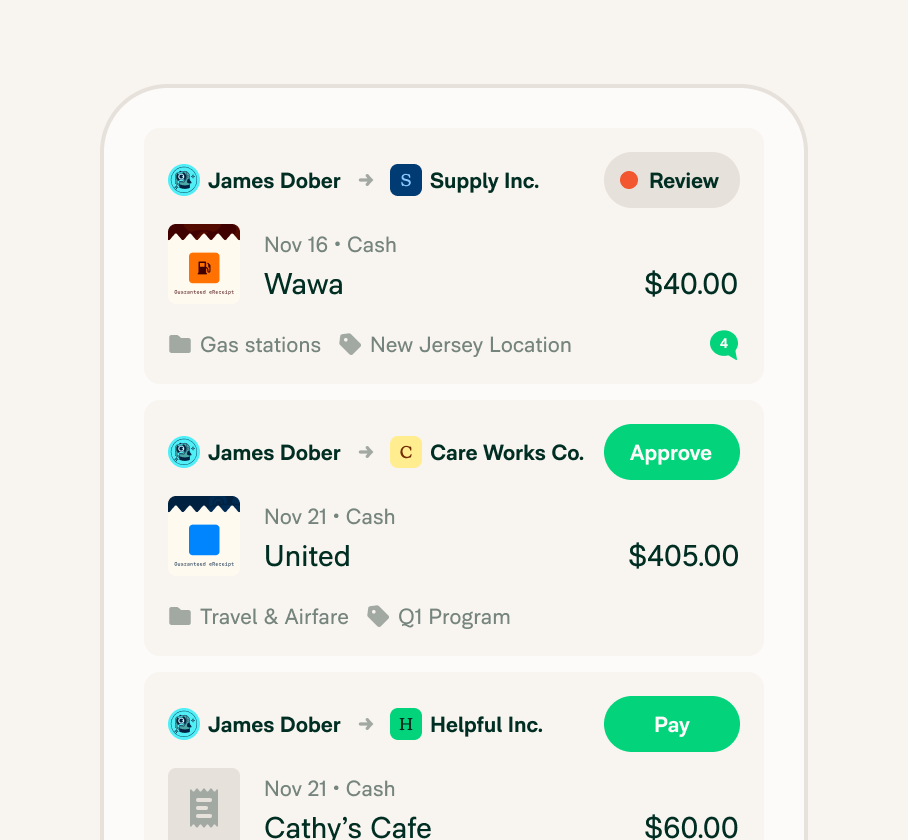
Track every dollar with realtime insights, customizable tags and categories, and shared accounts across workspaces – ideal for nonprofits managing multiple programs or locations.
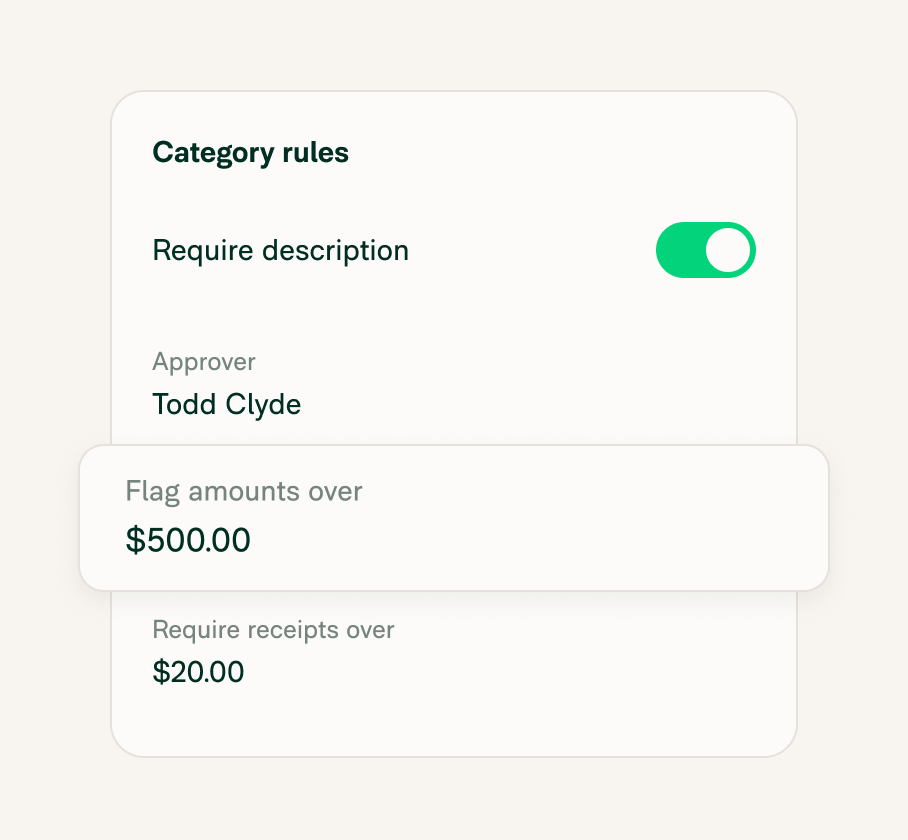
Customize approval workflows to match your org structure and keep expenses compliant with grant or donor rules.
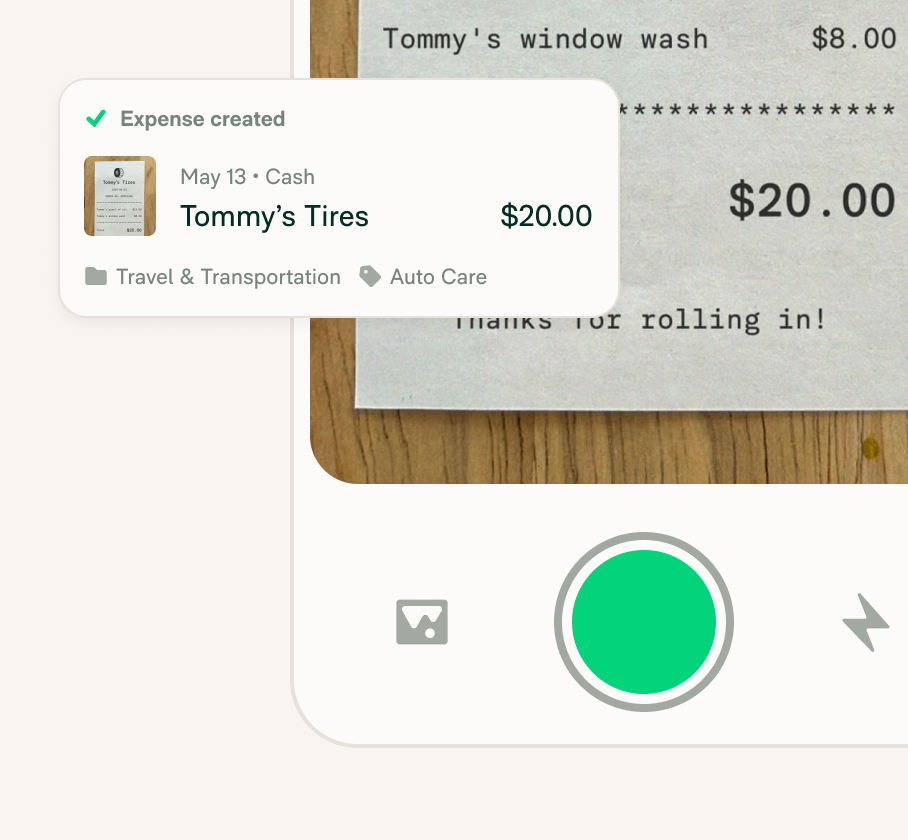
Capture receipts in seconds using Expensify’s mobile app, or swipe the Expensify VisaⓇ Commercial Card for auto-generated IRS-compliant receipts.
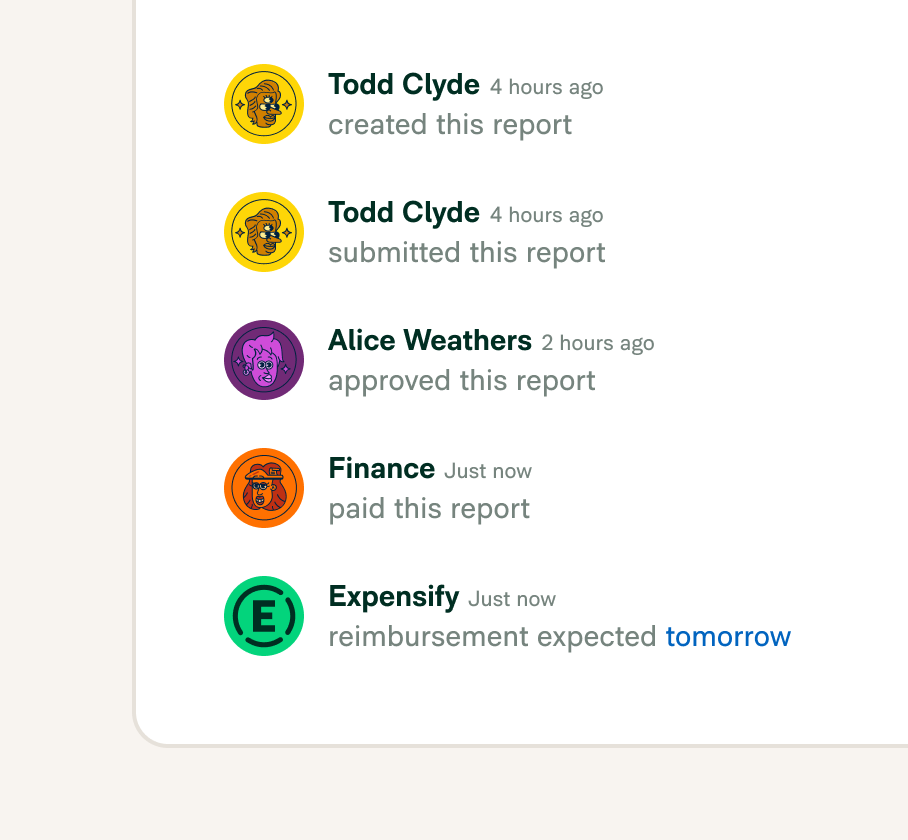
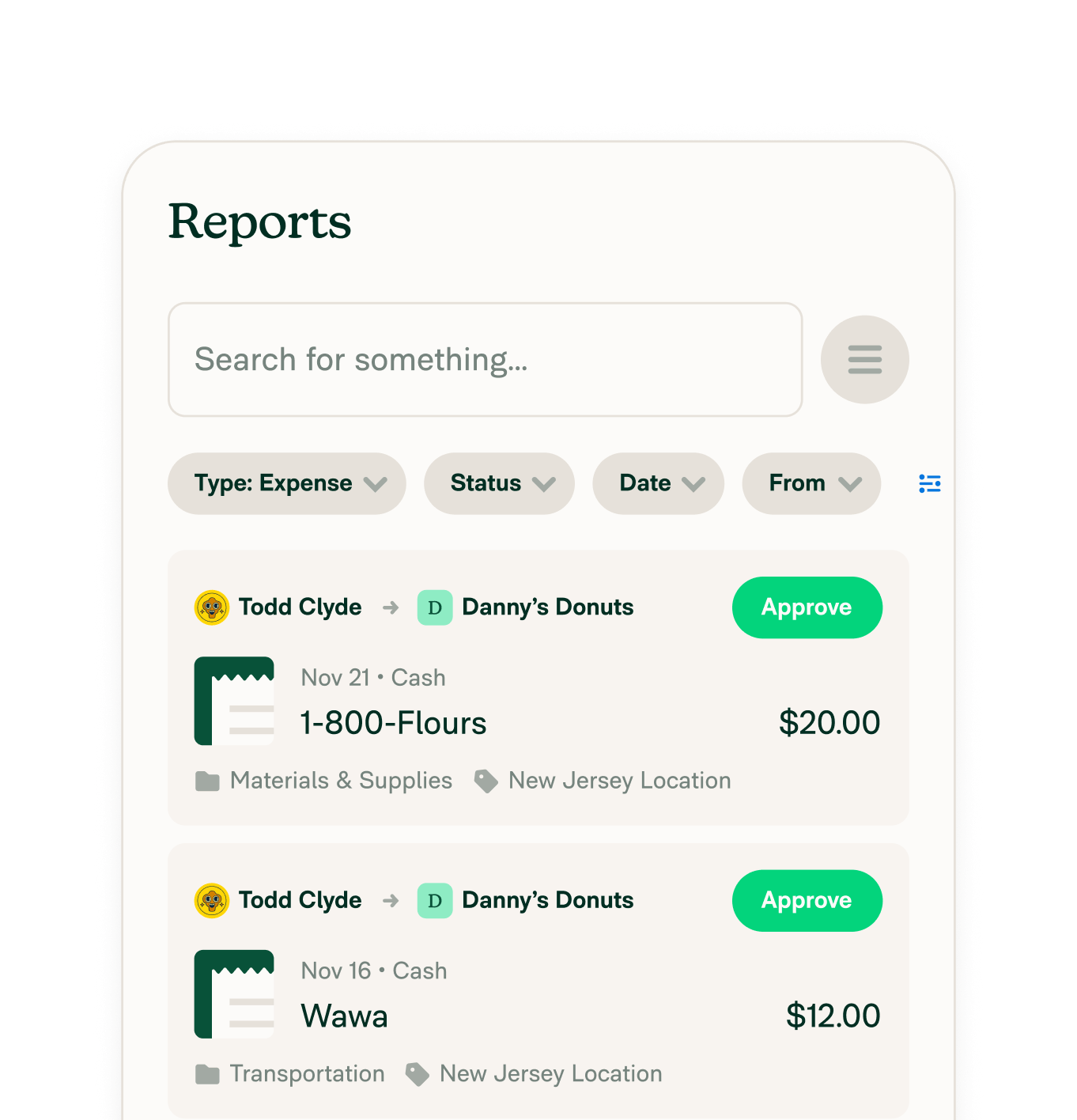
Approve and reimburse expenses in just a few clicks, including global payback options for international teams.
Have people that might expense once or twice a year? Give them an account and set up your billing to only pay when they expense.
Learn how IDEO.org use Expensify's QuickBooks integration to make their expense reporting process easier than ever.
When it comes to categorizing expenses for nonprofit organizations, program services, fundraising, and general operations are the three main categories. These are also related to operating costs, as previously mentioned. Within those categories, expenses can be classified in more detail as fixed or variable costs, as well as direct or indirect spend.
For program services, an expense category might be something like salaries of program staff. For fundraising, an expense category could be event costs, if there’s an event hosted in order to raise funds. Finally, an expense category for general operations includes overhead expenses like rent, accounting, or even legal fees.
Nonprofit accounting software helps track revenue, donations, and expenses according to the unique financial rules of 501(c)(3) organizations. Expensify integrates with platforms like QuickBooks, NetSuite, Xero, and Sage Intacct to give nonprofits the automation and compliance they need.
Successful nonprofits use budgeting, oversight, and reporting tools to manage funds efficiently. Expensify supports this by automating spend tracking, enforcing policy controls, and making it easy to report on expenses by project or fund.
Popular options include QuickBooks Online, NetSuite Xero, and Sage Intacct. Expensify works with all of them to streamline expense data into your accounting system.
The 33% rule is used by the IRS to determine public charity status, meaning at least one-third of revenue must come from public support. Accurate expense and revenue reporting helps nonprofits maintain compliance.
While not a legal rule, some nonprofits apply the 80/20 principle to fundraising (e.g., 80% of donations come from 20% of donors) or spending (80% to programs, 20% to overhead). Expense tracking tools like Expensify support better allocation transparency.
This rule usually refers to private foundations, which must distribute at least 5% of their assets annually for charitable purposes. Clear expense management helps track and prove eligible distributions.
A 501(c)(3) nonprofit's operating costs cover the expenses needed to run the organization and achieve its mission. These include program costs (direct services), fundraising expenses (getting donations), and administrative costs (keeping the organization running smoothly). Common examples are salaries, rent, utilities, technology, insurance, and professional fees.
See how much time you can save by integrating Expensify with Gusto. From onboarding to expense reporting to reimbursement, everything just works faster, smarter, and easier.
Start your free trial