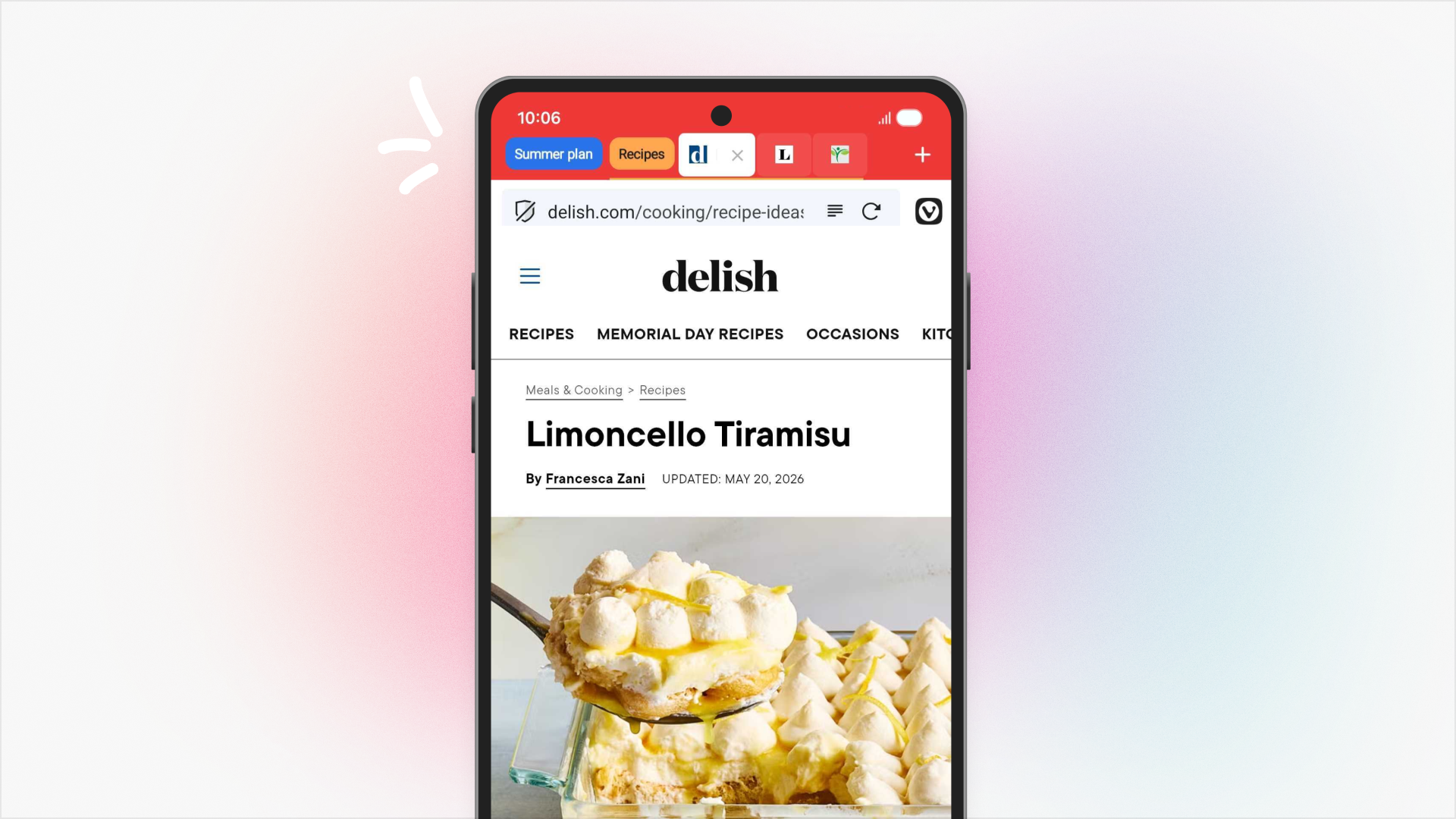
Accordion Tabs, now on Android
With Vivaldi you have two-level tab stacks, not only on Desktop but also on Mobile. This is one of Vivaldi’s unique features for mobile, and gives you a great way to sort all your tabs.
Now, with Accordion Tabs, Tab Stacks can expand and minimize when active, keeping your tabs at hand without overcrowding your Tab Bar. This is a more minimalistic way of handling Tab Stacks on Android.
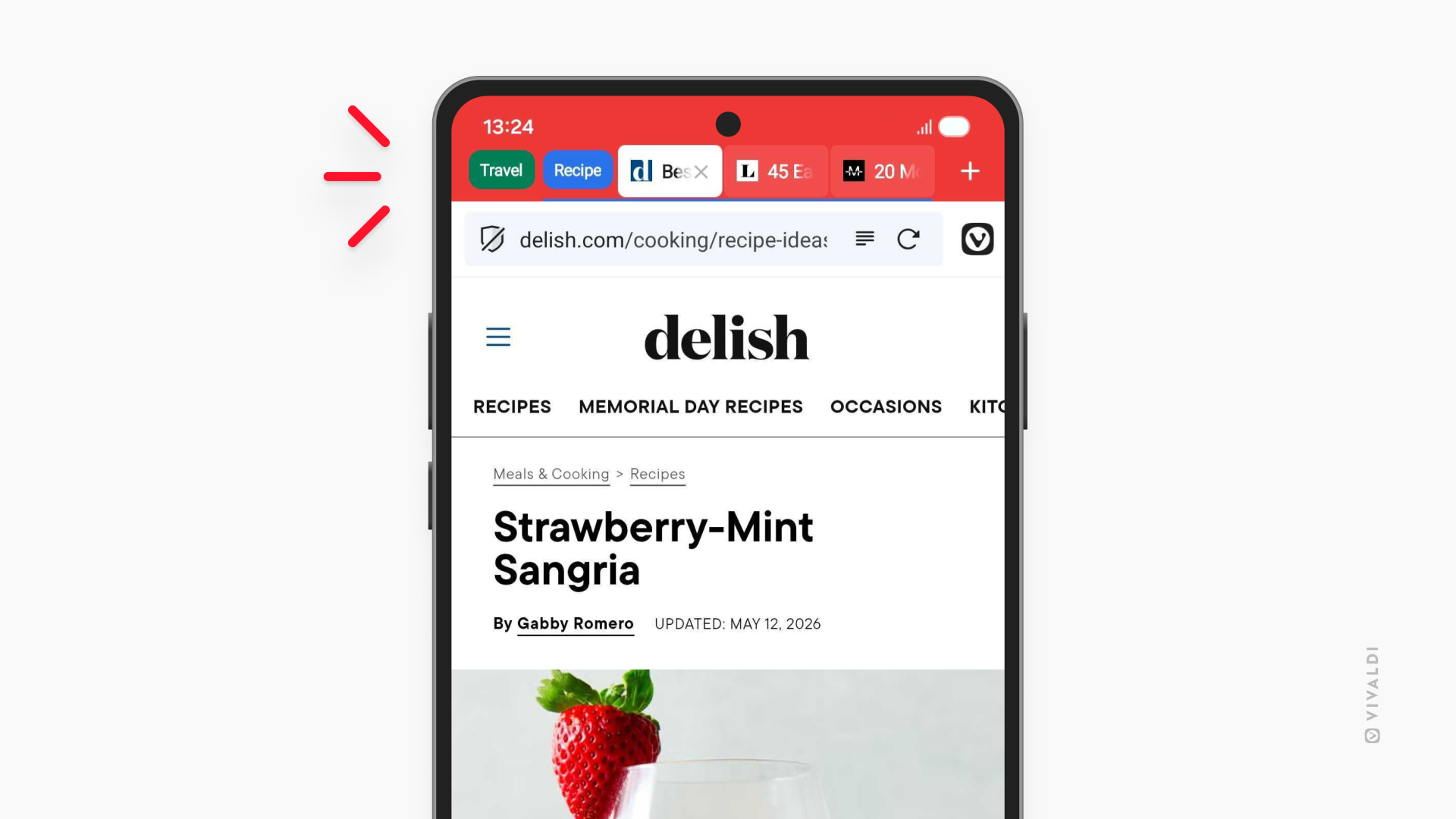
To use Accordion tabs, simply go to Settings > Tabs > Tab Stacking, and enable Accordion Tabs.
Open PDFs directly in the browser with native PDF reader
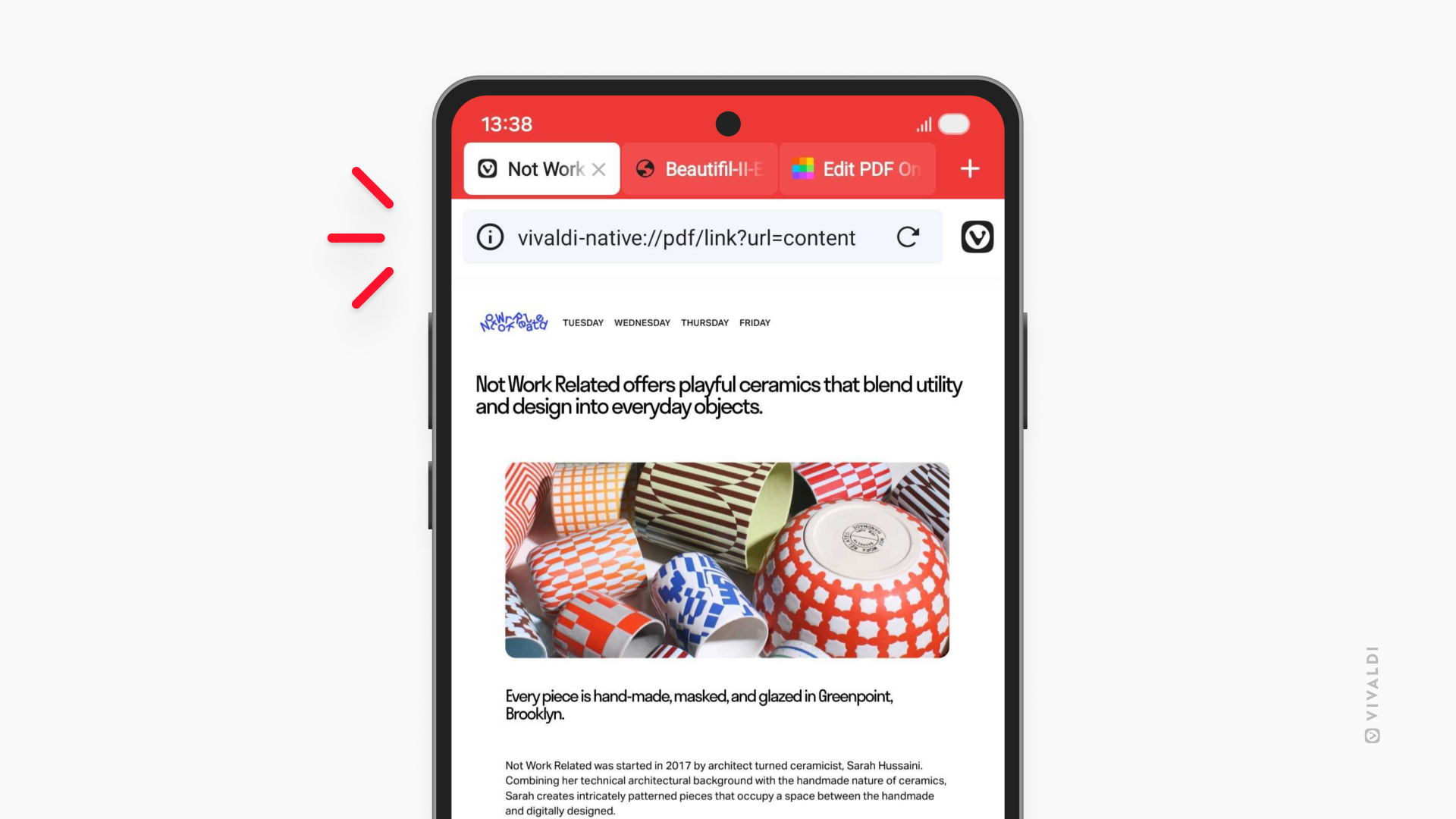
You can now open PDF files from web pages in Vivaldi browser’s tabs instead of separate PDF reader apps. When clicking a PDF link it will open just like a website. No more struggling to choose the right of five app alternatives every time you open a PDF document from your browser.
Keyboard Accessory view
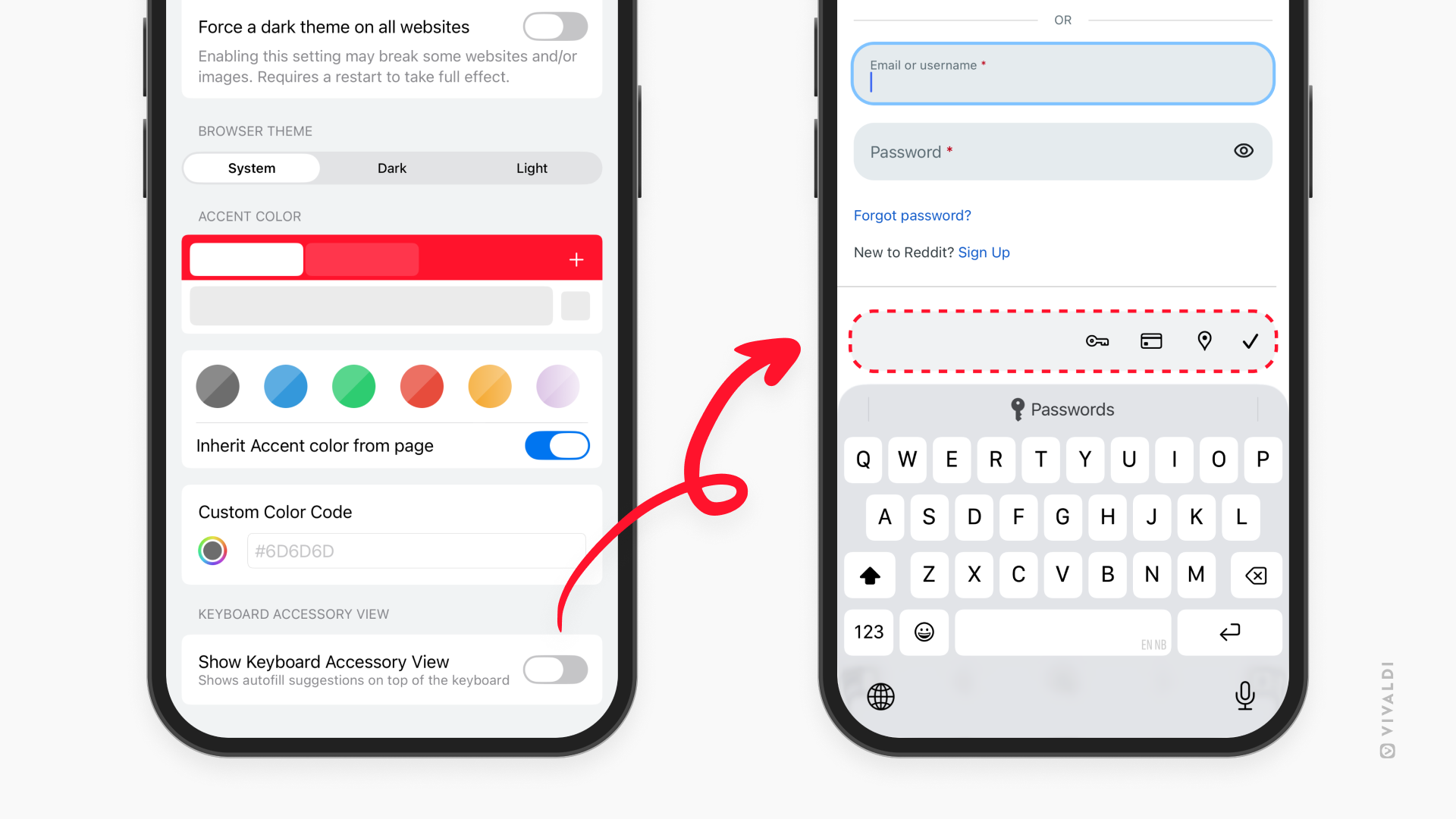
The option to hide Keyboard Accessory View finally comes to iOS. Keyboard Accessory View is the bar above the keyboard that offers autofill and other suggestions when opening the keyboard. The new setting, Show Keyboard Accessory View, gives you the option to hide it if you want. Accessory View is on by default, so if you want a cleaner look, go to Settings > Appearance & Theme, and disable “Show Keyboard Accessory View”.
Vivaldi 8.0 on Mobile is available now. Update through the Play Store or App Store.


As always, thank you for being part of the Vivaldi community. Together, we’re fighting for a better web, one release at a time.
Changelog
Check the whole list of changes from Vivaldi 7.9 to Vivaldi 8.0 here: