![]() |
VOOZH | about |
We offer easy, convenient returns with at least one free return option: no shipping charges. All returns must comply with our returns policy.
Learn more about free returns.| Brand | Razer |
| Compatible Devices | PC |
| Connectivity Technology | USB |
| Keyboard Description | Gaming, Multi Functional |
| Recommended Uses For Product | Gaming |
| Special Feature | Ergonomic, Media Keys, Wrist Rest |
| Color | Classic Black |
| Keyboard backlighting color support | RGB |
| Style | Huntsman V2 |
| Product Dimensions | 3.55"L x 17.53"W x 1.2"H |
| Compatible Devices | PC |
|---|---|
| Connectivity Technology | USB |
| Additional Features | Ergonomic, Media Keys, Wrist Rest |
| Keyboard Backlighting Color Support | RGB |
| Power Source | Corded Electric |
| Switch Type | Analog Optical |
| Keyboard Layout | QWERTY |
| Hand Orientation | Ambidextrous |
| Button Quantity | 104 |
| Mechanical Keyboard Switch Model | Razer Analog Optical Switches / Razer™ Linear Optical Switches Gen-2 |
| Processor Count | 1 |
| Is Electric | Yes |
| Number of Keys | 104 |
| Number of Sections | 7 |
| Color | Classic Black |
|---|---|
| Style Name | Huntsman V2 |
| Theme | gaming |
| Item Dimensions L x W x H | 3.55"L x 17.53"W x 1.2"H |
|---|---|
| Enclosure Material | Acrylonitrile Butadiene Styrene, Polybutylene Terephthalate |
Razer Huntsman V2 Analog Gaming Keyboard: Adjustable Actuation via Analog Optical Switches - Rapid Trigger Mode - Chroma RGB Lighting - Magnetic Wrist Rest - Dedicated Media Keys & Dial - Black
Share:
Found a lower price? Let us know. Although we can't match every price reported, we'll use your feedback to ensure that our prices remain competitive.
Fields with an asterisk * are required
| Brand | Razer |
|---|---|
| Keyboard Description | Gaming, Multi Functional |
| Antenna Location | Gaming |
| Built-In Media | Razer Huntsman V2 Analog, User Manual |
| Model Number | RZ03-03610200-R3U1 |
| Model Name | Huntsman V2 Analog |
| Series Number | 3610200 |
| Unit Count | 1.0 Count |
| Manufacturer | Razer |
| UPC | 811659039927 |
| Mfr Part Number | RZ03-03610200-R3U1 |
| Item Weight | 5 Pounds |
| Generation | 2 |
| Warranty Description | 2 year manufacturer |
| Best Sellers Rank |
|
| ASIN | B08QTXDBJ8 |
| Customer Reviews |
4.3 out of 5 stars |
Enter a higher dimension of control with the Razer Huntsman V2 Analog—our first analog optical gaming keyboard. Armed with every feature you’d expect from a top-of-the-line design, you’ll want for nothing in your pursuit of victory.
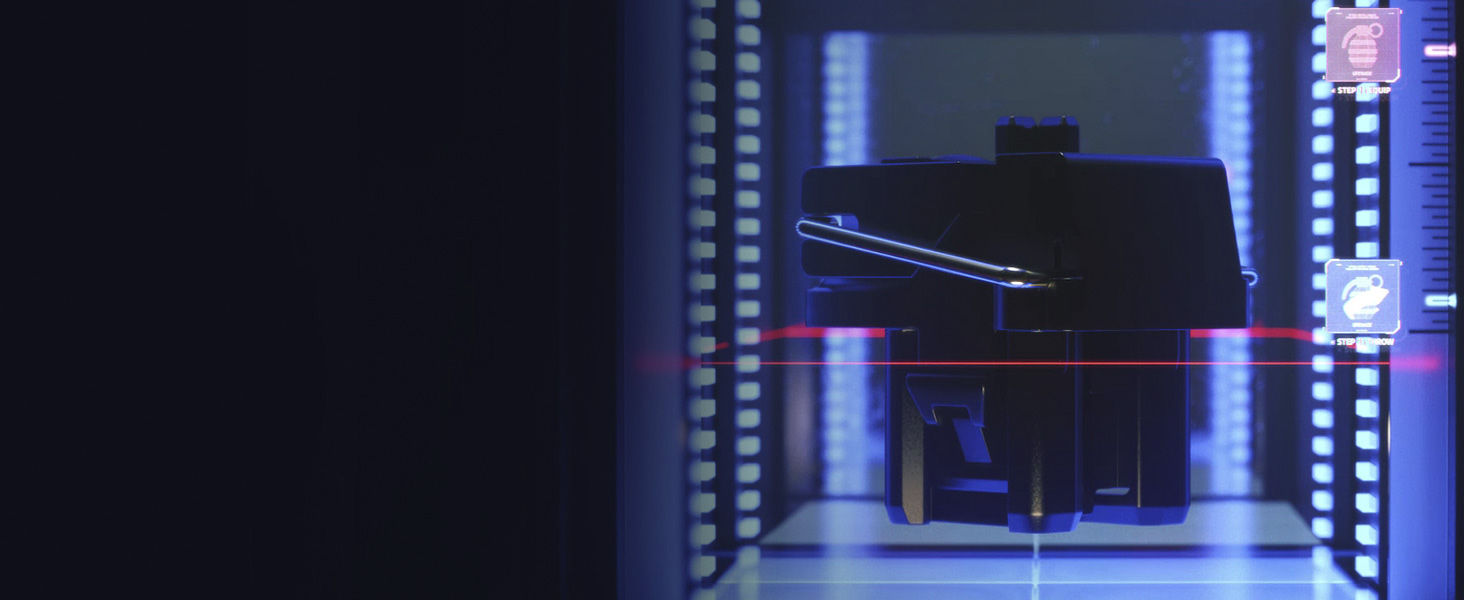
With the ability to measure the exact amount of light that goes through the switch stem, Razer Analog Optical Switches can detect how far a key is pressed instead of being restricted to a traditional binary input
React. Respond. Repeat.
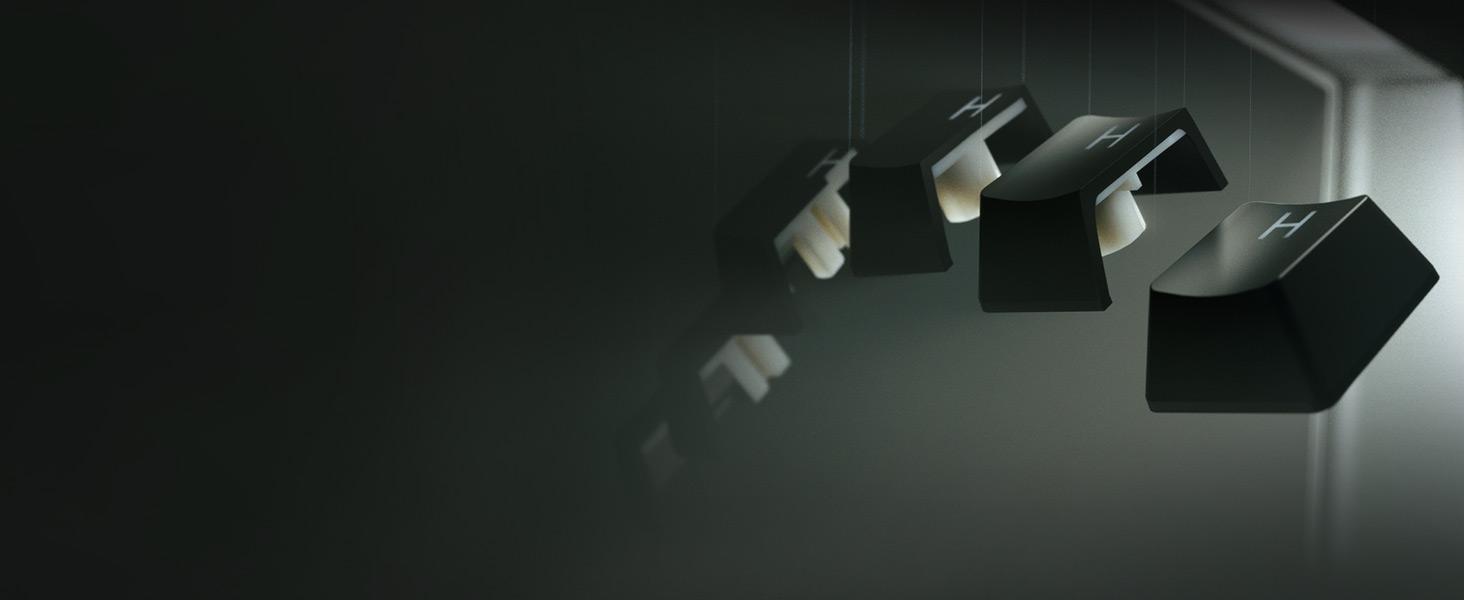
Unlock maximum speed & response with the ability to release & repeatedly press keys at a faster rate
Choose How You Play
With an actuation range of 1.5–3.6 mm, set your preference from light taps to full keystrokes
Finer Movement Control
Move with granular precision—the more a switch is pressed, the faster you go or steeper the turn
Streamline Your Actions
Make your gameplay even more efficient with the ability to bind two commands to one keypress
Fully customizable via Razer Synapse, with sensitivity presets for digital/analog inputs
Shine-resistant keycaps with fade-proof legends, made from a material more durable than ABS
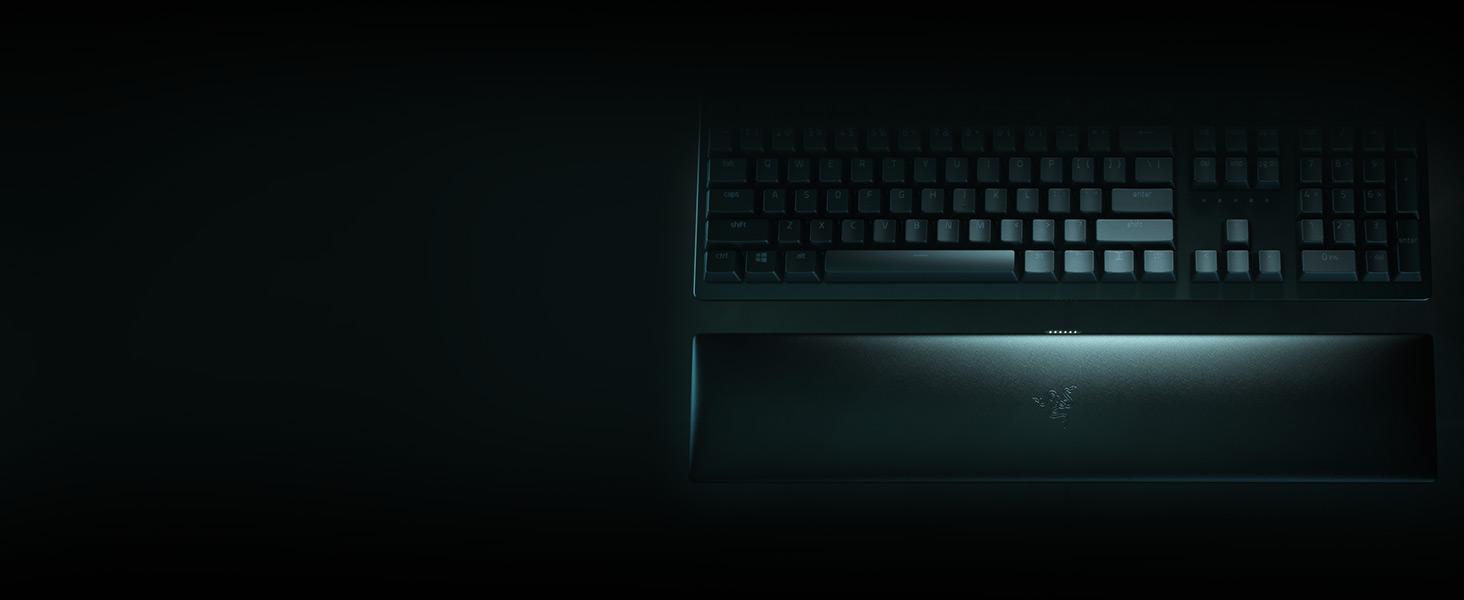
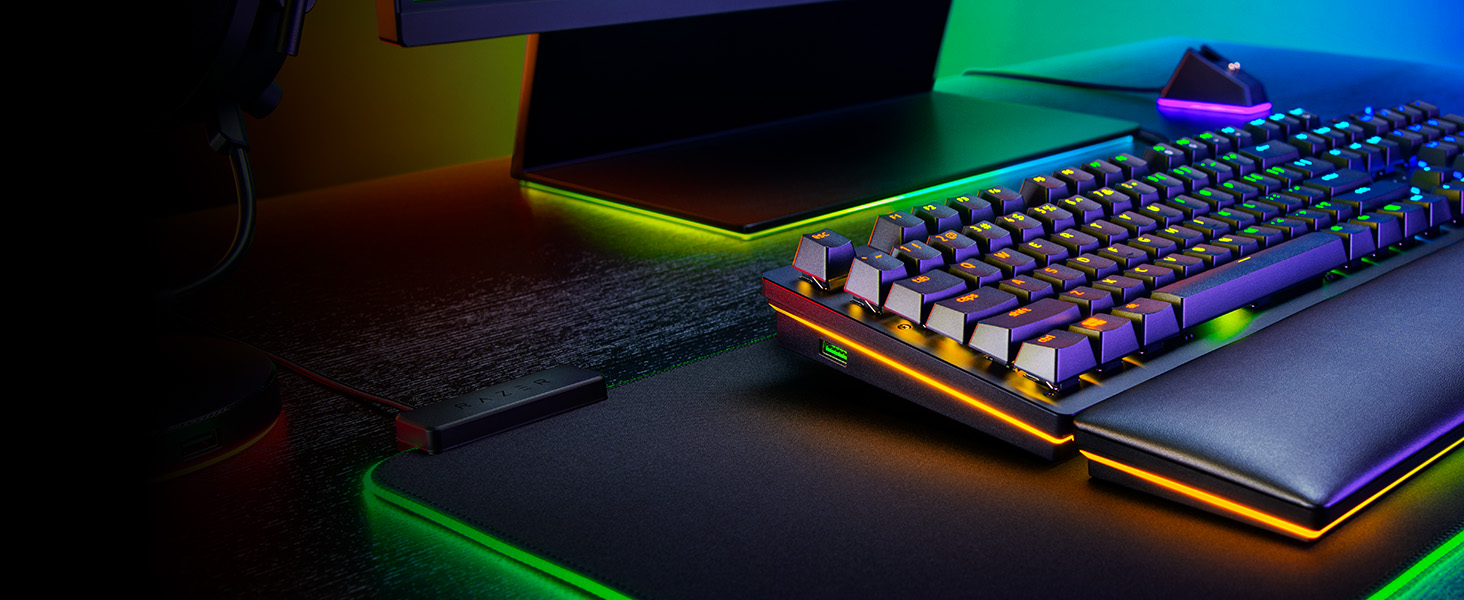
Provides comfort for long hours of gaming, complete with a Razer Chroma RGB underglow
Configure them to pause, play, skip and tweak everything from brightness to volume
Connect your device conveniently to your PC via a USB 3.0 port in the Razer Huntsman V2 Analog
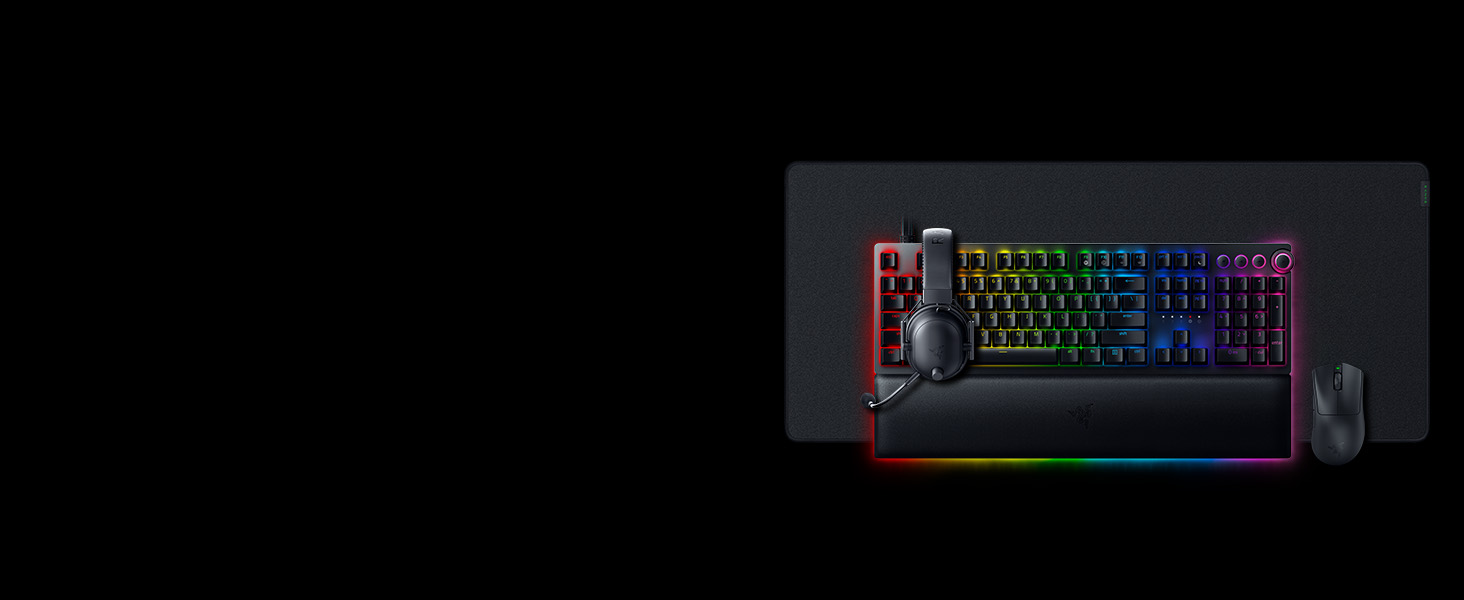
Complete your competitive loadout with our best-in-slots - the weapons of choice for the world’s best players. Gear that’s designed, tested, and endorsed by #TeamRazer
Refined and reforged with the aid of top esports pros, its new ergonomic form is backed by a set of cutting-edge upgrades to push the limits of competitive play
Designed to meet the needs of Team Razer’s finest, get the complete package of crystal-clear audio, advanced noise isolation, and all-day comfort with the multi-award-winning Razer BlackShark V2 Pro
Unlike traditional fabric mats which are known for their stopping power, the Razer Strider also has the smooth, even glide of a hard surface—allowing for agile movement that’s just as precise
If you’ve ever used a thumbstick or joystick, you’ll know how intuitive in-game movement feels with that type of control—the more the stick is pushed, the faster you go and vice versa. With scaling inputs based on how far a key is pressed, Razer Analog Optical Switches work in a similar way and are ideal for racing games, flight sims and the like.
Customer Reviews, including Product Star Ratings help customers to learn more about the product and decide whether it is the right product for them.
To calculate the overall star rating and percentage breakdown by star, we don’t use a simple average. Instead, our system considers things like how recent a review is and if the reviewer bought the item on Amazon. It also analyzed reviews to verify trustworthiness.
Learn more how customers reviews work on AmazonThis is one of the best keyboards I have ever used. The keys are actually pretty quiet with exception to the space bar. For some reason the rest of the keys make a nice thock sound similar to popcorn popping but the space bar has a very loud thud sound to it. Other than that I love the way this keyboard feels and sounds. The rgb is on the dim side for a razer keyboard, however it is normal for every other keyboard and brighter than most. The keys have a really nice texture to them and the overall typing experience is smooth. You can adjust the actuation points on the keyboard and assign them to different profiles that you can then cycle through manually on the keyboard. I have mine set to 3.0 in typing mode and 1.5 in gaming mode. I had a razer blackwidow v4 with yellow switches but I returned it for this keyboard and I couldn't be happier. The blackwidow felt premium but this keyboard takes it to a whole different level. Better wrist pad, better quality of keys, and an overall better build keyboard than the blackwidow v4. I will keep this keyboard for as long as it lasts. Considering my keyboard before the v4 was a ornata chroma that lasted me almost 7 years i'm sure this one, which is build much better, will last longer.
If you like the way mechanical keyboards feel and you don't mind the thocky noise than this is the keyboard for you. I can't think of any other keyboard on the market besides the huntsman v3, which has more features but the quality isn't as good, that has this much functionality. This is a $250 keyboard that can commonly be bought for under $140. Definitely worth the purchase.
Been looking for a keyboard that would be easy to use, last long and be comfortable. This one was the one. I didn't realize how much easier this is to type on until I got it. The keys are easy to press which makes it feel like the keys are floating. I work on a computer all day and thought I'd try a better keyboard than what I was using. And it's really worth the money! I'm not a gamer but this keyboard is perfect for everyday computer users. Great purchase! Keys are super responsive, the letters on the keys appear like they'll last but we'll see. It dies have backlighting which is pretty cool. Lots of options on this one!
I’ve used a lot of mechanical keyboards, but the Razer Huntsman V2 Analog is in a league of its own. The standout feature is definitely the Analog Optical Switches. Being able to adjust the actuation point for each key is a total game changer I can set a hair-trigger for competitive shooters or a deeper press for typing to avoid mistakes.
The build quality is premium; the PBT keycaps feel great and don’t get that greasy shine, and the magnetic wrist rest is actually comfortable for long sessions. The Rapid Trigger mode also makes a noticeable difference in responsiveness.It’s definitely an investment, but if you want the most customizable and responsive keyboard on the market, this is it. Highly recommended!
Durability is great , easy to set up, connection is simple nice weight to it as well and at $100 it was a great value for the price.
Rating 5 out of 5
I’ve used a lot of mechanical keyboards, but the Razer Huntsman V2 Analog is in a league of its own. The standout feature is definitely the Analog Optical Switches. Being able to adjust the actuation point for each key is a total game changer I can set a hair-trigger for competitive shooters or a deeper press for typing to avoid mistakes.
The build quality is premium; the PBT keycaps feel great and don’t get that greasy shine, and the magnetic wrist rest is actually comfortable for long sessions. The Rapid Trigger mode also makes a noticeable difference in responsiveness.It’s definitely an investment, but if you want the most customizable and responsive keyboard on the market, this is it. Highly recommended!
Durability is great , easy to set up, connection is simple nice weight to it as well and at $100 it was a great value for the price.
Rating 5 out of 5
It’s a 50%50 gamble buying used, the keyboard itself works good but there are a few problems the RGB wrist rest doesn’t light up the RGB on Keyboard itself is dim even after adjusting it and the volume knob not working properly.
Very good keyboard and easy to keep clean. I have had it over five years I think and it still works well.
Update: I'm updating this review because of an issue I thought I could fix but apparently not. The moment I plugged in the Huntsman v2 Analog Keyboard I started experiencing loads of issues! Mainly with my mouse which was also a razer and working completely fine before I plugged this demonic keyboard in. I've experienced:
- Scroll Wheel of mouse randomly activating window resize. Letting the system idle for a few seconds corrects this.
- Caps Lock key randomly engaging without being pressed.
- Mouse Left Click sometimes engaging a shadow Left Click + Shift. Example: I'll be in discord and left click a DM or server and it'll open up discord in a web browser as if I had pressed Shift + Left click instead. Letting PC sit idle with no mouse/keyboard interaction makes it stop.
- Highlighting Text engages without holding left click and dragging. No way to get out of this unless I minimize/click out of the window and let it idle for a few seconds.
- Maximizing a window from the minimize on the task bar will sometimes want to reboot the program/browser into a new boot/window. Will do this several times until I let my system idle for a few seconds.
The video shows just one of the issues that continues to persist at random intervals on my PC since I've gotten rid of the Huntsman v2 Analog Keyboard.
Despite no longer owning this keyboard these issues persist! Even with several different mice and 2 different keyboards! I have plugged into ever single USB port on my PC and no matter where they go the issues continue! I even did a SYSTEM RESTORE! And the issues remained!! The Huntsman v2 Analog Keyboard absolutely ruined my PC! I feel like my last hope is a Drive Reformat to try to destroy this mess once and for all. I am NEVER trusting another Razer keyboard again!
------------
I had this keyboard for about 2 weeks or so and have decided to return it. Apparently having the Razer Synapse App enabled and open with this keyboard will sometimes result in "Repeat Ghost Text" which causes the last few things you typed to reappear in your line of typing. It is an extremely frustrating ordeal.
According to users posting on Razer's own support forms on their official site, this issue with the Huntsman V2 Analog has been a known thing for 6+ months with ZERO fixing from the developers nor updates on what is causing it or when a fix might roll out.
If you don't mind not being able to customize anything about this keyboard then its a perfect fit for you.
I am a graduate student in analytics and recently upgraded my old Microsoft membrane keyboard for the Razer Huntsman V2 keyboard mostly for programming. Comparing my old Microsoft keyboard to this one, the feel of the keys is premium and it takes less resistance to press the Huntsman Analogue button. While this is not considered a clicky key switch, the buttons bottom on an aluminum frame makes an old 1970s-style twack... which for me is nostalgic. I love how the mute button turns red when activated and I set the chroma to "spectrum cycling" for the keyboard and a Razer Cobra mouse (independent of any function on the computer). I got it because it looks cool and I am spending a lot of time on the computer these days. The ability to set the height of actuation is a plus and I am currently playing with that setting. I've ordered a USB switch so I can use the same mouse and keyboard between an M1 Mac Mini, a Dell PC, a Raspberry Pi, and a PC laptop. There is nothing weird about the layout of keys on the Huntsman full keyboard which is why I needed to stay away from the BlackWidow series.
Some things to note, it is a pretty heavy keyboard so that might play a factor for certain buyers. There are two long USB cords that are permanently fixed to the keyboard. The second wire is mostly for a passthrough to a USB port on the keyboard for the mouse. I'm using it because it is there and I don't want to bother with a dangling wire. The keyboard has firmware that can be updated periodically, on-board profiles, a gaming mode, actuation height setting so it was probably geared to a niche market. It wasn't designed to make life easy which for some might be annoying. I was also left wanting a mildly ergonomic version of this keyboard which is not a thing in the gaming keyboard industry.
Overall I am impressed and glad I could buy one for 100$ as a used "like new" item on Amazon, and for that price give it five stars. I would have returned it at the suggested retail price of 250$. I hope this helps someone with their buying decision.
I am a graduate student in analytics and recently upgraded my old Microsoft membrane keyboard for the Razer Huntsman V2 keyboard mostly for programming. Comparing my old Microsoft keyboard to this one, the feel of the keys is premium and it takes less resistance to press the Huntsman Analogue button. While this is not considered a clicky key switch, the buttons bottom on an aluminum frame makes an old 1970s-style twack... which for me is nostalgic. I love how the mute button turns red when activated and I set the chroma to "spectrum cycling" for the keyboard and a Razer Cobra mouse (independent of any function on the computer). I got it because it looks cool and I am spending a lot of time on the computer these days. The ability to set the height of actuation is a plus and I am currently playing with that setting. I've ordered a USB switch so I can use the same mouse and keyboard between an M1 Mac Mini, a Dell PC, a Raspberry Pi, and a PC laptop. There is nothing weird about the layout of keys on the Huntsman full keyboard which is why I needed to stay away from the BlackWidow series.
Some things to note, it is a pretty heavy keyboard so that might play a factor for certain buyers. There are two long USB cords that are permanently fixed to the keyboard. The second wire is mostly for a passthrough to a USB port on the keyboard for the mouse. I'm using it because it is there and I don't want to bother with a dangling wire. The keyboard has firmware that can be updated periodically, on-board profiles, a gaming mode, actuation height setting so it was probably geared to a niche market. It wasn't designed to make life easy which for some might be annoying. I was also left wanting a mildly ergonomic version of this keyboard which is not a thing in the gaming keyboard industry.
Overall I am impressed and glad I could buy one for 100$ as a used "like new" item on Amazon, and for that price give it five stars. I would have returned it at the suggested retail price of 250$. I hope this helps someone with their buying decision.
I bought the Analog Switch keyboard to replace my clicky version of the same keyboard as an analog switch keyboard was something I've been waiting for out of Razer for a long time. Unfortunately the thing is full of bugs that need to be fixed. It's a relatively new keyboard, so I imagine any bug related issues I post about are in the process of being ironed out. Overall, it's what we come to expect from Razer. Gamer quality, a little overpriced for what it is, but it does the job.
The good:
Analog switches! Being able to use my keyboard as a controller has been a dream for a long time, and it works just as intended. They're quick and speedy when working as intended.
Sound! The switches don't click as they're not designed to. It's much nicer in that regard.
Syncs with the rest of my lighting. Very important for any gamer to not have mismatched software that doesn't sync with each other.
The bad:
The software for Razer is horrible. It crashes, and quite a lot of the time doesnt' start up at all. For some reason, the analog version of the keyboard absolutely breaks if you have any macros set up and the software isn't launching properly like it does 90% of the time. It will think that the hyperkey macros are just the regular keys without the software running, making typing impossible. This wasn't an issue with my old huntsman, even with macros.
The keys hit the bottom of the keyboard, making a clacking noise. While the keys themselves don't click, the keyboard will. They will also make an audible noise when coming back up with the force of their own, which can be noisy as well. If I were to make a suggestion to Razer, it would be to add rubber padding or some other material to reduce the clacking. I've had a few team mates complain about it while playing games.
Lag in games will cause keys to stick. I assume because of the lasers they use to test the key's positions rather than a simple on/off switch, it'll glitch and not know which position it'll be in if the keyboard lags. That means if you're pressing forward and the game lags when you stop pressing forward, you may continue to go forward.
amazing
Hablemos del elefante en la habitación. El ruido del teclado si existe, pero es menor a comparación de un teclado mecánico con switches mx azul.
Si practicas y ajustas el nivel de actuación del teclado puedes inclusive reducir el sonido al mínimo. Pues al ser analógico puedes escribir sin necesidad de presionar toda la tecla, es difícil pero posible.
Si lo usaras para juegos, lo vas a amar. La app te permite ajustar varios sets para iluminar las teclas dependiendo del juego que estés corriendo. Lo que te ayudará a localizar las teclas más usadas, o agruparlas por funcionalidad gracias al color. Inclusive ya existen set por default para algunos juegos.
Viene en idioma inglés, lo cual para mi es ideal para el trabajo, la ñ la puedo escribir presionando alt+n. Los botones multimedia son compatibles hasta con YouTube y Spotify.
After trying 5 keyboards Razer Huntsman V2 Analog is the best choice for programming (I did not try it for gaming). The ability to change the actuation threshold made a big difference in my typing accuracy. The expense is well worth the experience.
It's a great keyboard. Specially for pro gamers. The wrist pad has a underglaze light which stopped working after just 5 days of use. Tried firmware update and restting the keyboard but to no use.
Very high quality and cool gaming keyboard. Very customizable as well.