
Enjoy chatting with everyone.
Express yourself in every chat.

Your imagination has entered the chat.
Messaging between Android and iOS just got better.
*In supported conversations when RCS chats are available and turned on.
*Availability of RCS varies by region and carrier.
Share high-quality photos and videos.
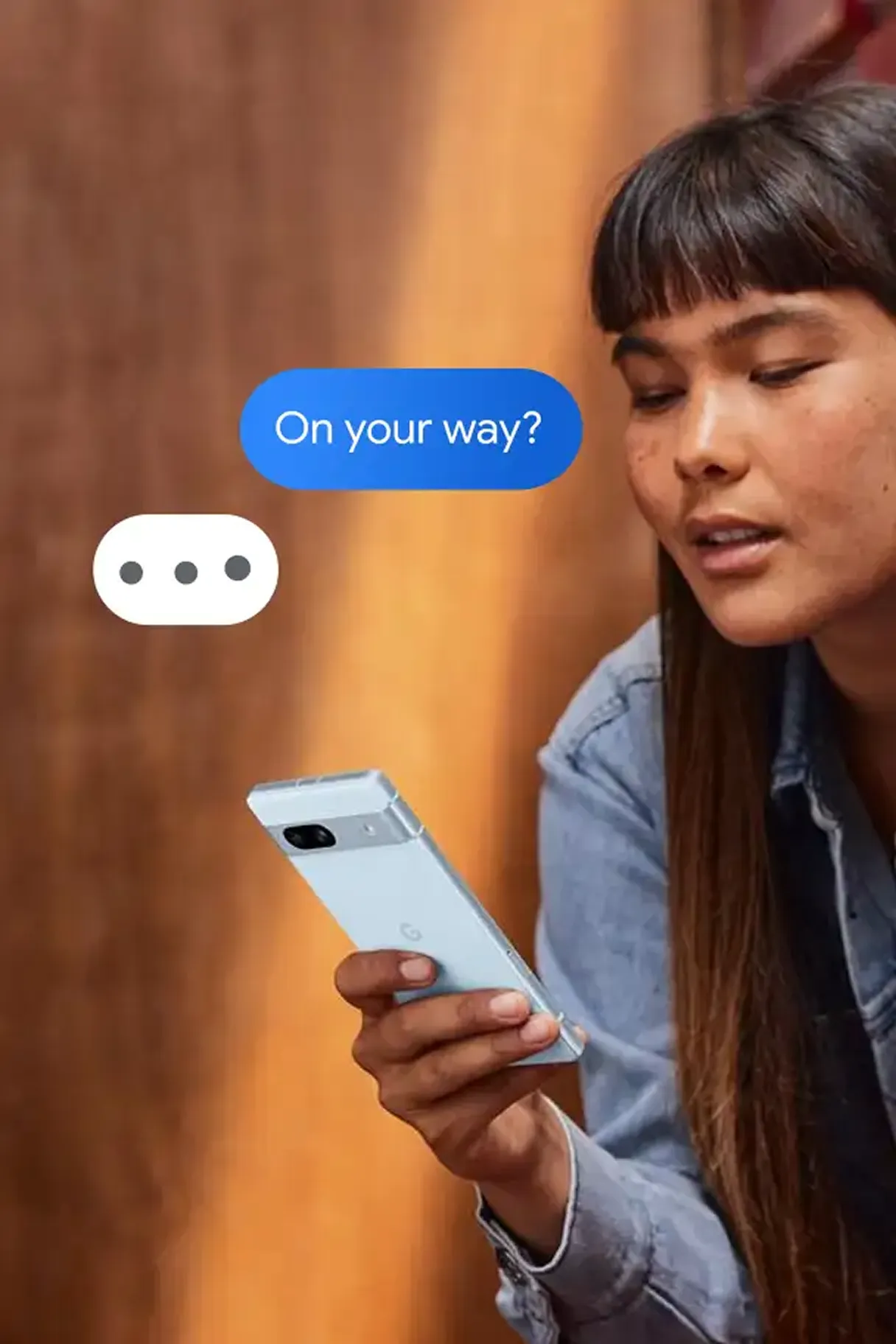
Get real-time text notifications.
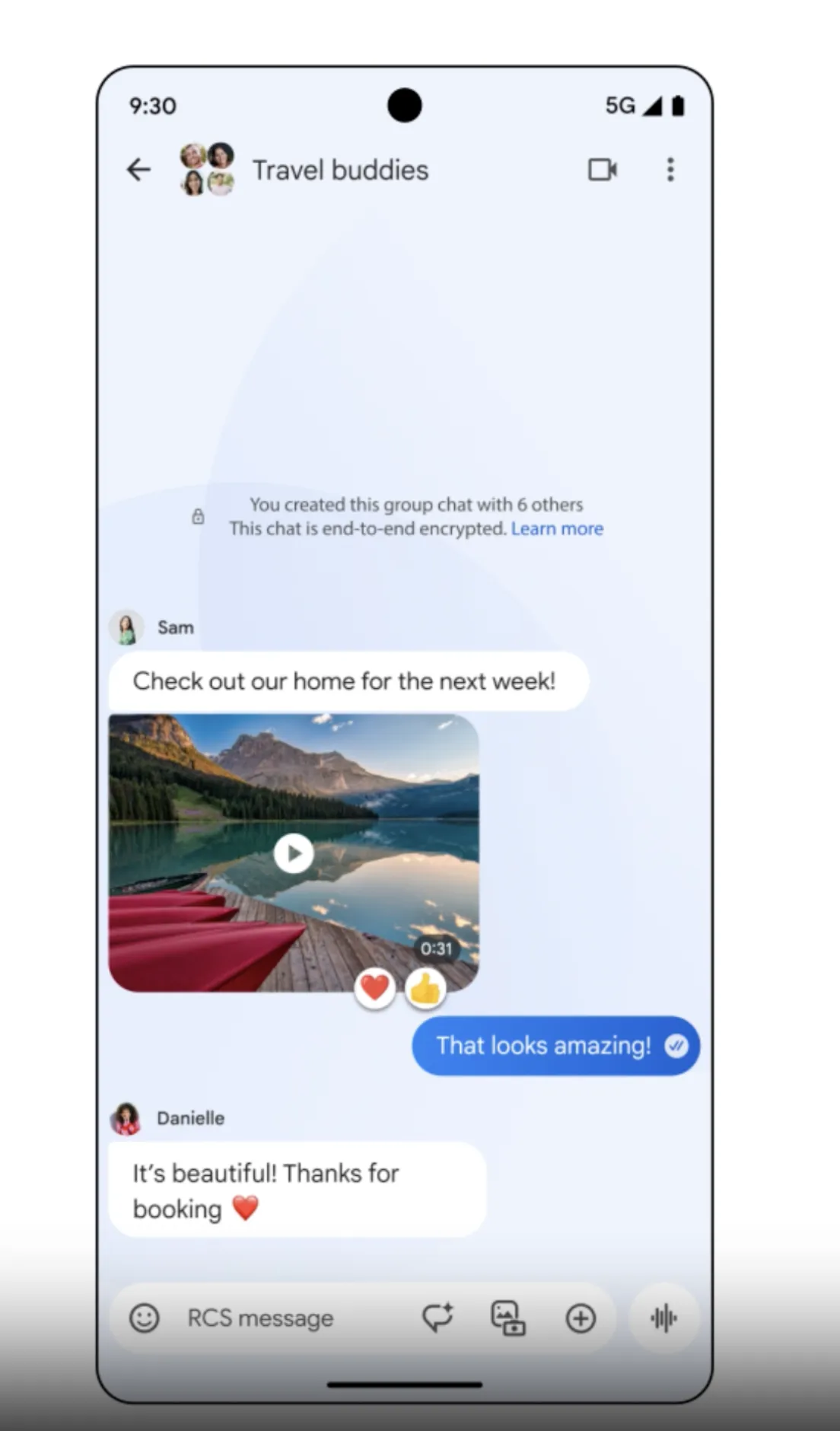
Group chats that work for everyone.
RCS is always free.
*Availability of RCS varies by region and carrier.
-
Selfie GIFs
Strike a pose and hit send.
Add a fun personal touch to your chats by recording a 3-second animated video that you can share.See how it worksSelfie GIFsSay cheese, and share your selfies with ease.
Just long press on the gallery icon, then put your best face forward and record your video. If you like what you see, share with your friends! -
Customization
Ditch the default, and choose your colors.
Customize your experience with different colors, emojis and themes, and add extra effects to every conversation.See more featuresCustom themesPick your own bubble colors.
Customize the color of the text bubble and background for every chat and give each conversation its own unique look.Animated emoji & reactionsReactions all your own.
Infuse each message with a burst of visual effects, including animated emojis that appear around the bubbles.Voice MoodsBring your voice texts to life.
When sending a voice text, you can also choose a visual effect to express your mood.
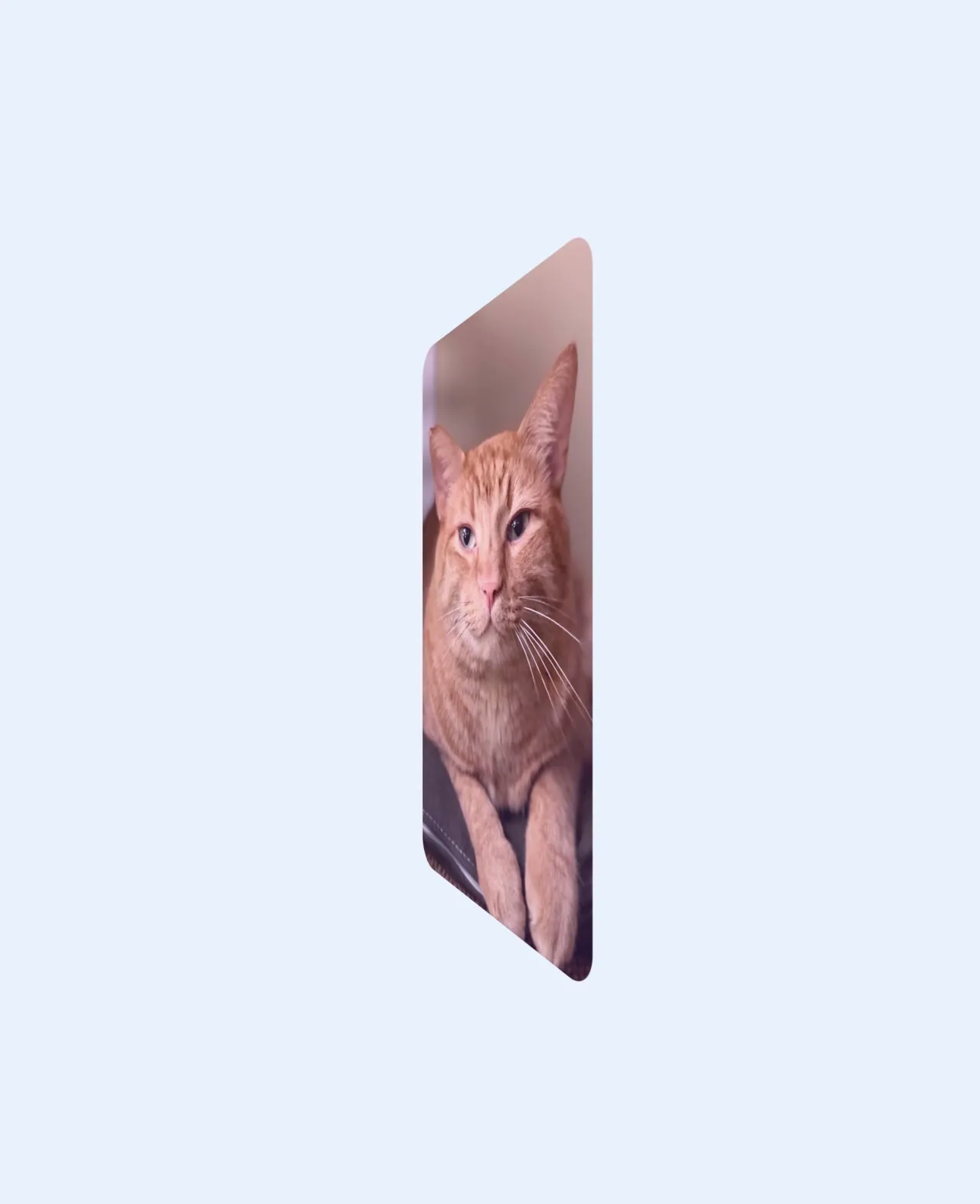
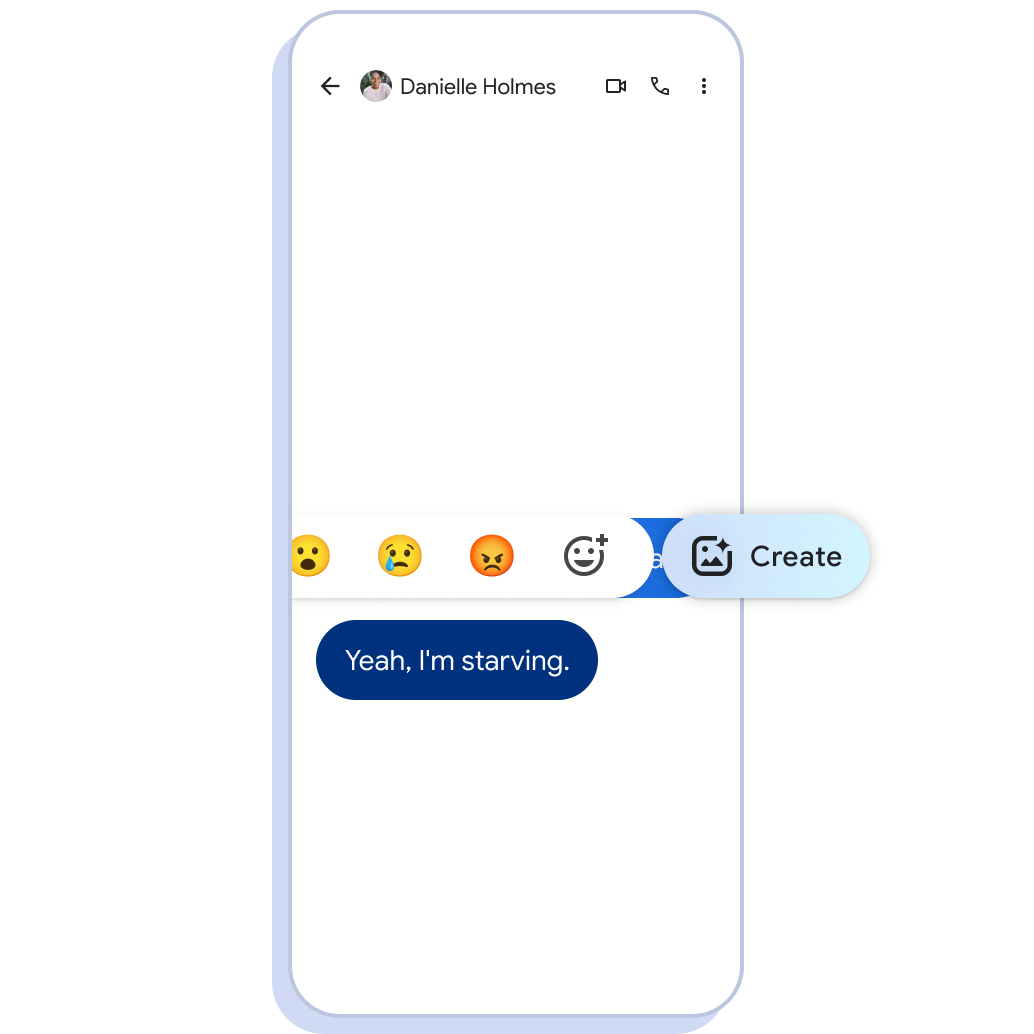
React in whole new ways.
1. Create a new reaction right within the chat window.
2. Just pick an image from your camera roll.
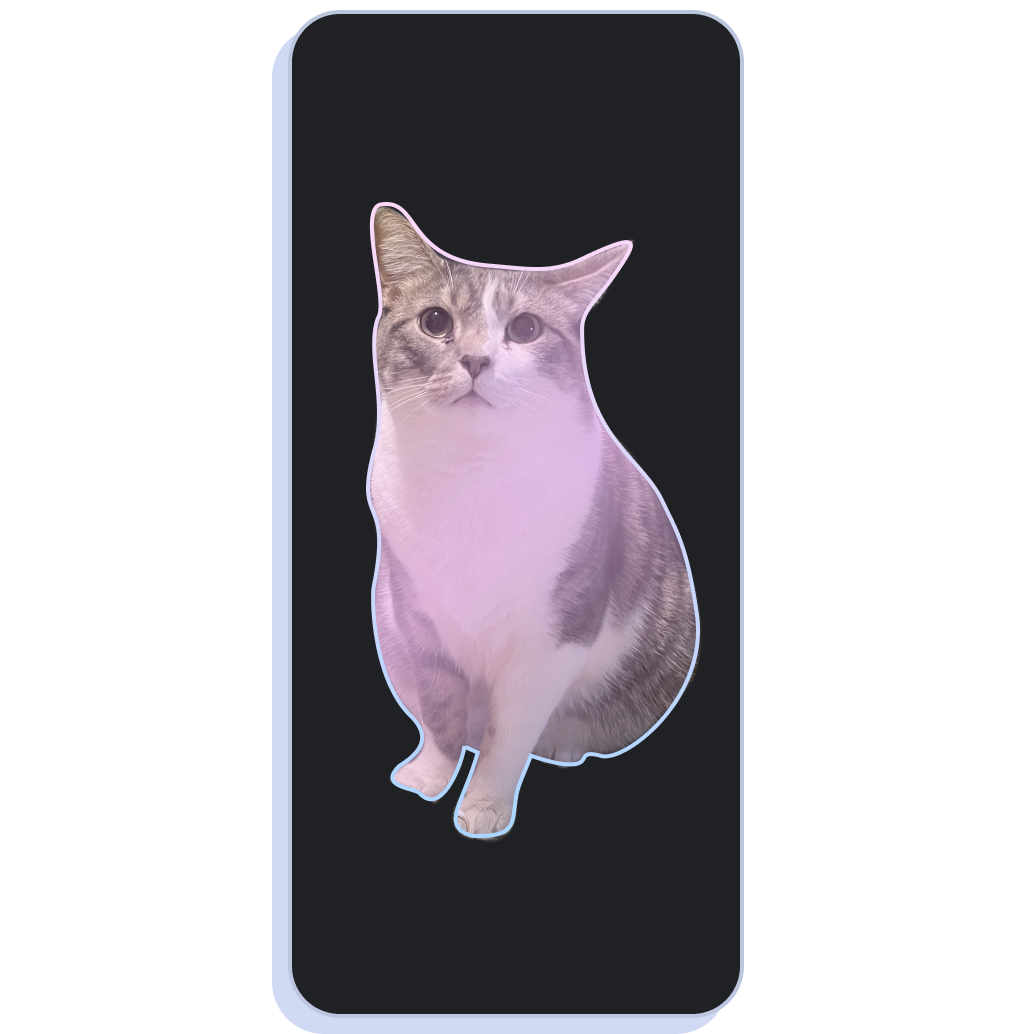
From camera roll to custom emoji.
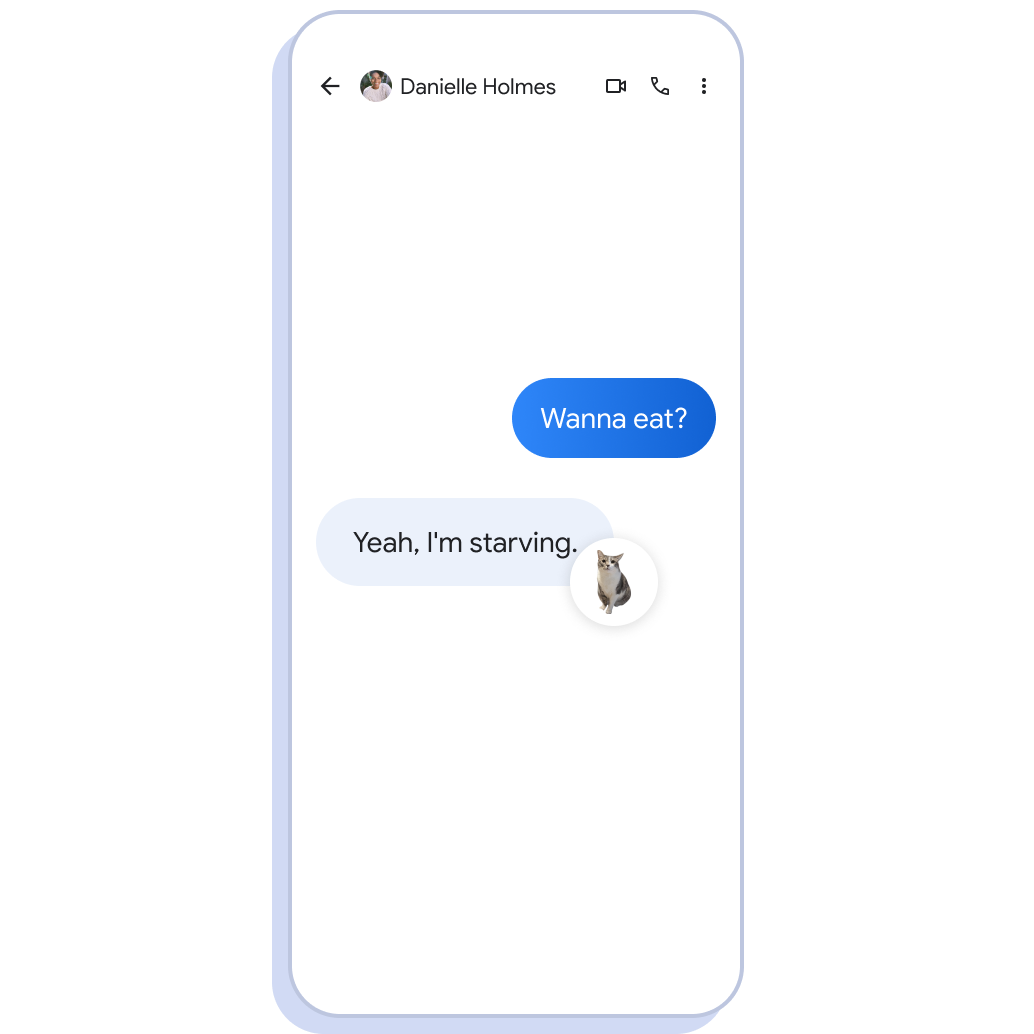
Every chat deserves a custom reaction.
Everything you need. Built right in.
-
Privacy & security
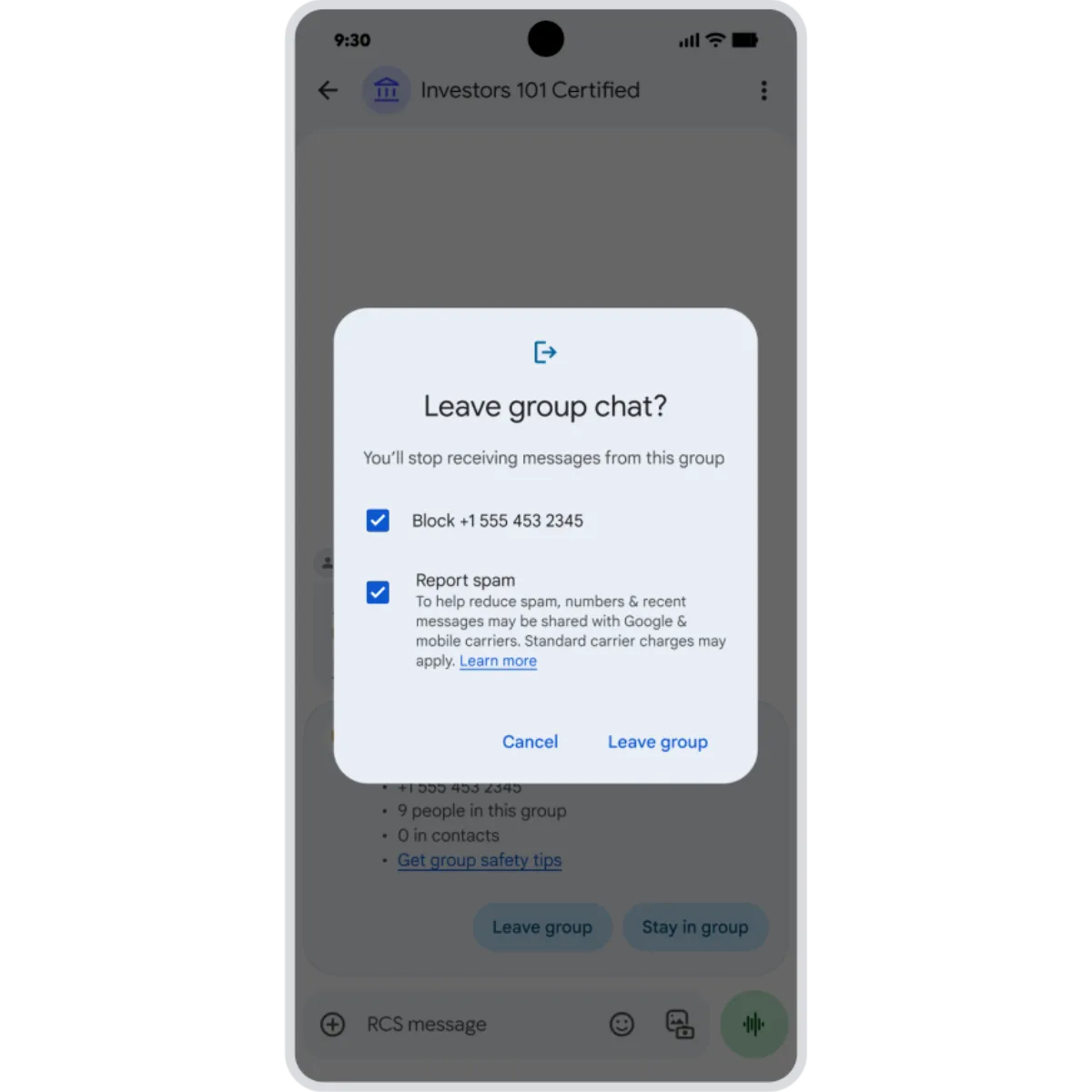
Save your chats from spammers.
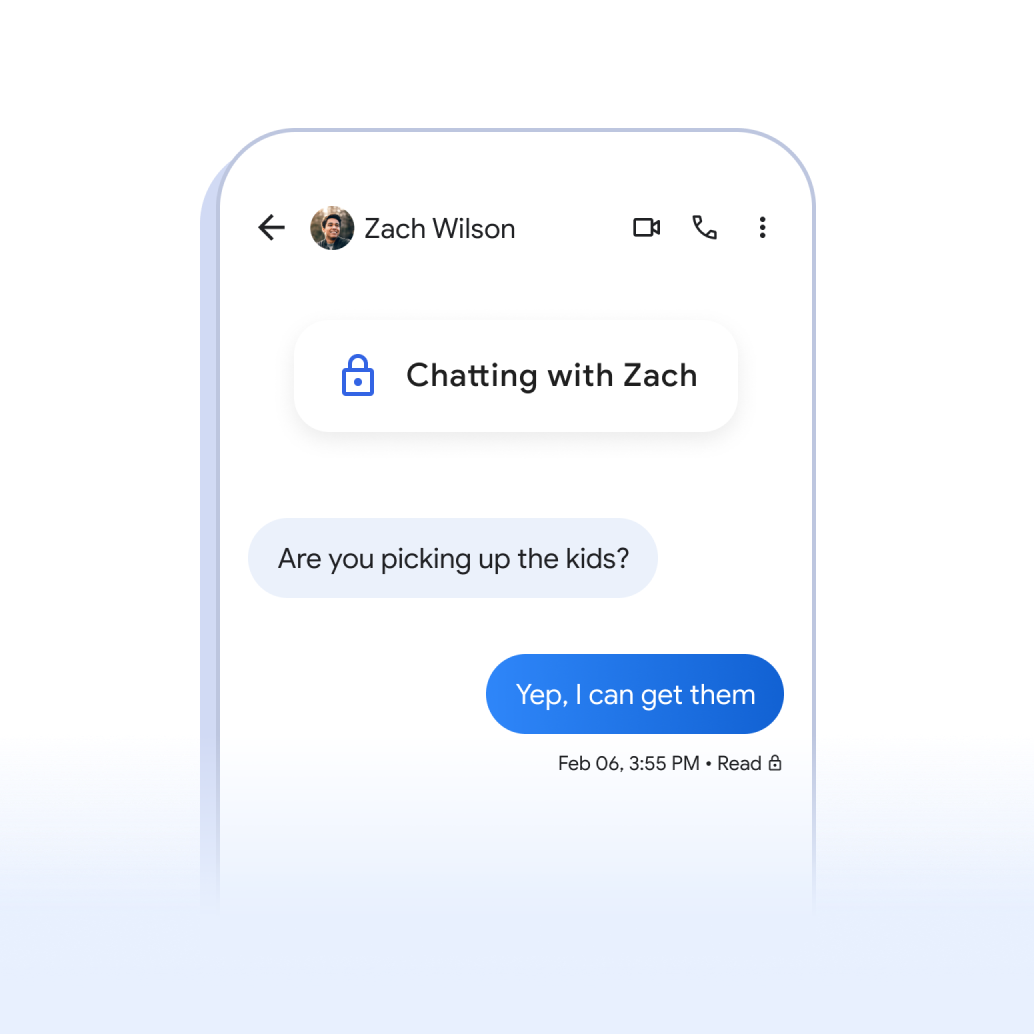
Keep your messages secure with high-quality privacy controls, spam protection, and RCS- enabled data encryption.See more featuresSpam protectionBounce the bots.
Google Messages automatically filters out spam and phishing messages, so you never even have to see them.End-to-end encryptionEnjoy your privacy.
With RCS enabled, your chats are protected by end-to-end encryption. So you can share whatever you need to. -
Google AI
What you want to say, powered by Google AI.
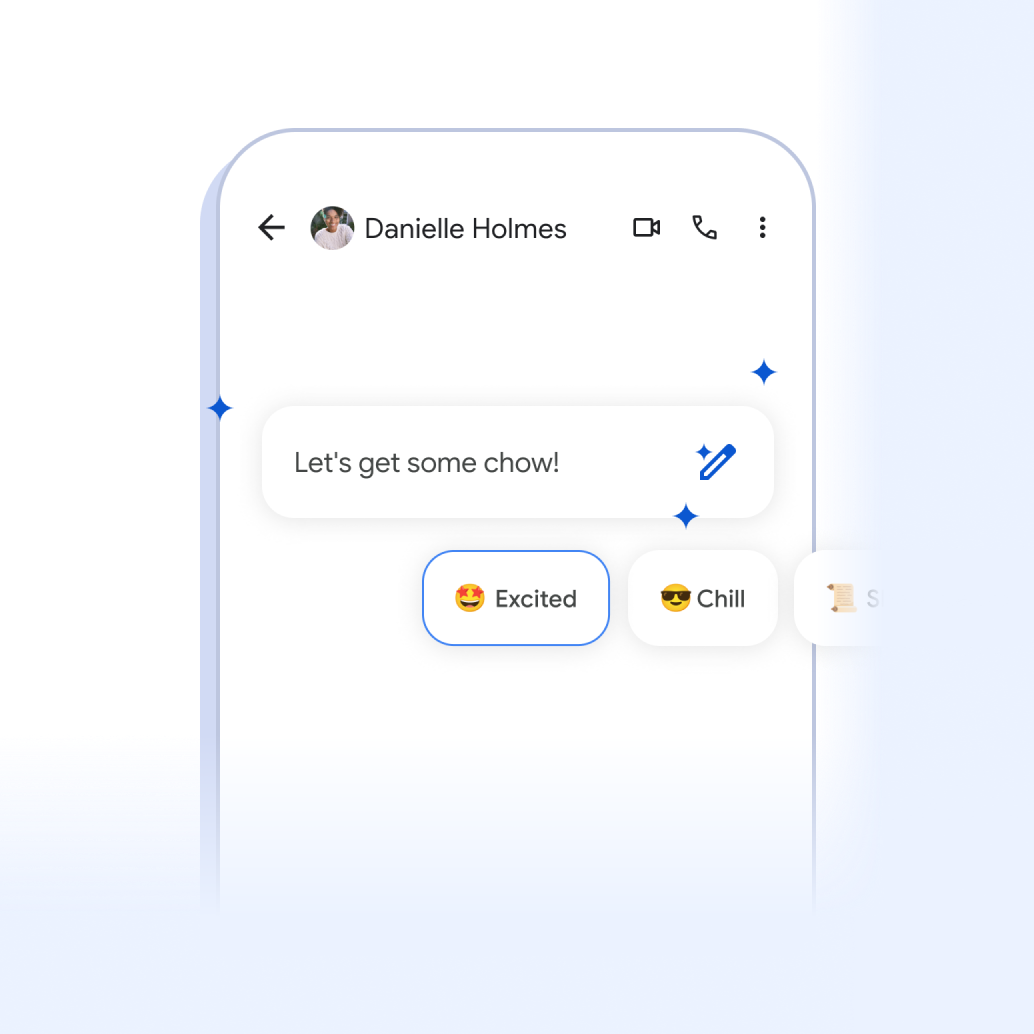
Turn your fave photos into reactions, set the vibe of your chats, and more! Try them out.See more featuresMagic ComposeThe perfect text, every time.
Choosing from a range of styles, let Magic Compose turn your text into something totally fun and unexpected.PhotomojiTurn pics into perfect reactions.
Quickly and easily turn your favorite images into emoji you can share within your chats.
Keep the conversation going across your devices.
Chat across multiple devices.
-
Customization
Text it like you talk it.
Message with your own personality and voice by creating emojis, picking chat colors, and making animated effects pop.See more featuresVoice MoodsBring your voice texts to life.
When sending a voice text, you can also choose a visual effect to express your mood.Custom BubblesMore you in every chat.
Customize the backgrounds and bubbles of your conversations, and give each contact a different theme.Reaction effectsAdd gestures to every conversation.
React with a simple 👍, and watch as magic unfolds with an animated trio of hands dancing around the message. -
Helpful
Text smarter, not harder.
Get suggested replies, helpful reminders and nudges, and enjoy automatic noise cancellation.See more featuresNoise CancellationSilence the noise.
Voice notes now offer noise cancellation, filtering out distracting background sounds when you record a message.Nudges/remindersNever miss a message again.
These helpful reminders ensure you don't forget to respond to messages that need your attention.Voice transcriptionSay it, then send it.
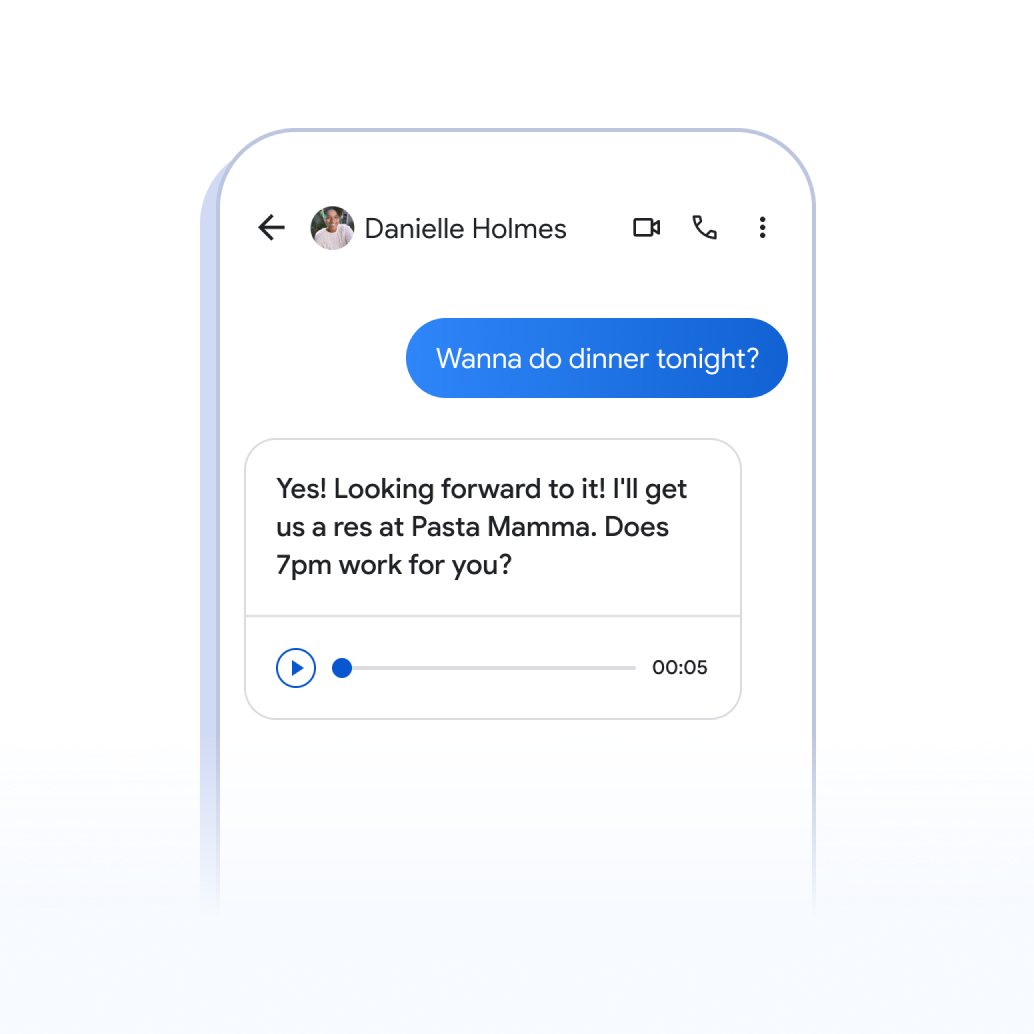
No matter what you’re doing, Voice Transcription helps you communicate when you can’t type, or don't want to.
Try Google Messages.
Keep what matters.
Get the answers you need.
How do I download Google Messages?
Android users can download Google Messages from the Google Play Store.
From there, you can download Google Messages to any Android phone or Wear OS smartwatch.
For Desktop or Tablet, simply visit messages.google.com, and pair your Android device to get started.
What is RCS?
RCS is the messaging technology standard and stands for "Rich Communication Services". RCS offers an upgraded messaging experience by adding features like high-quality photo and video sharing, typing indicators, and read receipts. RCS capabilities go beyond traditional SMS (Short Message Service).
How do I get RCS?
When Apple adopts RCS, there is no action required from Android users.
If you’re an iPhone user, to learn how to turn on RCS, check with your carrier and the settings instructions for your device.
How does RCS improve my messaging experience?
RCS bridges the gap between operating systems like Android and iOS to bring a unified messaging experience to everyone—regardless of the device they’re on. When enabled, RCS allows all users to share high-res media, control group chats, and access typing indicators and read receipts. Learn more at: https://www.android.com/get-the-message/.
Does RCS messaging work with iPhone?
Yes, iPhone users can choose to use RCS by turning it on in their messaging settings. For more information, contact your carrier.
Does Google Messages support end-to-end encryption?
For conversations between Google Messages users, end-to-end encryption is now enabled on your Android phone by default.
Does RCS cost anything?
No, RCS chats typically don't cost users extra. RCS uses your Wi-Fi or mobile data plan, just like other apps. However, standard text message rates might apply if your carrier verifies your number for RCS during setup.
More about Google Messages.
Be in the mix with all things Android.
Be in the mix with all things Android.
Sign up to receive tailored communications from Android with news, offers, events, and more.
Sign up to stay in the mix
Something went wrong.