URL: https://www.apideck.com/blog/how-to-get-your-grok-xai-api-key.md
---
title: "How to Get Your Grok (XAI) API Key"
description: "Unlock the power of xAI with our complete guide to getting your Grok API key. Follow these step-by-step instructions to subscribe, generate, and test your key today."
author: "Kateryna Poryvay"
published: "2025-09-10T09:00+05:30"
updated: "2026-05-06T07:54:25.818Z"
url: "https://www.apideck.com/blog/how-to-get-your-grok-xai-api-key"
category: "AI"
tags: ["AI", "Guides & Tutorials"]
---
# How to Get Your Grok (XAI) API Key
The Grok API does not require an X Premium subscription. That's a common assumption because Grok started life inside X, but the developer platform is now a standalone product at [console.x.ai](https://console.x.ai/). You sign up with an email, you get $25 in promotional credits, you pay per token after that.
This guide walks through the actual flow as it exists in May 2026.
## Step 1: Create an xAI Account
Navigate to [console.x.ai](https://console.x.ai/) and sign up. You can register with:
- Email and password
- Google SSO
- X account (this links your X subscription status to xAI but doesn't change anything about API access)
Sign-in is self-serve. There's no waiting period, no manual approval queue, and no Premium subscription requirement. Within a few minutes of signup, you'll have access to the developer console.
## Step 2: Complete the Initial Setup
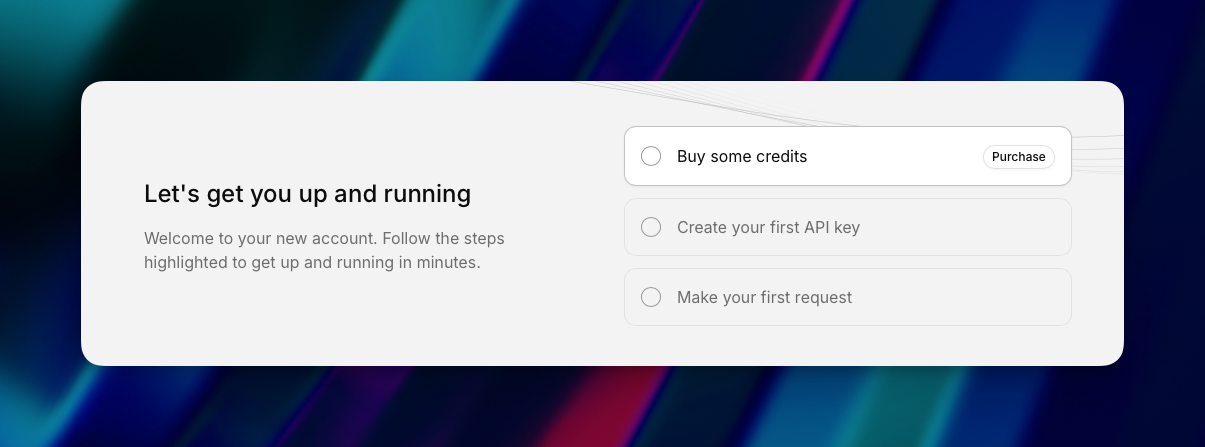
On first login, the console will prompt you for:
- Your name and (optionally) organization
- A short description of your intended use case
- Acceptance of xAI's API terms and usage policies
You may also be offered the **data sharing program** during onboarding. Opting in lets xAI use your API inputs for model training, in exchange for $150/month in ongoing API credits. New accounts get $25 in promotional credits regardless of whether you opt in. If you handle sensitive data, leave this off. If you're prototyping, take the credits.
## Step 3: Where to Find Your xAI API Key
Once in the console, navigate to **API Keys** in the left sidebar (or go directly to [console.x.ai/team/default/api-keys](https://console.x.ai/team/default/api-keys)).
The API Keys page shows:
- All existing keys with creation dates and last-used timestamps
- The team and permission scope each key belongs to
- Buttons to create, rotate, or revoke keys
## Step 4: Create Your Grok API Key
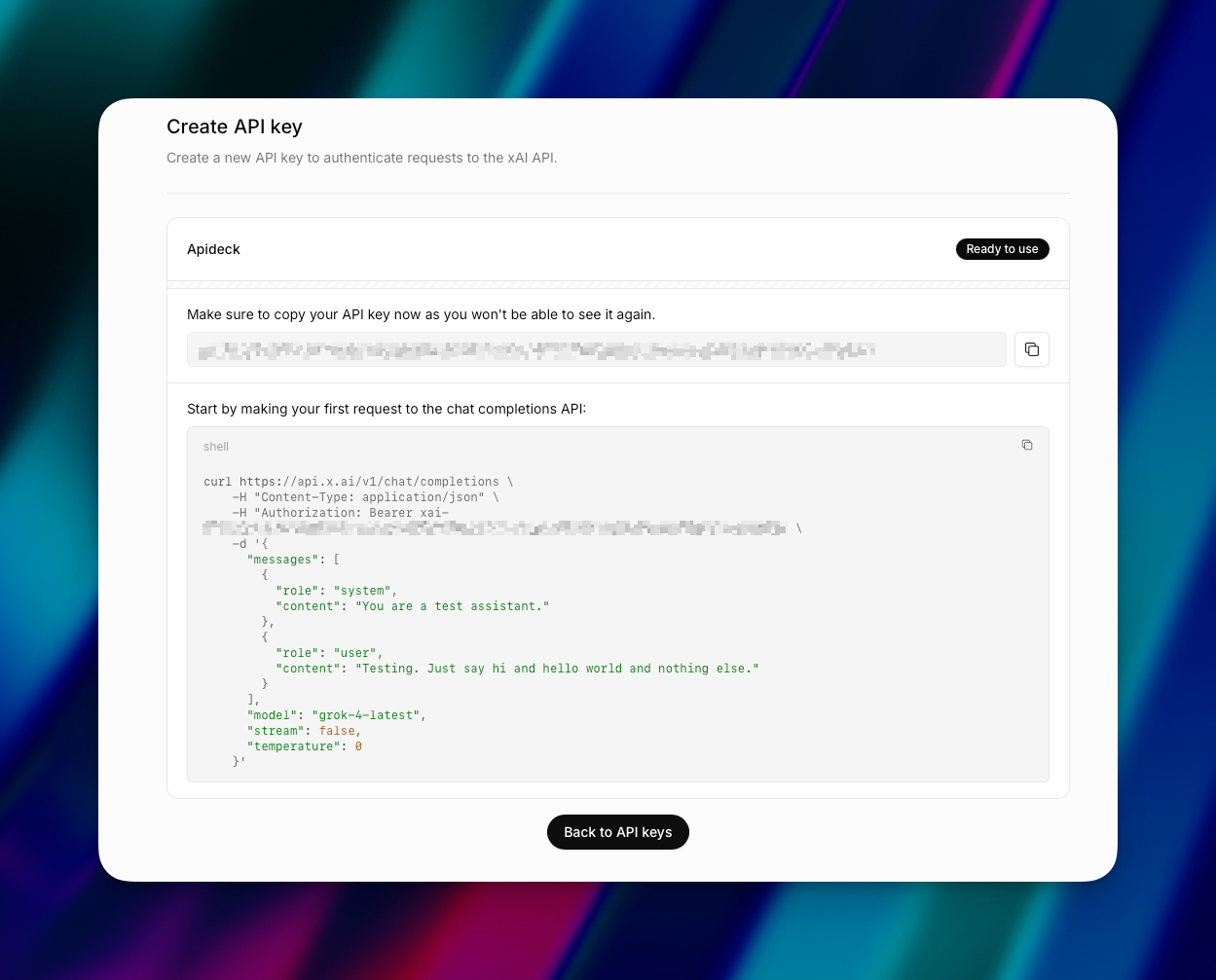
Click "Create API Key" and configure:
- **Key name:** descriptive, like "Production Backend", "Local Dev", or "CI/CD Pipeline". You'll thank yourself later when you're auditing usage.
- **Team:** if you're in multiple teams, pick the right one. Keys are scoped to a single team.
- **Endpoint access:** select which endpoints the key can hit (chat completions, image generation, voice, etc.).
- **Model access:** select which Grok models the key can use. Most users select all.
## Step 5: Copy and Save Your Grok API Key
The key is shown once. xAI does not store the secret value, so if you close the dialog without copying, you'll need to revoke and create a new one.
Grok API keys start with `xai-` followed by a long alphanumeric string. The fastest way to use it is to set it as an environment variable:
```
export XAI_API_KEY="xai-..."
```
The official xAI Python SDK and the AI SDK both default to reading the `XAI_API_KEY` environment variable, so once it's set, you don't pass the key in code.
Storage recommendations:
- Use `.env` files in development (and add `.env` to `.gitignore`)
- Use a secrets manager in production (AWS Secrets Manager, HashiCorp Vault, GCP Secret Manager)
- Never commit keys to Git, even in private repos
- Never paste keys into Slack, email, or shared docs
## Step 6: Add a Payment Method (Optional)
Your $25 in promotional credits will keep you running for a while at Grok 4.1 Fast pricing, but credits expire 30 days after account creation and don't carry over. Add a payment method before they expire if you want uninterrupted service.
In the console, go to **Billing → Payment Methods**. Add a credit card. Configure spend controls:
- **Hard monthly cap:** the number above which xAI stops accepting requests for the rest of the month. Set this. A runaway loop without a cap is expensive.
- **Usage alerts:** set notifications at 50%, 75%, and 90% of your monthly cap.
- **Auto-recharge:** optional. Convenient for production, dangerous for experimentation.
xAI uses pay-as-you-go pricing with no minimum commitment and no monthly subscription fee. The API and the consumer Grok subscriptions (SuperGrok, X Premium) are completely separate billing tracks. Subscribing to one doesn't affect the other.
## Step 7: Test Your Grok API Key
With your key set as an environment variable, run a single curl request:
```
curl https://api.x.ai/v1/chat/completions \
-H "Authorization: Bearer $XAI_API_KEY" \
-H "Content-Type: application/json" \
-d '{
"model": "grok-4.3",
"messages": [
{"role": "user", "content": "Hello, Grok!"}
]
}'
```
A successful response returns Grok's reply in JSON. Two things to know:
1. **xAI's API is OpenAI-compatible.** The endpoint, request shape, and `Authorization: Bearer` header all match OpenAI's. You can point the OpenAI Python SDK at `https://api.x.ai/v1` and it will work.
2. **The base endpoint is `https://api.x.ai/v1`.** Don't confuse this with `console.x.ai` (the dashboard) or `grok.com` (the consumer chatbot).
## Is the Grok API Free?
The first $25 is. After that, you pay per token.
xAI offers $25 in promotional credits to new accounts, plus an additional $150/month if you opt into the data sharing program. Promotional credits expire 30 days after signup. Data sharing credits refresh monthly.
There is no permanent free tier in the OpenAI-style sense. Once your credits run out, you need a payment method on file.
If you want to use Grok without paying for API access, the consumer products are:
- **grok.com** — the standalone chatbot (free tier with limits)
- **SuperGrok** — $30/month for higher rate limits and access to Grok Heavy
- **X Premium / Premium+** — bundles Grok access with X platform features
These are completely separate from API access and don't grant API credits.
## Which Grok Model Should You Use?
The current production lineup as of Q2 2026:
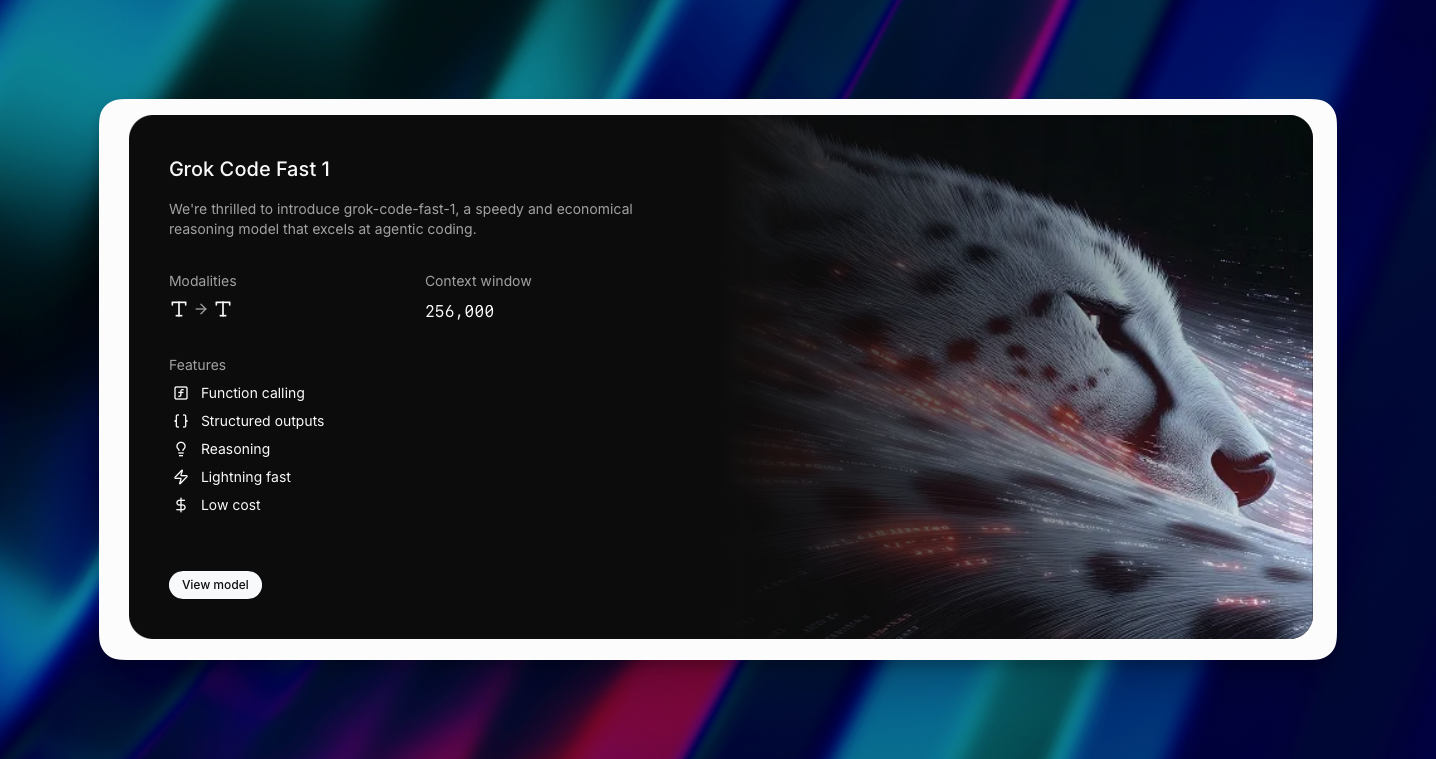
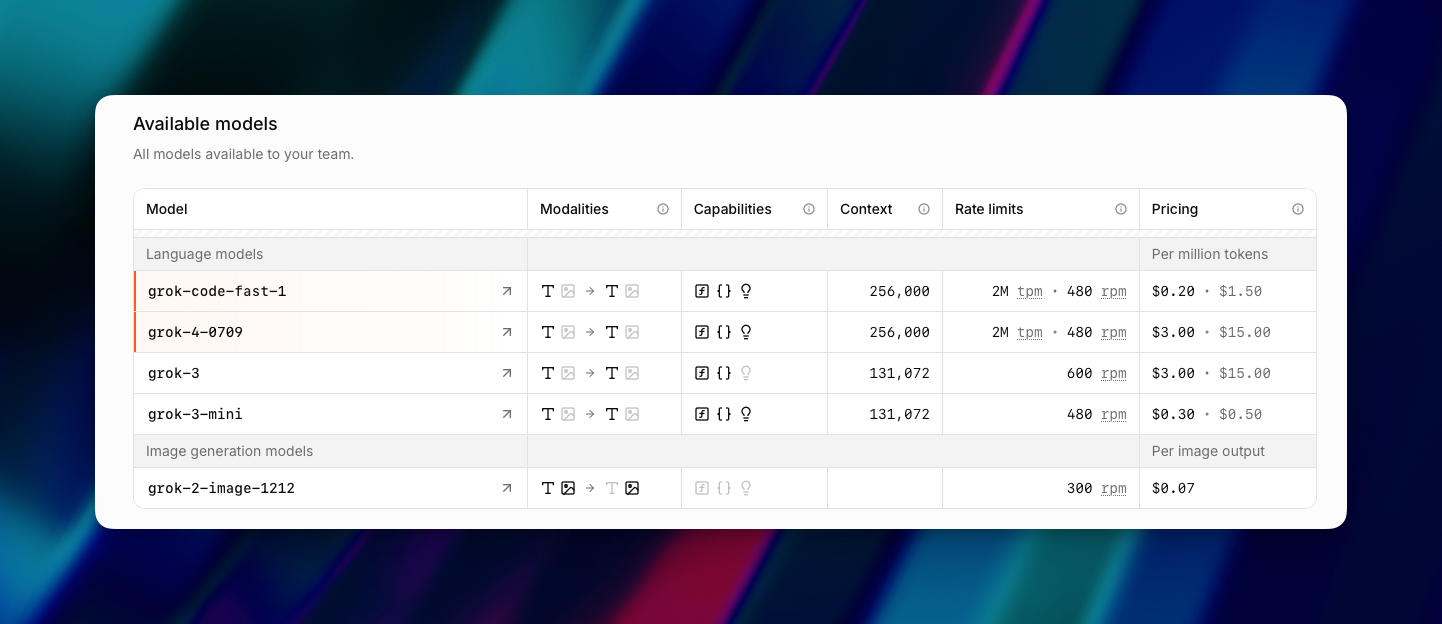
- **Grok 4.3** (current default): xAI's most intelligent and fastest model. Their official recommendation for new API integrations. Strong at reasoning, coding, and agentic tool use.
- **Grok 4.20**: 2 million token context window, $1.25/M input and $2.50/M output. Industry-leading speed and a low hallucination rate. Solid balance of cost and quality.
- **Grok 4.1 Fast**: optimized for cost. $0.20/M input, $0.50/M output. Cheaper per token than GPT-5 mini and Gemini Flash, with a 2 million token context window. Default choice for most cost-sensitive production workloads.
- **Grok 4**: the previous flagship. $3.00/M input, $15.00/M output. Better suited for complex reasoning where accuracy matters more than cost.
In the API, you reference models by their model string (e.g. `grok-4.3`, `grok-4.20`, `grok-4.1-fast`, `grok-4`). xAI also supports aliases:
- `
