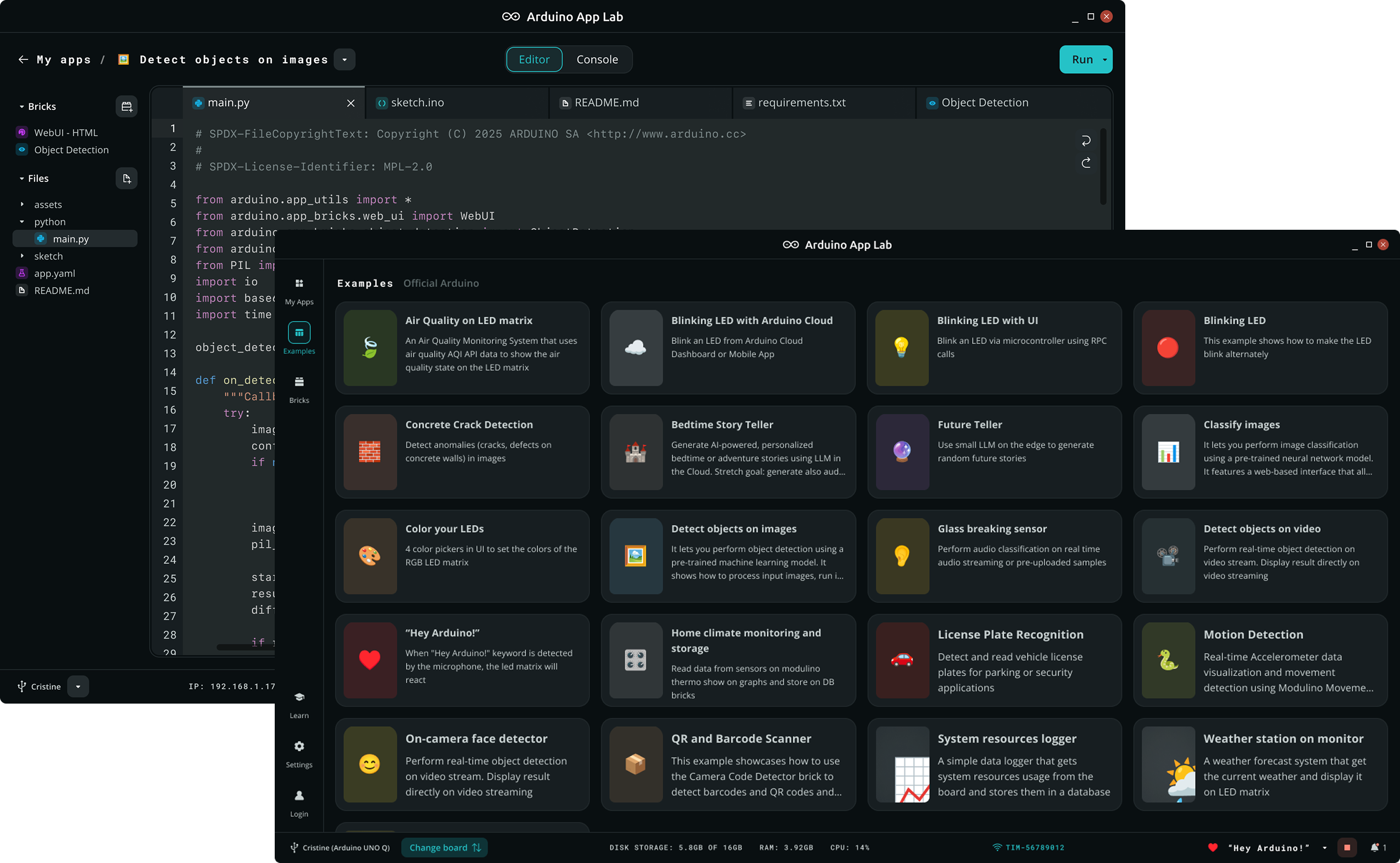
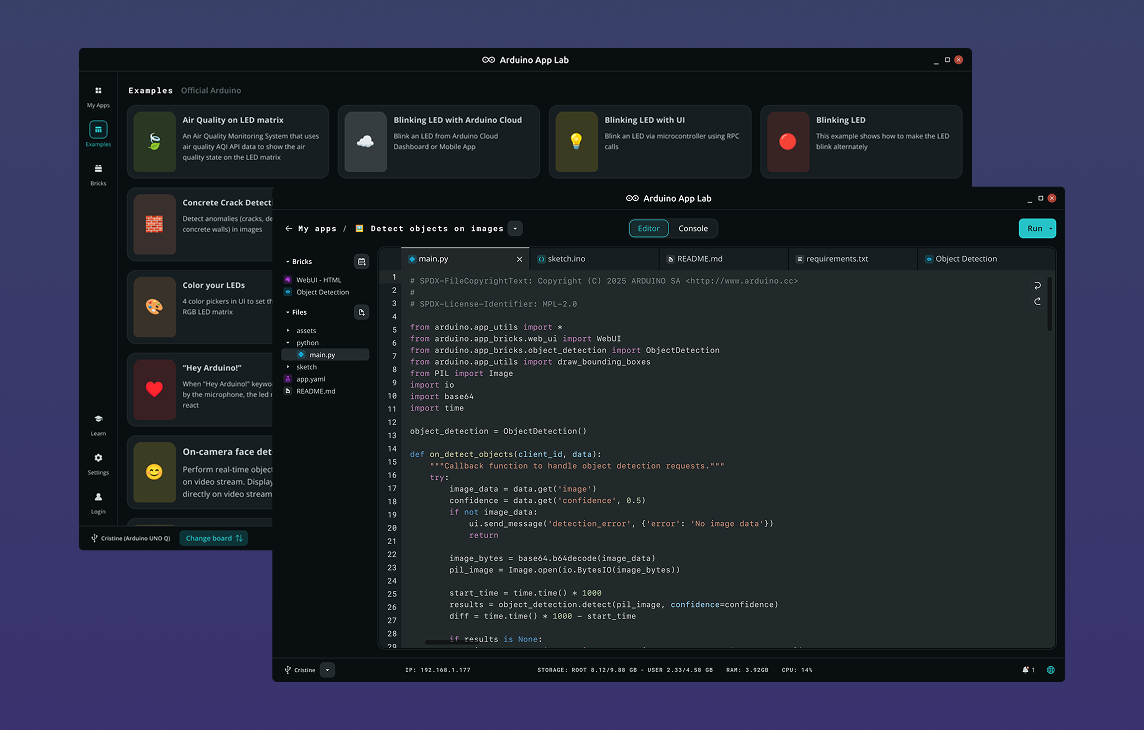
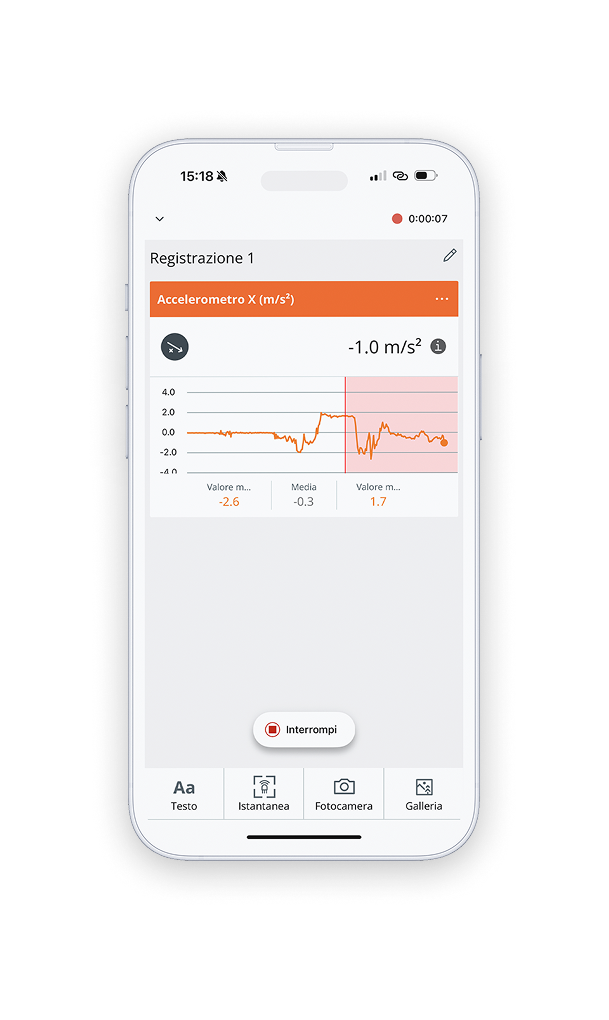
App Lab: from Sketch to Linux to AI, all in one placeThe new, all-in-one development environment designed to redefine how you build applications across embedded systems, Linux, and edge AI.
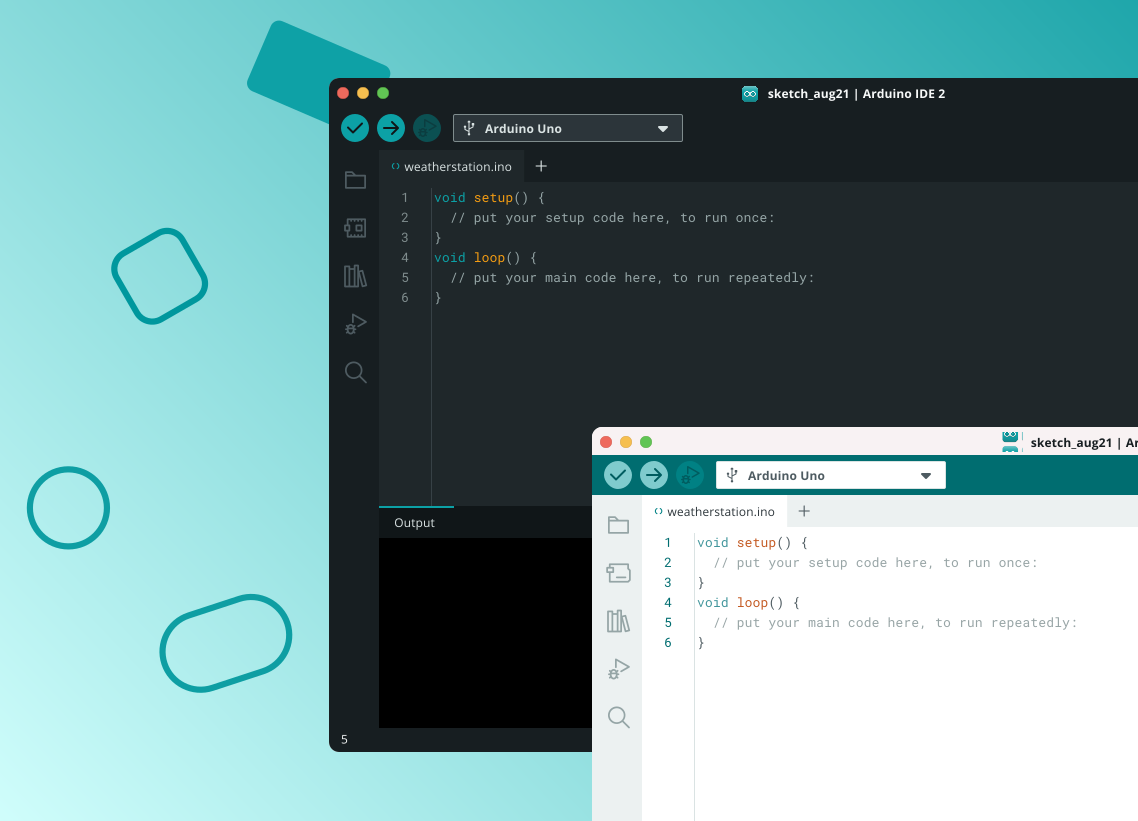
The new major release of the Arduino IDE is faster and even more powerful! In addition to a more modern editor and a more responsive interface it features autocompletion, code navigation, and even a live debugger. For more details, check the Arduino IDE 2.0 documentation.
Nightly BuildsDownload a preview of the incoming release with the most updated features and bugfixes.
The Arduino IDE 2.0 is open source and its source code is hosted on GitHub.
Legacy IDE (1.8.19)Download a legacy version of the Arduino IDE.
Windows Win 7 and newer
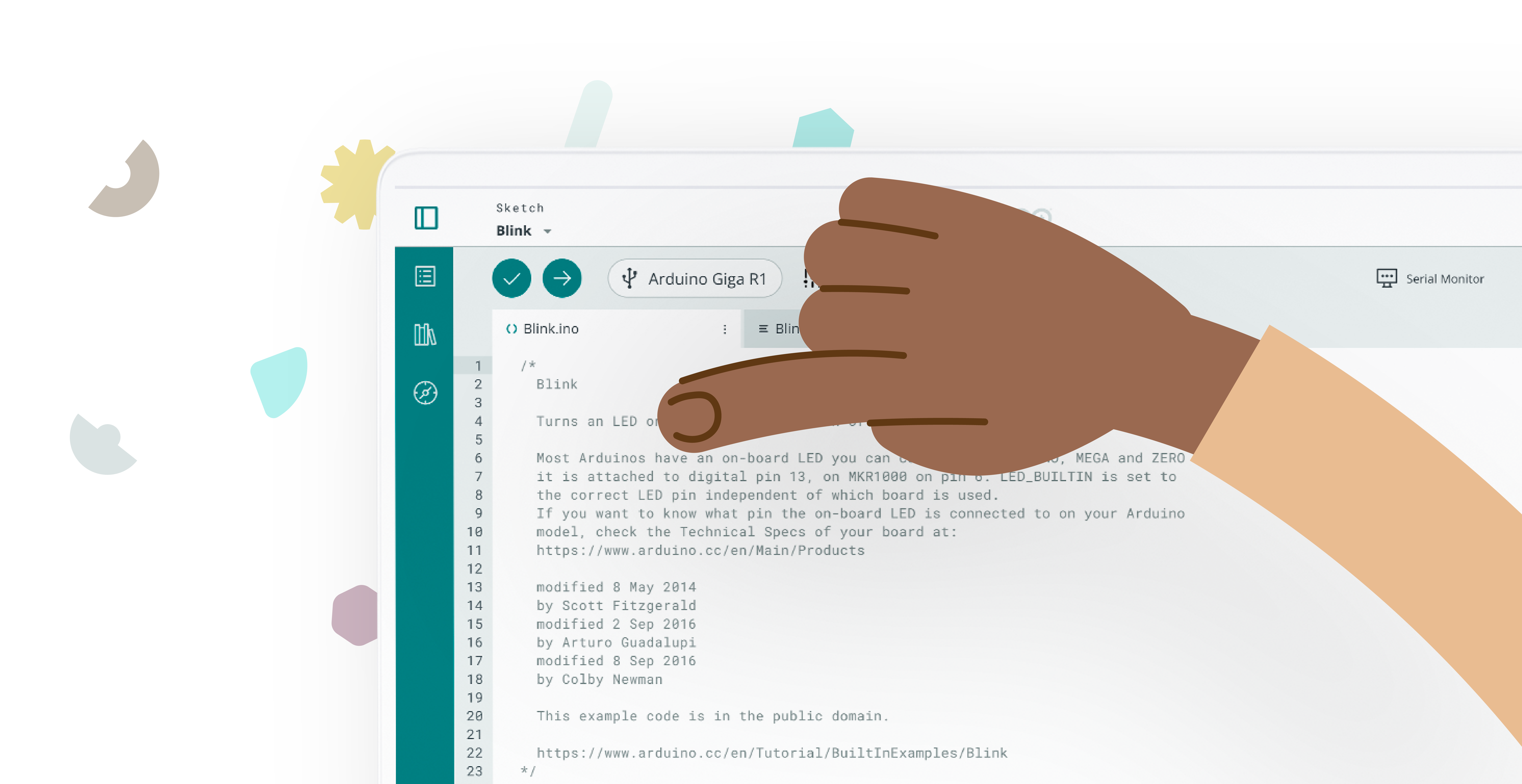
Code anywhere with Arduino Cloud EditorExperience the Arduino IDE online. Whether you're at home or on the go, code, upload and access your projects anytime from your browser for free.
A powerful visual environment for managing your UNO Q board — combine prebuilt modules, called Bricks, with AI models to define your board’s behavior with ease. App Lab supports both classic C++ sketches via the Arduino IDE and Python, giving you full flexibility to develop the way you prefer.
Windows (10/11), NSIS installer
The Arduino App lab is Open Source under terms of GPL 3.0 License and its source code is available here.
Arduino Flasher CLIEasily flash Linux images onto your Arduino UNO Q with Flasher CLI.
Arduino Flasher CLI
Windows
Learn how to use the Arduino Flasher CLI — check our How to use guide in Arduino Docs.
The Arduino Flasher CLI is open source and its source code is hosted on GitHub.
Program using IEC 61131-3 languages and mix Arduino sketches through Arduino PLC IDE! Configure easily your pre-mapped resources and get quick no code fieldbus support, dive into your code analysis thanks to the wide set of debugging tools.For more details, check the Arduino PLC IDE documentation.
The Arduino CLI is a powerful command-line interface that integrates all the functionalities of the Arduino IDE, allowing you to build, compile, and upload sketches, manage libraries and boards, and more, all within a text-based environment.
An experimental lightweight editor developed by Arduino Lab. It supports connecting a board, uploading code, transferring files, and includes an interactive REPL shell for real-time programming.
A Chromebook app to code online, save your sketches in the cloud, and upload them to the Arduino board connected to your device. Developed to allow you to play with Arduino electronics and programming in a shared, always-up-to-date environment. All the contributed libraries are automatically included, and new Arduino boards are supported out of the box.👁 google-play
Terms of serviceBy downloading the software from this page, you agree to the specified terms.
The Arduino software is provided to you "as is" and we make no express or implied warranties whatsoever with respect to its functionality, operability, or use, including, without limitation, any implied warranties of warranties of merchantability, fitness for a particular purpose, or infringement. We expressly disclaim any liability whatsoever for any direct, indirect, consequential, incidental or without without limitation, lost revenues, lost profits, losses resulting from business interruption or loss of regardless of the form of action or legal theory under which the liability may be asserted, even if advised of the possibility or likelihood of such damages.