VOOZH about

URL: https://www.billionconnect.net/

⇱ Get eSIM for International Travel | Billion Connect


Language
πŸ‘ Image
ζ—₯本θͺž
πŸ‘ Image
EspaΓ±ol
πŸ‘ Image
繁體中文
πŸ‘ Image
λŒ€ν•œλ―Όκ΅­
Currency
United States DollarUSD
Hong Kong DollarHKD
Japanese YenJPY
Korean WonKRW
EuroEUR
Chinese YuanCNY
Canadian DollarCAD
Singapore DollarSGD
Thai BahtTHB
Malaysian RinggitMYR

Reliable Connection Anywhere

Surf like a local with affordable pricing in 200+ destinations

Choose your destination

Pick a data plan that fits your need. BC eSIM has regional and global plans for all kinds of travel.
Local
Regional
JapanStarting from USD 1.32
πŸ‘ Arrow
ChinaStarting from USD 1.32
πŸ‘ Arrow
ThailandStarting from USD 1.21
πŸ‘ Arrow
U.S.AStarting from USD 0.91
πŸ‘ Arrow
SpainStarting from USD 0.92
πŸ‘ Arrow
FranceStarting from USD 0.92
πŸ‘ Arrow
IndonesiaStarting from USD 1.07
πŸ‘ Arrow
S.KoreaStarting from USD 1.21
πŸ‘ Arrow
U.KStarting from USD 0.92
πŸ‘ Arrow
GermanStarting from USD 0.92
πŸ‘ Arrow
VietnamStarting from USD 0.94
πŸ‘ Arrow
AustraliaStarting from USD 1.21
πŸ‘ Arrow
Hong KongStarting from USD 1.33
πŸ‘ Arrow
CanadaStarting from USD 1.67
πŸ‘ Arrow
BrazilStarting from USD 1.79
πŸ‘ Arrow
MalaysiaStarting from USD 1.08
πŸ‘ Arrow
TaiwanStarting from USD 1.32
πŸ‘ Arrow
ItalyStarting from USD 0.92
πŸ‘ Arrow
UAEStarting from USD 3
πŸ‘ Arrow
PhilippinesStarting from USD 1.21
πŸ‘ Arrow
TurkeyStarting from USD 0.72
πŸ‘ Arrow
MacauStarting from USD 1.32
πŸ‘ Arrow
SwitzerlandStarting from USD 0.92
πŸ‘ Arrow
SingaporeStarting from USD 1.08
πŸ‘ Arrow
AsiaStarting from USD 1.08
πŸ‘ Arrow
EuropeStarting from USD 1.04
πŸ‘ Arrow
North AmericaStarting from USD 1.67
πŸ‘ Arrow
South AmericaStarting from USD 2.64
πŸ‘ Arrow
OceaniaStarting from USD 1.93
πŸ‘ Arrow
Middle EastStarting from USD 2.43
πŸ‘ Arrow
AfricaStarting from USD 1.56
πŸ‘ Arrow
GlobalStarting from USD 0.92
πŸ‘ Arrow
View All Destinations

How does Billion Connect’s eSIM work?
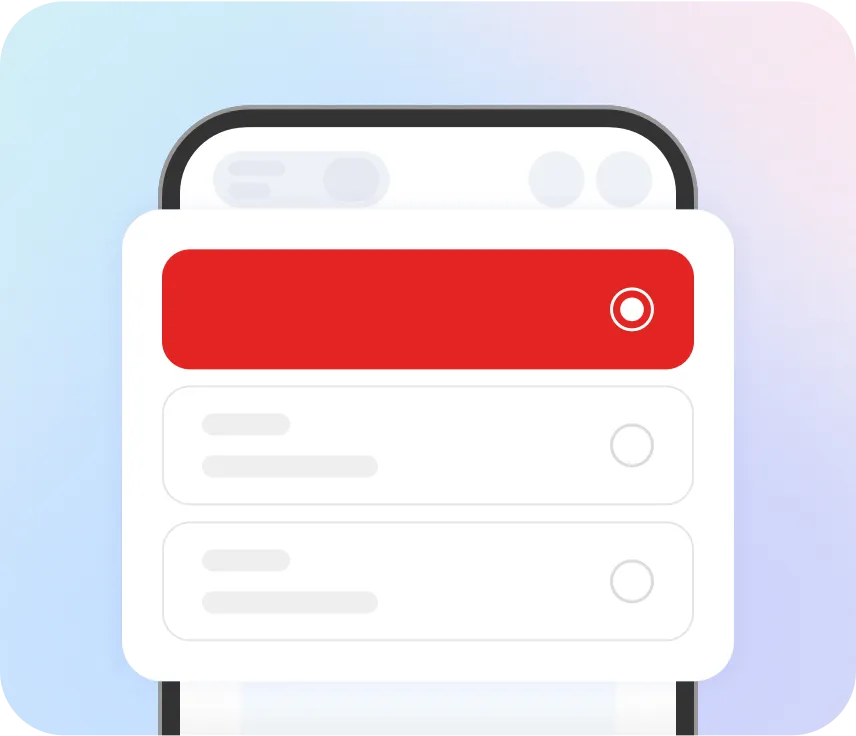
πŸ‘ 1. Choose your destination and data plan
1. Choose your destination and data planYour device must be eSIM ompatible and carrier unlock. Check compatibility

πŸ‘ 2. Install your eSIM
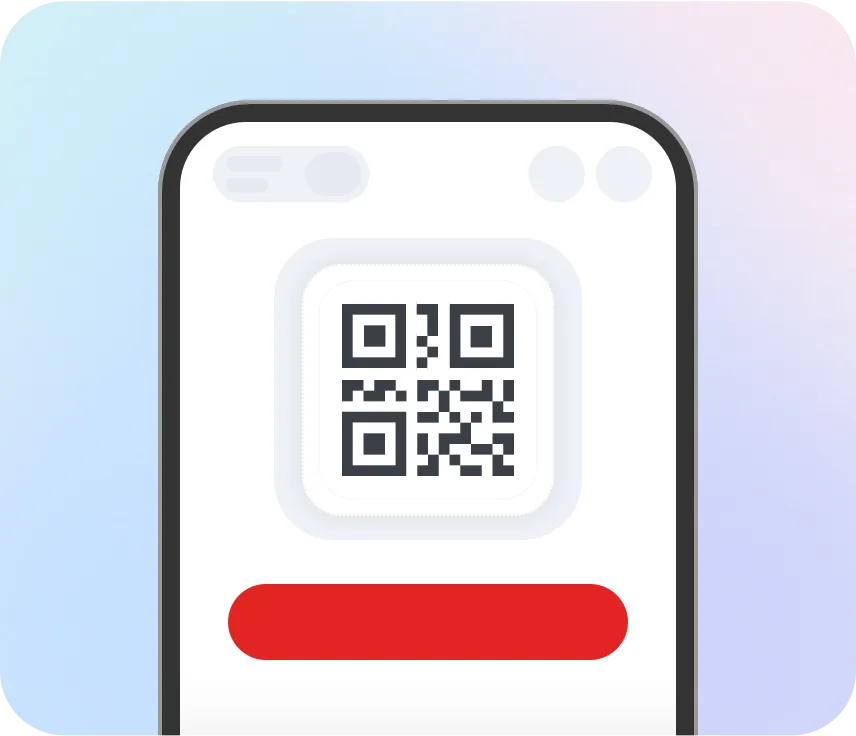
2. Install your eSIMFollow the instruction, scan QR code or enter the information manually to set up your eSIM

πŸ‘ 3. Enjoy your data plan
Data PlanEuropeUnlimited / Day
πŸ‘ 3. Enjoy your data plan
3. Enjoy your data planThe package will be activated automatically when you arrive at your destination

Why choose Billion Connect?

πŸ‘ Stable internet connection
Stable internet connectionGet seamless connectivity with the fastest and most reliable networks wherever you go.
πŸ‘ Avoid roaming costs
Avoid roaming costsSay goodbye to hidden fees! See exactly what you'll pay for data before your trip.
πŸ‘ 7/24 customer service
7/24 customer serviceWe're here 24/7 to answer your questions and ensure you stay connectedβ€”just send us a message.
πŸ‘ Easy installation
Easy installationReady to travel smart? Download the BC eSIM app, get a plan and install your eSIM, enjoy instant internet when you land.
πŸ‘ Keep your home number
Keep your home numberCall and text with your home numberβ€”just like you never left. Stay close to family and friends, no matter where you are.
πŸ‘ Local and regional plans
Local and regional plansStay connected wherever your travels take youβ€”choose a local plan or regional eSIM to explore without limits.

Trusted by our travelers

Billion Connect makes it simple: reliable connectivity in 200+ destinations. See how travelers stay online effortlessly.

Emma T.
I used Billion Connect eSIM on my first trip to Europe β€” super easy to install and worked instantly without changing any SIM card! The connection was fast and stable throughout my journey. Highly recommend it for frequent travelers!
Kenji S.
Used Billion Connect eSIM during my business trip to the U.S. β€” the connection was fast, and it was much cheaper than buying a local SIM. Customer service was quick and helpful. Very reliable!
Maria L.
So convenient! Just scan the QR code and you’re online β€” no need to worry about finding Wi-Fi. I’ve tried many eSIMs, but this one has the best coverage and price.
Lucas W.
I used Billion Connect while traveling across several Asian countries β€” one eSIM worked everywhere! Saved me so much time. The data speed was excellent, even for streaming videos.
Yi-Chun Chen
A friend recommended Billion Connect, and it worked perfectly! Installation was instant, and I loved that the support team also provides service in Chinese. Definitely using it again for my next trip!

Frequently Asked Questions (FAQs)

1. What is an eSIM?πŸ‘ Arrow
An eSIM (embedded SIM) is a digital SIM card that allows you to activate a cellular plan without needing a physical SIM. It’s built into compatible devices and can store multiple profiles.
2. Is Billion Connect’s eSIM compatible with my device?πŸ‘ Arrow
eSIM is supported on most modern smartphones, tablets, and wearables (e.g., iPhone XS or newer, Google Pixel 3 or newer, Samsung Galaxy S20 or newer). Check our [Compatible Devices] page for details.
3. Can I use both a physical SIM and an eSIM at the same time?πŸ‘ Arrow
Yes, most dual-SIM devices allow you to use a physical SIM and eSIM simultaneously for separate numbers or data plans.
4. How do I buy an eSIM plan from Billion Connect?πŸ‘ Arrow
Select your desired plan on our website, complete the purchase, and you’ll receive an email with a QR code and activation instructions.
5. Which countries are covered by Billion Connect’s eSIM plans?πŸ‘ Arrow
We offer global and region-specific plans. Check the coverage details for your selected plan before purchasing.
6. How do I switch between different eSIM profiles on my device?πŸ‘ Arrow
Go to your device’s cellular settings, select the eSIM profile, and toggle between active plans.
7. Can I reuse my eSIM after my plan expires?πŸ‘ Arrow
No, eSIM plans are valid for a fixed duration. You’ll need to purchase a new plan for continued service.
8. Why isn’t my eSIM activating?πŸ‘ Arrow
Ensure your device is eSIM-compatible, connected to Wi-Fi, and running the latest OS(Operating System). If issues persist, contact our support team.
9. How do I update APN settings for my eSIM?πŸ‘ Arrow
APN settings are usually auto-configured. If manual setup is required, instructions will be provided in your plan confirmation email.
10. How can I check how much data I have left?πŸ‘ Arrow
To check the data balance you have left, download BC eSIM app. You can enter the ICCID number in 'my order' to bind esim query, currently only supports querying the total amount of package usage

Download BC eSIM app

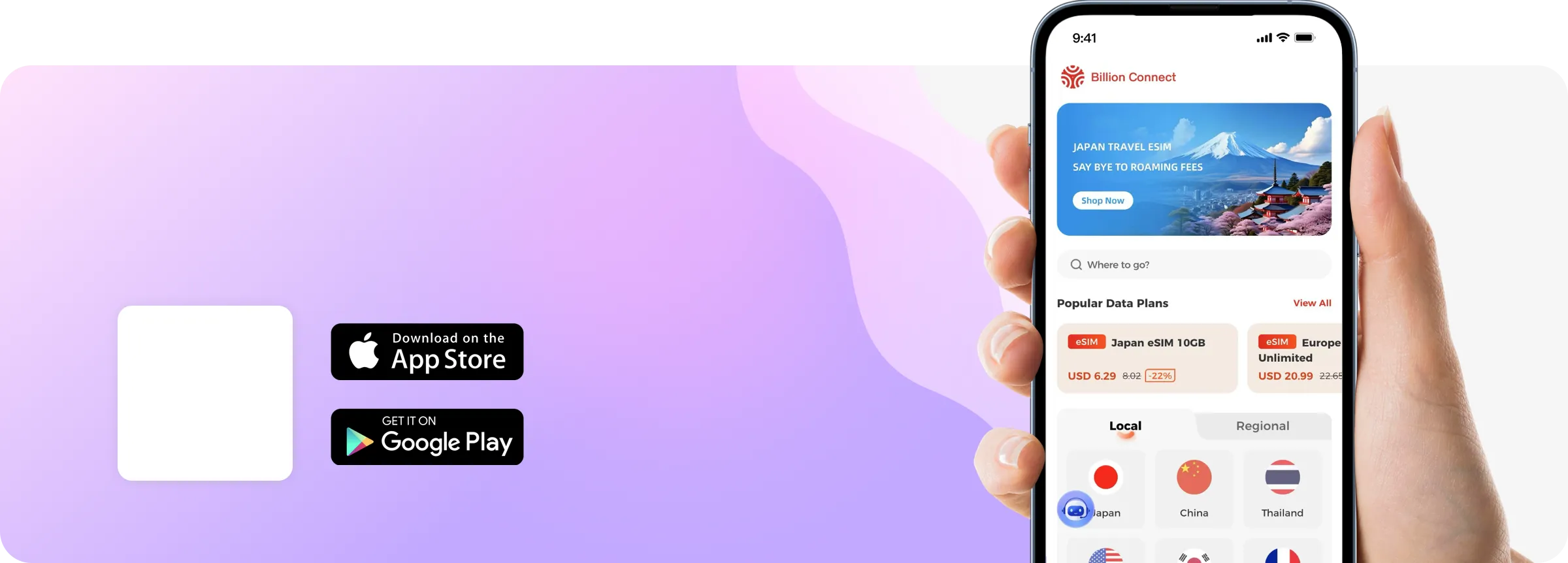
Get BC eSIM on Google Play and the App Store. Download the App and manage your eSIMs easily
Choose your destination and data plan

Install your eSIM

Enjoy your data plan

Stable internet connection

Avoid roaming costs

7/24 customer service

Easy installation

Keep your home number

Local and regional plans