
Export RDL/RDLC Reports in C# for ASP.NET Core
Programmatically create and export SSRS, RDL, and RDLC reports to PDF, Word, Excel and more.
No credit card required.
Other supported frameworks


Overview
The ASP.NET Core Report Writer is a powerful library that enables you to export SSRS RDL and RDLC reports from various reporting applications. Silently print reports in multiple formats, such as PDF, Word, and Excel, without requiring a report viewer control for rendering or viewing. The library also offers developer-friendly APIs to create reports programmatically without a user interface.
What you can do with ASP.NET Core Report Writer
Reports from anywhere
Effortlessly create and export SSRS RDL and RDLC reports with the ASP.NET Core Report Writer. With or without a report server, the writer allows easy access to reports from Microsoft SSRS, SSRS SharePoint, as well as applications, cloud storages, and databases.

Export formats
Export reports in commonly used file formats, like PDF, Word, Excel, CSV, PowerPoint, XML, and HTML.

Create SSRS RDL/RDLC reports programmatically in C#
Use simple APIs to create SSRS RDL/RDLC reports programmatically in C# and change report item properties without using a visual design interface.

Connect to any data source
Export reports created using a built-in data source, business object collection, or data processing extension against any data source:
-
Built-in data sources: Microsoft SQL Server, Microsoft SQL Azure, SQL CE, XML, Microsoft Access, Oracle, OLEDB, and ODBC.
-
Business object data sources: IList, DataSet, and DataTable.
-
Custom data processing extensions: MySQL, SQLite, PostgreSQL, and more.

Eye-popping data visualization
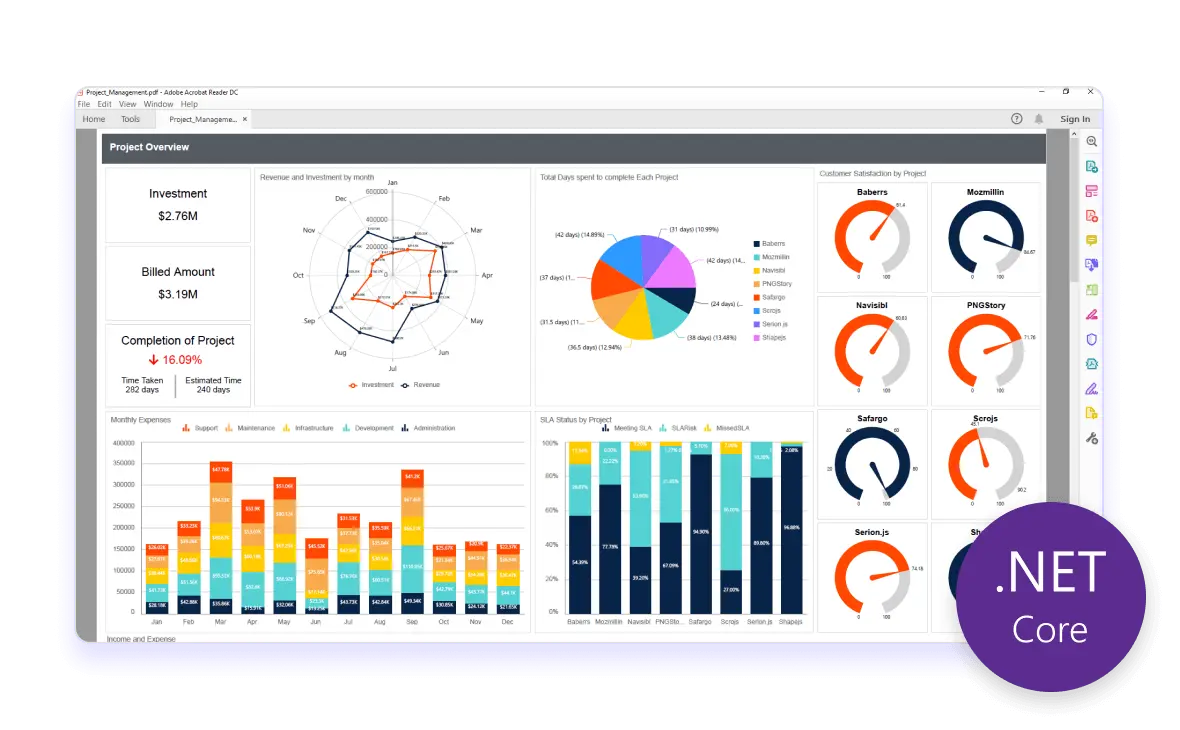
Share insights by exporting reports containing a variety of report items using the ASP.NET Core Report Writer:
-
Basic items: Text box, image, line, and rectangle.
-
Data region items: Table, matrix (pivot table), and list.
-
Data visualization: Charts, sparklines, data bars, gauges, indicators, and maps.
-
Subreports.
-
Custom report items: Barcodes, QR barcodes, and more.

Presentation-ready reports
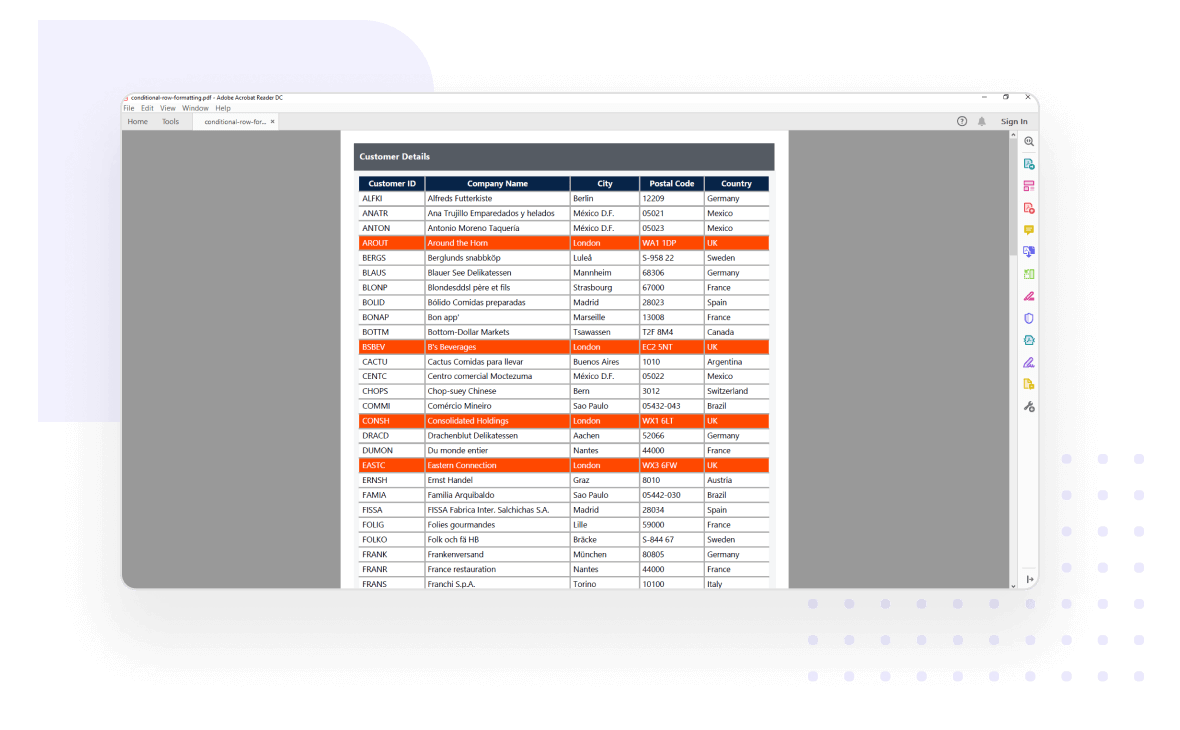
Export reports with unmatched clarity by highlighting data on demand using the ASP.NET Core Report Writer. Style your reports using the following data customization options:
-
HTML/rich text rendering.
-
Conditional formatting.
-
Simple and complex expressions.
Data shaping
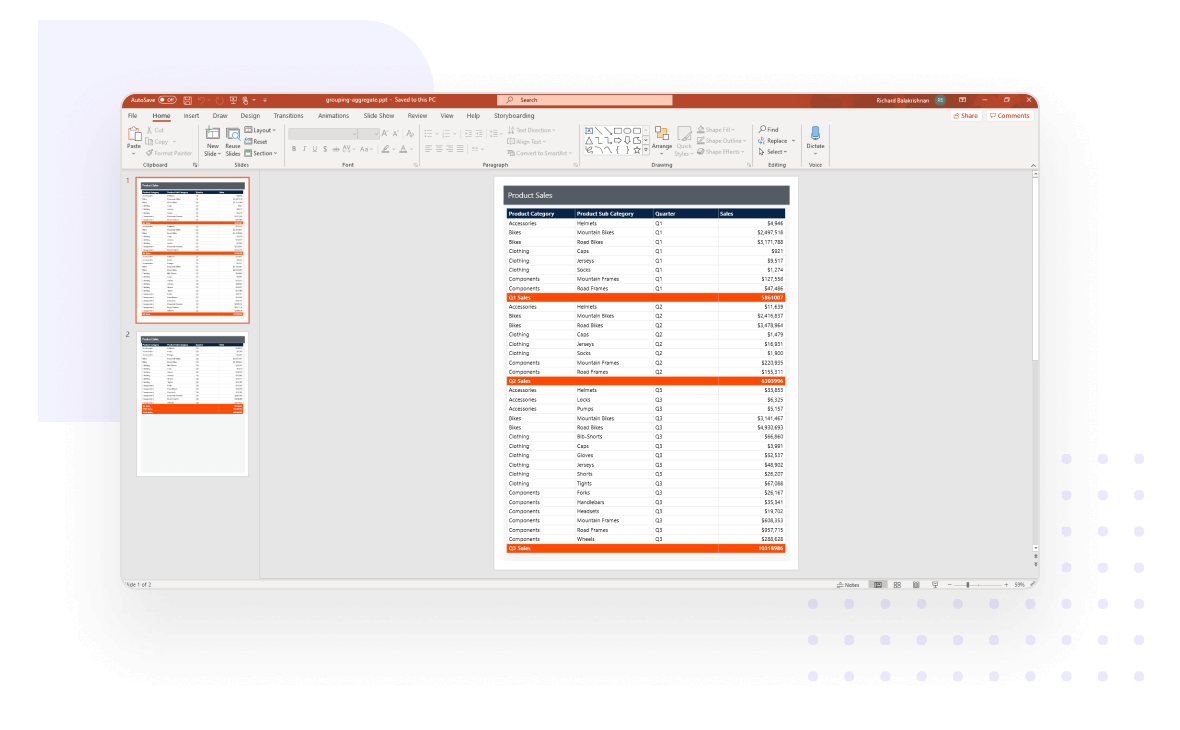
Export organized and shaped data using the following options to make bolder business decisions:
-
Sorting
-
Filtering
-
Grouping
-
Summaries and aggregates
-
Calculated fields
Report parameters
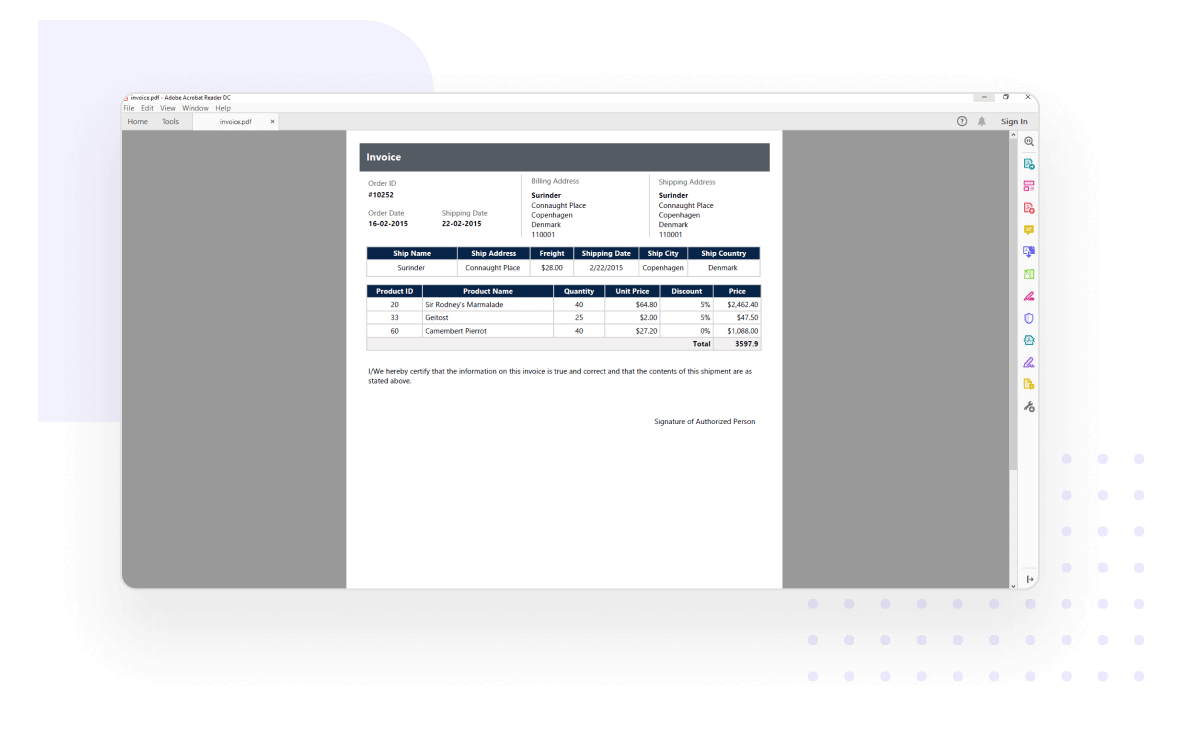
Set the following parameter types to interact with the report on the fly to modify the data exported from RDL/RDLC reports:
-
Cascading parameters
-
Non-queried parameters
-
Queried parameters
-
Multivalued parameters
-
Custom parameter layouts
Interactive reports
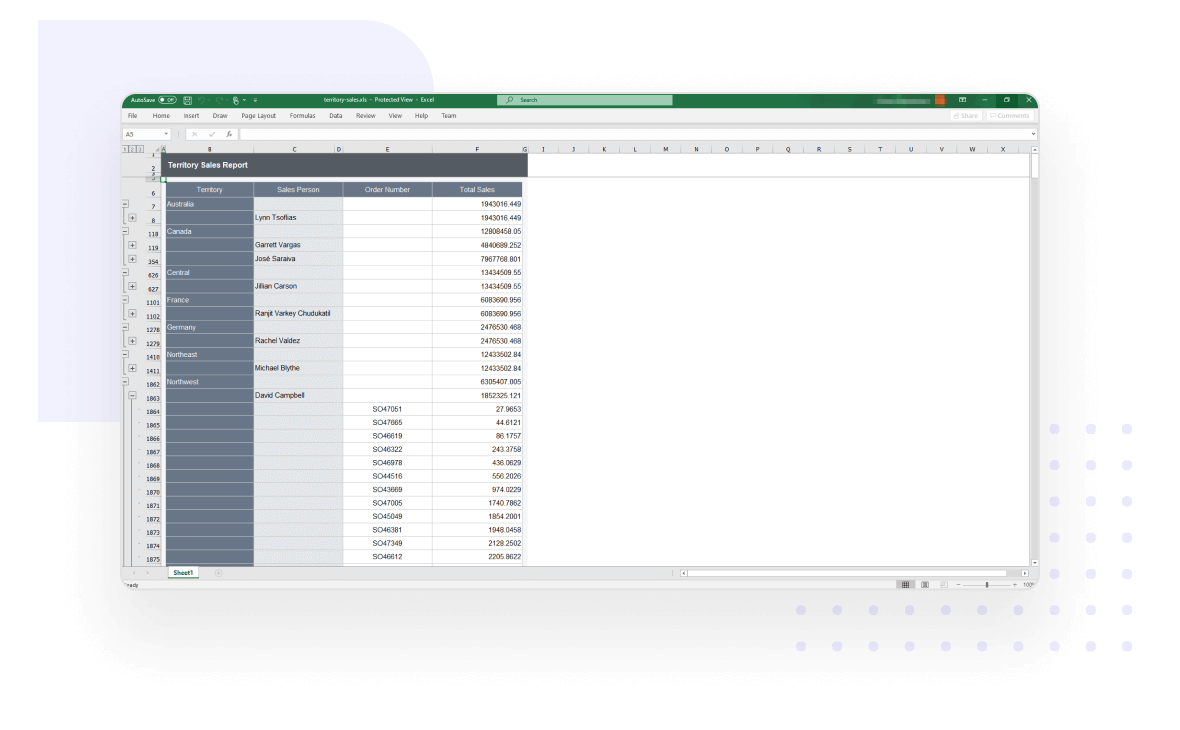
The ASP.NET Core Report Writer exports reports with interactive features like drill down, hyperlinks, bookmarks or anchors, document map, sub-reports, and nested data regions.
Silently print reports
End users can silently print reports without viewing or rendering them in Report Viewer.

Encrypt and secure documents
Encrypt and password-protect exported documents with a range of low to high encryption standards.

Change the default file format
Users can change the default file format to any other file format version that is supported by the selected file type. APIs are included for setting the format before exporting the document:
-
Word file formats: doc, docx, and more.
-
Excel file formats: xls, xlsx, and more.

Advanced layouts for merged cells
Report Writer supports additional export layouts in Word and Excel formats to eliminate tiny columns, rows, and merged cells. These layouts:
-
Overcome the merging problem with tiny cells, rows, and columns in SSRS Excel and Word exporting.
-
Provide clear readability by eliminating the tiny columns, rows, and merge cells.
-
Allow you to perform data manipulations such as sorting, filtering, and grouping in Excel

Developer-friendly APIs
You have control over all behaviors of the Report Writer to provide the best experience to your end users through a rich set of developer-friendly APIs.Report Writer supports additional export layouts in Word and Excel formats to eliminate tiny columns, rows, and merged cells. These layouts:

Cross-platform compatibility
The ASP.NET Core Report Writer allows you to build business intelligence reporting applications that run on macOS, Linux, and Windows.

Enterprise-Ready Compliance
Bold Reports helps you meet key security and compliance standards. All activity logs are safely stored, can’t be changed, and are easy to export when needed.


Enterprise-Grade Compliance
Bold Reports helps you meet key security and compliance standards. All activity logs are safely stored, can’t be changed, and are easy to export when needed.
- ISO 27001
- SOC 2 Type II
- GDPR
- HIPAA-Capable
Ready to Add Custom Reports to Your Application?
With Bold Reports, you can build and embed reports that feel like a native part of your application—fully branded and easy to use.
No credit card required.