Agentic AI Launchpad
Go from user to builder in 6 weeks.
Claude Cowork: The Complete Guide to AI Work Automation in 2026
Introduction: What Is Claude Cowork?
Claude Cowork is Anthropic’s AI-powered productivity assistant that goes far beyond typical chatbots. Instead of just responding to questions, Cowork can act inside your computer’s folders, automate workflows, organize files, generate documents, and even handle multi-step tasks with minimal input. It’s designed to feel like you’re delegating to a real coworker, not just chatting with AI.
Unlike traditional ChatGPT-style tools, Cowork uses an “agentic” approach developed on the same architecture as Claude Code — Anthropic’s autonomous AI agent platform — but packaged in an intuitive interface for non-technical users.
Why It Matters: Cowork represents a new era in AI productivity — where AI doesn’t just suggest outcomes but executes them. It automates knowledge work, research synthesis, data extraction, document creation, and more.
How Claude Cowork Works (Simple Explanation)
👁 Image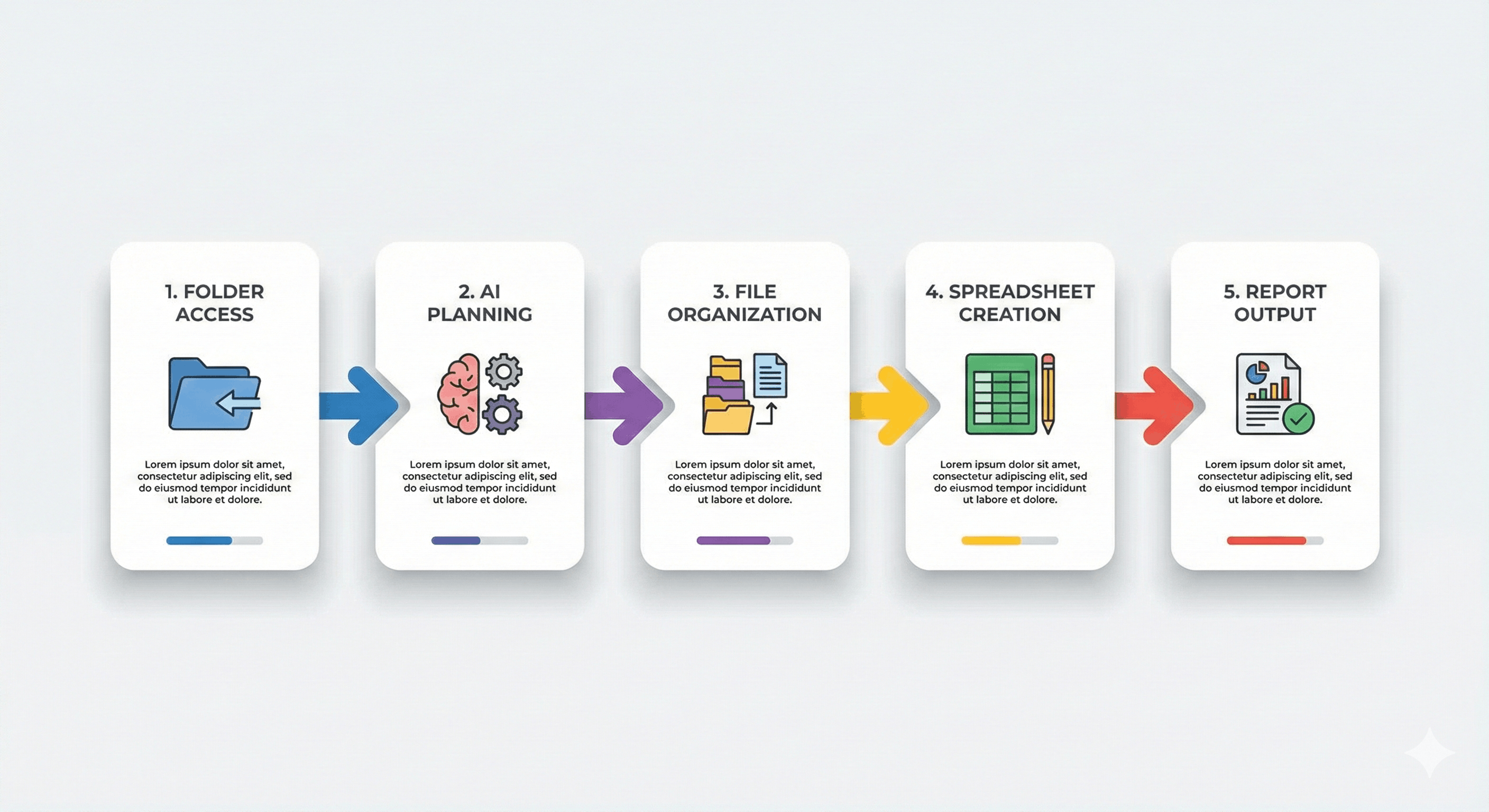
At its core, Cowork lets you:
Grant access to a folder on your Mac (currently via the Claude Desktop app; Windows support arriving soon).
Describe an outcome, like “organize files by date” or “create an expense spreadsheet from photos”.
Step away while Claude plans and executes tasks — creating real documents (Excel, Word, PowerPoint) and moving/renaming files as instructed.
This is not simple copy-paste output — Cowork produces real files and actions, and can queue multiple tasks simultaneously.
Claude Cowork vs Chatbots: Key Differences
FeatureTraditional ChatbotClaude CoworkInteractionBack-and-forth Q&ADelegate an outcomeFile AccessNoYes, within designated foldersOutputText responsesReal files + automated actionsAutomationManual copy tasksExecutes plan autonomouslyBest ForQuick answersComplex workflows & knowledge work
Top Use Cases That Actually Work
👁 Image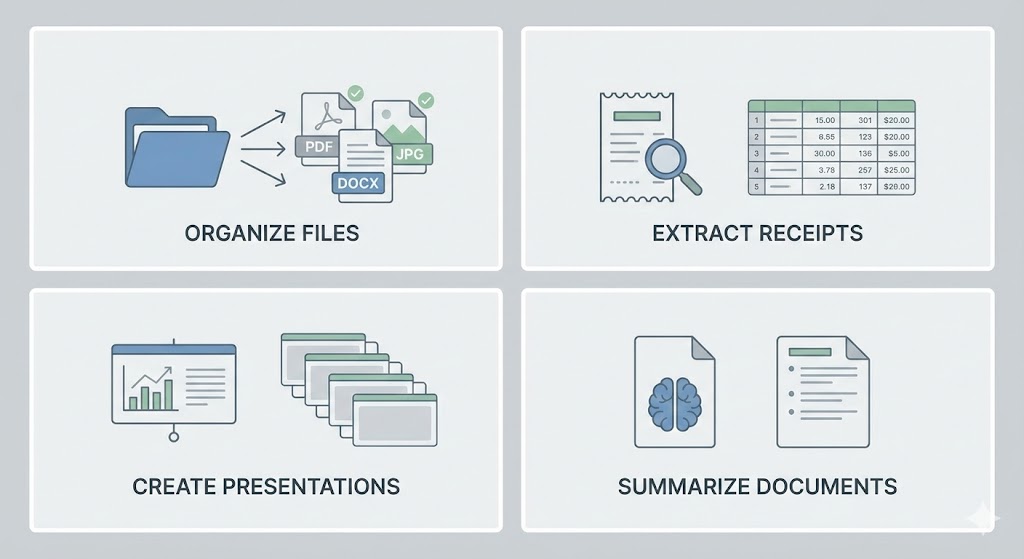
Claude Cowork shines in professional and creative workflows. Here’s how it’s being used effectively:
🔹 File & Document Automation
Organize messy folders and photos.
Rename, date, and group files automatically.
Create indexed archives with summaries.
🔹 Data Extraction & Processing
Convert receipt screenshots to Excel spreadsheets.
Extract tables and text from PDFs.
🔹 Reports & Presentations
Draft Word reports from scattered notes.
Build PowerPoint decks from research.
🔹 Research Synthesis
Read documents and synthesize insights.
Flag contradictions and unanswered questions.
All of the above are now achievable to any user — not just developers — thanks to Cowork’s natural language instructions and agentic planning.
Don't just use ChatGPT. Learn to build custom LLM agents, RAG pipelines, and full-stack Agentic AI apps in our intensive 6-week program.
Best Practices: Write Prompts That Work
👁 Image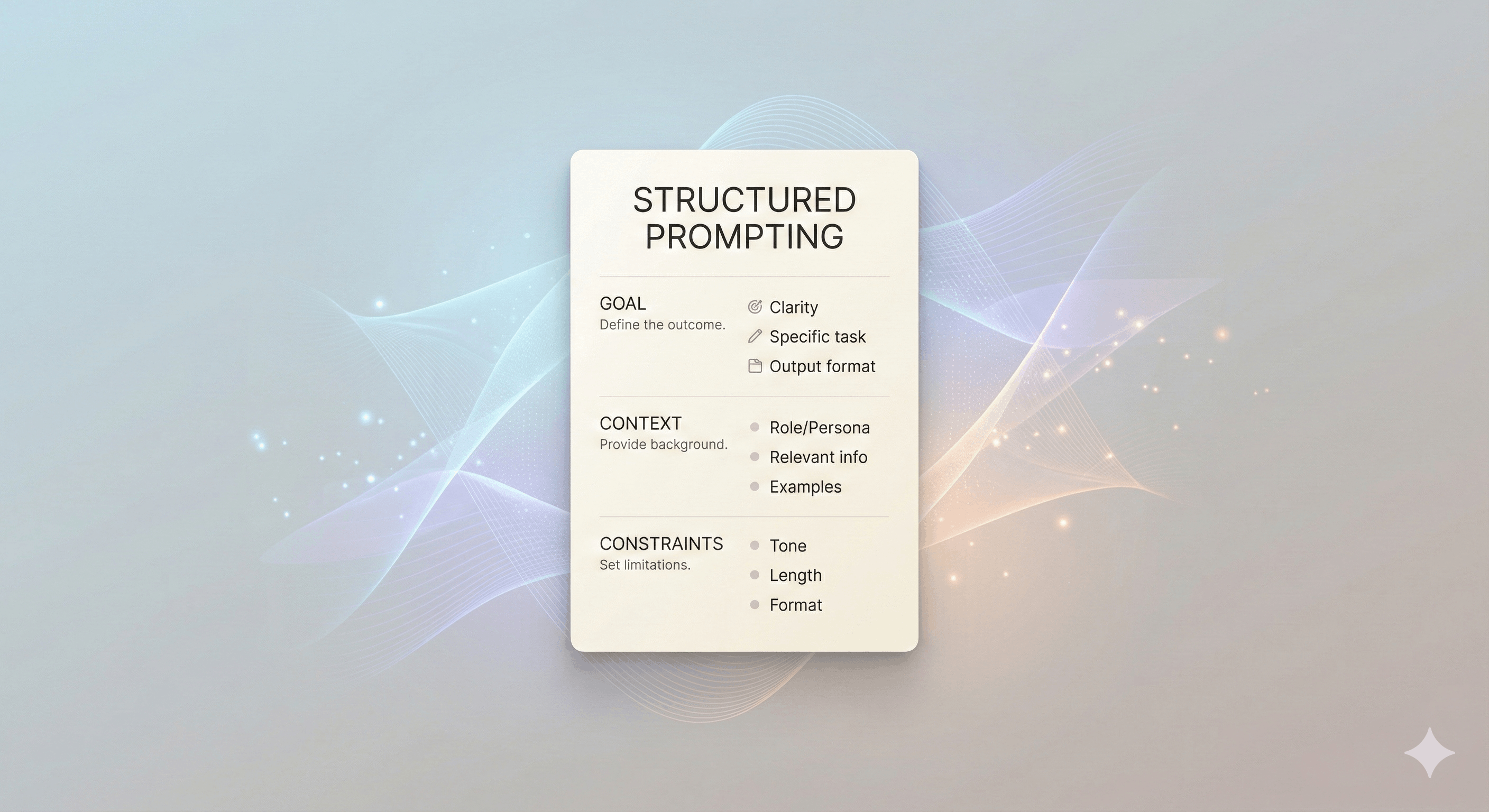
The quality of output is only as good as the prompt you give. Here’s how to write high-impact instructions:
🔹 Define “Done.”
Example: “Create an Excel report with columns Date, Vendor, Amount, Category, sorted by date, and include a total.”
➡️ This helps Claude know when the task is complete.
🔹 Share Context.
What’s the file naming convention? Where should outputs go? Clear boundaries matter.
🔹 Set Constraints.
Example: “Do not delete files; only move or rename them.”
SEO Tip for Your Blog: Include "Claude Cowork prompts" and "AI automation templates" in headings and internal text to capture long-tail search queries.
🛠️ Folder Strategy & Safety
👁 Image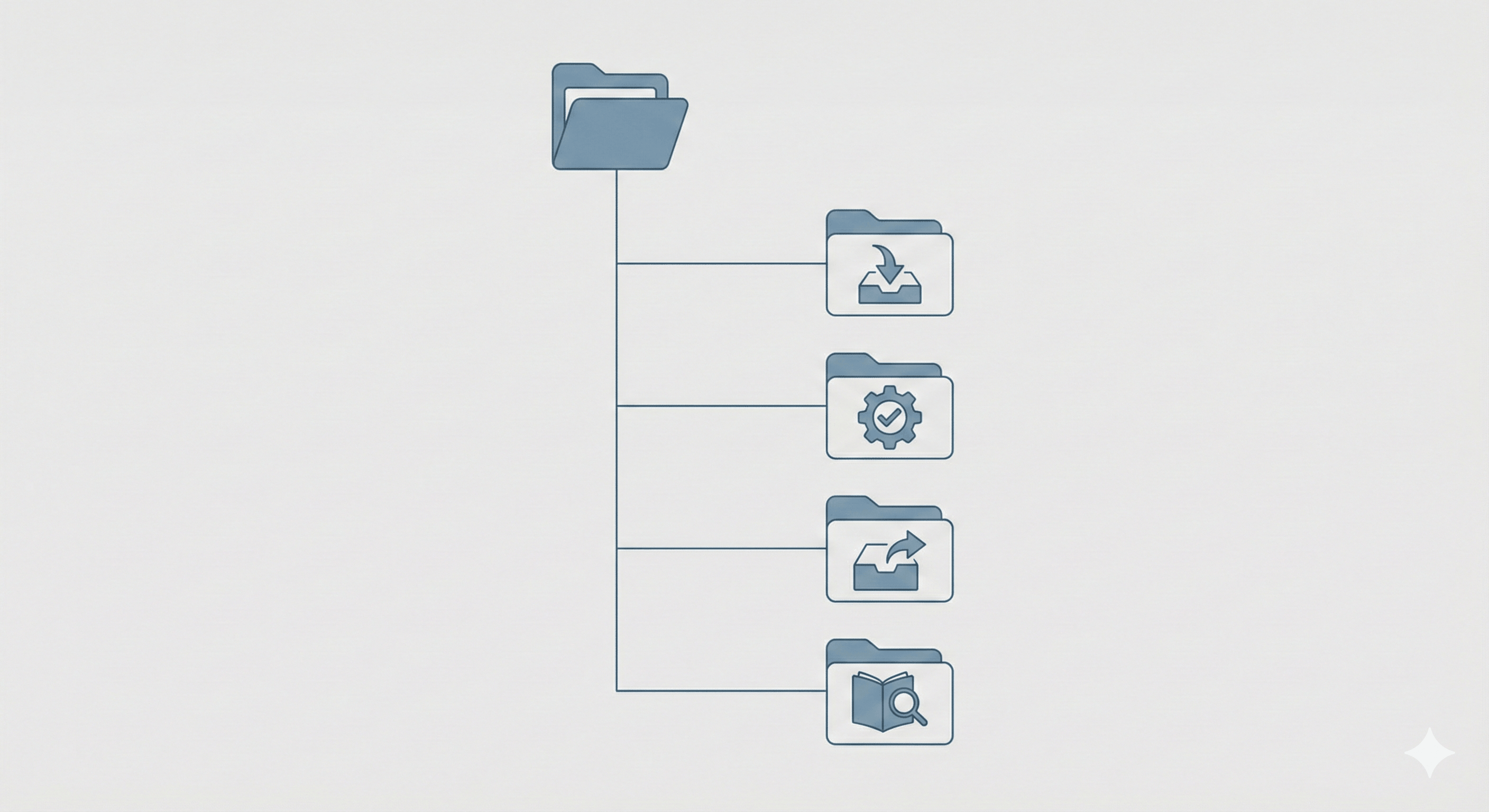
Because Claude can modify files, it’s essential to set up folders thoughtfully:
Recommended Folder Structure:
Claude-Work/
├── inbox/ # Drop files for Claude
├── processed/ # Completed work
├── outputs/ # New files created
├── reference/ # Read-only materials
Safety Essentials:
✔ Create backups before initial sessions.
✔ Explicitly prohibit deletions unless necessary.
✔ Avoid sensitive personal or financial data.
What’s Available Now & What’s Coming
Available:
Cowork on macOS Desktop app.
Tasks with local folders and connectors.
Coming Soon:
Windows support (expected soon).
Expanded connectors with cloud platforms.
Anthropic is actively updating Cowork based on user feedback — so staying informed and adapting workflows can keep your content futuristic and SEO-fresh.
📍 Geo & AI Industry Context (India + Global)
👁 Image
While Cowork was developed by US-based AI research lab Anthropic, this tool is global in scope for knowledge workers and offices everywhere — including India, where productivity automation tools are seeing rapid adoption.
By publishing a comprehensive guide tailored to search trends in 2026 (e.g., “AI workflow automation tools for remote work India”, “Claude Cowork tutorial 2026”, etc.), your blog captures a broader geo + semantic footprint in Google’s search ecosystem.
Conclusion: Is Claude Cowork Worth It?
Yes — if your work involves files, documents, repetitive tasks, or research synthesis. Claude Cowork transitions AI from simple conversation to autonomous task execution, saving time and boosting productivity. It’s especially powerful for teams, freelancers, and professionals who handle large volumes of digital work.
Takeaway: Think of Claude Cowork as your AI coworker — not just a chatbot.
Master Generative AI in Just 8 Weeks (2026 Edition)
Want to move from reading AI news to actually building with AI?
Join the GenAI Launchpad by Build Fast with AI — an 8‑week, hands‑on learning program designed for developers, professionals, and creators in India and APAC who want to accelerate their AI careers.
You’ll gain project‑based skills through 100+ interactive tutorials and 30+ ready‑to‑use templates, curated by Satvik Paramkusham (IIT Delhi alum).
Start building and deploying real‑world Generative AI tools, agents, and applications — no advanced coding required.
👉 Enroll now: www.buildfastwithai.com/genai-course
⚡ Limited seats available — next cohort begins soon!
Join over 12,000+ AI builders and learners in the Build Fast with AI community. Access weekly workshops, project repositories, and discussion channels that will help you stay ahead of every new AI release in 2026.
Official links:
🌐 Website: www.buildfastwithai.com
💻 GitHub: git.new/genai-experiments
🔗 LinkedIn: linkedin.com/company/build-fast-with-ai
📸 Instagram: instagram.com/buildfastwithai
🐦 Twitter (X): x.com/satvikps
💬 Telegram: t.me/BuildFastWithAI