Agentic AI Launchpad
Go from user to builder in 6 weeks.
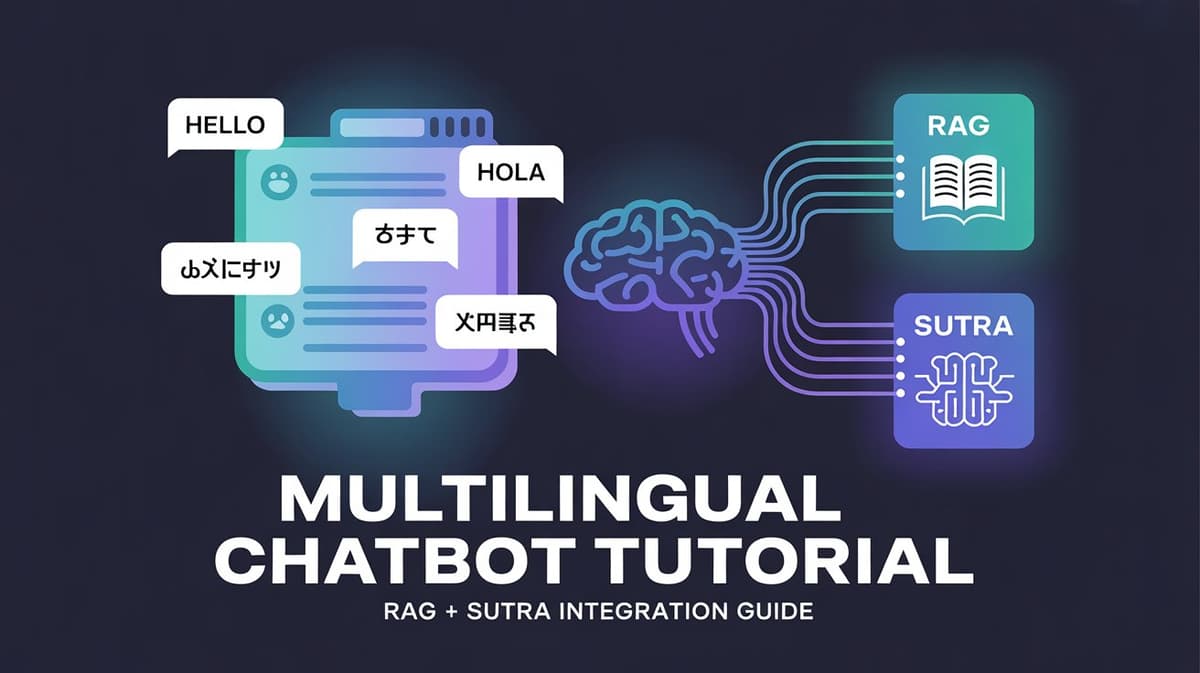
a chatbot that answers course or community questions in Hindi, Bengali, or Spanish—pulling accurate insights from PDFs or threads. With the power of Retrieval-Augmented Generation (RAG) and the multilingual SUTRA model by TWO Platforms, this is not a vision—it's real and achievable today.
In this tutorial, we'll break down the basics of RAG and walk you through building your own multilingual chatbot using the SUTRA model.
What is RAG (Retrieval-Augmented Generation)?
RAG is a framework introduced by Lewis et al. in 2020 to improve the performance of large language models (LLMs). It works by combining retrieval of external data with text generation, allowing models to stay up-to-date and minimize hallucinations.
📌 RAG Workflow:
Retrieval: Finds relevant information from sources like PDFs or community threads.
Generation: Uses the retrieved context to generate accurate responses.
RAG enables:
More factual and grounded responses
Dynamic access to domain-specific knowledge
Enhanced user experience in Q&A/chatbots
What is the SUTRA Model?
SUTRA, developed by TWO Platforms, is a family of multilingual language models (LMLMs) that support over 50 global languages—including Hindi, Tamil, Bengali, and Spanish.
Built with a dual-transformer architecture
Ideal for conversational agents, education, and community platforms
Especially suited for multilingual RAG applications
🔗 Why Combine RAG with SUTRA?
By combining RAG + SUTRA, you can:
Retrieve relevant data from course PDFs or threads
Generate answers in multiple languages
Support education, community support, and social learning platforms globally
🚀 Getting Started
Prerequisites
Python libraries:
pip install -q langchain langchain_openai langchain-community faiss-cpu requests pypdf python-docx
🛠️ Step-by-Step: Build Your Multilingual RAG Chatbot
Step 1: Get Your API Keys
Sign up and grab your free API key here:
👉 https://www.two.ai/sutra/api
Step 2: Configure Environment
import os
from google.colab import userdata

# For Google Colab
os.environ["SUTRA_API_KEY"] = userdata.get("SUTRA_API_KEY")
os.environ["OPENAI_API_KEY"] = userdata.get("OPENAI_API_KEY")

# For local
os.environ["SUTRA_API_KEY"] = "your-sutra-api-key"
os.environ["OPENAI_API_KEY"] = "your-openai-api-key"
Step 3: Load PDF Documents
from langchain_community.document_loaders import PyPDFLoader

loader = PyPDFLoader("/content/NIPS-2017-attention-is-all-you-need-Paper.pdf")
documents = loader.load()

print(f"Loaded {len(documents)} pages.")
Step 4: Split Documents into Chunks
from langchain.text_splitter import RecursiveCharacterTextSplitter

text_splitter = RecursiveCharacterTextSplitter(
 chunk_size=1000,
 chunk_overlap=100
)

chunks = text_splitter.split_documents(documents)
print(f"Split into {len(chunks)} chunks.")
Step 5: Create Embeddings and Store in FAISS
from langchain_openai import OpenAIEmbeddings
from langchain_community.vectorstores import FAISS

embeddings = OpenAIEmbeddings()
vectorstore = FAISS.from_documents(chunks, embeddings)
retriever = vectorstore.as_retriever()
Step 6: Set Up Conversational RAG Chain
from langchain.memory import ConversationBufferMemory
from langchain.chains import ConversationalRetrievalChain
from langchain_openai import ChatOpenAI

memory = ConversationBufferMemory(
 memory_key="chat_history",
 return_messages=True
)

rag_chain = ConversationalRetrievalChain.from_llm(
 llm=ChatOpenAI(
 api_key=os.getenv("SUTRA_API_KEY"),
 base_url="https://api.two.ai/v2",
 model="sutra-v2",
 temperature=0.5
 ),
 retriever=retriever,
 memory=memory
)
Step 7: Handle Multilingual Queries
def ask_question(question, language="English"):
 rag_response = rag_chain.invoke(question)
 context = rag_response["answer"]

 prompt = f"""
 You are a helpful assistant that answers questions about documents.
 Use the following context to answer the question:

 CONTEXT:
 {context}

 Please respond in {language}.

 Question: {question}
 """

 chat = ChatOpenAI(
 api_key=os.getenv("SUTRA_API_KEY"),
 base_url="https://api.two.ai/v2",
 model="sutra-v2",
 temperature=0.7
 )

 from langchain.schema import HumanMessage
 response = chat.invoke([HumanMessage(content=prompt)])
 return response.content
Step 8: Test Multilingual Queries
# Hindi
response_hi = ask_question("What is a transformer?", language="Hindi")
print("Hindi Response:\n", response_hi)

# Bengali
response_bn = ask_question("ট্রান্সফরমার কী?", language="Bengali")
print("Bengali Response:\n", response_bn)
Don't just use ChatGPT. Learn to build custom LLM agents, RAG pipelines, and full-stack Agentic AI apps in our intensive 6-week program.
💬 Example Output
🔹 Hindi Response:
Transformer एक न्यूरल नेटवर्क आर्किटेक्चर है जो पूरी तरह के ध्यान तन्त्र (अटेंशन मेकेनिज्म्स) पर निर्भर करता है...

🔹 Bengali Response:
Transformer একটি নিউরাল নেটওয়ার্ক আর্কিটেচার যা সম্পূর্ণভাবে এটেনশন মেকেনিজ্মের উপর ভিত্তি খালি করে..
Share Your Work
Contribute your chatbot to the open-source community:
✨ Submit to sutra-cookbook GitHub repo
🚀 Share your notebook with your team or audience
Tips & Tricks
✅ Multilingual Power: Use
sutra-v2to support 50+ languages📚 Optimal Chunks: Stick with
chunk_size=1000andchunk_overlap=100🌍Community First: Star the repo and share feedback
Conclusion
Combining RAG with SUTRA empowers you to build intelligent, multilingual, document-aware chatbots—perfect for education, community discussions, and global learning.
🔗 Resources & Community
1. Website: two.ai
2. GitHub: sutra-cookbook
3. Discord: Join the community
4. Twitter: @sutra_dev
5. LinkedIn: TWO Platforms