Agentic AI Launchpad
Go from user to builder in 6 weeks.
Are you stuck waiting for the right time, or will you make now the right time?
Gen AI Launch Pad 2025 is your answer.
Introduction
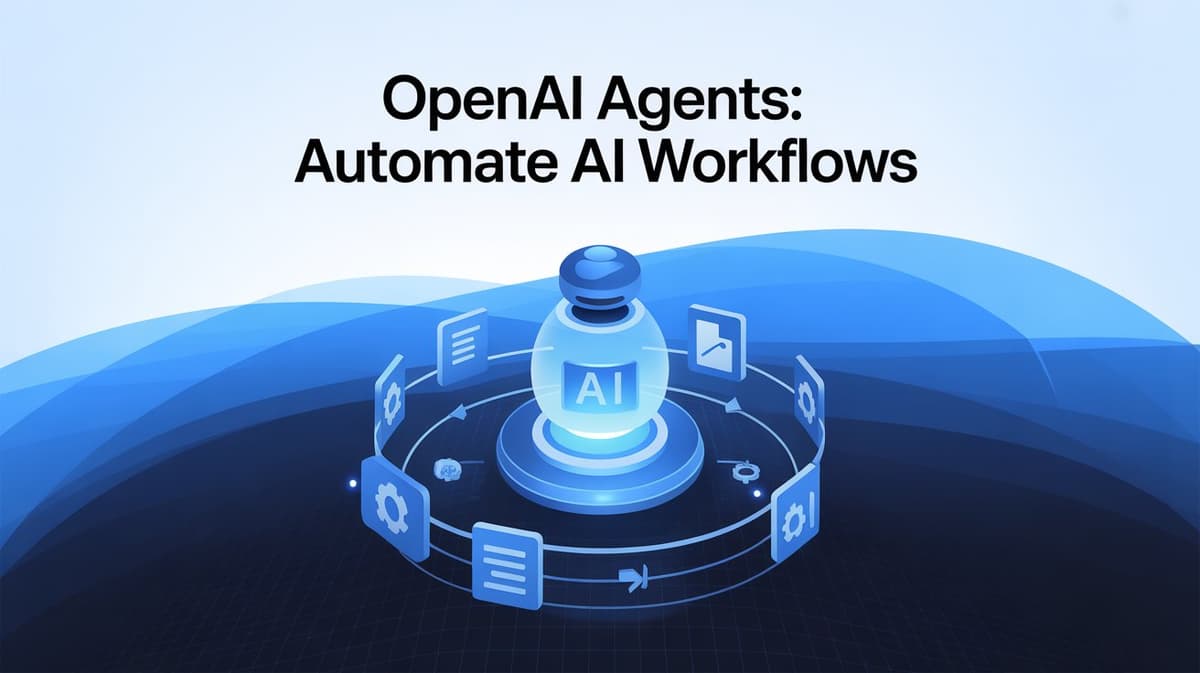
Artificial intelligence is revolutionizing how we automate workflows, interact with digital assistants, and build intelligent systems. OpenAI’s Agents Python library enables developers to create AI agents that can handle complex tasks, collaborate, and interact with external tools effortlessly. In this guide, we’ll explore how to set up and use OpenAI Agents for various automation scenarios.
What You’ll Learn
- How to install and configure OpenAI Agents
- Running AI-powered agents for automation
- Implementing task delegation and handoff mechanisms
- Using function calling to interact with external APIs
- Streaming AI responses dynamically
Setting Up OpenAI Agents
Before diving into coding, ensure you have Python installed and then install the OpenAI Agents library:
pip install openai-agents
Next, set up your OpenAI API key:
import os
from google.colab import userdata

os.environ['OPENAI_API_KEY'] = userdata.get('OPENAI_API_KEY')
Creating an AI Agent
Let’s start with a simple AI agent that generates responses to user queries.
from agents import Agent, Runner
import asyncio

agent = Agent(name="Assistant", instructions="You are a helpful assistant.")

async def main():
 result = await Runner.run(agent, "Write a haiku about recursion in programming.")
 print(result.final_output)

if __name__ == "__main__":
 asyncio.run(main())
Output:
Code calls upon code,
Loops echo through silent depths—
Endless mirrors shine.
Implementing Agent Handoff
Handoff mechanisms allow agents to delegate tasks efficiently. Below, we define agents that speak different languages and a triage agent that assigns user requests accordingly.
from agents import Agent, Runner
import asyncio
import nest_asyncio
nest_asyncio.apply()

spanish_agent = Agent(name="Spanish agent", instructions="You only speak Spanish.")
english_agent = Agent(name="English agent", instructions="You only speak English")

triage_agent = Agent(
 name="Triage agent",
 instructions="Handoff to the appropriate agent based on the language of the request.",
 handoffs=[spanish_agent, english_agent],
)

async def main():
 result = await Runner.run(triage_agent, "Hola, ¿cómo estás?")
 print(result.final_output)

if __name__ == "__main__":
 asyncio.run(main())
Output:
¡Hola! Estoy bien, gracias. ¿Y tú, cómo estás?
Function Calling in OpenAI Agents
Agents can call external functions for retrieving dynamic data. Here’s an example where an agent fetches weather information:
from agents import Agent, Runner, function_tool
import asyncio

@function_tool
def get_weather(city: str) -> str:
 return f"The weather in {city} is sunny."

agent = Agent(name="WeatherBot", instructions="You are a weather assistant.", tools=[get_weather])

async def main():
 result = await Runner.run(agent, "What's the weather in Tokyo?")
 print(result.final_output)

if __name__ == "__main__":
 asyncio.run(main())
Output:
The weather in Tokyo is sunny.
Don't just use ChatGPT. Learn to build custom LLM agents, RAG pipelines, and full-stack Agentic AI apps in our intensive 6-week program.
Streaming AI Responses
Streaming enables real-time responses from AI agents. Below, we create an agent that streams joke responses dynamically:
from openai.types.responses import ResponseTextDeltaEvent
from agents import Agent, Runner
import asyncio

async def main():
 agent = Agent(name="Joker", instructions="You are a helpful assistant.")
 result = Runner.run_streamed(agent, input="Please tell me 5 jokes.")
 async for event in result.stream_events():
 if event.type == "raw_response_event" and isinstance(event.data, ResponseTextDeltaEvent):
 print(event.data.delta, end="", flush=True)

if __name__ == "__main__":
 asyncio.run(main())
Example Output:
- Why don’t scientists trust atoms? Because they make up everything!
2. Why did the scarecrow win an award? Because he was outstanding in his field!
Automating Customer Support with Multi-Agent Systems
Now, let’s build a customer service AI that handles FAQs and seat bookings for an airline.
Define Context Model
from pydantic import BaseModel

class AirlineAgentContext(BaseModel):
 passenger_name: str | None = None
 confirmation_number: str | None = None
 seat_number: str | None = None
 flight_number: str | None = None
Define FAQ Agent
faq_agent = Agent[AirlineAgentContext](
 name="FAQ Agent",
 instructions="Answer customer FAQs using predefined rules.",
 tools=[faq_lookup_tool],
)
Define Seat Booking Agent
seat_booking_agent = Agent[AirlineAgentContext](
 name="Seat Booking Agent",
 instructions="Assist customers in updating their flight seat assignments.",
 tools=[update_seat],
)
Define Triage Agent
triage_agent = Agent[AirlineAgentContext](
 name="Triage Agent",
 instructions="Route customer queries to the appropriate agent.",
 handoffs=[faq_agent, seat_booking_agent],
)
Conclusion
OpenAI Agents simplify AI automation by enabling multi-agent collaboration, function calling, and streaming responses. Whether you’re automating workflows, customer support, or chatbot interactions, this library provides a powerful framework for intelligent systems.
References
---------------------------
Stay Updated:- Follow Build Fast with AI pages for all the latest AI updates and resources.
Experts predict 2025 will be the defining year for Gen AI Implementation. Want to be ahead of the curve?
Join Build Fast with AI’s Gen AI Launch Pad 2025 - your accelerated path to mastering AI tools and building revolutionary applications.
---------------------------
Resources and Community
Join our community of 12,000+ AI enthusiasts and learn to build powerful AI applications! Whether you're a beginner or an experienced developer, our resources will help you understand and implement Generative AI in your projects.
- Website: www.buildfastwithai.com
- LinkedIn: linkedin.com/company/build-fast-with-ai/
- Instagram: instagram.com/buildfastwithai/
- Twitter: x.com/satvikps
- Telegram: t.me/BuildFastWithAI