|
VOOZH | about |
|
VOOZH | about |
Supercharge custom apps with AI tools and LLM integration. You'll delight users through intuitive ways to interact with business data more quickly.
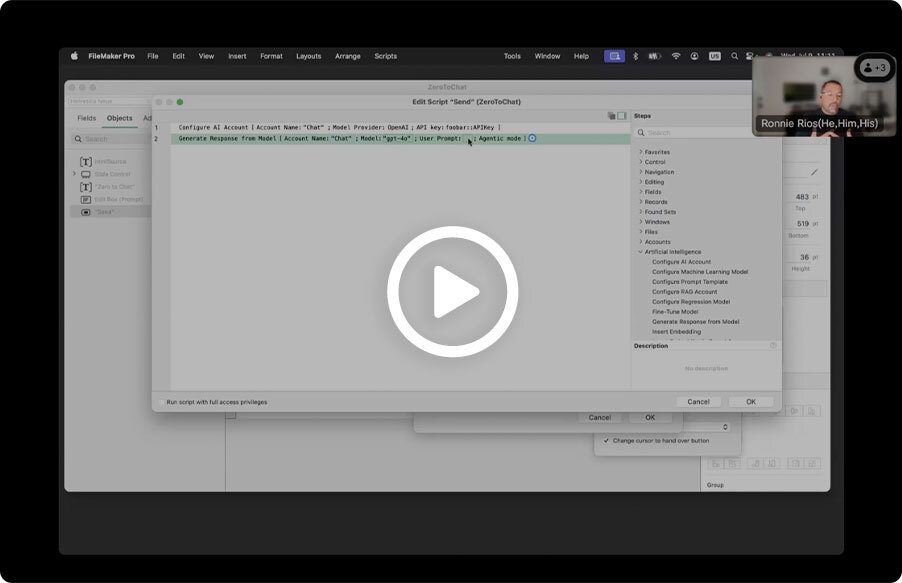
The latest version of FileMaker gives you enhanced developer tools, making it faster to build AI into solutions, safely and responsibly.
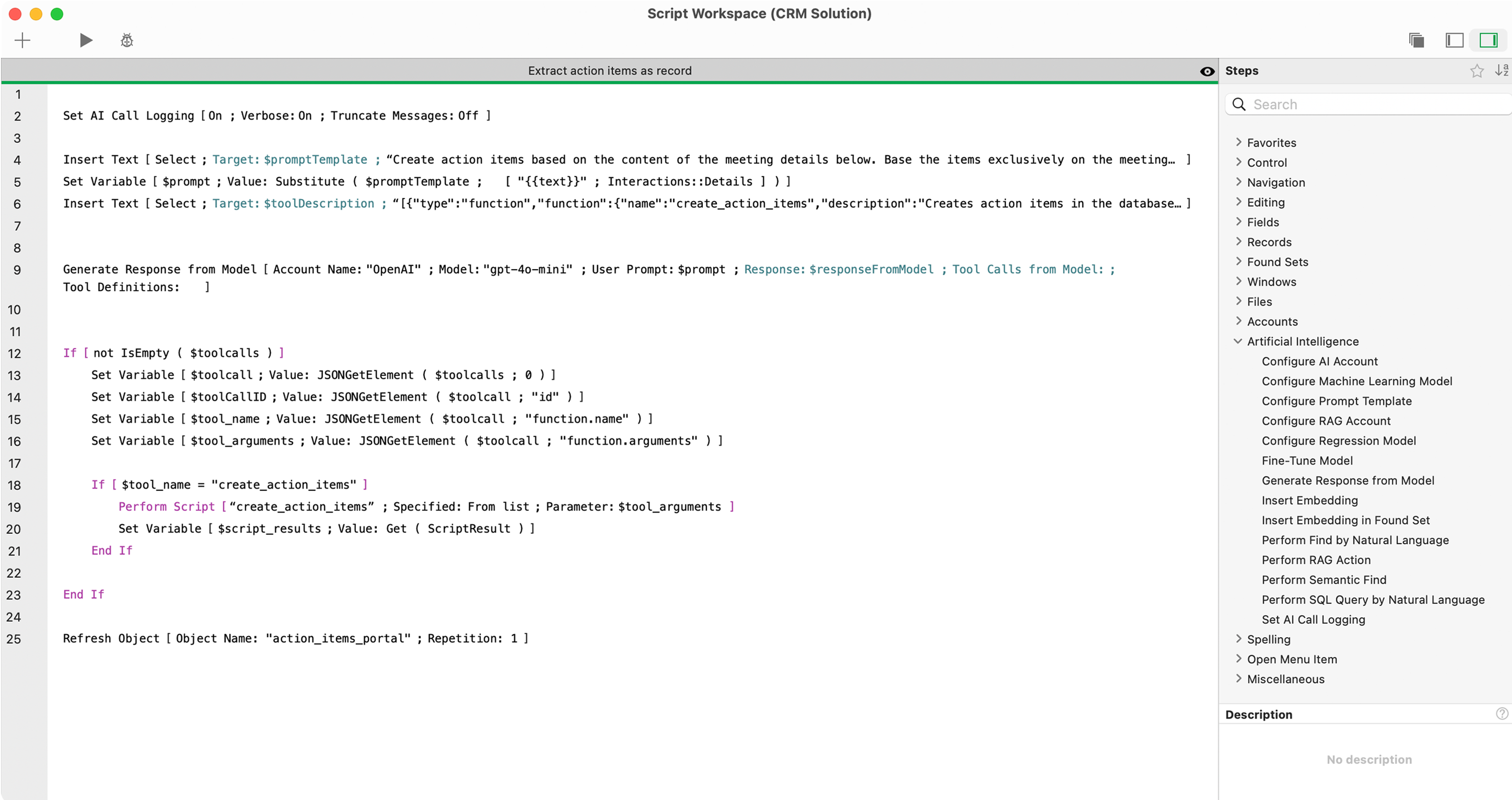
Get AI-generated responses without writing complex code.
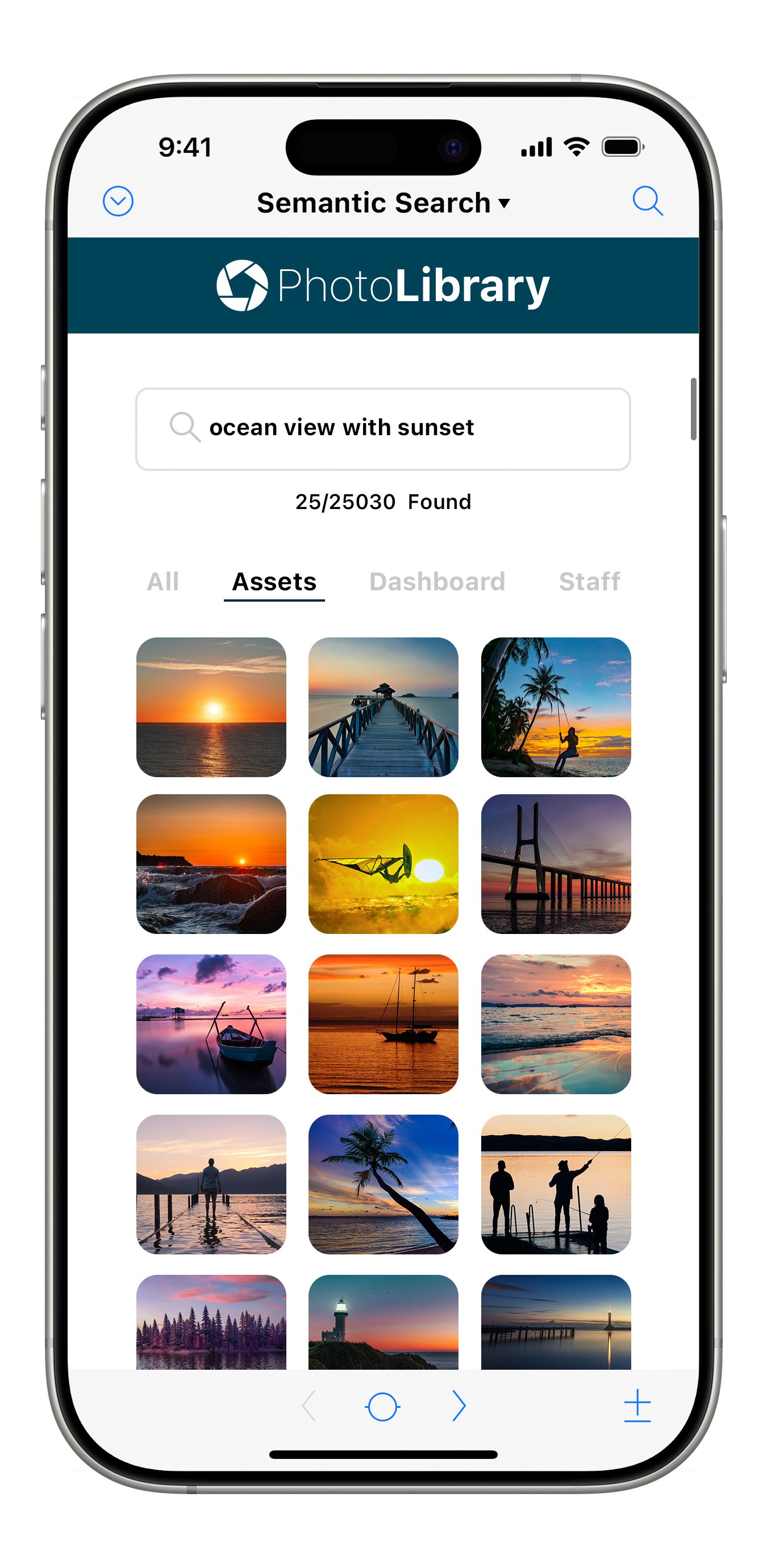
Let users search with their natural language.
Turn your database into an AI datasource in minutes.
Retrieve documents, images, and text to generate responses from LLMs.
Add AI features with data and security in mind.
Build app assistants and AI-driven experiences with the data you have.
Spend less time digging through data. Build natural language functionality into your existing custom apps so searching delivers what users are looking for.
FURTHER READING
Understanding semantic search details will help drive using AI-powered search in FileMaker.
Read blogFileMaker supports local large language models (LLMs), so you can build AI-powered features without sending data to the cloud. Your server, your rules.
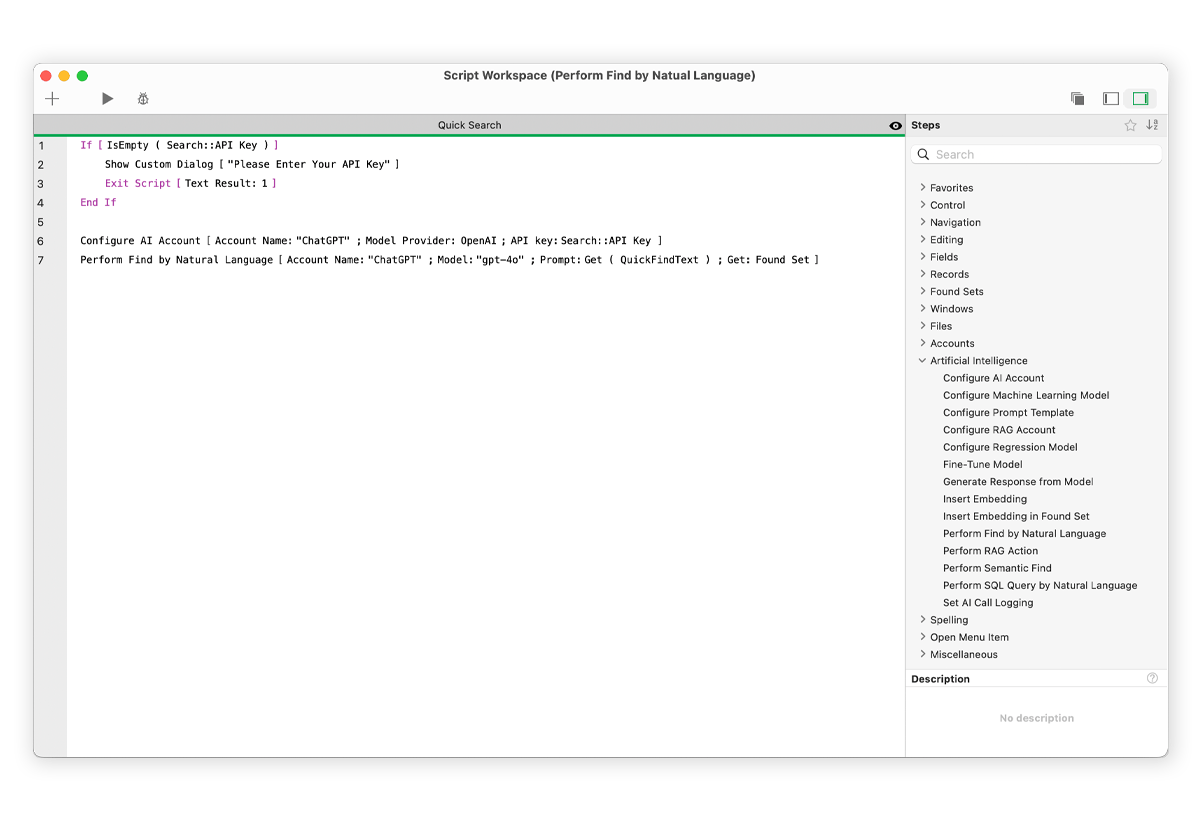
👁 ImageEnable AI capabilities with native AI Script steps for model integrations and AI calculation functions.
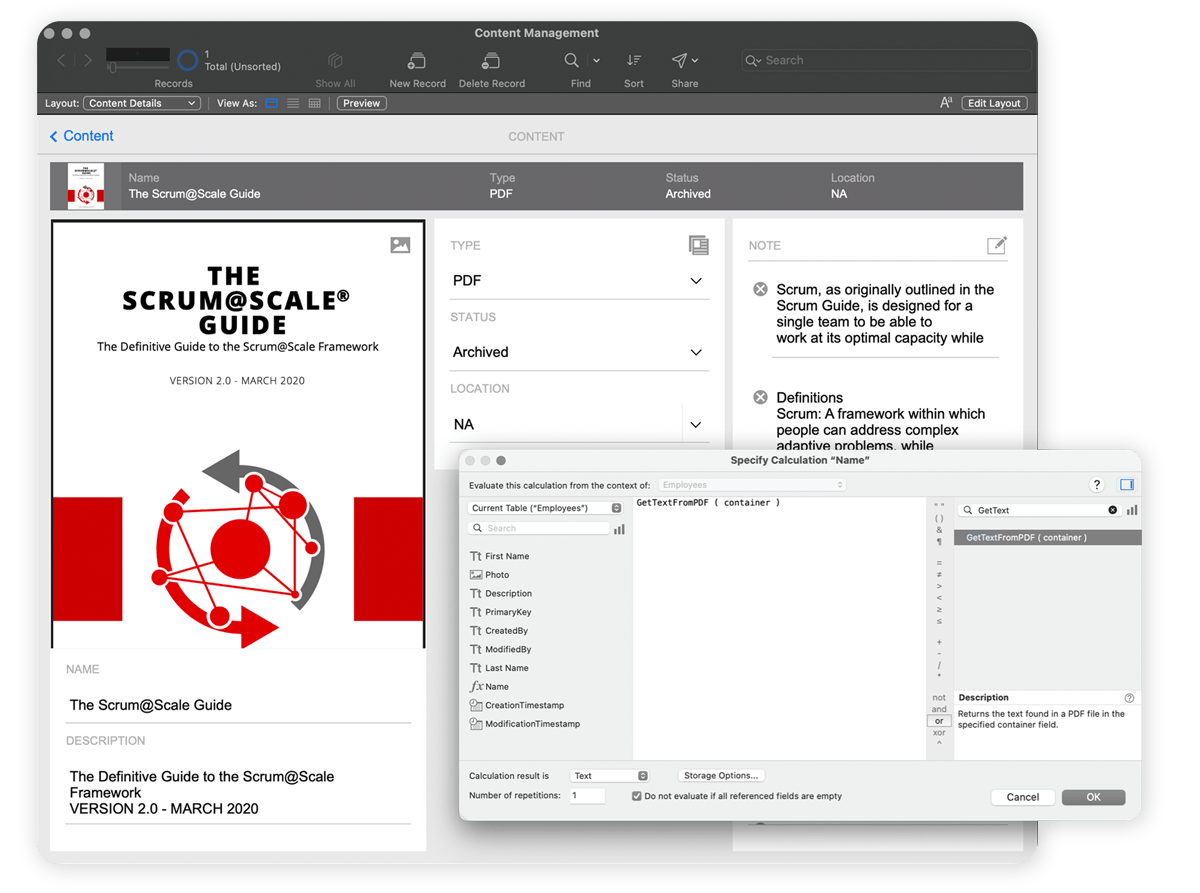
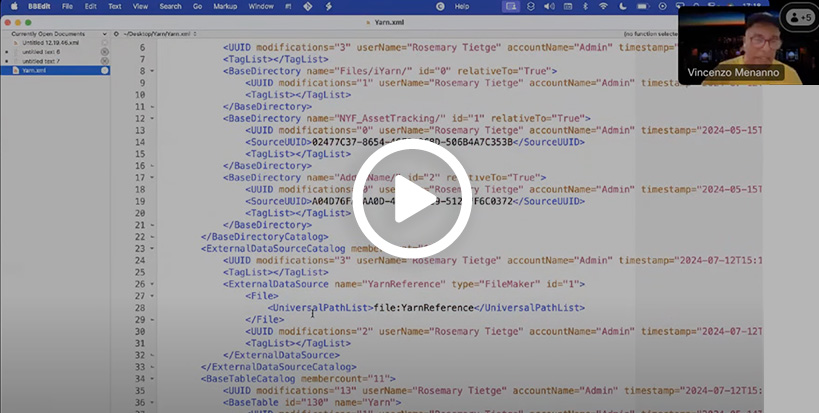
👁 ImageUse FileMaker's built-in AI tools to read PDFs, summarize the content, and make documents searchable, without manual review or extra software required.
👁 ImageWatch this demo and see how to:
FileMaker 2025 provides the tools to make it all happen. Ready to build this new feature? Get started
See how to use semantic search and get better insights from business data.
Leverage ideal prompts so you make the most out of semantic search.
Discover how to add semantic search of images to enhance the user experience. Also learn about new FileMaker Server updates.
Through a Claris Academy course, learn how to add intuitive search experiences to FileMaker apps.
Use FileMaker 2025 to add advanced AI features into custom apps.
Test drive the latest FileMaker version and experiment with AI tools.
Let us connect you to a FileMaker expert who can offer AI advice for your business.
The best tools don’t get in your way. With the recent version of FileMaker, AI becomes another building block that helps you deliver real value even faster.
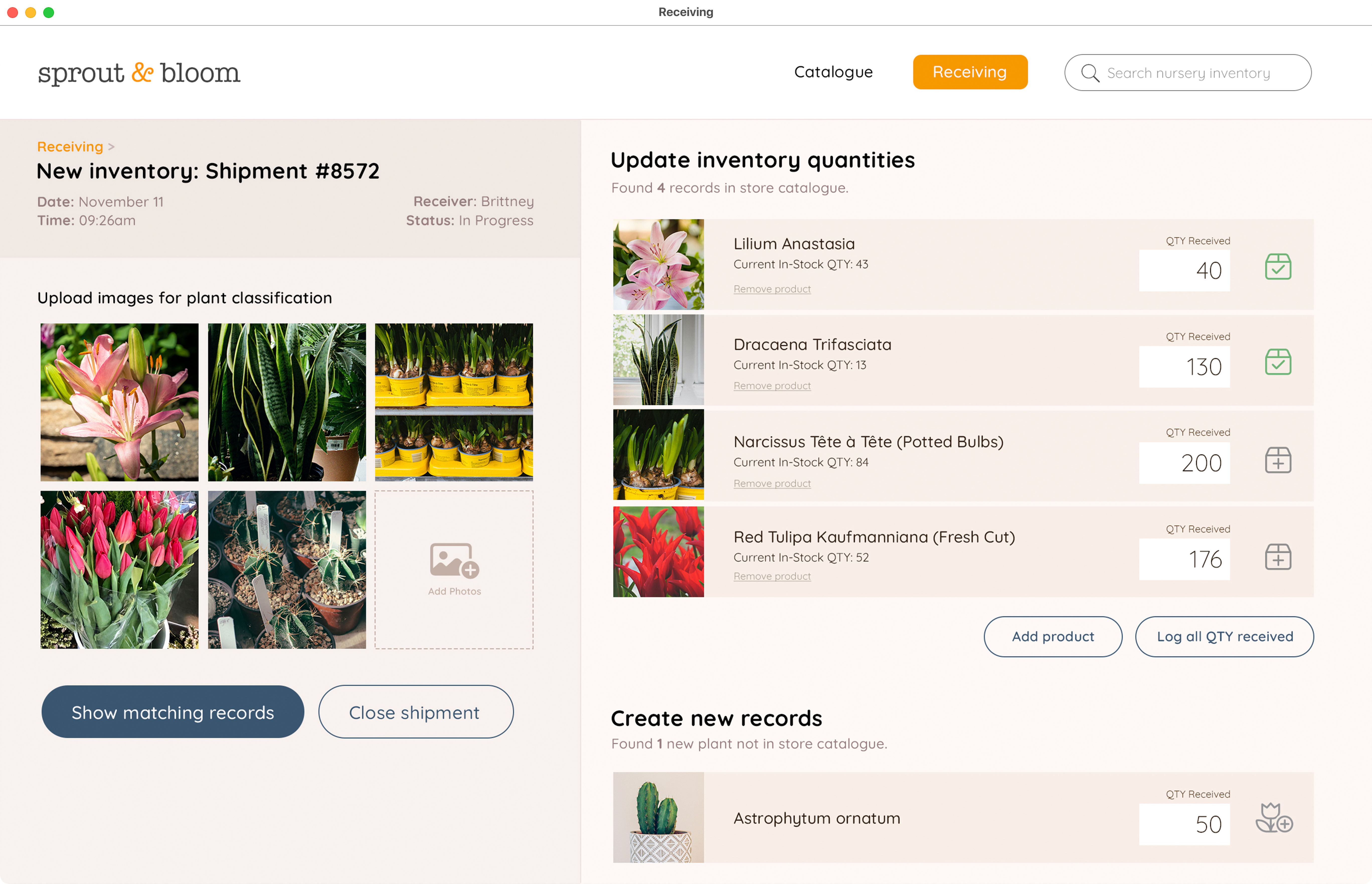
Uses AI in a targeted way to create plant inventory categories with correlating images. Once categories and plant photos are in the database, employees utilize FileMaker like they're used to.
Automated categories in FileMaker significantly reduces the time to do shipment inspections. Employees use an iPhone or iPad to document all items received and do inspections. AI helps determine whether to accept or reject each plant into inventory.
Source: Codence, a Claris Platinum Partner
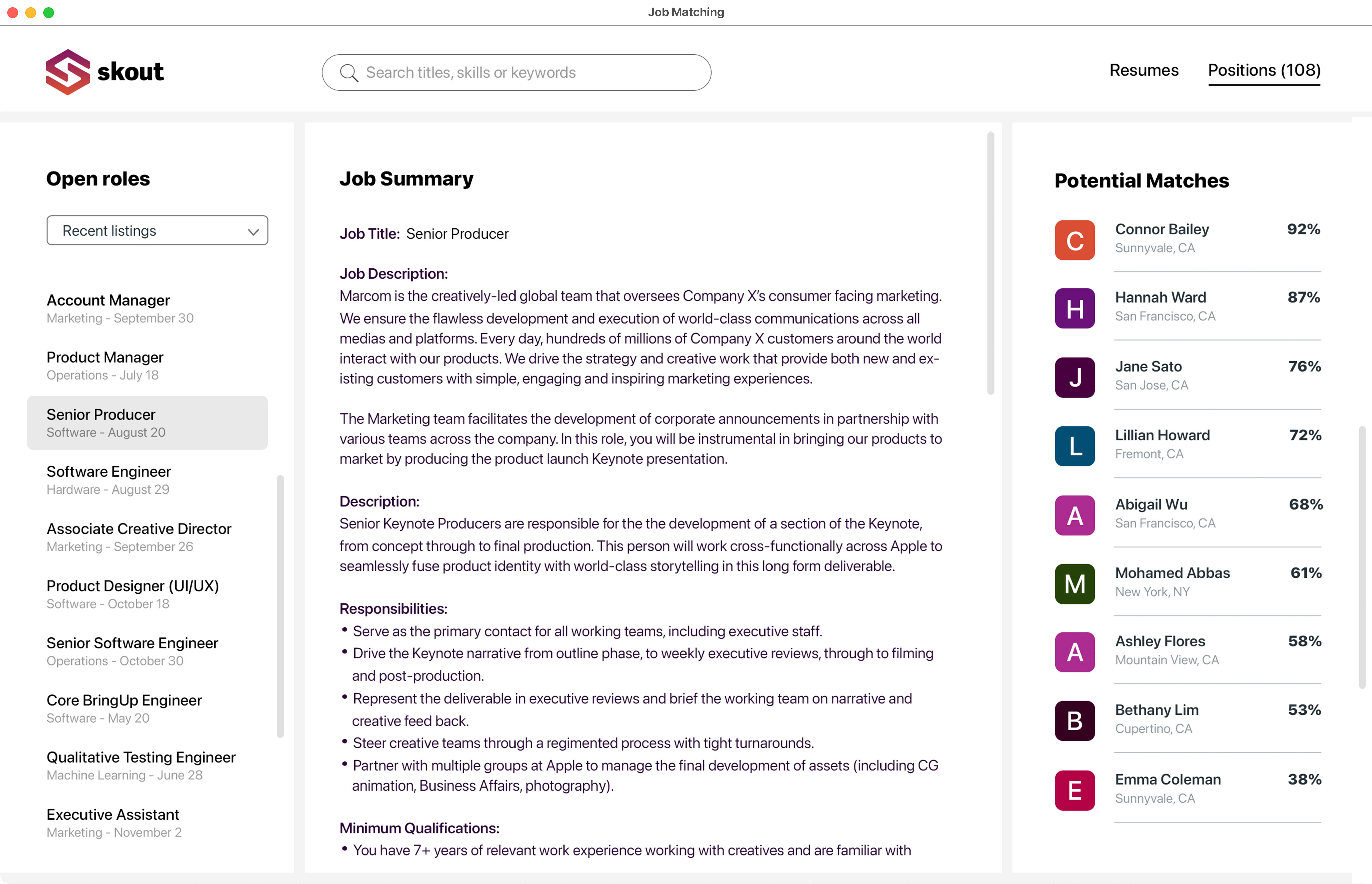
Aligns similarities within applicants’ resumes and prioritizes the top candidates accordingly.
Ranks the top candidates for each open position, and identifies candidates who may be better suited for jobs they didn’t apply for. HR reps save time by no longer sifting through resumes and can book interviews more quickly.
Source: Beezwax, a Claris Platinum Partner
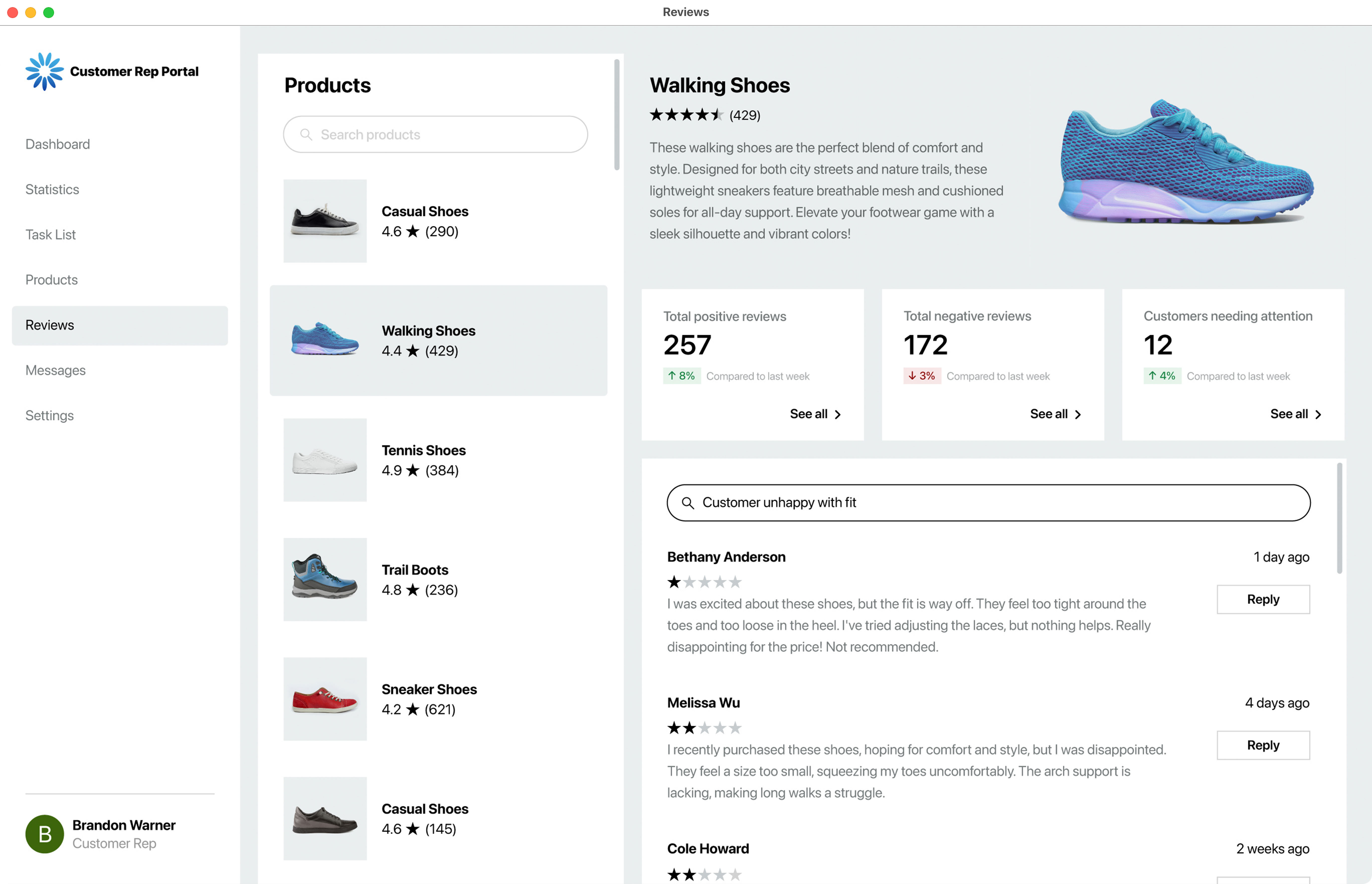
Looks for similarities in the reviews and classifies similar data.
Offers a quick way to report customer feedback and rank reviews requiring immediate attention. This AI-powered automation saves time and gives customer service reps an immediate report to action upon.
Source: Transforming Digital Limited, a Claris Partner
Need a license? Purchase the latest version of FileMaker in the Claris Store.
Upgrade today Already an active customer?Have a current license? Go to your Electronic Software Download page to get the latest release.
Sign up for the Claris Newsletter.