Microsoft Azure Explained: What Is Azure Used For? What To Look For In Microsoft Azure AlternativesBest Azure Alternative For Small Companies – DigitalOceanBest Azure Alternative For Mid-Sized Companies – Oracle Cloud Infrastructure (OCI)Best Azure Alternative For Enterprises – Amazon Web Services (AWS)More Top Microsoft Azure Cloud Alternatives To Consider Today How To Understand, Control, And Optimize Your Cloud Costs — No Matter Your Cloud Provider
Microsoft Azure offers over 200 cloud services across IaaS, PaaS, and SaaS. But for many teams, it can be expensive, complex, and hard to tailor to specific needs.
If the platform feels like overkill or just isn’t the right fit, this guide covers the best Azure alternatives — and what makes each one worth considering.
Microsoft Azure Explained: What Is Azure Used For?
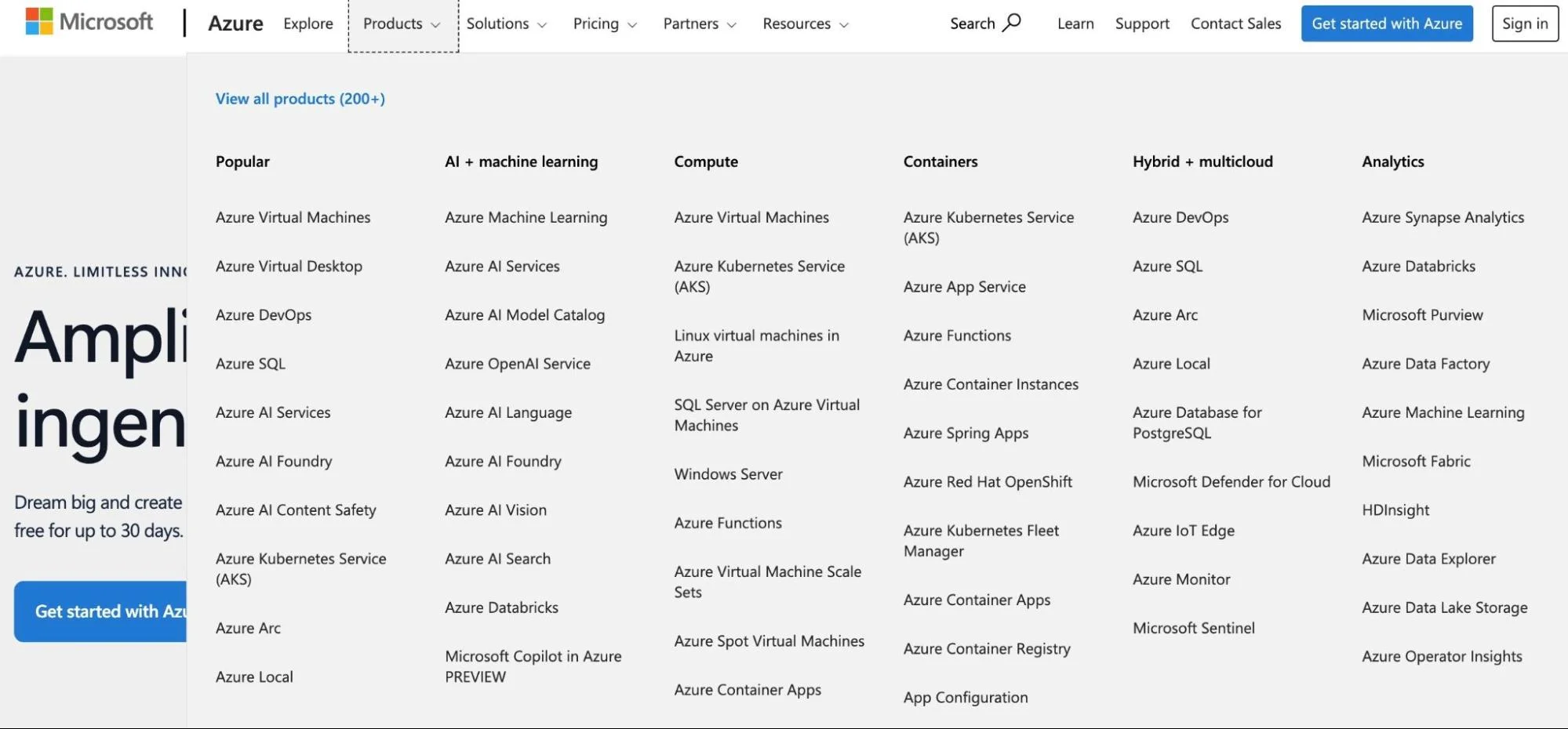
Microsoft Azure is a cloud computing platform for building, deploying, and managing applications. It supports IaaS, PaaS, and SaaS across public, private, hybrid, and multi-cloud environments.
Credit: Microsoft Azure cloud services and product categories
It’s part of the Microsoft Intelligent Cloud, which includes tools like Windows Server, SQL Server, and Visual Studio. Azure is best known for its public cloud, where businesses share resources to run applications securely and at scale.
What does Microsoft Azure do?
Azure is part of the larger Microsoft Intelligent Cloud — the combined public, private, hybrid, and multi-cloud platform, as well as server products, such as Windows Server, SQL Server, and Visual Studio.
Microsoft Azure advantages
Offers 200+ cloud products and services for various industries and use cases
Supports containers (like Kubernetes), databases, AI/ML, and virtual desktops
Provides managed and self-managed options to suit different teams
More affordable than AWS for certain services and Windows licenses
Excellent virtual desktop experience with Windows 365
Designed for enterprise applications, hybrid cloud, and multi-cloud setups
Backed by 60+ global data centers — more than any cloud provider
Offers up to 54% discounts for committed use and up to 90% off spot VMs
Enterprise-grade data security and 99.9% uptime SLAs
Broad availability of Azure-certified professionals
Microsoft Azure limitations
Complex to manage due to too many service options
Rightsizing VMs can be trial and error with too many configurations
Confusing pricing leads to overspending and poor azure cost management — making cost visibility a persistent challenge
Customer support is slow unless you pay extra
Best suited for large enterprises — not ideal for small teams
Vendor lock-in risk from Azure’s all-in-one ecosystem — switching providers later can be costly and complex
Requires deep technical expertise to operate efficiently
Limited cost management tools to avoid surprise charges
Now, you may be wondering where to begin your search or comparison. Here’s a quick rundown of some factors to keep in mind when looking for a good Azure alternative.
Report
Finance needs to prove AI’s return: CloudZero report
260 senior finance leaders (more than half CFOs) told us why the speed of seeing AI spend, not the size of it, separates who pulls ahead on AI from who gets burned.
You might be after features Azure doesn’t offer. Maybe you need a simpler, more affordable provider. Or you’re targeting regions where Azure isn’t as strong, like Asia-Pacific (Alibaba Cloud) or India (OVHCloud) — or you’re planning a cloud migration and want to evaluate all your options before committing.
Some providers are more developer-focused (like DigitalOcean), have better customer support (like Vultr), or offer pre-configured VMs (like GCP).
Here’s what to consider:
All-in-one service: Even if the platform is smaller, it should meet your core infrastructure needs.
Pricing and cost management: Compare pricing models and how clearly they show costs to avoid surprise charges.
Windows licenses: Make sure it supports Windows-based workloads if you need them — and at a good price.
Security and compliance: The platform should meet your industry’s security and compliance standards.
Virtual desktops: If you need cloud PCs like Windows 365, check for similar services like GCP’s Workspace or Vultr.
Container management: Look for Kubernetes or Docker support, like ECS or OpenShift.
AI/ML tools: Choose a provider with strong support if your workloads rely on machine learning.
Data analytics: You’ll want good BI tools if you’re replacing Azure’s PowerBI.
With these considerations in mind, here are some of the best Azure alternatives to explore today.
Best Azure Alternative For Small Companies – DigitalOcean
Because startups and small companies constantly evolve their products, they need a developer-friendly platform. DigitalOcean is a flexible, scalable option worth exploring if this sounds like you.
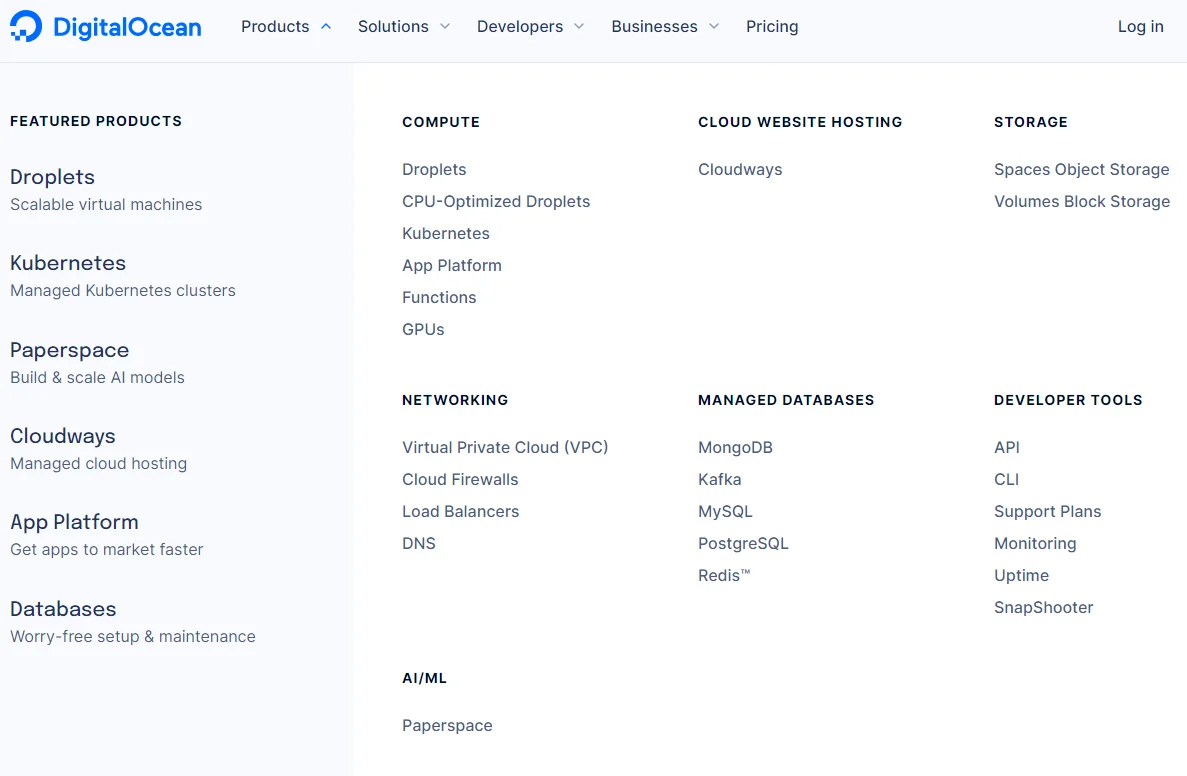
DigitalOcean features
App platform – This developer-friendly offering enables you to build, test, and optimize apps rapidly.
One-click deployment – This option lets users quickly deploy and get their applications to market.
Cloudways – DigitalOcean supports this is a fast, secure, and user-friendly managed cloud hosting platform with around-the-clock technical support.
Cloud VPS services – You can choose from managed and self-managed dedicated server options to suit your price-performance target.
Kubernetes – DigitalOcean offers managed K8s clusters for your containerized applications.
DigitalOcean pricing
DigitalOcean pricing is based on usage, just like Azure pricing. Pricing varies from service to service, too. For example, pricing starts at $4 monthly for virtual machines, $5 for object storage, $10 for volumes (block storage), and more.
DigitalOcean pros
Provides a range of features, such as managed databases, load balancers, and object storage
Superior Linux support
User-friendly interface and workflows
Offers a range of pricing plans suitable for small companies and startups
Robust technical support system, including tutorials, guides, and a dedicated developer support plan
Limited data center locations (15 globally)
More affordable pricing for small companies compared to Microsoft Azure
DigitalOcean cons
Limited data center locations (only 15 globally)
Limited service offerings vs. Azure
Aimed at technical operators
The process of scaling storage needs could be simplified
Small businesses can also consider DigitalOcean alternatives such as Linode, OVH Cloud, Kamatera, and Vultr.
Best Azure Alternative For Mid-Sized Companies – Oracle Cloud Infrastructure (OCI)
Like the Azure public cloud, the Oracle Cloud Infrastructure (OCI) offers a robust platform for PaaS and enterprise application development use cases. Examples include Oracle Autonomous Database, Oracle Analytics Cloud, and the Oracle Blockchain Cloud.
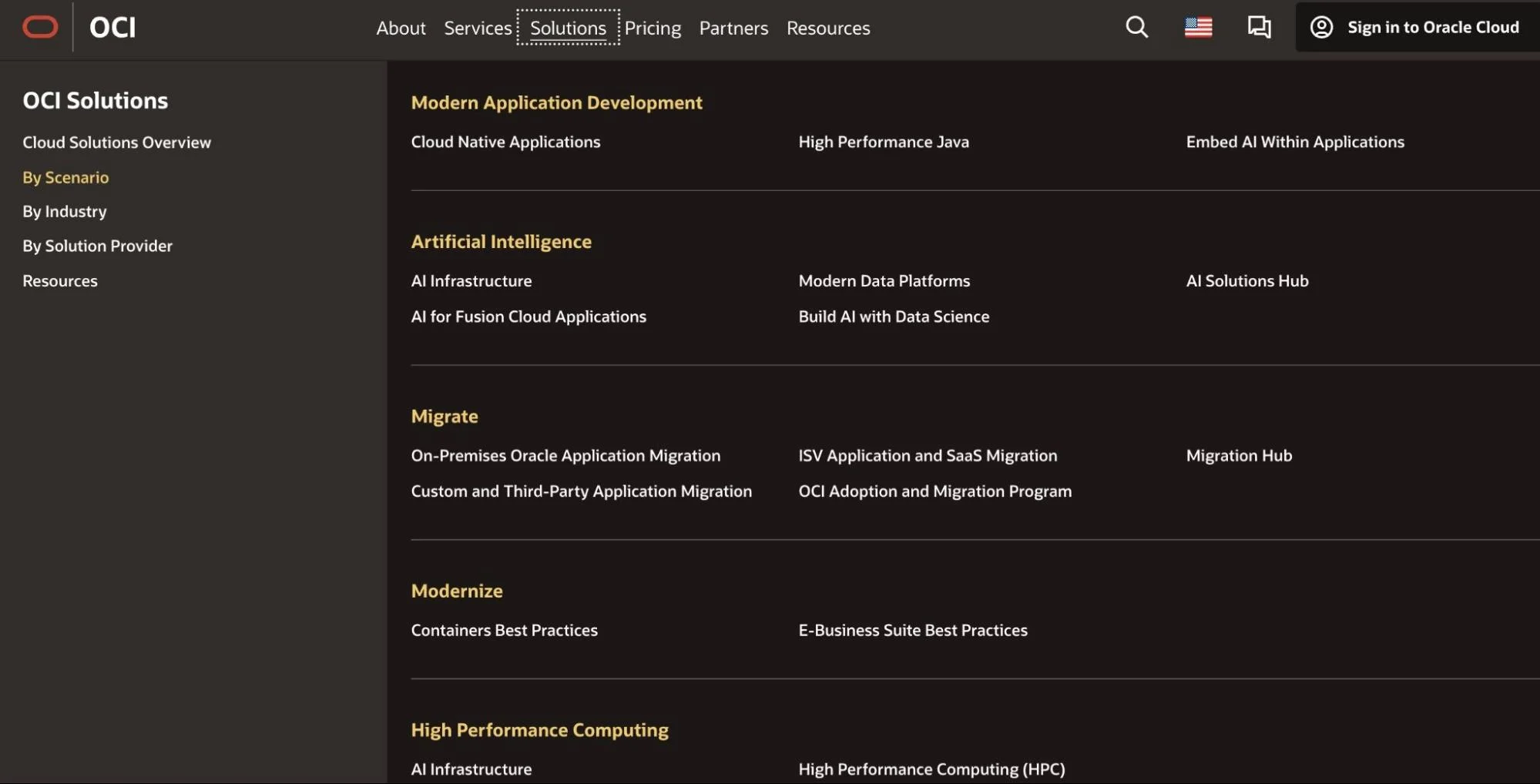
Oracle Cloud features
AI & ML – Oracle Cloud provides robust data analytics (including business intelligence solutions) and AI & ML capabilities.
Cloud Guard – This is an OCI security solution that supports Identity Access Management (IAM), Anti-DDOS protection, and other cloud security features.
Enterprise application development – Oracle provides a wide range of custom application development services and includes SaaS products similar to Azure and Salesforce. Or, you can use its PaaS offerings to develop custom solutions.
All-in-one cloud provider – You can run your entire business on the OCI cloud because it offers most cloud services, from compute and storage to Kubernetes and web hosting.
Oracle Cloud pricing
Pricing for Oracle Cloud services is pay-as-you-go. However, you can get significant discounts if you commit to using the cloud provider consistently for one or three years.
Oracle Cloud pros
Extensive global network of data centers to minimize latency wherever you use OCI
All-in-one cloud service provider similar to Microsoft Azure
Supports high-performance computing (with some compute options being more powerful than on Azure)
Lets you migrate your on-premises workload to the OCI platform as is
Using Oracle’s Bring-Your-Own License (BYOL) on OCI is just as cost-effective as using Windows OS on Azure
Suitable for ERP, CRM, BI, and CSP
Ideal for both small and large businesses (not necessarily SMBs)
Oracle Cloud cons
It is not necessarily a less complex alternative to Microsoft Azure
Not the best .NET experiences
Cloud cost management can be challenging
Best Azure Alternative For Enterprises – Amazon Web Services (AWS)
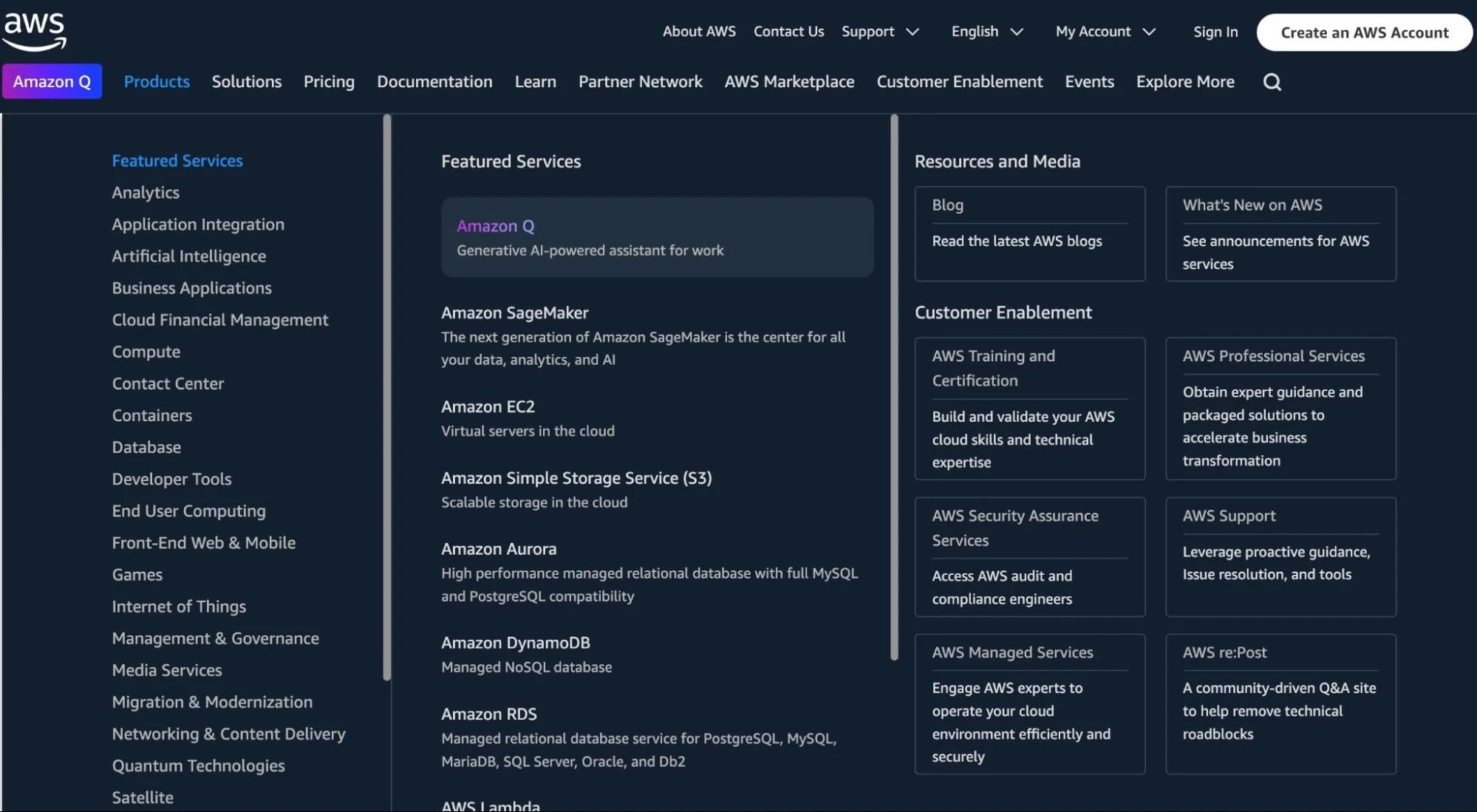
There are many similarities between Microsoft Azure and Amazon Web Services. However, AWS offers a larger collection of cloud products (over 240) and a more mature platform.
AWS features
Complete cloud – AWS provides everything from compute, storage, and databases to machine learning, AI, and data warehousing to IoT and serverless computing.
Identity and Access Management (IAM) – One of many cloud security tools AWS offers to control who has access to your AWS environment, including data access and managing services.
AWS Outposts – This option enables you to use the same infrastructure, tools, services, and APIs for your on-premises environment as in the AWS public cloud.
Auto-scaling – Once activated, this feature automatically increases or decreases your cloud resource capacity to meet performance needs while minimizing waste.
AWS Cost Explorer – This native tool lets you visualize, manage, and optimize your AWS cloud costs.
Serverless computing – Eliminate the need to provision infrastructure or pay for more resources than you require with services such as AWS Lambda.
AWS pricing
AWS pricing is based on a pay-as-you-go model. You pay based on how much cloud resources you consume. For a full breakdown across providers, see our cloud pricing comparison guide. On-Demand pricing does not require an upfront fee or contract. However, using the service for a year or three years instead of hourly can save you up to 72%.
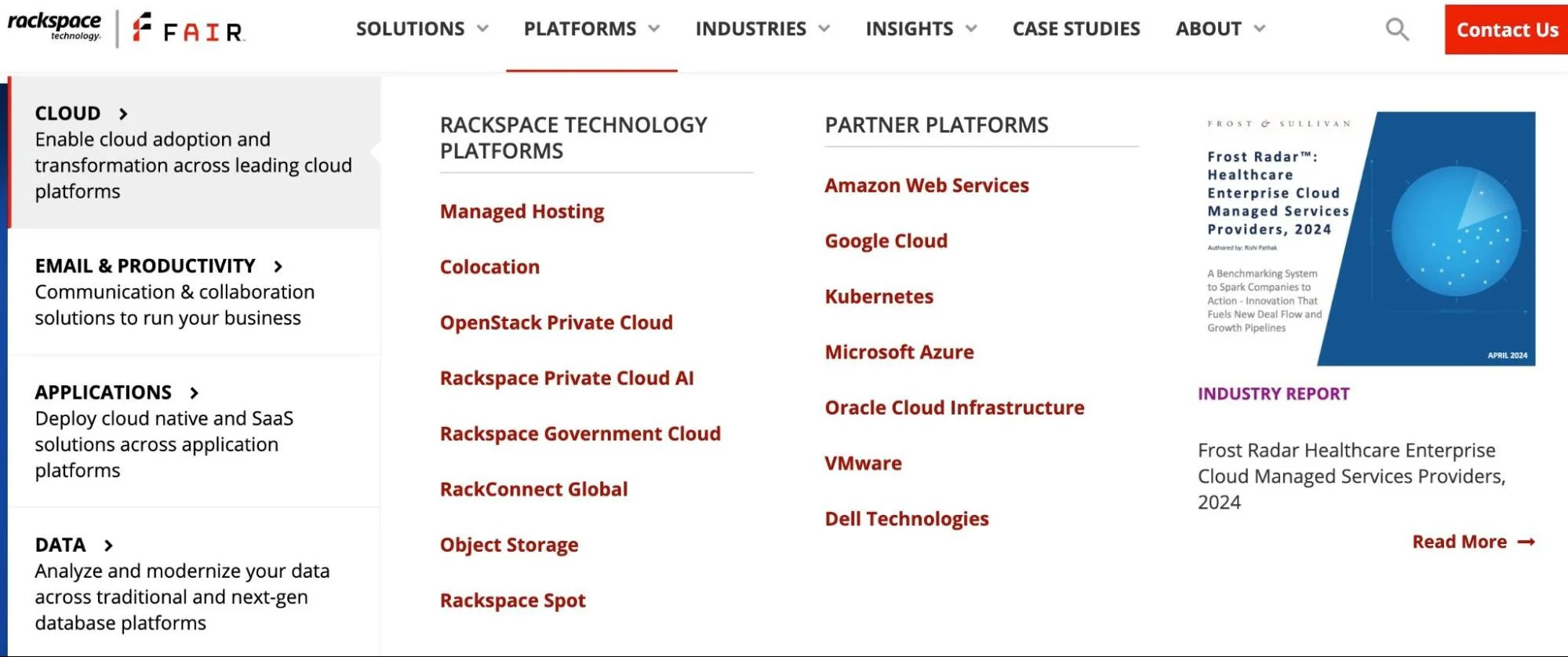
Rackspace has been around for a while, providing a platform that integrates well with others, including AWS, GCP, VMWare, OCI, and Kubernetes.
Rackspace features
Multi-Cloud service – Not only does Rackspace offer public and private cloud connectivity, but it also supports a multi-cloud setup with partner platforms mentioned above.
Managed hosting – Get dedicated, secure, high-performance bare metals to support your demanding cloud workload.
App deploy – You get a platform to build, deploy, and manage cloud-native and SaaS applications.
OpenStack Private Cloud – It offers a full-service experience to help you set up, manage, and optimize a private cloud environment with OpenStack.
Rackspace pricing
You need to contact sales to get a quote.
Rackspace pros
Offers standardized configurations to ease starting up compared to Microsoft Azure’s IaaS
Customizable infrastructure
Delivers robust ecommerce hosting, including websites, email, and databases
Simplifies managing an OpenStack cloud
Over 40 data center locations globally
Managed services help ease Rackspace cloud management
Around-the-clock customer support
Rackspace cons
Limited cloud offerings of its own — works mostly through partnerships with the major, US-based cloud providers
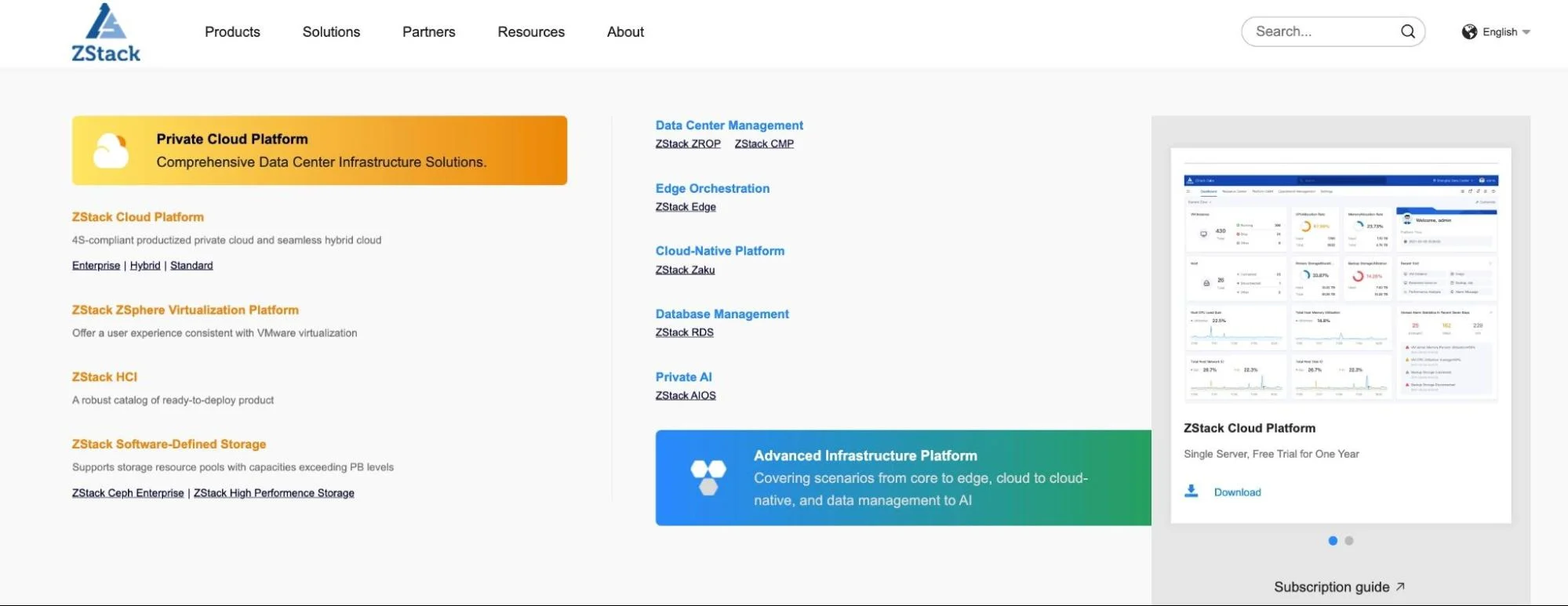
Like Microsoft Azure, the ZStack Cloud offers a diverse portfolio of cloud services and products, including IaaS, DBaaS, PaaS, and more. It also targets enterprises and has been racking up global partnerships to support deployments worldwide.
ZStack Cloud features
Productized IaaS – It provides the option of standard configurations to help you get started more quickly. However, you can customize your infrastructure to handle any workload.
Multi-cloud management platform – The platform is designed to support a combination of private and public clouds simultaneously, enabling you to benefit from the advantages of either option.
Desktop-as-a-Service – You can create a suitable virtual desktop or Cloud PC environment to fit your needs with Windows or Linux OS. Also supports TLS encryption and multiple mainstream transmission protocols.
Multi-edge computing – Like Azure, ZStack supports computing at the edge, bringing your services closer to your market or data sources.
Disaster Recovery as a Service – Provides local, remote, and public cloud backups with continuous data protection compatibility.
ZStack Cloud pricing
Pay as you go.
ZStack Cloud pros
Strong Azure alternative (and alternative to Alibaba) in the China market
Supports hybrid cloud and multi-cloud deployments like Azure
One-click deployments save time
Linear capacity scaling
User-friendly
ZStack Cloud cons
Few data center locations
Still undergoing development, so may not be stable yet
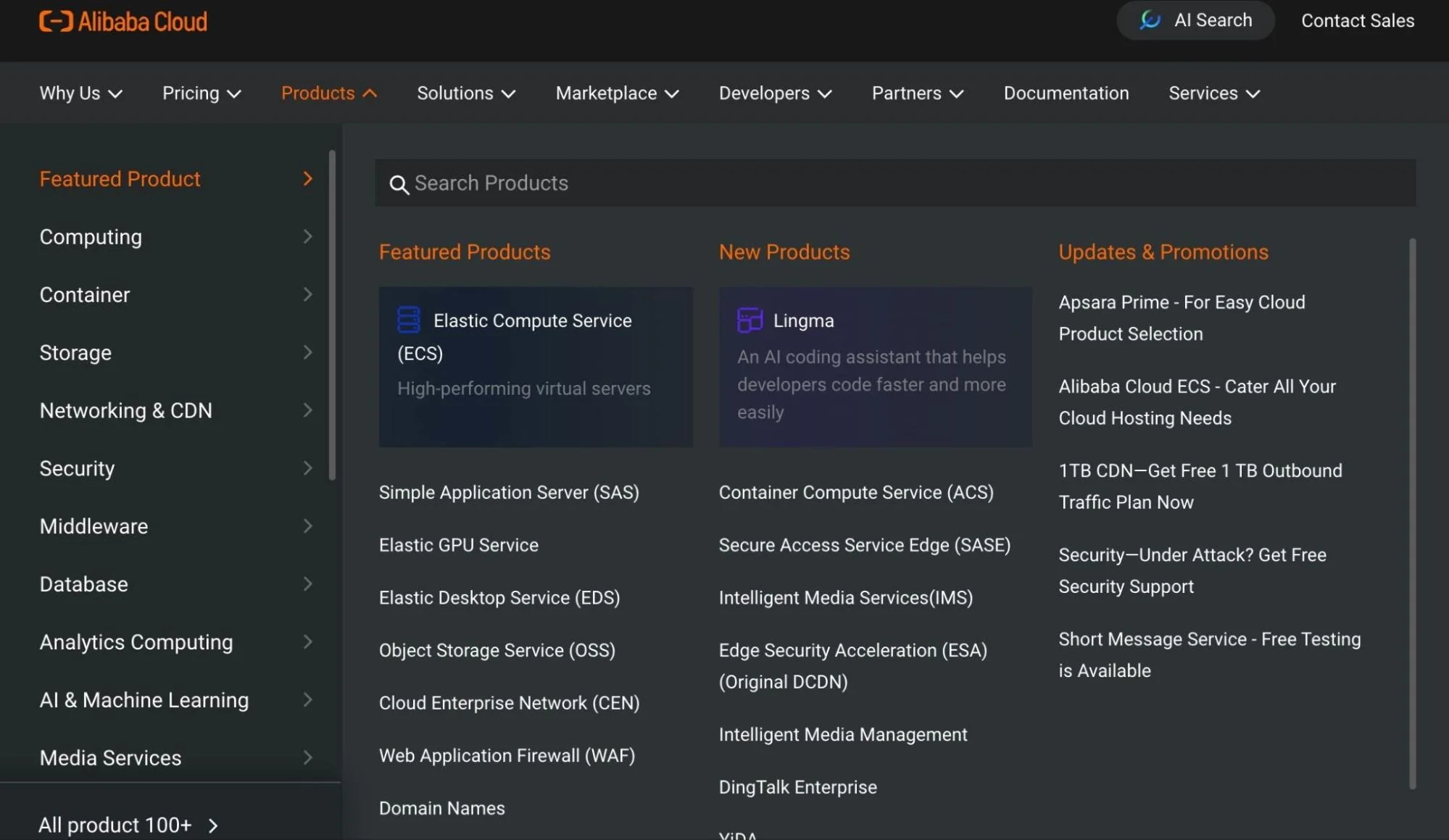
Alibaba Cloud is one of the top Azure alternatives because both offer many similar capabilities. In addition, it also offers a robust e-commerce background (Alibaba.com) similar to AWS (Amazon.com).
Alibaba Cloud features
All-in-one Azure alternative – Alibaba Cloud offers over 100 cloud services in 16 categories, such as compute, storage, containers, AI/ML, and database management.
Elastic Compute Service – Similarly to Microsoft Azure, Alibaba Cloud offers high-performance virtual servers.
Hybrid and multi-cloud support – Supports a multi-cloud strategy alongside Azure, GCP, and AWS, allowing you to distribute workloads across private and public clouds for flexibility and resilience.
Cloud firewall – Alibaba Cloud offers additional security features like cloud firewalls, web app firewalls, anti-DDOS, and IAM.
Database backups – Expect support for relational, NoSQL, and data warehousing solutions, along with various database management tools.
Similar to Azure pricing, Alibaba Cloud pricing is based on a pay-as-you-go model. You pay only for what you use, and there are free offers and discounts for committed usage.
Alibaba Cloud pros
Most dominant cloud provider in the Asia-Pacific region
Offers discounted storage
Suitable for businesses of any size and type
Over 70 data centers across six continents, 22 regions, and 63 Availability Zones (four in the US)
Over 50 free tier products and 60% off renewals
Mirror sites and backup servers are easier to set up
Alibaba Cloud cons
Fewer data centers outside Asia vs. Azure
A smaller number of engineers are proficient in Alibaba Cloud
Fewer integrations are supported compared to Microsoft Azure
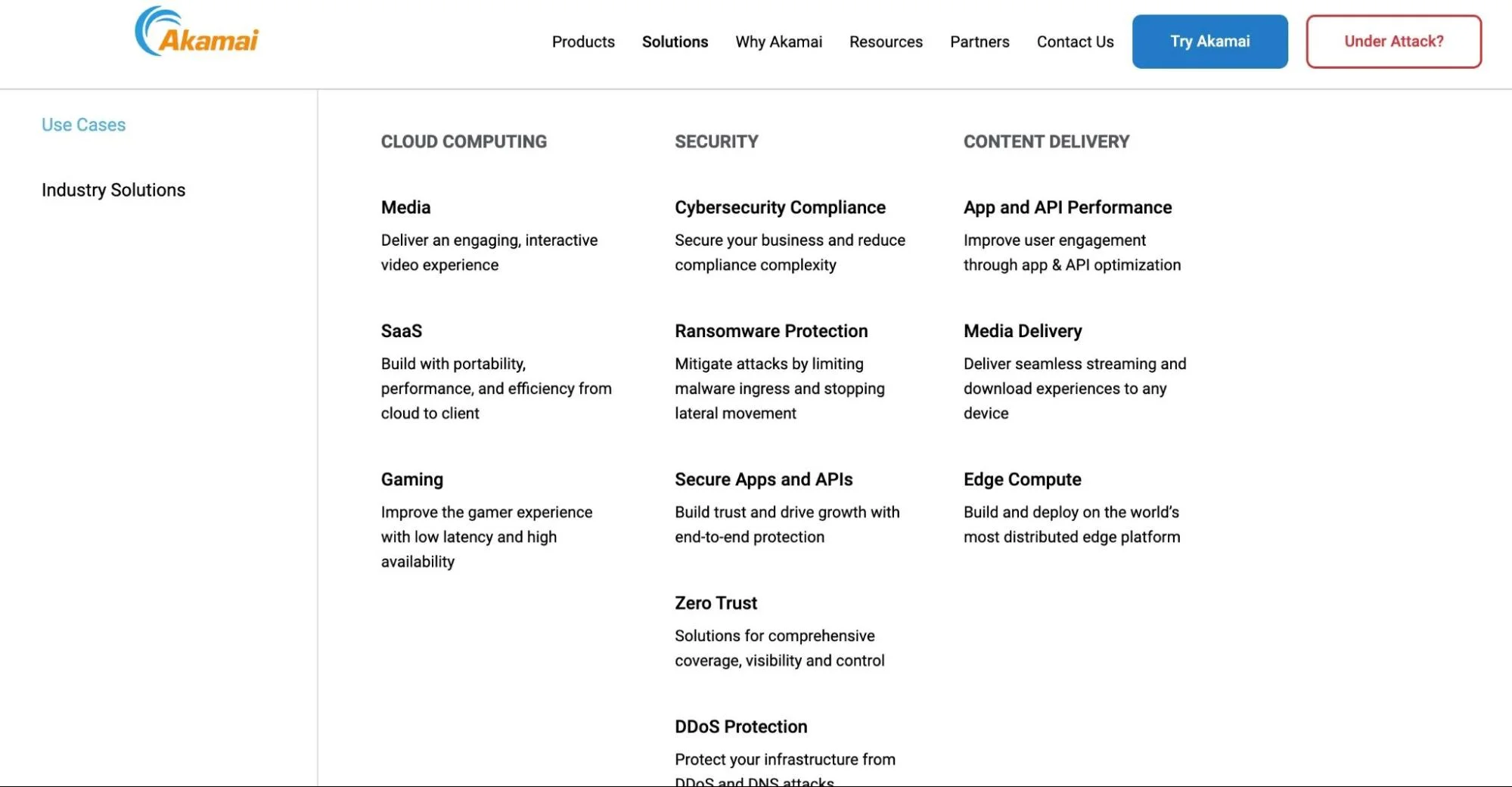
As the owner of Linode’s public cloud, Akamai claims it has the most distributed cloud. But it is certainly known for some features, such as CDN.
Akamai Connected Cloud features
Public cloud – Combined with Linode’s offering, Akamai offers a complete public cloud experience, providing compute, storage, and networking services and supporting container, database, and developer tools management.
Content Delivery (CDN) – Akamai offers a robust content delivery network solution that includes fast API performance, image and video management, and user experience optimization.
Cloud security – The platform has long had a security background to help protect connected applications at scale.
Akamai Connected Cloud pricing
There’s separate pricing for CDN, security, and cloud computing services. Pricing for cloud computing products, offered through Linode, is pay-as-you-go. Linode bundles CPU, memory, data transfer, and storage in a single, flat fee. Pricing starts at $36 per month or $0.054 per hour for 2vCPUs, 4GB RAM, 80 GB storage, 4 TB transfer, and 40/4 Gbps network bandwidth.
Akamai Connected Cloud pros
Robust CDN solution
Fast API performance
Offers solid Anti-DDOS and Edge DNS security
Excellent Linux OS support
Offers a developer-friendly platform via Linode
Provides more than 4,100 Edge PoPs
Less complexity than Azure cloud
Akamai Connected Cloud cons
Limited global data center locations (currently 11 with plans to include 50 cities globally)
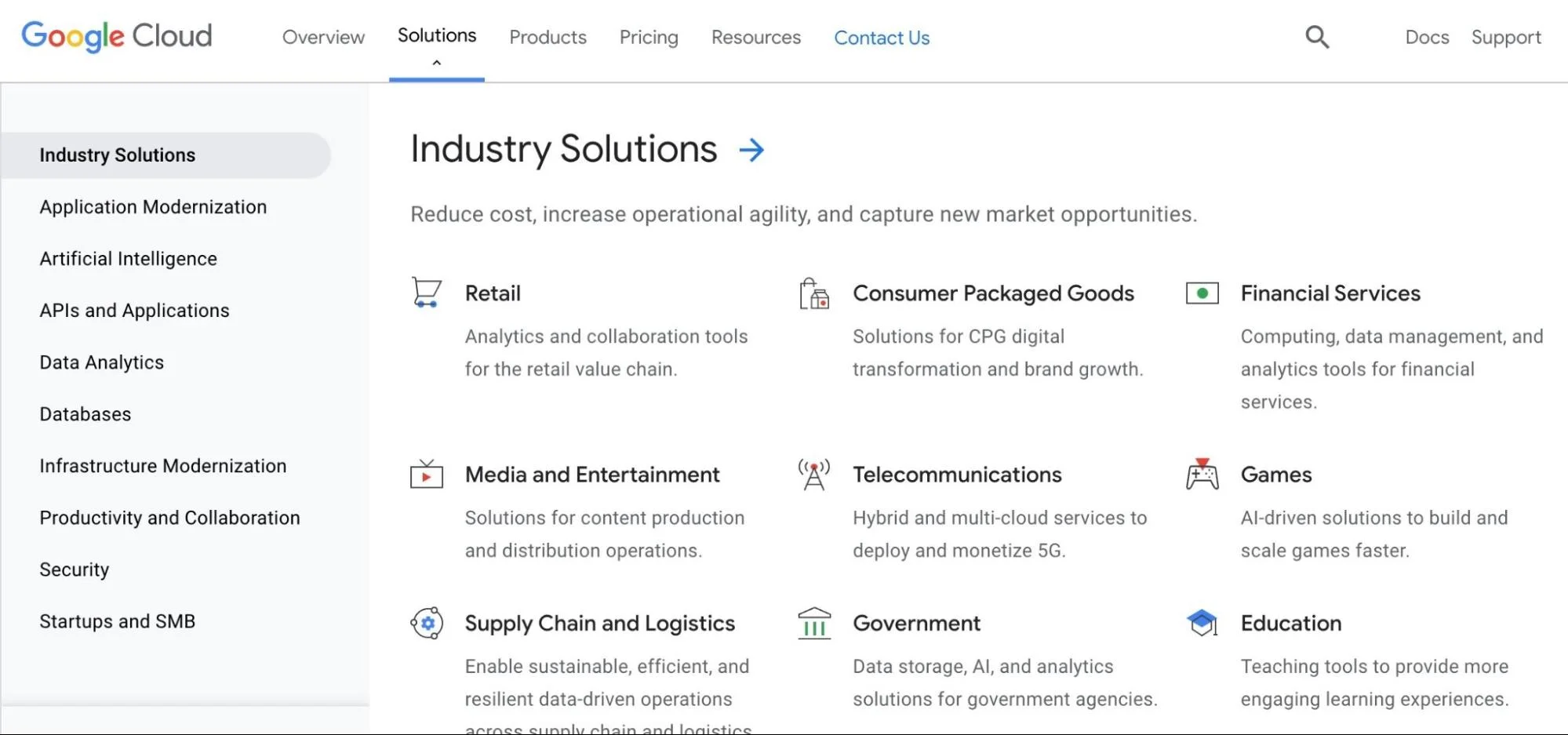
GCP is the third-largest cloud service provider today, and most of its offerings are quite similar to Azure cloud services. It has many products, including virtual machines, storage, networking, and big data services. Additionally, it offers a range of free products, and its pricing is competitive.
Google Cloud Platform features
Google Kubernetes Engine – GKE is one of the most robustly managed Kubernetes container services today.
AI/ML – GCP offers some of the most advanced AI and Deep Learning models of any cloud provider today. Learn more about GCP cost management.
Data Analytics – Thanks to its extensive Internet Search background, Google has refined its data analytics, warehousing, and BI solutions.
Workspace – This virtual desktop service is similar to Azure’s Windows 365 and is home to popular business, collaboration, and productivity apps such as Google Docs, Spreadsheets, Gmail, Meet, and Drive.
Open-Source Support – Google maintains robust open-source project support and is itself one of the top contributors (it developed Kubernetes (container orchestration) and Istia (service mesh solution)).
GCP pros
User-friendly than Azure and AWS
In various cases, less expensive than AWS and Azure
Expanded data center network and availability zones
Superior AI and ML models to Azure
Excellent open-source project support
GCP cons
Complex cloud, making it difficult to learn, adapt, and optimize
Wide range of capabilities, which can lead to dependence and vendor lock-in
Concerns over data security and privacy following revelations that GCP cooperates with the US government
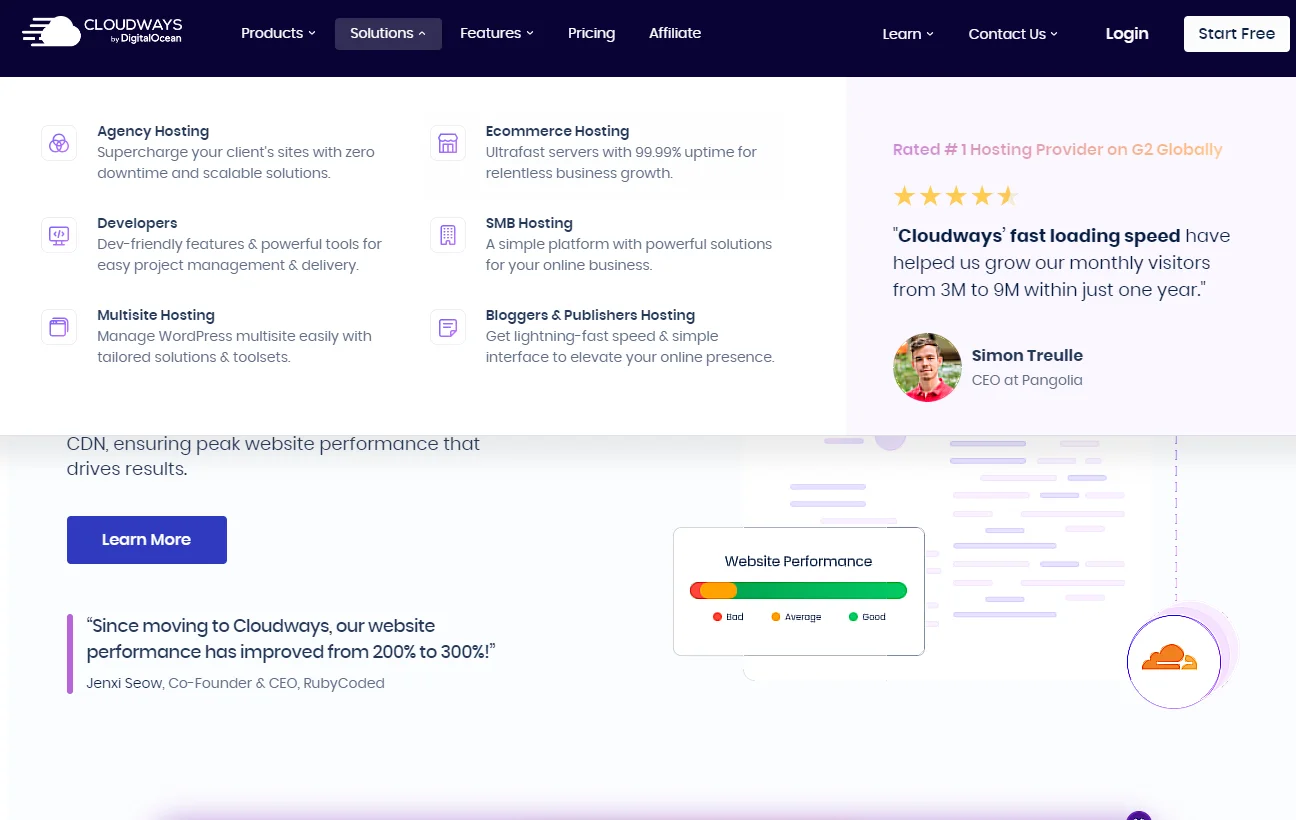
If Microsoft Azure feels like overkill for your small business, DigitalOcean offers an even more boutique service: Cloudways. This is a managed cloud hosting platform suitable for digital agencies and developers as well as e-commerce and online store sites.
Cloudways features
SMB hosting – The platform is designed to suit small business needs, including rapid deployment and integration with AWS, GCP, or DigitalOcean.
Developers – Cloudways includes one-click deployments, 99.99% uptime guarantees, advanced cache, CDN, and 24/7 technical support for developers. The hosting stack includes MySQL/MariaDB, NGINX, Apache, and PHP-FPM.
E-commerce hosting – The platform offers robust managed WooCommerce, WordPress, Magento, or Laravel.
Managed VPS hosting – Cloudway uses DigitalOcean IaaS infrastructure for this and one-click scaling.
Multi-site WordPress hosting – Get dedicated WP servers to cover multiple sites, yours or your clients’.
Cloudways pricing
Pricing depends on which cloud provider data centers you use. If you host your website via DigitalOcean’s cloud infrastructure, Cloudways pricing starts at $6.06 per month. It starts at $23.14 per month for AWS-hosted sites and $ 22.47 for sites hosted on Google Cloud.
Cloudways pros
Fast, enterprise-grade cloud hosting for small businesses
Includes SSL, dedicated firewalls, and CloudFlare add-ons for security
24/7 customer support
Secure staging environment included
Fully managed cloud hosting with high performance and availability
Seamless integration with DigitalOcean for IaaS tools
Cloudways cons
No domain registration
No root access, limiting control, such as the ability to turn off PHP-FPM
No email ghosting option
Other Cloudways or Azure hosting alternatives include Kinsta, Liquid Web, SiteGround, and Hostinger.
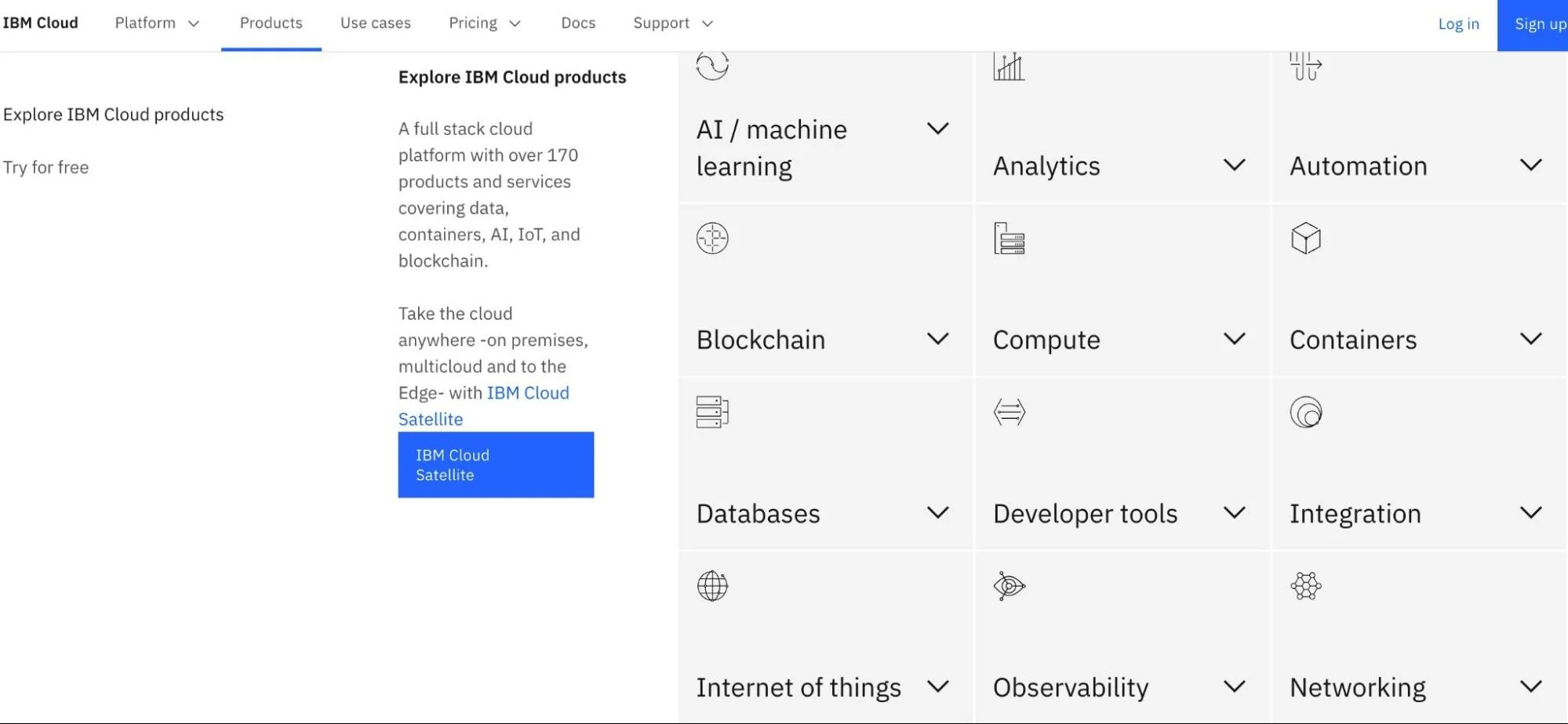
IBM Cloud and Red Hat work together to offer enterprise-grade capabilities with an open-source edge. There is also SAP on IBM Cloud. Overall, IBM Cloud is a top alternative to Microsoft Azure for quite a number of reasons.
IBM features
Virtual Private Cloud – Improve security and performance by creating and deploying apps in your private environment.
Cloud security – Data is protected in transit, at rest, and in use, providing higher security than many other cloud platforms.
Hybrid cloud – Combine the benefits of both a public and private cloud environment.
VMware and SAP – Ensures 24/7 availability and security of SAP and VMware workloads.
On-Premises deploy – IBM can configure and run your on-premises workloads as if they were in the cloud.
IBM pricing
Like Microsoft Azure, IBM Cloud pricing is pay-as-you-go and can be reserved (committed use discounts) or billed monthly (subscription plan). Over 40 IBM products are available for free.
IBM pros
Over 170 cloud products and services are available across 15 categories
Six continents, 60 global data centers
Providing integrated PaaS and IaaS services
Provides hybrid and multi-cloud deployment support
Works seamlessly on-premises
Suitable for SAP and VMware applications
An enterprise-grade security and computing platform
Supports Red Hat OpenShift and Kubernetes
IBM cons
It can take quite some time to set up bare metal servers
Comparatively fewer offerings than Azure
It might not be simpler or cheaper than Microsoft Azure
Some top IBM alternatives here are VMWare Cloud, Huawei Cloud, Dell Cloud, HPE Enterprise Cloud, TenCent Cloud, and SAP Cloud Platform.
How To Understand, Control, And Optimize Your Cloud Costs — No Matter Your Cloud Provider
Now, you may be seeking Azure alternatives because it is too expensive. Or, perhaps you are considering migrating to the cloud but want to find a less complex solution first. Either way, if you want to fully reap the benefits of cloud computing, you’ll need to be in charge of your costs.
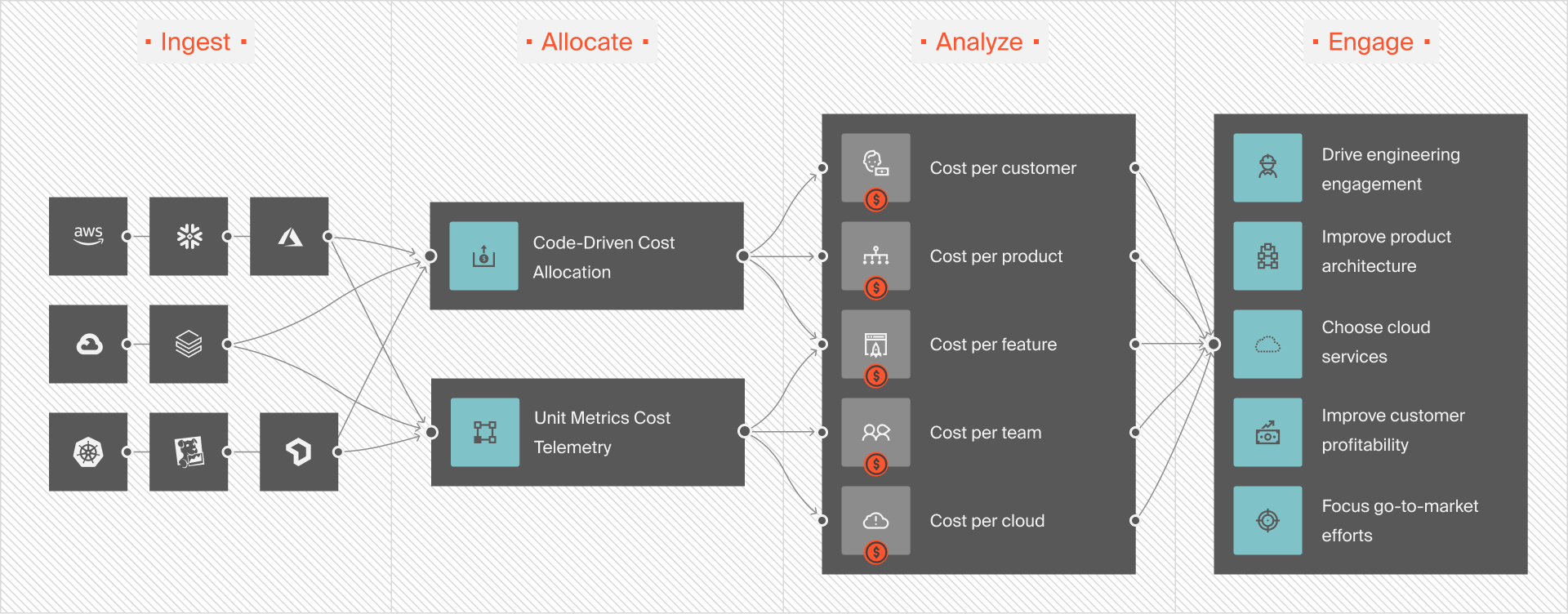
No matter how complex your cloud is, you can allocate 100% of your cloud costs in minutes. You can almost instantly see who and what impacts your cloud costs — and fix it.
View your costs for tagged, untagged, and untaggable resources. You don’t need perfect tags to get the cost insights you need to reduce waste and protect your margins.
Get immediately actionable cloud cost intelligence, including cost per customer, cost per feature, cost per team, cost per environment, cost per product, and more. We’ll help you tell exactly where to cut costs without sacrificing performance or where to invest more to maximize ROI. 👁 CloudZero: Ingest, Allocate, Analyze, Engage
View your multi-cloud costs in a single dashboard. No need to open separate dashboards to analyze your AWS, Azure, GCP, and OCI assets.
Simplify management by seeing containerized and non-containerized costs together in one place.
Analyze, optimize, and view your platform costs. Supports cost analysis for Kubernetes, Databricks, Snowflake, MongoDB, Datadog, and New Relic.
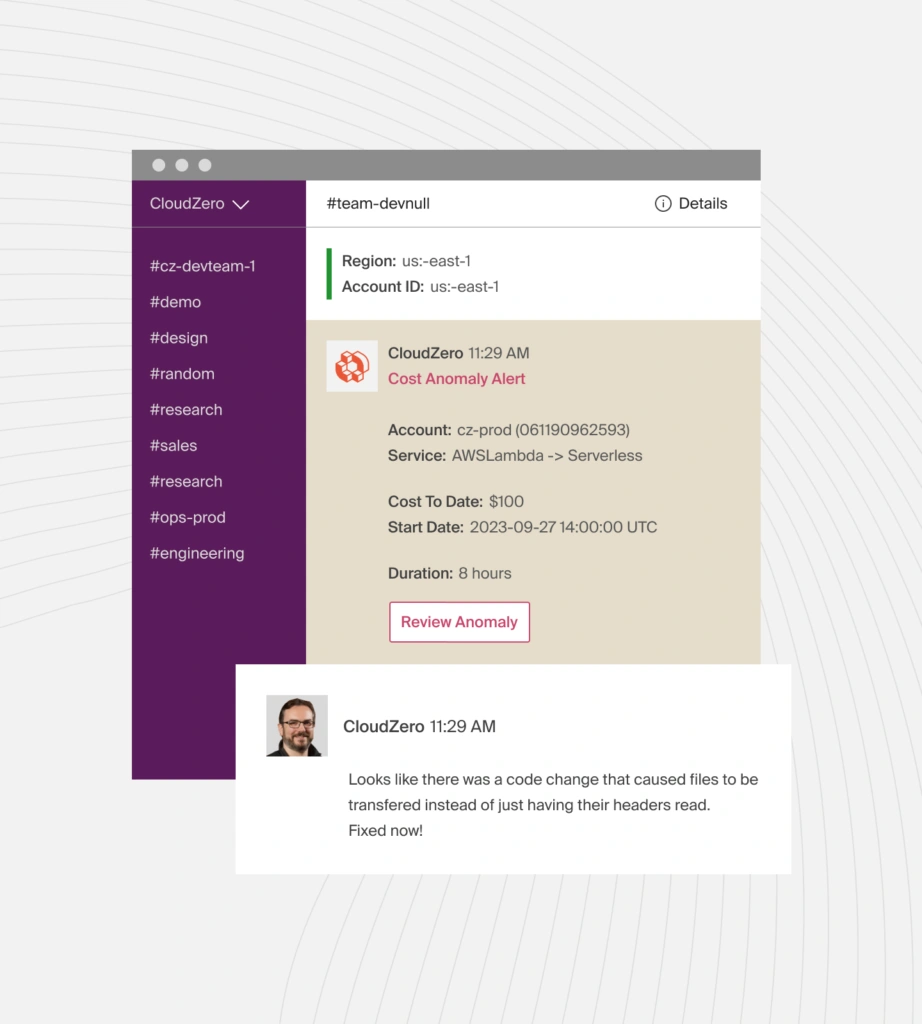
Get timely, noise-free, and context-rich cost anomaly alerts via Slack. You’ll be able to pinpoint and fix issues at the source before they lead to cost surprises. 👁 Cost Anomaly Alerts
CloudZero also delivers user-friendly tools for custom budgeting and forecasting, committed use discount management, and more. These and more capabilities have helped companies like Drift and Upstart make the most of their cloud resources. You can, too.
Cody Slingerland, a FinOps certified practitioner, is an avid content creator with over 10 years of experience creating content for SaaS and technology companies. Cody collaborates with internal team members and subject matter experts to create expert-written content on the CloudZero blog.
Finance needs to prove AI's return: CloudZero report
To provide the best experiences, we use technologies like cookies to store and/or access device information. Consenting to these technologies will allow us to process data such as browsing behavior or unique IDs on this site. Not consenting or withdrawing consent, may adversely affect certain features and functions.
Functional
Always active
The technical storage or access is strictly necessary for the legitimate purpose of enabling the use of a specific service explicitly requested by the subscriber or user, or for the sole purpose of carrying out the transmission of a communication over an electronic communications network.
Preferences
The technical storage or access is necessary for the legitimate purpose of storing preferences that are not requested by the subscriber or user.
Statistics
The technical storage or access that is used exclusively for statistical purposes.The technical storage or access that is used exclusively for anonymous statistical purposes. Without a subpoena, voluntary compliance on the part of your Internet Service Provider, or additional records from a third party, information stored or retrieved for this purpose alone cannot usually be used to identify you.
Marketing
The technical storage or access is required to create user profiles to send advertising, or to track the user on a website or across several websites for similar marketing purposes.
To provide the best experiences, we use technologies like cookies to store and/or access device information. Consenting to these technologies will allow us to process data such as browsing behavior or unique IDs on this site. Not consenting or withdrawing consent, may adversely affect certain features and functions.
Functional
Always active
The technical storage or access is strictly necessary for the legitimate purpose of enabling the use of a specific service explicitly requested by the subscriber or user, or for the sole purpose of carrying out the transmission of a communication over an electronic communications network.
Preferences
The technical storage or access is necessary for the legitimate purpose of storing preferences that are not requested by the subscriber or user.
Statistics
The technical storage or access that is used exclusively for statistical purposes.The technical storage or access that is used exclusively for anonymous statistical purposes. Without a subpoena, voluntary compliance on the part of your Internet Service Provider, or additional records from a third party, information stored or retrieved for this purpose alone cannot usually be used to identify you.
Marketing
The technical storage or access is required to create user profiles to send advertising, or to track the user on a website or across several websites for similar marketing purposes.