BigQuery pricing 2026: On-demand vs flat-rate cost guide

Last edited October 6, 2025
Google BigQuery is an amazing tool. It gives companies the power to sift through enormous datasets in seconds, which sounds like a dream. But as many businesses have found out the hard way, that power can come with a surprisingly complicated and, at times, eye-watering price tag. A single inefficient query or a simple misunderstanding of the pricing model can quickly turn a manageable bill into a budget-breaking headache.
The real goal isn't just to use data; it's to use it smartly without getting bogged down by the nitty-gritty of infrastructure costs. This guide is here to break down the main parts of BigQuery pricing in plain English. We’ll walk through the different models, help you figure out which one fits your needs, and share some practical tips to keep your costs in check. The idea is to let you focus on finding insights, not freaking out over your monthly bill.
What is Google BigQuery?
Before we get into the money talk, let's do a quick recap of what BigQuery is. It’s a fully managed, serverless data warehouse from Google Cloud. "Serverless" is the important word here. It basically means you don't have to deal with the messy business of managing servers or clusters yourself. You just upload your data and start running SQL queries. Simple as that.
BigQuery is built for speed and scale, capable of handling anything from a few gigabytes to petabytes of data without breaking a sweat. That’s why it’s a go-to for everything from powering business intelligence dashboards to running real-time analytics and machine learning models. Its secret sauce is how it separates data storage from the computing power that runs your queries, which is what makes its pricing so flexible.
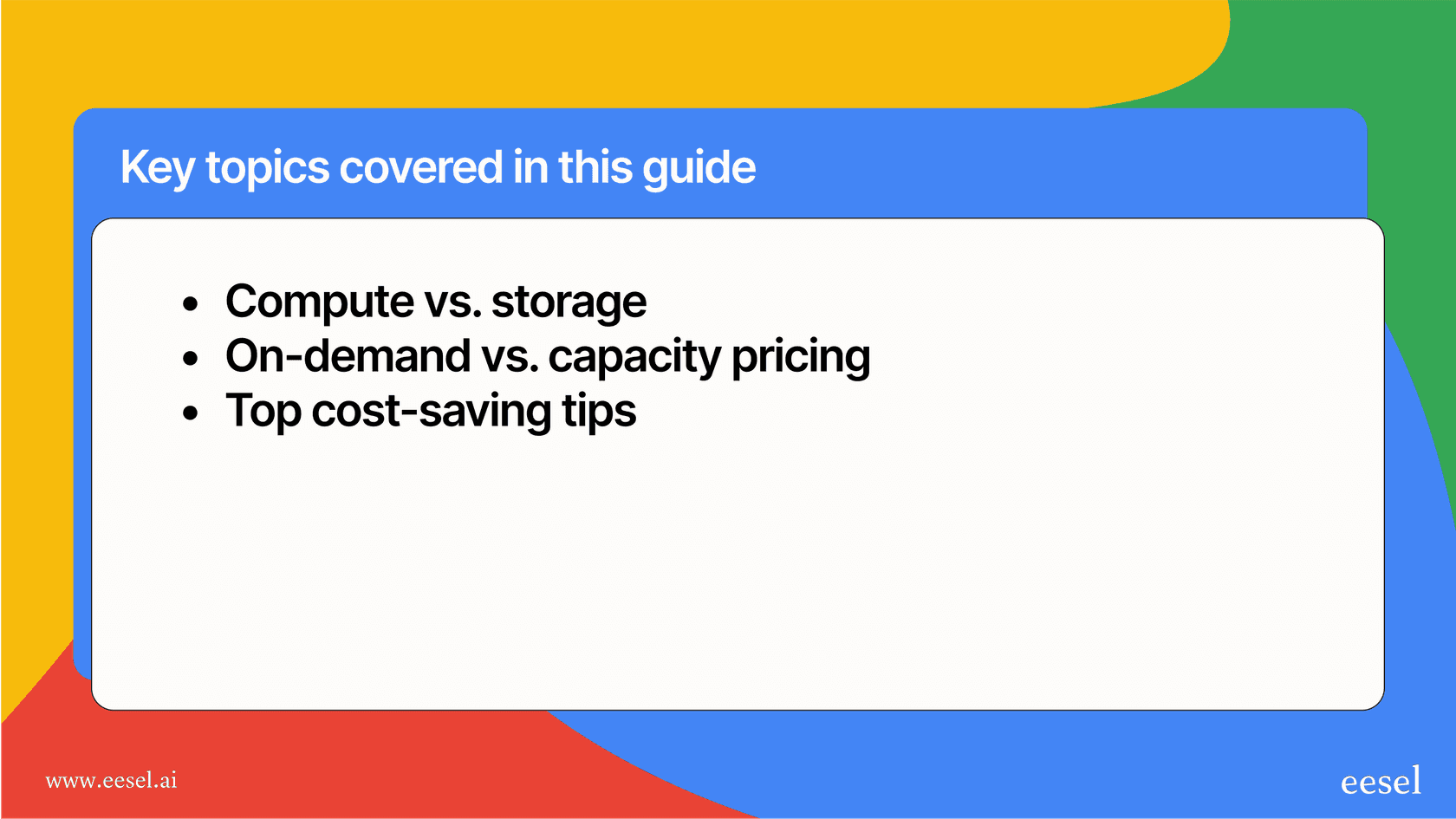
The two main components of BigQuery pricing: Compute and storage
When you boil it all down, your BigQuery pricing is made up of two main things: compute and storage. Getting a handle on how each one works is the first big step toward avoiding any nasty surprises on your bill.
Compute pricing
Compute costs are what you’re charged for actually processing your queries. This covers any SQL queries, user-defined functions, or scripts you run. BigQuery gives you two different ways to pay for this, and we’ll dig into them more in a bit:
-
On-demand pricing: You pay for the amount of data your query scans each time you run one. It's a classic pay-as-you-go setup.
-
Capacity pricing: You reserve a chunk of processing power (which Google calls "slots") for a flat fee. With this model, you get a fixed bill no matter how much data your queries chew through.
The choice you make here will have the biggest impact on your monthly spend.
Storage pricing
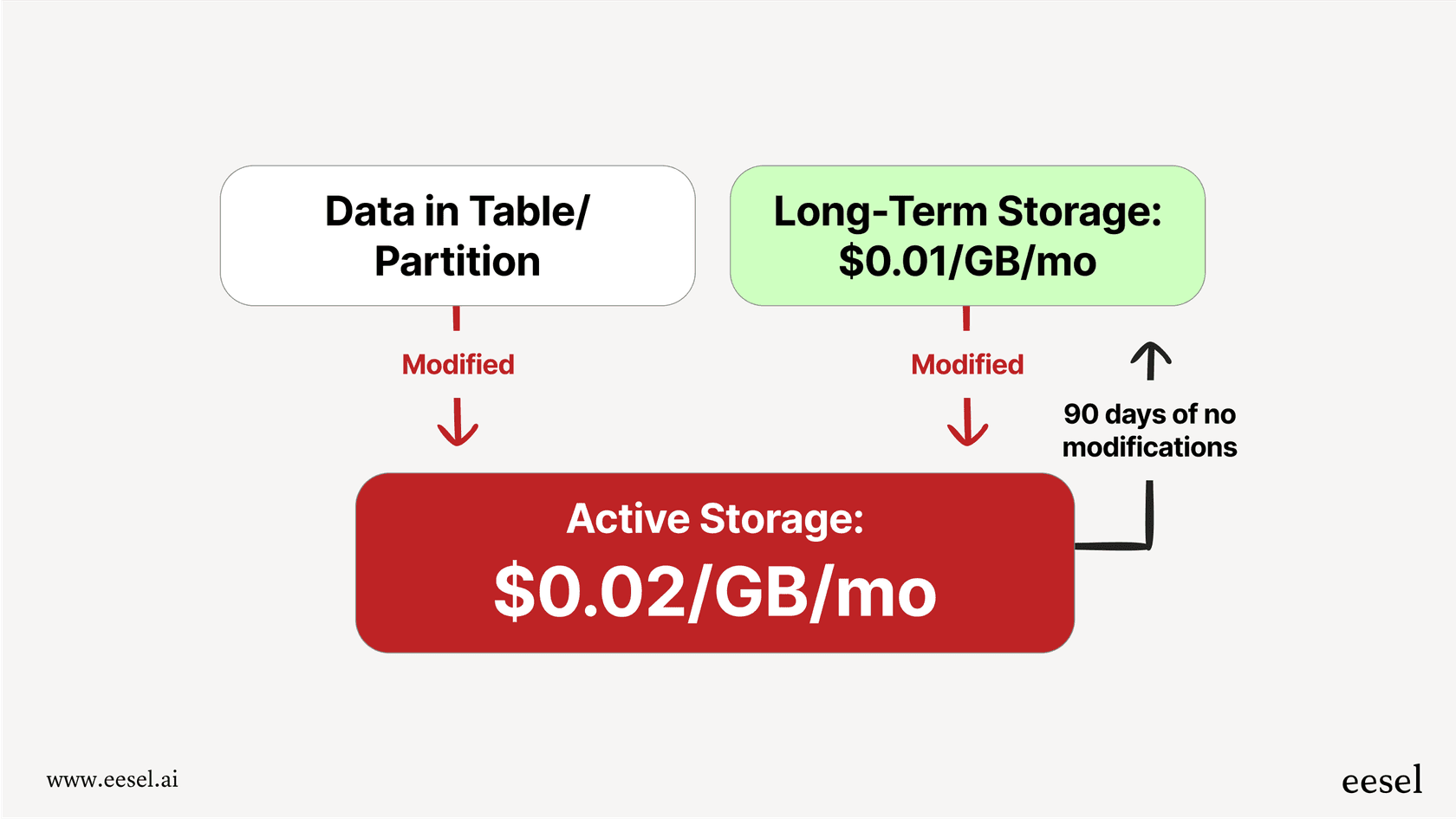
Storage pricing is exactly what it sounds like: the cost to keep your data stored in BigQuery. It’s usually much cheaper than compute, but the costs can creep up if you have a lot of data and you’re not paying attention. BigQuery splits storage into two different tiers:
-
Active Storage: This is for any table or table partition that you've modified in the last 90 days. You can expect to pay around $0.02 per GB per month for this.
-
Long-term Storage: Here’s a nice little cost-saving feature. If a table or partition sits untouched for 90 straight days, BigQuery automatically cuts its storage price in half, down to about $0.01 per GB per month.
The best part? Just running a query on a table doesn't count as modifying it, so the 90-day timer won't reset. You can still analyze all your historical data without bumping it back into the pricier "active" tier. Plus, your first 10 GB of storage each month is on the house.
How to choose the right compute model
Deciding between on-demand and capacity pricing is probably the single most important choice you'll make when it comes to managing your BigQuery budget. What you do, how much data you have, and how predictable you need your costs to be will all point you toward the right fit.
On-demand BigQuery pricing: Paying for what you query
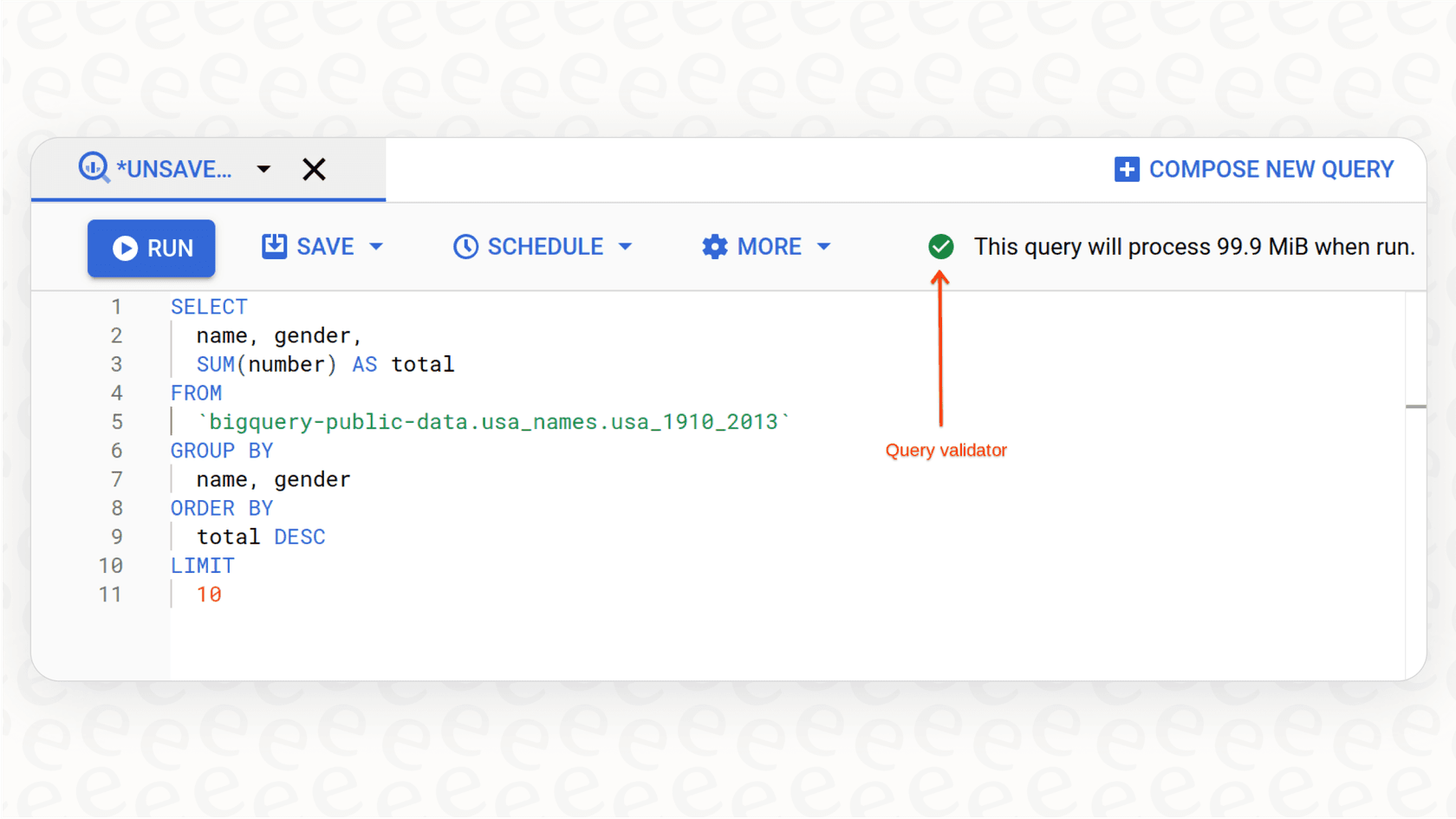
On-demand is the default option and the easiest to get your head around. You're charged based on the number of bytes each query processes, at a rate of about $6.25 per terabyte (TiB). To help you get started, the first 1 TiB of data you process each month is free.
-
Who it's for: This is perfect for teams whose query needs are all over the place or are still relatively low. If you're just getting started, doing a lot of one-off analyses, or have workloads that fluctuate a lot, on-demand is a great place to begin.
-
The good stuff:
-
No need to commit to anything upfront.
-
It’s straightforward and easy to understand.
-
It’s cheap if you’re not running tons of queries.
-
The not-so-good stuff:
-
Your costs can be really unpredictable. One bad query (like a "SELECT *" on a massive table) can cause a huge spike in your bill.
-
It gets very expensive once you start running a high volume of repetitive queries.
Capacity BigQuery pricing: Paying for processing power
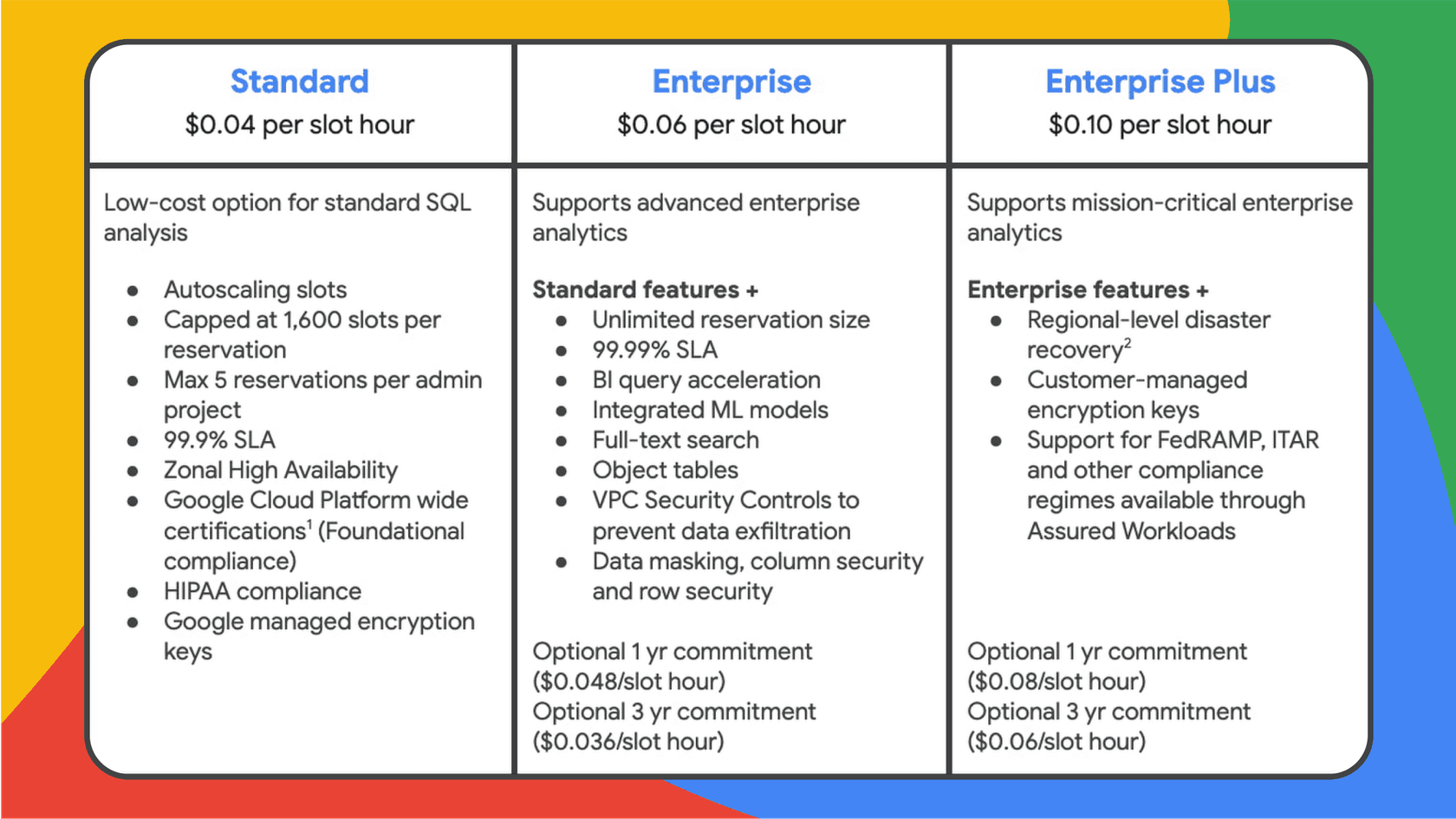
If you crave predictability, capacity pricing is your friend. Instead of paying per query, you buy a set amount of query processing power, measured in "slots" (think of them as virtual CPUs). You pay a flat rate for these slots, and all your queries run using that dedicated capacity. This model is based on BigQuery Editions, which come in Standard, Enterprise, and Enterprise Plus tiers.
-
Who it's for: This model is built for businesses with steady, high-volume workloads or anyone who needs to keep a tight rein on their budget. It's a great choice for running regular data-processing jobs or powering dashboards used by the whole company.
-
The good stuff:
-
Your monthly costs are predictable down to the dollar.
-
It can be way cheaper if you're running large-scale, consistent queries.
-
It lets you guarantee performance for your most important jobs.
-
The not-so-good stuff:
-
It takes a bit more planning to figure out how many slots you need.
-
You’re paying for the capacity whether you use it all or not, though there are autoscaling options that add some flexibility.
A quick BigQuery pricing comparison: On-demand vs. capacity
| Feature | On-Demand Pricing | Capacity Pricing |
|---|---|---|
| Cost Model | Pay per query, based on data scanned | Fixed cost, based on reserved slots |
| Predictability | Low (costs can swing wildly) | High (hello, stable monthly bill) |
| Best For | One-off analysis, unpredictable work | Consistent, heavy queries, budget control |
| Management | Super easy (no setup needed) | More involved (requires capacity planning) |
| Cost at Scale | Can get very pricey, very fast | Much more cost-effective for big jobs |
5 practical strategies to control BigQuery costs
No matter which pricing model you end up with, a few good habits can make a huge difference to your bottom line. Here are five things you can start doing today to lower your spend.
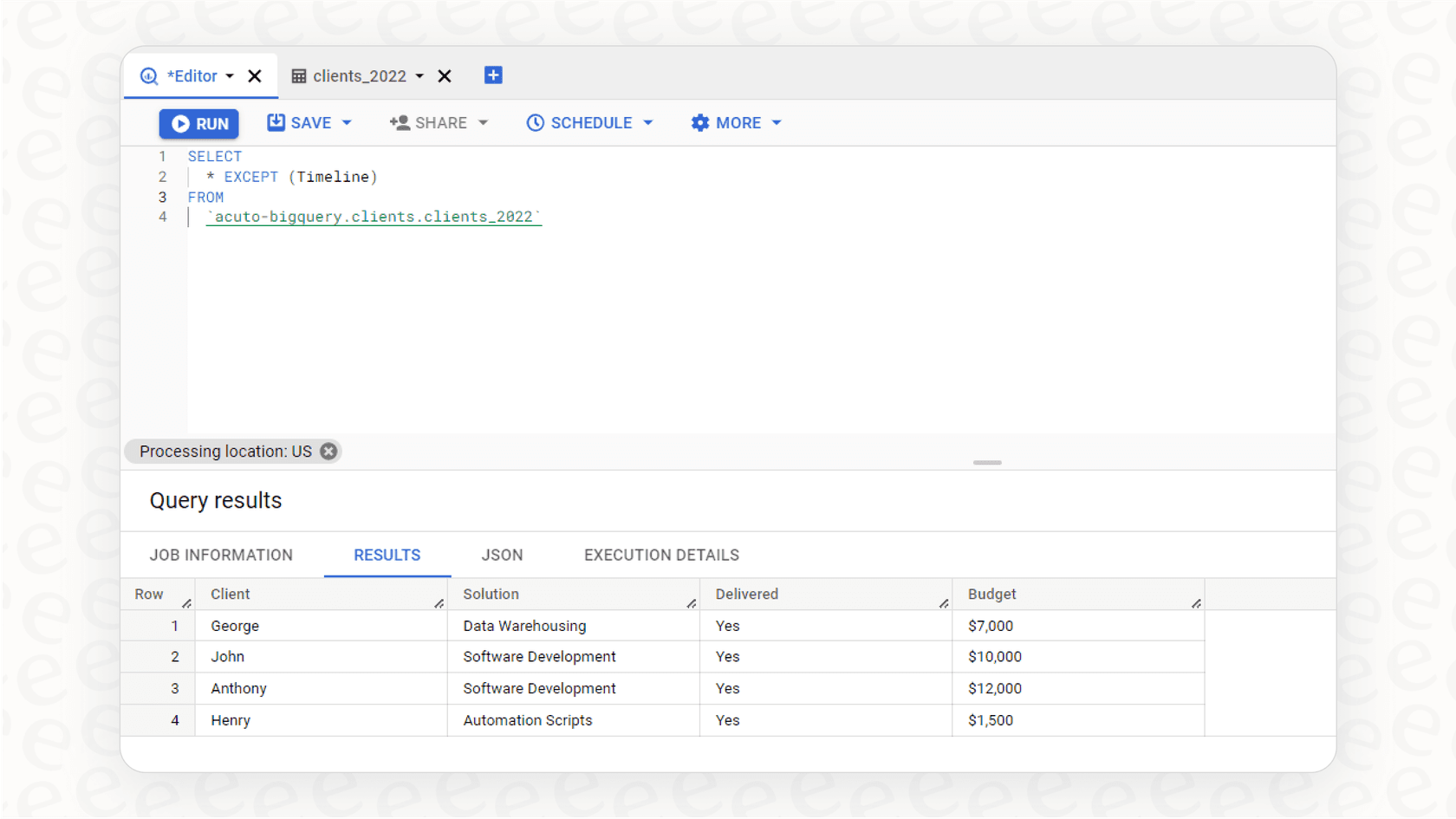
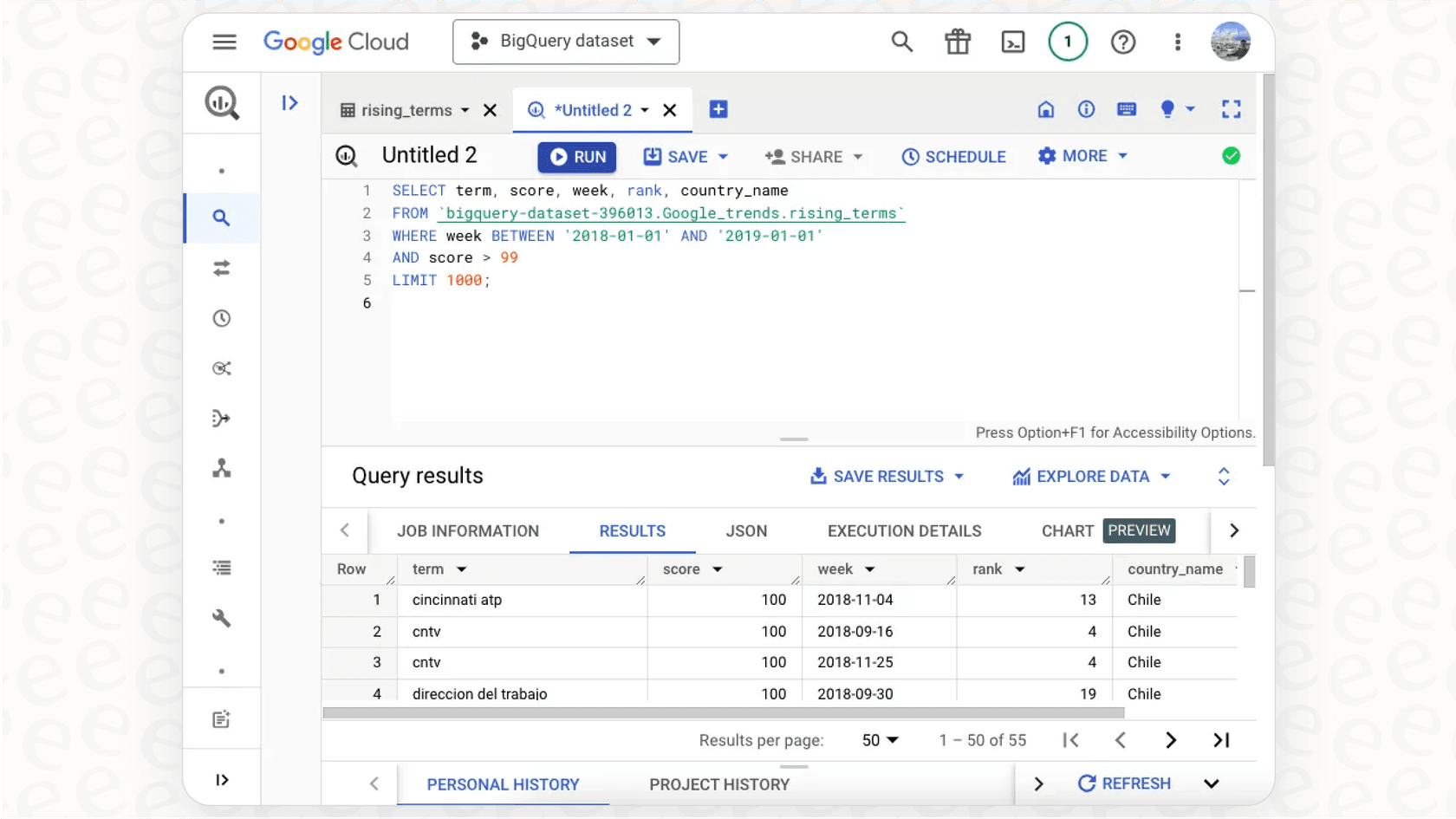
- Avoid "SELECT *" like the plague This is the number one rule of BigQuery. Seriously. Only query the columns you actually need. Since on-demand pricing is based on the data scanned in the columns you select, ditching "SELECT *" is the single easiest way to cut down your costs.
- Use partitioned and clustered tables Partitioning your tables (usually by date) is like putting dividers in a giant filing cabinet. It lets you tell BigQuery to only look in a specific section. For example, you can run a query on just the last week of data instead of making BigQuery scan the entire multi-year table. Clustering takes it a step further by sorting the data within those partitions, which can make your filters run even faster and cheaper.
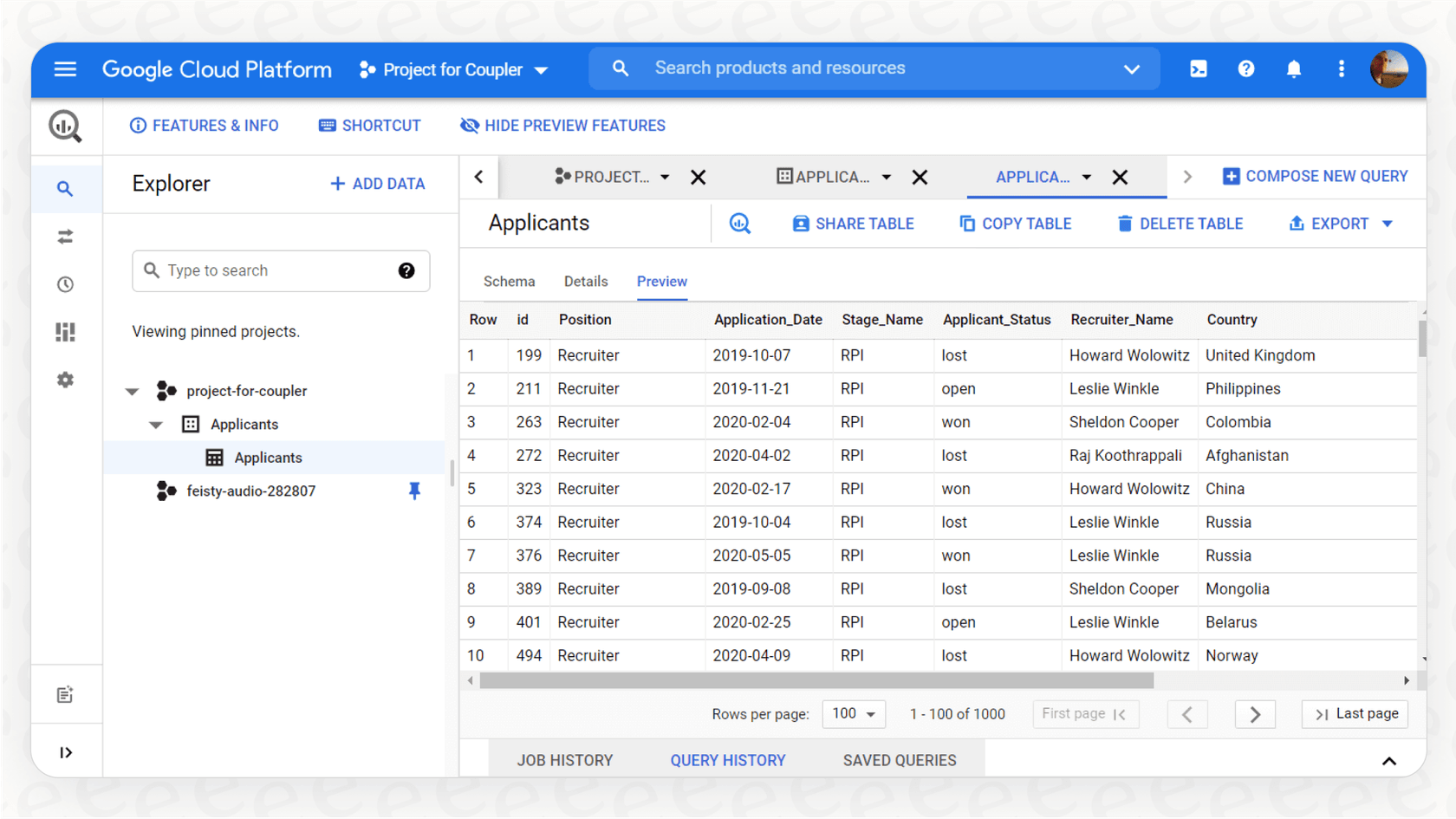
- Preview your data for free There's no need to run a paid query just to see what a table looks like. You can use the table preview options in the Google Cloud console or the "bq head" command in the command line. These are totally free and don't use up any of your quotas.
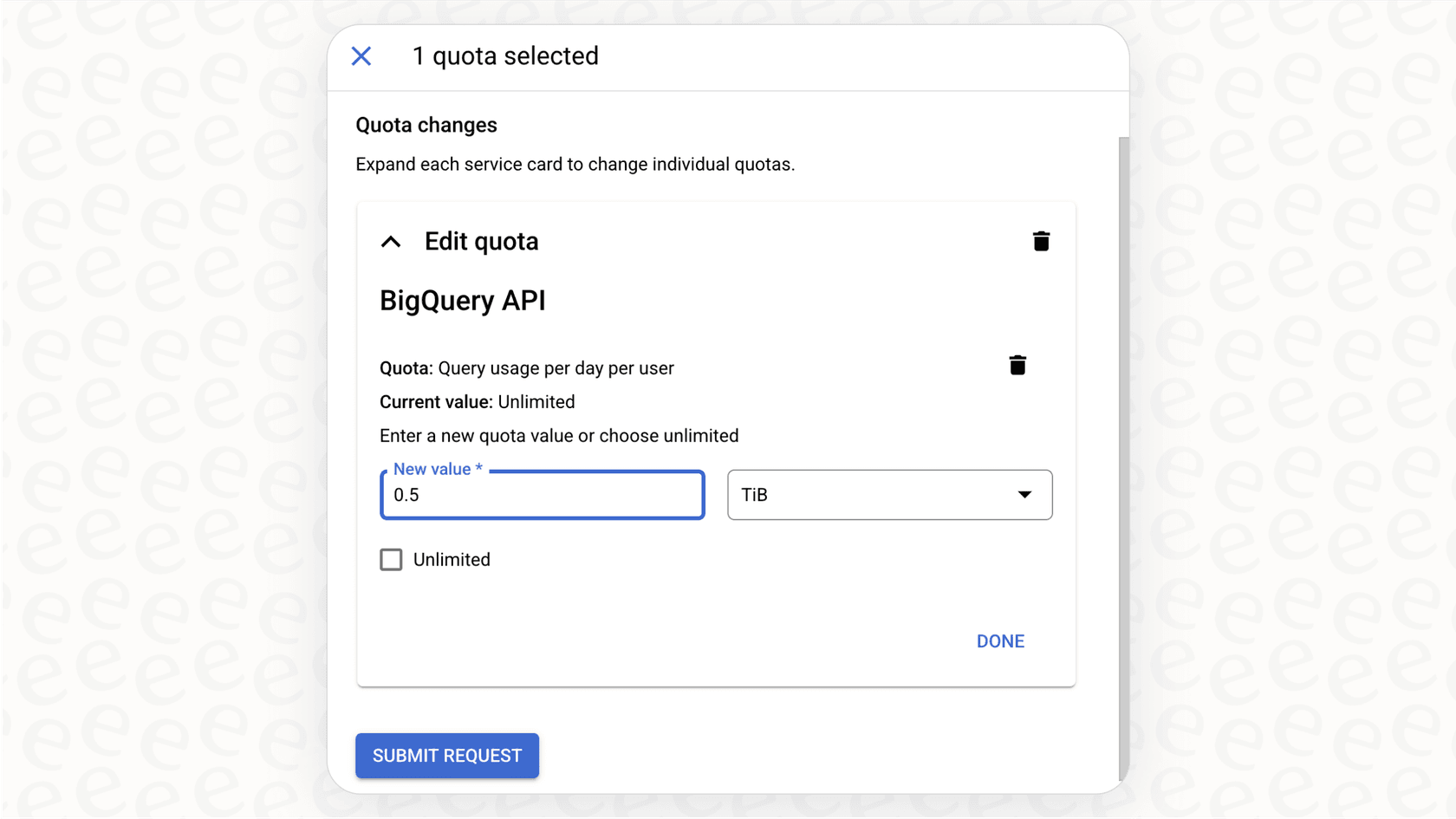
- Set up custom quotas and alerts Think of this as your financial safety net. To prevent a rogue query or an over-enthusiastic analyst from blowing up your budget, you can set custom quotas and alerts that cap how much data can be processed each day, either for the whole project or for individual users. You should also set up billing alerts to get an email when your spending passes a certain amount.
- Focus on the outcome, not just the data Sometimes, it’s easy to get lost in the data. For instance, a lot of support teams use BigQuery to analyze historical ticket trends to try and improve their help docs. That's a great goal, but it often involves a lot of data engineering work and racks up query costs month after month.
What if there was a more direct route? A tool like eesel AI can plug directly into your helpdesk (like Zendesk or Freshdesk) and other knowledge sources. It uses AI to automatically understand your past tickets and can power an AI Agent to resolve customer issues instantly. This lets you shift your focus from managing data pipelines to achieving real business goals, like resolving tickets faster and lowering your support costs.
Taking control of your BigQuery pricing
There's no denying that BigQuery is a powerhouse. But its pricing model means you need to be smart about how you use it. By understanding the difference between compute and storage, picking the right pricing model for your team, and putting a few cost-saving habits into practice, you can get all the benefits of BigQuery without the budget anxiety. The key is to be proactive: keep an eye on your usage, tune your queries, and never lose sight of the business value you're trying to create.
Tired of watching your engineering budget get eaten up by building and maintaining data pipelines just to analyze support tickets?
With eesel AI, you can skip the whole BigQuery setup. Our platform connects to your helpdesk and knowledge sources in minutes. It uses AI to automate resolutions, draft replies for your agents, and give you instant insights from your support conversations. Instead of paying to query your data, you can put it straight to work. You can be live in minutes, not months, and see a real return with our clear, predictable pricing plans.
Frequently asked questions

Share this article

Article by
Stevia Putri
Stevia Putri is a marketing generalist at eesel AI, where she helps turn powerful AI tools into stories that resonate. She’s driven by curiosity, clarity, and the human side of technology.