A guide to using Claude Code for a codebase overview in 2025


Last edited September 29, 2025

If you’re a developer, you’ve been there: you join a new project, open up the repository, and are met with a mountain of code. Just figuring out how everything fits together can be one of the biggest roadblocks to getting anything done. Tools like Anthropic's Claude Code are making this a lot less painful, giving developers an AI assistant that can help generate a "codebase overview", track down bugs, and generally speed things up.
In this guide, we'll take a close look at what Claude Code is, how it helps you make sense of a codebase, and where it falls short. More importantly, we'll talk about the bigger picture, how the challenge of getting a "codebase overview" is a lot like the company-wide problem of finding information, and how a different kind of AI agent can solve that.
What is Claude Code?
Claude Code is an AI coding assistant from Anthropic that works right where many developers live: the command-line interface (CLI), or terminal.
This isn't just another autocomplete tool that guesses the next line of code you want to type. It’s built to be an active partner. It can read and write files, run commands in your terminal, and look at your entire project to understand how all the different pieces connect. The whole point is to let you use plain English to tackle complex tasks like refactoring messy code, writing tests, fixing bugs, and, of course, getting a high-level "codebase overview".
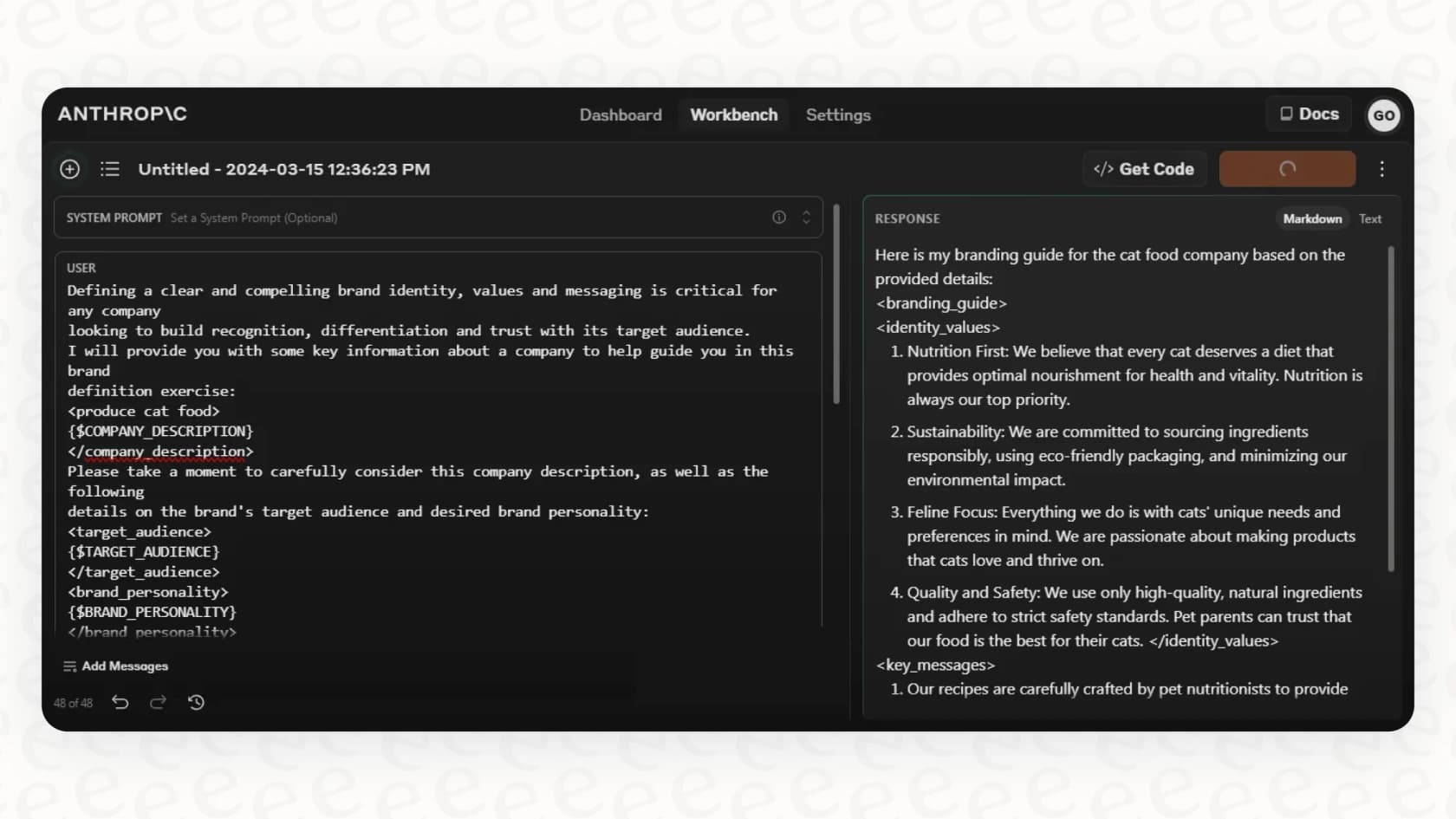
Because it lives in the terminal, it fits naturally into a developer's existing workflow. There’s no new app to learn or clunky interface to deal with, which is a big part of why it’s been getting so much attention.
How to get a codebase overview with Claude Code
So, how does it actually figure out what all your code does? It's not magic, but it’s pretty close. Claude Code uses a couple of core methods to get its head around your project.
How Claude Code understands context by reading files
Claude Code builds its knowledge by actively exploring your project. When you ask it a question, it doesn't just make a wild guess. It starts by reading a relevant file and then follows the breadcrumb trail of import statements and function calls to other files. Think of it like a detective tracing leads to build a map of your repository.
You can even give it a hand by creating special "CLAUDE.md" files. These are basically cheat sheets for the AI, filled with instructions on your team's coding style, architectural patterns, important commands, and how you prefer to run tests.
But here’s the catch: while this is great for a developer, its knowledge is stuck inside that code repository. It has no idea why a feature was built a certain way, because that context usually lives somewhere else entirely, in product specs on Notion, customer feedback in Zendesk, or design files in Figma.
How Claude Code explores and plans before it acts
Claude Code uses an "explore, plan, code, commit" workflow. Instead of just jumping in and changing things, you can ask it to create a detailed plan of action first. You get to review the plan, give it a feedback, and sign off on it before a single line of code is touched. This thoughtful approach gives you much better results for complicated jobs.
graph TD; A[Start: User Prompt] --> B{Explore}; B --> C{Plan}; C --> D{Review & Feedback}; D --> E{Code}; E --> F{Commit}; F --> G[End: Task Complete]; D -- Needs Revision --> C;
It's also great for answering high-level questions like, "How does our authentication system work?" It will navigate through all the right files and give you a summary.
The downside is that this intelligent agent is tied to a single developer's terminal. It can't help a support agent on Zendesk who needs to understand a technical problem, or an employee in Slack who has a question for the IT team. Businesses need AI agents that can work where the rest of the company does, not just in the command line.
How Claude Code helps with interactive debugging and testing
A big part of understanding a codebase is knowing what's currently broken. Claude Code can run your test suite, read the error messages, and suggest fixes.
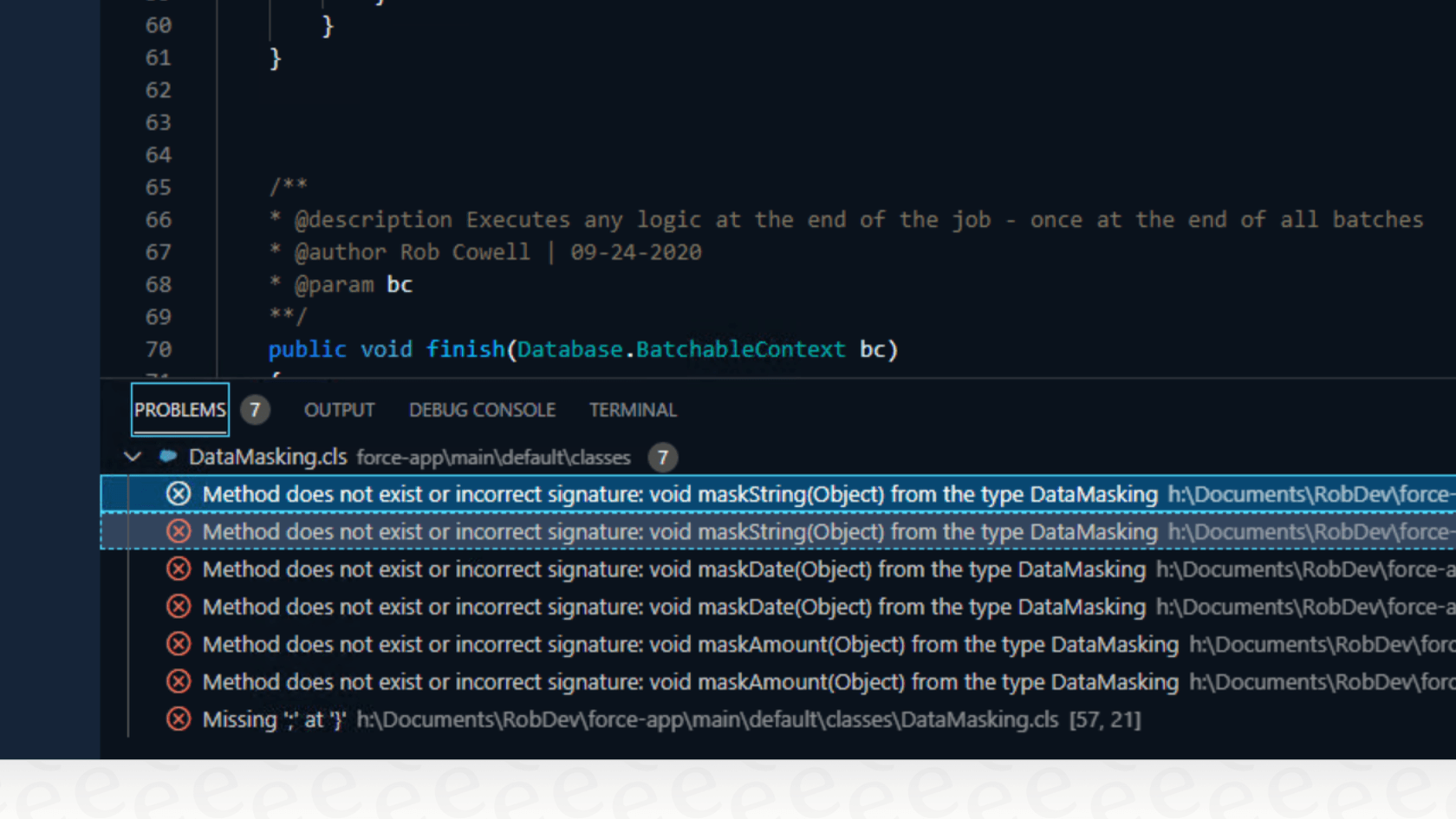
This is really just "debugging" the code. In a similar way, a support agent has to "debug" a customer's problem. To do that well, they need to pull information from past tickets, help center articles, and internal wikis. While Claude Code is the perfect agent for digging through code, an AI platform like eesel AI acts as the agent for your customer support and internal teams, connecting to all those different knowledge sources to find the right answer in seconds.
The limitations of Claude Code
Claude Code is a huge step forward for developers, but it also highlights a bigger problem that most companies face: making knowledge accessible to everyone, not just the engineers.
The knowledge gap for non-technical teams
Code is only one piece of the story. A "codebase overview" is great for an engineer, but what about the product manager who needs to understand how a feature is supposed to behave? Or the support agent trying to troubleshoot an issue for a frustrated customer?
The real challenge for most businesses isn't just making sense of code; it's connecting and accessing all the knowledge that's scattered across the company, from Confluence pages and Google Docs to Zendesk tickets and Slack conversations.
This is where a platform built for business knowledge, like eesel AI, fits in. It’s designed to give you an "overview" of your entire company's brain by connecting to the tools and platforms your teams already use every single day.
The hassle of setup and management
Getting started with Claude Code isn't exactly a one-click install. You have to be comfortable with the command line, get Node.js running, and then carefully create and maintain those "CLAUDE.md" files. This puts up a pretty high wall for anyone who isn't a developer.
On the other hand, eesel AI is built to be incredibly easy to set up, letting you get started in minutes, not months. With one-click integrations for platforms like Zendesk, Slack, and Confluence, you can set up an AI agent for your teams without writing any code or having to sit through a sales demo first.
Keeping the AI agent on a leash
Claude Code is powerful, but it needs a skilled developer to give it the right prompts and keep it from going off the rails. When you're dealing with something as important as customer support, you need a bit more control.
eesel AI gives you that with a fully customizable workflow engine. You’re in the driver's seat. You can use selective automation to decide exactly which tickets the AI should handle, define scoped knowledge to stop it from answering off-topic questions, and even use a powerful simulation mode to test how it would have performed on thousands of your past tickets before it ever talks to a real customer. This lets you roll out automation with confidence, not just crossing your fingers and hoping for the best.
Claude Code pricing and what it means for your business
Claude Code doesn't have its own separate price tag. Its usage is bundled into a subscription for the main Claude AI assistant. To get any real work done, you'll need one of the paid plans. The Claude Pro plan runs about $20 per month and gives you more usage than the free version. The Claude Max plan starts at $100 per month and offers much higher usage limits and priority access.
This per-user subscription model is fine for individual developers, but it gets expensive fast if you're trying to give entire support, IT, or sales teams access to a shared source of knowledge.
This is a totally different approach from eesel AI's pricing, which is built for teams. Plans are based on the number of AI interactions your company needs each month, not how many people are using it. For example, the Team plan at $299/month includes 1,000 AI interactions, and the Business plan at $799/month includes 3,000. There are no surprise fees based on how many tickets get resolved, so your costs are predictable and don't go up just because you had a busy month.
The future of Claude Code: Picking the right agent
Let's wrap this up. Claude Code is an amazing AI agent for developers. It makes getting a "codebase overview Claude Code" much easier and is changing how engineers build and look after software. It's a specialized tool that's fantastic at what it does.
But the real challenge for most companies is much broader. Just like developers need instant answers from their code, your employees and customers need instant answers from your company's collective knowledge.
For coding tasks, developers have a powerful ally in Claude Code. But for handling customer service, streamlining IT support, and giving your entire organization the answers it needs, you need an agent designed for that job. You need an agent that plugs into your business tools, learns from your unique knowledge, and is easy for anyone on your team to manage.
Take the next step beyond Claude Code with knowledge automation
While Claude Code is changing how developers work with code, eesel AI is changing how your entire organization works with its knowledge. Stop letting valuable information sit forgotten in help desks, wikis, and chat threads.
You can build an AI agent that learns from your Zendesk, Confluence, and Slack to handle frontline support, power internal Q&A, and give your customers the fast answers they expect.
Try eesel AI for free and see how easy it is to get up and running in minutes.
Frequently asked questions

Share this article

Article by
Stevia Putri
Stevia Putri is a marketing generalist at eesel AI, where she helps turn powerful AI tools into stories that resonate. She’s driven by curiosity, clarity, and the human side of technology.