A guide to Freshdesk automation: Send CSAT only after resolution confirmed


Last edited January 16, 2026
Getting customer feedback is a huge part of running a solid support team. You can't fix what you don't know is broken, and Customer Satisfaction (CSAT) surveys are your direct line to figuring out what’s working and what’s not.
But here’s the thing: when you ask for feedback is just as important as what you ask.
Sending a survey at the right moment, once a customer’s problem is truly resolved, is the best way to get accurate results. We’ve all been there: you get a “How did we do?” email moments after you replied with a follow-up question. To ensure the best experience, you want your system to recognize when the conversation has reached a natural conclusion. The same thing happens when a customer's polite “Thank you!” reopens a ticket, which can sometimes affect when the survey is sent.
This guide will walk you through how to set up a Freshdesk automation to send CSAT only after resolution confirmed. We’ll cover the reliable, rule-based method inside Freshdesk and then check out how adding conversational AI can help make sure you’re asking for feedback at the perfect moment.
What is CSAT automation in Freshdesk?
At its core, Freshdesk CSAT automation is about setting up rules in your help desk to automatically send out satisfaction surveys after a ticket is resolved. This is a powerful way to make feedback collection easier, take tasks off your agents' plates, and get a steady pulse on customer happiness.
It usually works with a structured "if this, then that" setup. A common rule is: "When a ticket's status is changed to 'Resolved,' wait 24 hours, then send the CSAT survey." This logic is built for consistency, following your business instructions precisely to ensure every customer is reached.
Freshdesk provides a robust tool called the "Workflow Automator" that lets you build these kinds of rules. It’s an essential feature for maintaining organized support operations, especially as you scale.
How to set up standard Freshdesk CSAT automation
If you want to get started with what’s already built into Freshdesk, the native tools give you a straightforward and reliable way to automate CSAT surveys. Here’s how it typically works and how you can optimize the process.
The rule-based workflow
The most common setup involves creating a rule in the Workflow Automator. The logic is clear: the automation kicks in when an agent sets a ticket’s status to "Resolved." Most teams then add a delay, usually 24 hours, before the survey goes out.
This delay is meant to be a helpful buffer. It gives the customer a window to reply if they have more questions. If they do reply, the ticket reopens, and the CSAT automation adjusts accordingly.
This process is highly effective for standard support needs. However, as noted in the Freshworks community, a customer’s simple “Thank you so much!” is also a reply that can reopen a ticket. For high-volume teams, managing these ticket reopens becomes an important part of the workflow to ensure surveys are sent at the most relevant time.
Considerations for rule-based workflows
Using rules is a great way to bring structure to customer conversations, and there are a few things to keep in mind to get the best results.
First, standard rules are built for precise triggers. They follow status changes and timers perfectly. While a rule-based system might not always distinguish between a "Thank you" and a new question, it ensures that your feedback loop remains consistent across thousands of tickets.
Second, the logic is highly structured. Some teams use specific settings to manage how and when tickets reopen, which helps maintain clean metrics. While these workflows are very reliable, teams with complex conversational needs may find that adding an extra layer of intelligence can further refine the customer experience.
Ultimately, Freshdesk's rules are excellent for managing repetitive tasks and ensuring no customer is forgotten. For teams that want to refine the timing even further, conversational AI can provide an excellent complement to these native features.
Enhancing Freshdesk CSAT automation with AI
Instead of depending solely on timers, you can enhance your Freshdesk setup with AI-driven options that analyze the conversation to find the right moment to ask for feedback. This helps you build on your existing Freshdesk automations to create workflows that feel even more personal.
How AI improves CSAT automation
In addition to Freshdesk's reliable rules, conversational AI can read the content and sentiment of a customer's message. It can be trained to spot phrases that signal a resolution is truly complete.
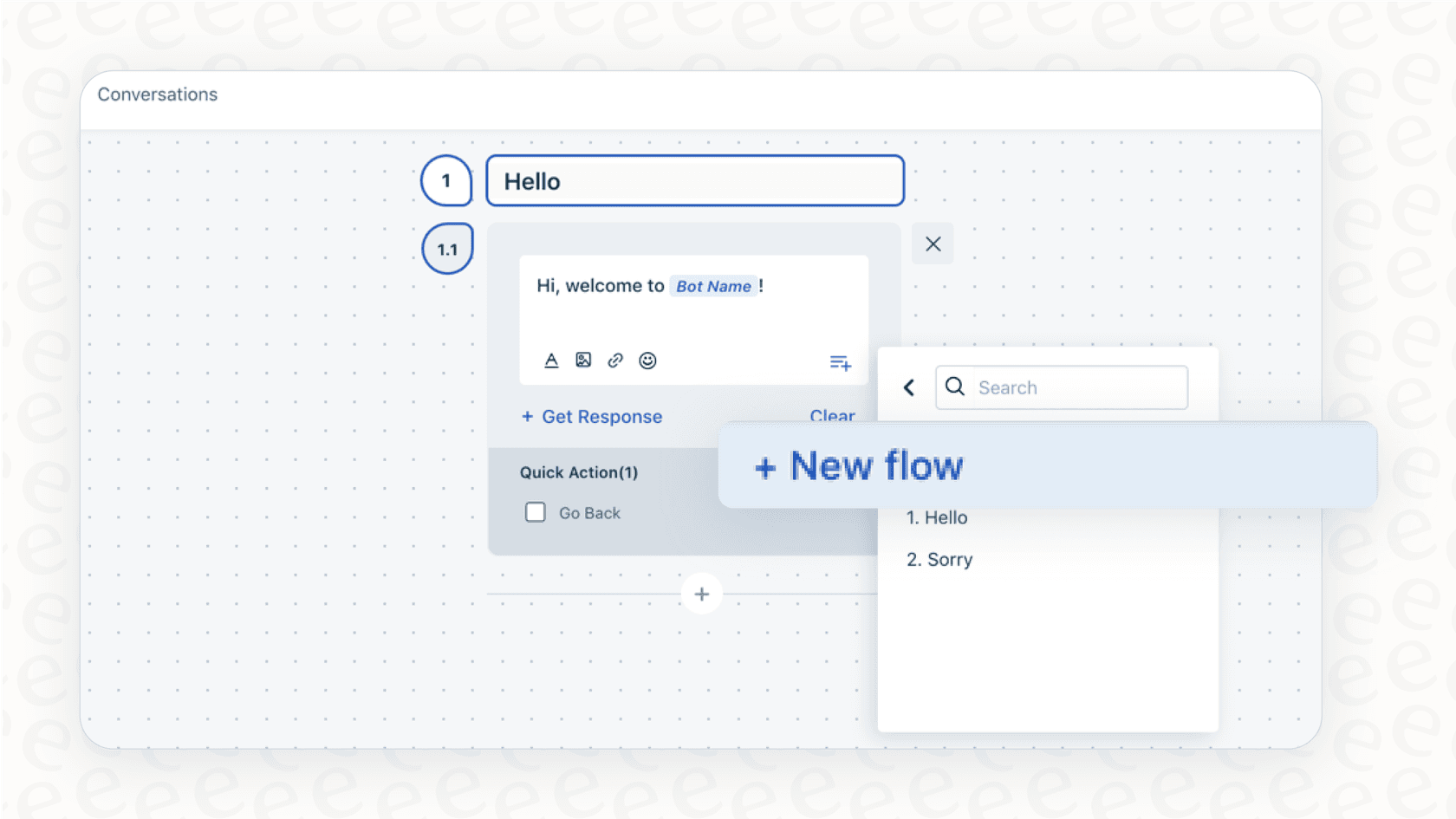
The eesel AI Agent works alongside your help desk. It connects directly with Freshdesk and learns from your past tickets. It understands what a successful resolution looks like for your specific company and brand voice.
This lets you build automation that is even more nuanced. With a fully customizable engine, you can define a workflow that says:
"Send the CSAT survey only if the last customer message indicates satisfaction, doesn't contain a follow-up question, and the ticket has been resolved."
This approach ensures you are sending a survey only after a resolution is actually confirmed, providing a perfect supplement to your status-based rules.

eesel AI: Adding conversational intelligence to Freshdesk
Using conversational intelligence opens up new ways to support your team that go beyond standard triggers.
A great way to ensure your automation works exactly as you want is by using a simulation mode. Before you turn on a new CSAT workflow, tools like eesel AI let you test it against your past tickets. You can see exactly which tickets would have received a survey, giving you a clear forecast of performance. This allows you to deploy new workflows with total confidence.
This approach also fits into your broader support strategy. An AI that recognizes a resolved ticket can do more than just send a survey; you can also use eesel AI to automatically draft knowledge base articles from successful resolutions. This helps you build out your help center with proven solutions, which can improve your CSAT in the long run.
The best part is that you don't need a technical team to set this up. While advanced Freshdesk setups are highly capable, eesel AI offers a simple one-click integration that allows you to start building these complementary workflows in minutes.
Pricing for Freshdesk CSAT automation
To run CSAT automation in Freshdesk, you'll want a plan that includes the Workflow Automator. Freshdesk offers several pricing tiers designed to grow with your business.
The Workflow Automator is a core feature available on paid plans. For teams that want to leverage Freshdesk's advanced AI capabilities, like Freddy AI, Freshdesk provides powerful options through higher-tier plans or specialized add-ons. These allow you to scale your AI usage as your support volume increases.
Here’s an overview of the plans:
| Plan | Price (Billed Annually) | Key Automation/AI Features |
|---|---|---|
| Growth | $15/agent/month | Ticketing, Basic Automation |
| Pro | $49/agent/month | Advanced Ticketing, Custom Reporting |
| Pro + AI Copilot | $78/agent/month | Includes Freddy AI Copilot (add-on) |
| Enterprise | $79/agent/month | Skill-based assignments, Audit Logs |
These plans provide incredible value and a mature ecosystem for your support team. If you are looking for additional flexibility, tools like eesel AI offer predictable, interaction-based pricing that works right alongside your Freshdesk subscription.
Complementing rules with intelligent Freshdesk CSAT automation
Freshdesk's standard automation is a powerful and reliable foundation for any support team. By using its rule-based system, you ensure that your feedback collection is consistent and professional.
For teams that want to take their automation to the next level, moving toward intelligent automation is a great next step. By combining Freshdesk's structure with AI that understands context and sentiment, you can ensure surveys are sent at the most impactful moment. This improves the quality of your data and creates an even better experience for your customers.
Ready to build automation that understands your customers? eesel AI connects seamlessly with Freshdesk to power intelligent workflows that enhance your existing rules. You can even simulate an AI agent on your past tickets to see the benefits for yourself.
Frequently asked questions


Automate your Freshdesk with AI agents
Share this article

Article by
Stevia Putri
Stevia Putri is a marketing generalist at eesel AI, where she helps turn powerful AI tools into stories that resonate. She’s driven by curiosity, clarity, and the human side of technology.