A complete guide to understanding and improving your Freshdesk first response time

Last edited January 16, 2026
Table of Contents
- What is Freshdesk first response time?
- How to measure and track your Freshdesk first response time
- Native Freshdesk strategies to improve Freshdesk first response time
- A complementary approach: Use a dedicated AI platform
- Comparing Freshdesk and eesel AI pricing
- Take control of your Freshdesk first response time
Let’s be honest, First Response Time (FRT) isn't just another metric on your support dashboard. It’s the first impression you make when a customer needs help. That initial wait time can set the mood for the entire conversation. A fast, helpful reply feels like a warm welcome, telling your customer, "We're on it." A long delay, on the other hand, can be frustrating and make people feel ignored, no matter how great the final solution is.
Freshdesk provides an excellent foundation for managing FRT with a solid set of built-in tools. Many teams find that pairing these native features with specialized AI tools can help them achieve even more impressive results. The key to a faster reply often isn't just assigning tickets quickly; it's about giving agents the information they need to answer them accurately right away. This is where specialized AI tools can make a great difference, offering a complementary way to not only lower your FRT but also boost the quality of that crucial first reply.
What is Freshdesk first response time?
In simple terms, First Response Time (FRT) is the average time it takes for a support agent to send their first human reply to a customer's ticket. It's a measurement of how quickly your team acknowledges a customer’s problem with a personal touch.
Here's how Freshdesk officially crunches the numbers: Total time taken to send the first response during the selected time period divided by the number of tickets whose first responses were sent in the selected time period.
It's good to know what Freshdesk actually counts as a "first response." The automated "We got your ticket!" emails don't stop the clock. Neither do any internal notes your team makes. The timer stops when an agent sends a public reply straight to the customer.
This metric is more than just a speed test: it’s a check-up on your business's health. It’s a key part of most Service Level Agreements (SLAs) and directly affects your bottom line. A study by Deloitte & Touche even found that customer-focused companies are 60% more profitable. A low FRT is one of the clearest ways to show customers they come first.
How to measure and track your Freshdesk first response time
So, how do you actually see what your FRT is? Luckily, Freshdesk has a built-in Helpdesk Performance report that gives you a professional place to start.
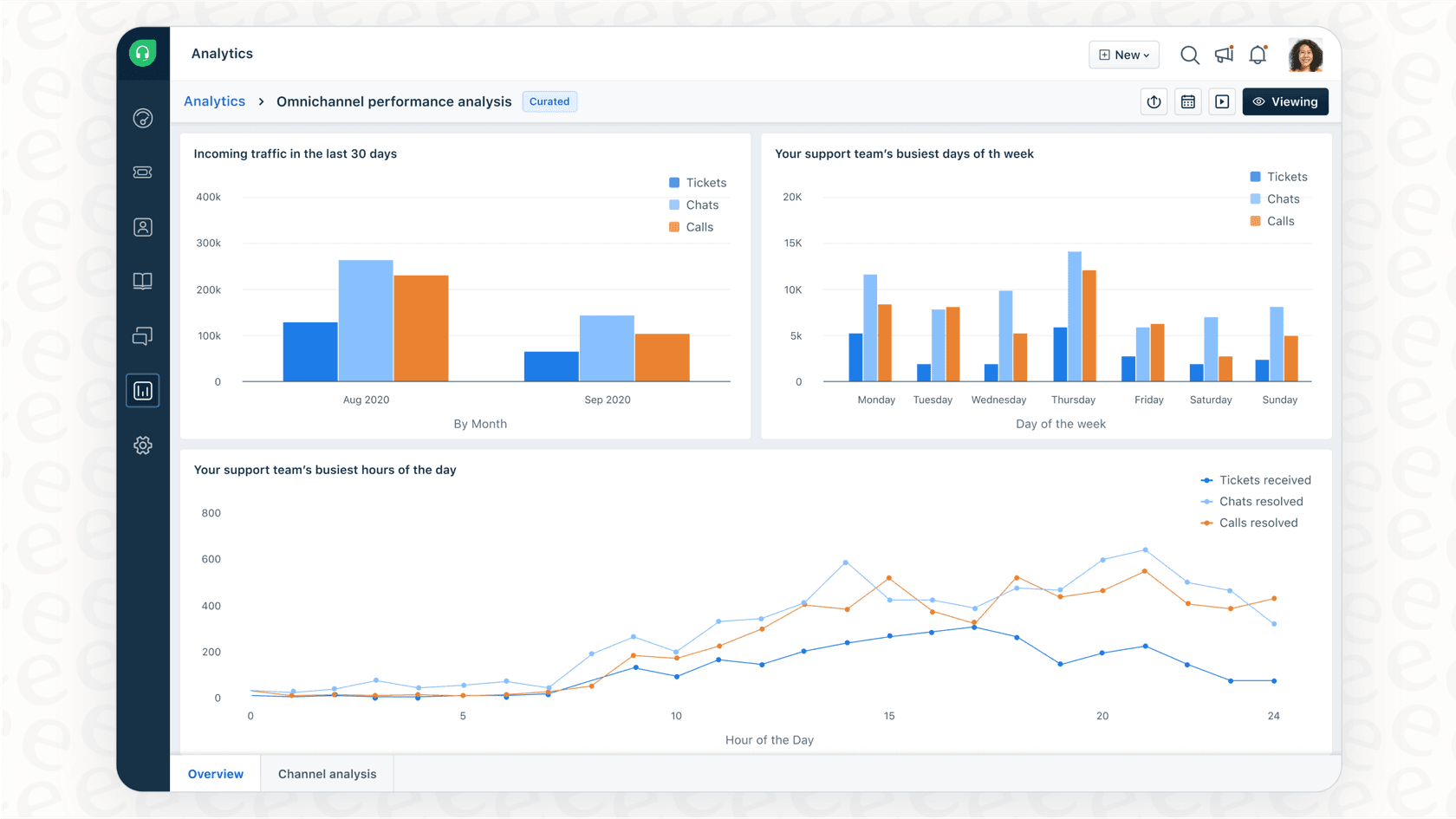
Inside your analytics dashboard, you'll find a few widgets that give you the breakdown:
-
Avg 1st response time split by Source: This is great for seeing which channels are quick and which ones might need more attention. Are emails taking longer than social media replies? This helps you figure out where to focus.
-
Avg 1st response time split by Priority: This one is key for making sure your team is tackling the most important issues first. 'Urgent' and 'High' priority tickets should ideally have a lower FRT than 'Low' priority ones.
-
Avg 1st response time split by Custom Property: If you use custom fields to sort tickets (like by product or type of issue), this widget lets you get specific in your analysis.
While the dashboard gives a great high-level view, some teams looking for highly specialized, custom reporting can enhance their insights by integrating with dedicated analytics or AI tools. These integrations can provide deeper, more granular insights into performance trends, helping you understand the "why" behind the data.
Native Freshdesk strategies to improve Freshdesk first response time
Freshdesk comes with several features designed to help you optimize your FRT. Let's walk through the powerful native options and how to build upon them.
Using automation for ticket assignment
One of the main reasons for a high FRT is "dead time", that period where a ticket sits in a queue waiting to be picked up. Freshdesk has used its own automation features to impressively cut its own FRT from almost eight hours down to less than one.
You can set up rules to assign tickets in several effective ways:
-
Load-based: Spreads tickets out evenly so no single agent is overwhelmed.
-
Skill-based: Sends tickets about a specific topic to the agent who is best equipped to handle it.
-
Omniroute: Assigns emails, chats, and calls based on who has the bandwidth, regardless of the channel.
These tools are incredibly effective for routing tickets, ensuring they get to the right person quickly. To further enhance this process, teams often look for ways to assist agents with information retrieval, allowing them to answer those routed tickets even faster by reducing manual research time.
Leveraging Freddy AI
To help with the process of drafting replies, Freshdesk offers Freddy AI. It comes in two main forms: Freddy AI Copilot, which helps human agents, and Freddy AI Agent, which runs chatbots.
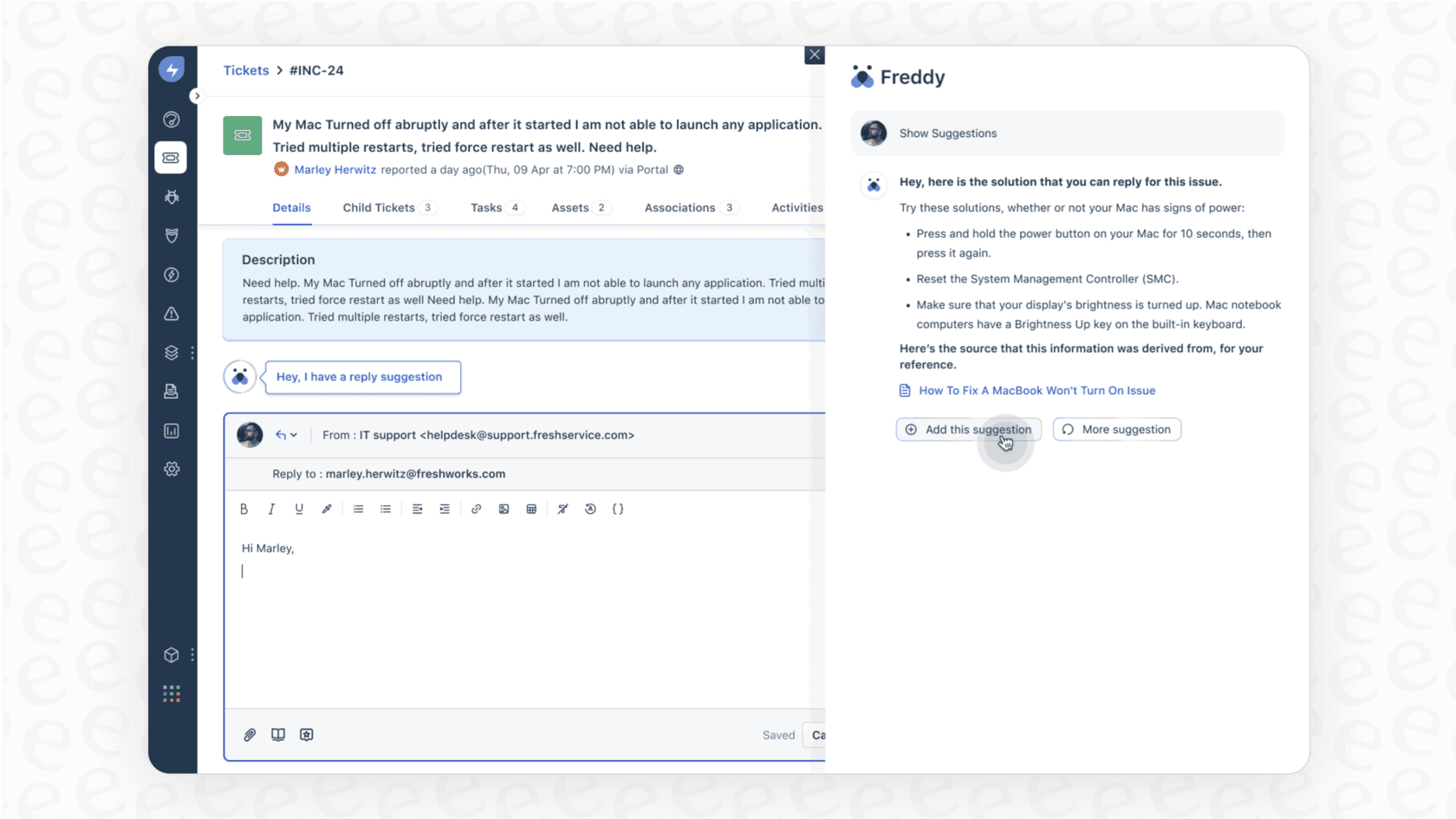
Freddy AI is a powerful built-in solution, and there are a few ways to maximize its effectiveness as your team grows:
-
Expanding Knowledge Access: Freddy AI is designed to work seamlessly with your Freshdesk knowledge base. To expand its reach, you can supplement it with tools that connect to additional documentation sources like Confluence, Google Docs, or Notion. This ensures your team has access to the widest possible range of information.
-
Flexible Pricing Options: Freshdesk offers specialized Freddy AI features through tiered add-on plans. According to Freshdesk's pricing page, the Copilot is an extra $29 per agent per month, and the AI Agent is priced by "session." This session-based model provides flexibility, allowing you to pay for the volume you actually use.
-
Expanding Capabilities: Freddy provides excellent conversational support. You can further enhance this by using specialized automation tools to handle even more complex tasks, such as intelligently sorting tickets or updating ticket fields based on real-time data.
A complementary approach: Use a dedicated AI platform
Instead of replacing your existing tools, a great approach is to use a dedicated AI platform that plugs right into Freshdesk. eesel AI works as a complementary brain for your Freshdesk account, bringing together scattered knowledge and automating workflows to enhance your native setup.
Unify all your knowledge
You can broaden your AI's worldview by connecting it to all your knowledge sources. eesel AI supports this by connecting to various sources with one-click integrations, breaking down information silos.
It can learn from:
-
Historical Freshdesk Tickets: eesel AI can review past support conversations to learn your brand's voice and pick up on proven solutions.
-
External Wikis and Docs: It connects to where your team documents things, pulling information from Confluence, Google Docs, Notion, and more than 100 other apps.
By giving your AI the full story, it can provide highly accurate first responses that help solve customer problems right away because it has all the context.
Automate responses and actions
While Freshdesk automation routes tickets perfectly, the eesel AI Agent can work alongside your team to resolve them. It's built on a customizable workflow engine, giving you control over how it works within the Freshdesk ecosystem.
This gives you two big advantages:
-
Selective Automation: You can choose exactly which tickets the AI handles. You might start with simple "how-to" questions, while escalating more complex issues to your human experts.
-
Custom Actions: The AI can perform helpful tasks in other systems. It can tag tickets and change their status in Freshdesk, or even look up a customer's order status in your e-commerce platform to share it instantly.
This kind of automation frees your team to focus on the tricky issues that need a human touch, helping to further lower your FRT.
Test with confidence and get actionable insights
Implementing new AI tools is easier when you can see the potential impact beforehand. eesel AI offers a simulation mode to help with this.
-
Simulation Mode: You can safely test the AI on your past Freshdesk tickets. eesel AI will show you how it would have replied, providing a forecast of its resolution rate and how much it could lower your FRT. You can tweak its behavior in a safe environment.
-
Actionable Reporting: eesel AI's dashboard gives you clear reports on ROI and cost savings. It also highlights gaps in your knowledge base by showing questions the AI couldn't answer, giving you a helpful to-do list for creating new articles.
This setup gives you the confidence to get started and the insights you need to keep improving your support performance.
Comparing Freshdesk and eesel AI pricing
When looking at AI tools, it's helpful to understand the different pricing models available to find the best fit for your team.
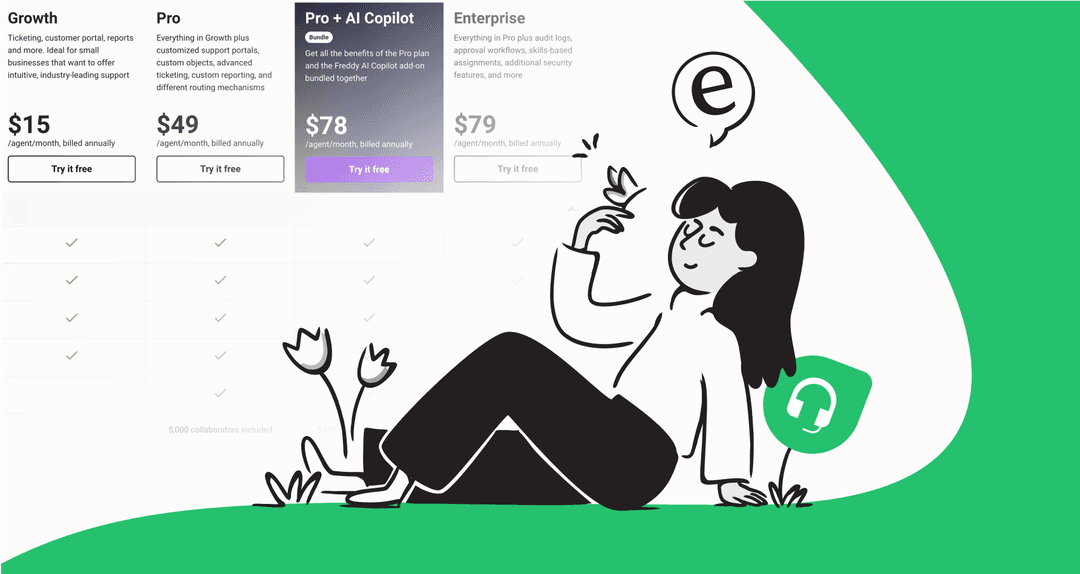
Freshdesk Pricing: Freshdesk offers flexible, tiered pricing for its AI features, allowing you to add them to your main plan as you scale.
| Freshdesk Plan | Cost (Billed Annually) | Freddy AI Copilot Add-on | Freddy AI Agent Add-on |
|---|---|---|---|
| Pro | $49 / agent / month | $29 / agent / month | $100 / 1,000 sessions |
| Enterprise | $79 / agent / month | $29 / agent / month | $100 / 1,000 sessions |
eesel AI Pricing: eesel AI offers transparent, all-in-one pricing. All main features, including the AI Agent and Copilot, are included in the plans.
Pricing is based on a predictable number of monthly AI interactions, with no hidden fees per agent. The Business plan, for example, gives you unlimited bots and lets you train the AI on past tickets, offering a predictable model that is easy to manage as your company grows.
Take control of your Freshdesk first response time
Improving your Freshdesk first response time is one of the best ways to ensure customer satisfaction. Freshdesk provides a powerful set of tools to get started, and its native AI is a great asset for many teams.
eesel AI offers a complementary way forward. It plugs directly into your Freshdesk setup to provide intelligent automation powered by a unified view of your company's knowledge. With a risk-free way to get started and predictable pricing, it’s built to deliver results alongside your existing Freshdesk tools.
At the end of the day, the goal is a fast, accurate, and helpful response. Using a combination of Freshdesk's reliable platform and specialized AI tools is the best way to lower your FRT and make your customers smile in 2026.
Ready to see how much time you could save? Start your free eesel AI trial and simulate its impact on your Freshdesk tickets in just a few minutes.
Frequently asked questions


Automate your Freshdesk with AI agents
Share this article

Article by
Stevia Putri
Stevia Putri is a marketing generalist at eesel AI, where she helps turn powerful AI tools into stories that resonate. She’s driven by curiosity, clarity, and the human side of technology.