A complete guide to Freshdesk ticket status codes


Last edited January 16, 2026

Table of Contents
- What are Freshdesk ticket status codes?
- A breakdown of default Freshdesk ticket status codes
- How to create and manage custom statuses and their Freshdesk ticket status codes
- How to use Freshdesk ticket status codes with the API and automations
- Freshdesk pricing plans for custom Freshdesk ticket status codes
- Go beyond manual updates with Freshdesk ticket status codes
If you manage a support team, you know the value of organization. When you log into your Freshdesk dashboard, you have a wealth of information at your fingertips, and effectively using ticket statuses is how you bring even more clarity to your operations. It’s the difference between a simple queue and a high-performance system where your team can easily track, prioritize, and solve problems.
Getting a handle on Freshdesk ticket statuses is key to maintaining a professional workflow. On the surface, you have the friendly labels your agents see, like "Pending" or "Resolved." Under the hood, however, the system is powered by numeric Freshdesk ticket status codes. These codes are part of what makes Freshdesk such a robust platform, allowing for seamless automations and API integrations.
This guide will walk you through both sides. We’ll cover the default and custom statuses, show you how to use their codes in your workflows, and explore how you can leverage automation to maintain a perfectly organized dashboard.
What are Freshdesk ticket status codes?
Every ticket in Freshdesk has a status that tells you where it is in its journey toward resolution. Every status is comprised of two parts:
-
Status Name: This is the plain-text label everyone sees in the Freshdesk interface. It’s designed to be simple and descriptive, like "Open" or "Closed."
-
Status Code: This is the numeric identifier Freshdesk uses for technical tasks. If you're building an integration or setting up an automation with the API, you’ll use this code to communicate with the system. For example, in API terms, the "Open" status is represented by the number "2".
This structure is a strength of the platform, as it allows for precise control. To build advanced, time-saving workflows, you simply use the numeric language the system understands.
Here’s a quick rundown of the default statuses and their codes that come with Freshdesk.
| Status Name | Status Code | Description |
|---|---|---|
| Open | 2 | The ticket is new or an agent needs to take action. |
| Pending | 3 | The agent is waiting on the customer or someone else for information. |
| Resolved | 4 | The agent has sent a solution to the customer. |
| Closed | 5 | The customer confirmed the solution, or the ticket is finalized. |
A breakdown of default Freshdesk ticket status codes
Freshdesk provides four default statuses that cover the essential lifecycle of a support ticket and serve as the foundation for your workflows.
Open (Code: 2) This is where every journey begins. When a customer sends an email or fills out a form, a new "Open" ticket is created. The "Open" status also acts as an intelligent safety net. If a customer replies to a ticket you’ve already marked as "Pending" or "Resolved," Freshdesk automatically moves it back to "Open" so it stays top-of-mind for your team.
Pending (Code: 3) This is a helpful "holding" status. You use it whenever you're waiting on external input to move forward. A significant advantage of the "Pending" status is that it pauses the SLA clock. This ensures your team’s performance metrics accurately reflect the time your agents spend actively working on the issue.
Resolved (Code: 4) When an agent has provided a solution, they mark the ticket as "Resolved." It signals to the customer that the issue should be fixed while leaving the door open for follow-up. If the customer writes back needing more help, Freshdesk's intelligent routing brings the ticket right back to the "Open" queue.
Closed (Code: 5) This status signifies the completion of a ticket. A ticket is typically marked "Closed" after a customer confirms the solution or after a set period of inactivity. This helps keep your active queue focused on current issues. If the customer contacts you later about the same topic, Freshdesk creates a new ticket to keep your records clean and organized.
How to create and manage custom statuses and their Freshdesk ticket status codes
The default statuses are excellent for many teams, but Freshdesk's flexibility allows you to add custom statuses to match your unique workflows. As your team grows, you might want more granular tracking.
You can create statuses like:
-
"Waiting on Engineering" for tickets that require a developer's input.
-
"Awaiting Third-Party" for when you're coordinating with an outside vendor.
-
"Scheduled" for requests that are slated for future implementation.
To set these up, navigate to Admin > Field Manager > Ticket Fields > Status. While custom statuses provide great detail, they do require agents to manually update them as the ticket progresses.
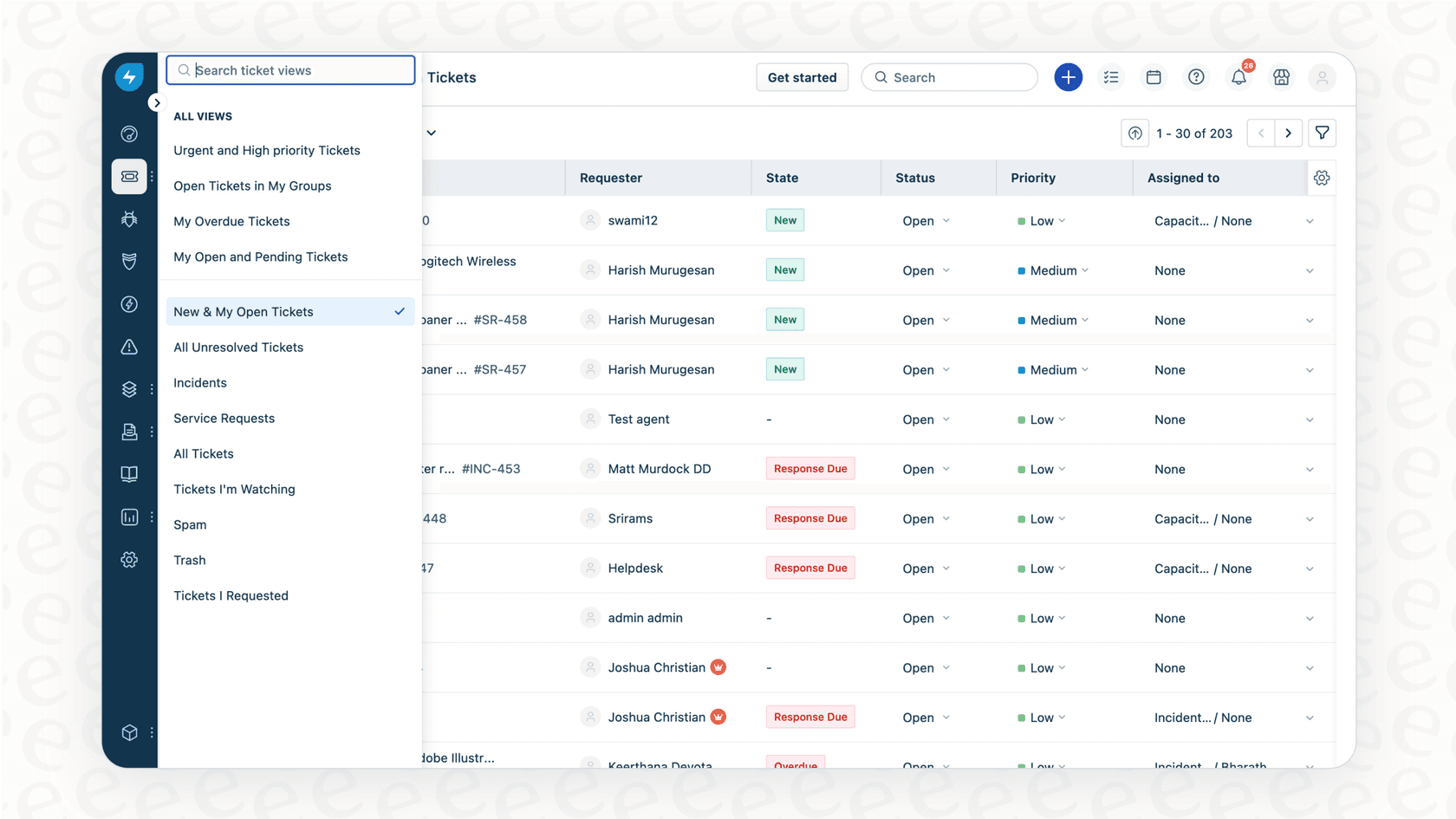
To further enhance your team's efficiency, you can consider complementary AI options. While Freshdesk’s own automation tools are very reliable for rule-based tasks, adding a tool like eesel AI can help with more complex intent recognition. eesel AI connects to your Freshdesk setup to help understand the context behind tickets.
For example, eesel AI's AI Triage can be configured to read a new ticket and suggest or apply a custom status based on the content. If a customer reports a technical glitch, it can help route that ticket toward a "Waiting on Engineering" status, working alongside your existing Freshdesk rules to keep things moving smoothly.
How to use Freshdesk ticket status codes with the API and automations
One of the reasons Freshdesk is so highly regarded is how well it integrates with other tools using numeric codes.
Using status codes in the API When you want to update a ticket programmatically, you'll use the Freshdesk API and the specific numeric status code.
For example, here is a Python script that updates a ticket’s status to "Resolved" (status code "4"):
import requests
import json

# Your Freshdesk domain and API key

domain = "yourcompany.freshdesk.com"
api_key = "your_api_key"
password = "X" # The password can just be 'X'
ticket_id = "123"

# The status code for 'Resolved' is 4

ticket_data = { "status": 4 }

url = f"https://{domain}/api/v2/tickets/{ticket_id}"
headers = { "Content-Type": "application/json" }

response = requests.put(url, auth=(api_key, password), data=json.dumps(ticket_data), headers=headers)

if response.status_code == 200:
 print("Ticket updated successfully.")
else:
 print(f"Failed to update ticket. Status code: {response.status_code}")
Using statuses in automations Freshdesk includes powerful built-in tools like Dispatcher and Observer that can change a ticket's status based on specific triggers. You can set up a rule that automatically moves a ticket to "Pending" whenever an agent adds a private note or reaches out to a specific department.
For teams looking for even more advanced handling, the eesel AI Agent serves as a complementary addition. It can work within your Freshdesk environment to perform smart actions based on ticket nuance. It can assist in identifying high-priority issues and tagging them accordingly, ensuring your team stays focused on what matters most.
One helpful feature for managers is eesel AI's simulation mode. It allows you to test how AI might handle your tickets in a safe environment before going live. This gives you a clear picture of how it complements your Freshdesk workflows, allowing you to refine your setup with confidence.
Freshdesk pricing plans for custom Freshdesk ticket status codes
Freshdesk offers several tiers to match the needs of different team sizes. Custom statuses and advanced automations are available on their paid plans, which offer extensive features for professional support management.
| Plan | Price (per agent/month, billed annually) | Key Automation & Status Features |
|---|---|---|
| Free | $0 | A great starting point with basic ticketing and Knowledge Base |
| Growth | $15 | Custom Ticket Statuses, Essential Automation Rules |
| Pro | $49 | Advanced Automation, Custom Roles, SLA Management |
| Enterprise | $79 | Skill-based Routing, Sandbox environment for testing |
Go beyond manual updates with Freshdesk ticket status codes
Freshdesk ticket status codes are a powerful part of what makes the platform so capable. They power your backend logic while custom statuses give your team a workflow tailored to your specific needs. Mastering these codes is a major step toward running a professional and efficient support operation.
As your ticket volume grows, you can continue to optimize these processes. While manual updates and standard rules are incredibly effective, incorporating smart automation can take your efficiency even further.
Complementary tools like eesel AI can help you scale your Freshdesk operations without changing the way you work. If you're looking to further streamline your ticket management, you can try eesel AI for free and see how it works alongside Freshdesk to categorize and update your tickets automatically.
Frequently asked questions


Automate your Freshdesk with AI agents
Share this article

Article by
Stevia Putri
Stevia Putri is a marketing generalist at eesel AI, where she helps turn powerful AI tools into stories that resonate. She’s driven by curiosity, clarity, and the human side of technology.