Freshservice chatbot (Freddy AI): Complete guide for 2026

Last edited March 9, 2026
Table of Contents
- What is Freshservice chatbot?
- Key features and capabilities
- How Freshservice chatbot works
- Common use cases
- Freshservice chatbot pricing
- Setting up Freshservice chatbot
- Top Freshservice chatbot alternative: eesel AI
- Choosing between native and third-party solutions
- Measuring success with your Freshservice chatbot
- Getting started with AI-powered IT support
IT service desks handle repetitive requests every day. Password resets, software access, hardware requests. These take up agent time that could go toward complex issues that actually need human expertise. A Freshservice chatbot can help.
This guide covers everything you need to know about Freshservice's chatbot solution, called Freddy AI Agent. We'll walk through how it works, what it costs, and how to set it up. We'll also look at eesel AI as an alternative for teams that need more flexibility or different pricing.
Whether you're an IT manager evaluating options or a service desk leader looking to reduce ticket volume, this guide will help you make an informed decision.
What is Freshservice chatbot?
Freshservice chatbot is officially called Freddy AI Agent. It's the conversational AI component built into Freshservice's ITSM platform. The chatbot handles employee questions through Slack, Microsoft Teams, email, or the Freshservice portal, and can resolve common issues without human intervention.
The terminology can get confusing. Freshworks uses both "chatbot" and "AI agent" somewhat interchangeably, though technically an AI agent implies more autonomous capability (taking actions, not just answering questions). Freddy AI Agent sits somewhere in the middle. It can answer questions from your knowledge base and trigger workflows, but it's designed specifically for IT service management rather than general customer service.
Freddy AI Agent got a major upgrade in October 2024 when Freshworks added GenAI capabilities. The legacy Virtual Agent was deprecated in May 2025, so if you're researching this now, you're looking at the GenAI-powered version exclusively. Learn more about Freddy AI Agent capabilities.

Key features and capabilities
Freddy AI Agent comes with these features for IT teams:
Intent detection and NLP The system understands natural language queries, so employees can ask questions conversationally rather than using specific keywords.
No-code bot builder You can create and customize conversation flows using a drag-and-drop interface. No engineering resources required.
Multi-channel deployment Deploy the chatbot across Slack, Microsoft Teams, email, and the Freshservice support portal. Employees can get help wherever they already work.
Knowledge base integration Connects to your existing help center articles and can also search external sources like SharePoint, Google Drive, and Confluence.
Workflow automation Can trigger actions within Freshservice, like creating tickets or updating fields, based on conversation context.
Live agent handoff When the bot can't resolve an issue, it escalates to a human agent with full conversation context preserved.
Multilingual support Handles conversations in multiple languages, which matters for global teams.
Analytics dashboard Tracks conversation volume, popular intents, deflection rates, and other metrics to help you optimize performance.
How Freshservice chatbot works
The conversation flow is straightforward. An employee asks a question through one of the connected channels. Freddy AI Agent analyzes the query using natural language processing to identify intent. Then it either pulls an answer from your knowledge base or triggers a predefined workflow.
For example, if someone asks "How do I reset my password?" the bot can either provide instructions from your knowledge base or trigger an automated password reset workflow. If the employee needs a new laptop, the bot might create a service request ticket with all the necessary details already filled in.
When the bot can't resolve an issue, it escalates to a human agent. The handoff includes the full conversation history, so the agent doesn't make the employee repeat themselves.
Sessions are counted based on unique users within a 24-hour window. If the same person chats with the bot three times in one day, that counts as one session. This matters for pricing, which we'll cover next.
Common use cases
Freddy AI Agent works best for repetitive, well-defined requests. Here are the most common use cases:
IT service requests Software installations, hardware requests, access permissions. The bot can collect necessary details and create properly categorized tickets.
Password resets and account access These represent about 40% of typical help desk calls. Automating them frees up significant agent time.
Incident reporting Employees can report issues through conversation, with the bot gathering relevant details like error messages and impact scope.
Knowledge base FAQs Common questions about policies, procedures, and how-to guides can be answered instantly without creating tickets.
Employee onboarding/offboarding The bot can guide new hires through IT setup or handle access removal for departing employees.
Freshservice chatbot pricing
Freddy AI Agent is available on the Pro and Enterprise plans. View Freshservice pricing details. Here's how the pricing breaks down:
| Plan | Price (Annual) | Freddy AI Features |
|---|---|---|
| Starter | $19/agent/month | Not included |
| Growth | $49/agent/month | Not included |
| Pro | $99/agent/month | Basic Freddy AI chatbot features |
| Enterprise | Custom pricing | Full Freddy AI Agent with 1,200 sessions per license per year |
The session limit is important. Each Enterprise license includes 1,200 sessions per year, counted as unique users within a 24-hour period. If you have 100 employees and each contacts the bot twice a month on average, you'd need roughly 200 sessions monthly or 2,400 annually. That would require two Enterprise licenses just for session capacity.
Additional sessions may be available as add-ons, though Freshworks typically requires contacting sales for custom pricing on Enterprise plans.
Setting up Freshservice chatbot
Getting Freddy AI Agent running involves several steps:
Prerequisites You'll need admin access to Freshservice and appropriate permissions for any channels you want to deploy on (Slack workspace admin, Teams admin, etc.).
Step 1: Enable Freddy AI Agent Navigate to Admin settings in Freshservice and enable the Freddy AI Agent feature. This is typically available on Pro and Enterprise plans.
Step 2: Configure knowledge sources Connect your knowledge base, upload relevant documents, or link external sources like SharePoint or Confluence. The quality of bot responses depends heavily on the quality of your knowledge sources.
Step 3: Set up deployment channels Configure the bot for each channel where you want it available. Slack and Microsoft Teams require additional setup with your workspace admins.
Step 4: Define intents and conversation flows Use the no-code builder to map out how the bot should handle different types of requests. This includes defining trigger phrases and corresponding actions.
Step 5: Test before full deployment Run internal tests with a small group before rolling out to all employees. Monitor conversation logs to identify gaps in your knowledge base or intent definitions.

Top Freshservice chatbot alternative: eesel AI
While Freddy AI Agent works well for straightforward ITSM needs, some teams need more flexibility. eesel AI offers a different approach to AI-powered IT service management for Freshservice.
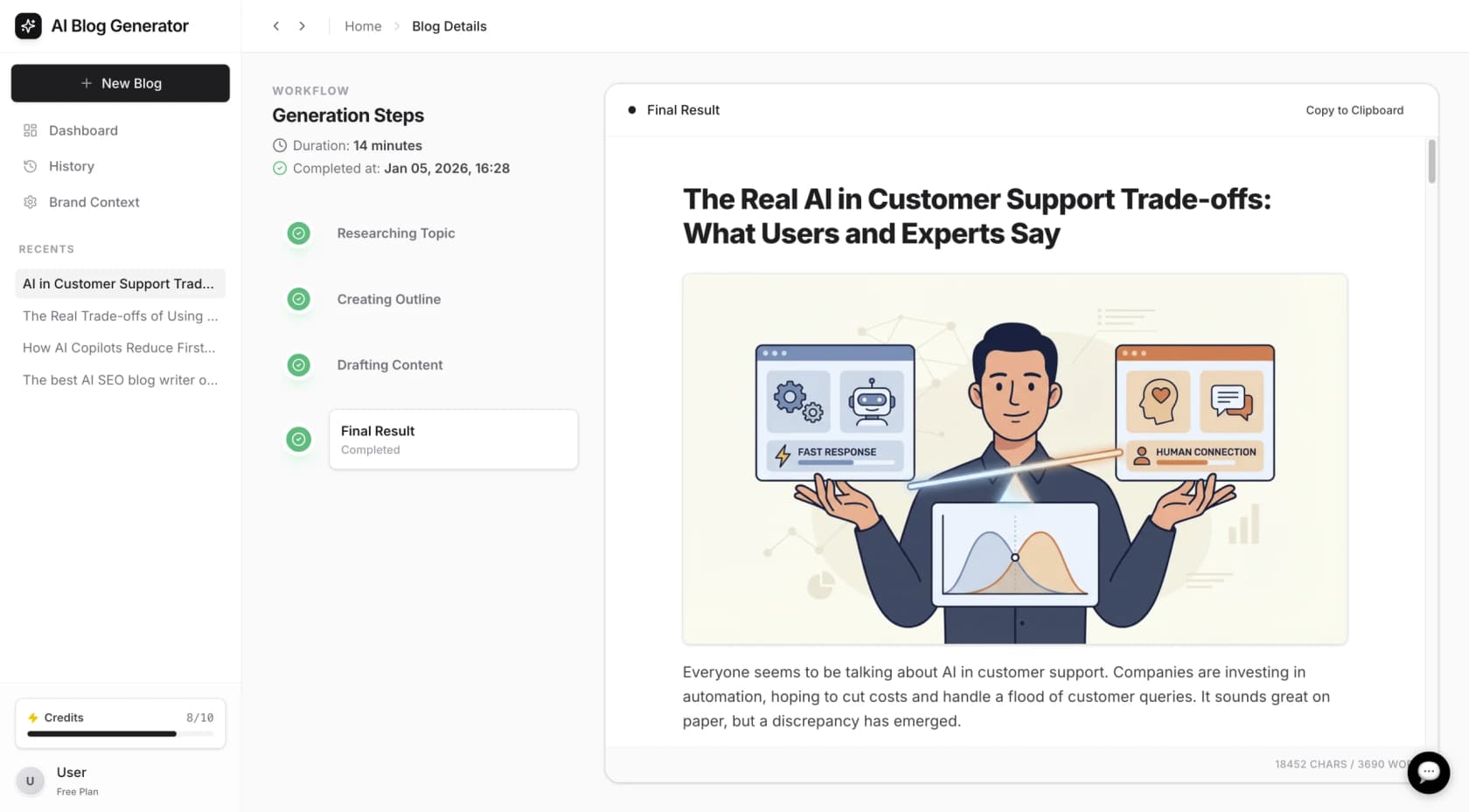
Here's what eesel AI brings to the table:
AI Agent for autonomous resolution Handles frontline support tickets end-to-end, with mature deployments achieving up to 81% autonomous resolution rates (see eesel AI product details). The AI learns from your past tickets, help center, and macros to understand your specific environment.
AI Copilot for human agents Drafts replies that agents can review and send. This is useful for teams that want AI assistance without full automation, or as a stepping stone toward autonomous operation.
AI Triage for ticket hygiene Automatically tags, routes, merges, and closes tickets based on your workflows. This keeps your help desk organized without manual effort.
Learning from past tickets Unlike Freddy AI Agent, eesel AI can process your historical ticket data to learn how your team actually responds to different situations. This creates more accurate, context-aware responses.
Plain-English configuration You describe what you want the AI to do in natural language rather than building flowcharts. For example: "If the refund request is over 30 days, politely decline and offer store credit."
Simulation testing Before going live, you can run the AI against past tickets to see exactly how it would have performed. This lets you measure accuracy and identify gaps before customers see it.
Different pricing model eesel AI charges per interaction rather than per seat. The Business plan at $639/month includes unlimited bots and 3,000 interactions (view eesel AI pricing). For teams with many agents but moderate ticket volume, this can be more cost-effective than per-seat pricing.
When to consider eesel AI over Freddy AI Agent:
- You need AI that learns from your specific ticket history and response patterns
- You want to test and measure accuracy before going live
- You prefer describing behavior in plain English over building flowcharts
- Your team has many agents but moderate ticket volume (per-interaction pricing works better)
- You need advanced triage and routing capabilities beyond basic chatbot functionality
Choosing between native and third-party solutions
The decision between Freddy AI Agent and a third-party alternative like eesel AI depends on your specific situation:
Choose Freddy AI Agent if:
- You're already committed to the Freshworks ecosystem
- Your needs are straightforward ITSM automation
- You want everything managed in one platform
- Your team size aligns well with per-seat pricing
Choose eesel AI if:
- You need AI that learns from your historical data
- You want more control over configuration and testing
- Per-interaction pricing fits your usage patterns better
- You need advanced triage and routing capabilities
- You might use multiple help desk platforms in the future
Migration considerations matter too. If you're already using Freddy AI Agent, switching involves retraining a new system on your knowledge base and potentially redefining workflows. However, eesel AI's ability to learn from past tickets can accelerate this process.
Measuring success with your Freshservice chatbot
Whatever solution you choose, you need to track the right metrics:
Deflection rate The percentage of conversations resolved without human intervention. Industry benchmarks suggest 30-60% is achievable for IT service desks.
First response time How quickly employees get an initial response. Chatbots should drive this close to instant for common questions.
Employee satisfaction Survey users after bot interactions to ensure automation isn't sacrificing experience for efficiency.
Resolution accuracy Track how often the bot provides correct information or successfully completes intended actions.
Freshservice includes analytics for tracking these metrics. The key is establishing baseline measurements before deploying the bot, then monitoring trends over time. Continuous improvement matters more than hitting a specific number on day one.
Getting started with AI-powered IT support
Adding a chatbot to your Freshservice setup can reduce ticket volume and free up your team for more complex work. The key is choosing the right approach for your specific needs.
Freddy AI Agent offers solid native integration for teams already invested in the Freshworks ecosystem. It's straightforward to set up and covers the essential use cases most IT teams need.
For teams that need more flexibility, advanced learning capabilities, or different pricing, eesel AI provides an alternative. The ability to learn from past tickets, simulate before going live, and configure through plain English makes it worth evaluating alongside the native option.

Start by auditing your current ticket volume. What percentage falls into repetitive categories that a bot could handle? That number will help you estimate potential ROI and determine which pricing model makes more sense for your situation.
Frequently Asked Questions

Share this article

Article by
Stevia Putri
Stevia Putri is a marketing generalist at eesel AI, where she helps turn powerful AI tools into stories that resonate. She’s driven by curiosity, clarity, and the human side of technology.