How to connect HubSpot to ChatGPT: A step-by-step guide


Last edited January 16, 2026
Table of Contents
- What you'll need to get started
- How to connect HubSpot to ChatGPT in 4 simple steps
- Step 1: Enable the HubSpot connector in ChatGPT
- Step 2: Authenticate your HubSpot account
- Step 3: Give your team access in HubSpot
- Step 4: Start analyzing your data
- Practical use cases for the integration
- For sales teams
- For marketing teams
- For customer service teams
- Tips and common mistakes to avoid
- From analysis to action: What's next?
- From finding insights to automated support
- From one data source to all your knowledge
- From a detailed setup to a quick start
- Make your HubSpot data work for you
Let's be honest, your HubSpot CRM is packed with valuable customer data. While HubSpot offers a mature and robust reporting ecosystem, sometimes you might want to complement your detailed reports by asking a quick question and getting a straight answer.
What if you could just ask a question and get a conversational response based on your CRM data?
HubSpot and ChatGPT just changed everything my company does... It's like having a data analyst on call 24/7.

That's the idea behind the HubSpot connector for ChatGPT. It lets you chat with your CRM data using plain English, turning a powerful AI into a helpful assistant for your business intelligence. This guide will walk you through exactly how to connect the two, share some practical ideas on how to use it, and explore how this integration adds even more value for your sales, marketing, and support teams.
What you'll need to get started
Before we jump into the setup, let's quickly run through what you’ll need. Getting this sorted out first will make the process even smoother.
-
A HubSpot account: Any plan will work, which is great for teams of all sizes.
-
A paid OpenAI subscription: You'll need a ChatGPT Plus, Pro, Team, or Enterprise plan to use connectors. It’s worth noting there are some regional requirements. For instance, if you're in the EEA, Switzerland, or the UK, you might need a ChatGPT Team plan or something higher.
-
Admin permissions in HubSpot: The first person to set up the connection should be a Super Admin or have App Marketplace permissions. After they've done the initial setup, other team members can easily connect their own accounts.
How to connect HubSpot to ChatGPT in 4 simple steps
Getting these two platforms to talk to each other is quite straightforward. Here’s a step-by-step breakdown.
Step 1: Enable the HubSpot connector in ChatGPT
First, you need to enable ChatGPT to connect with your external apps.
Log into your paid ChatGPT account on your computer. Click on your profile icon in the bottom-left corner and head over to Settings > Connectors. You'll see a list of available apps. Just find HubSpot and click Connect.
Step 2: Authenticate your HubSpot account
After you click "Connect," you’ll be sent to a HubSpot login page. This is where you securely link the two systems.
Pop in your HubSpot details and choose the specific account you want to link. You'll then get a permissions screen that shows you exactly what data ChatGPT can see. HubSpot ensures this is read-only access for your security, meaning the AI can analyze your data without modifying your CRM records. Click Connect App to approve it.
Step 3: Give your team access in HubSpot
Once you’ve made that first connection, you can empower the rest of your team to use it as well.
In your HubSpot account, go to Settings > Integrations > Connected Apps. Find the "HubSpot connector for ChatGPT" in your list. You should spot a button that says Give users access. Clicking this lets other users in your HubSpot portal set up their own connection effortlessly.
Step 4: Start analyzing your data
Now you're ready to start asking questions. In a new ChatGPT window, click the Tools button. You’ll see two options:
-
Use connectors: This is ideal for quick, straightforward questions.
-
Deep research: Pick this for more comprehensive analysis that might pull info from various points in your CRM.
Choose your mode and make sure HubSpot is toggled on as a data source. You can now start chatting with your HubSpot data.
Practical use cases for the integration
With the connection live, you can find insights even faster. Here are a few ideas to get you started.
For sales teams
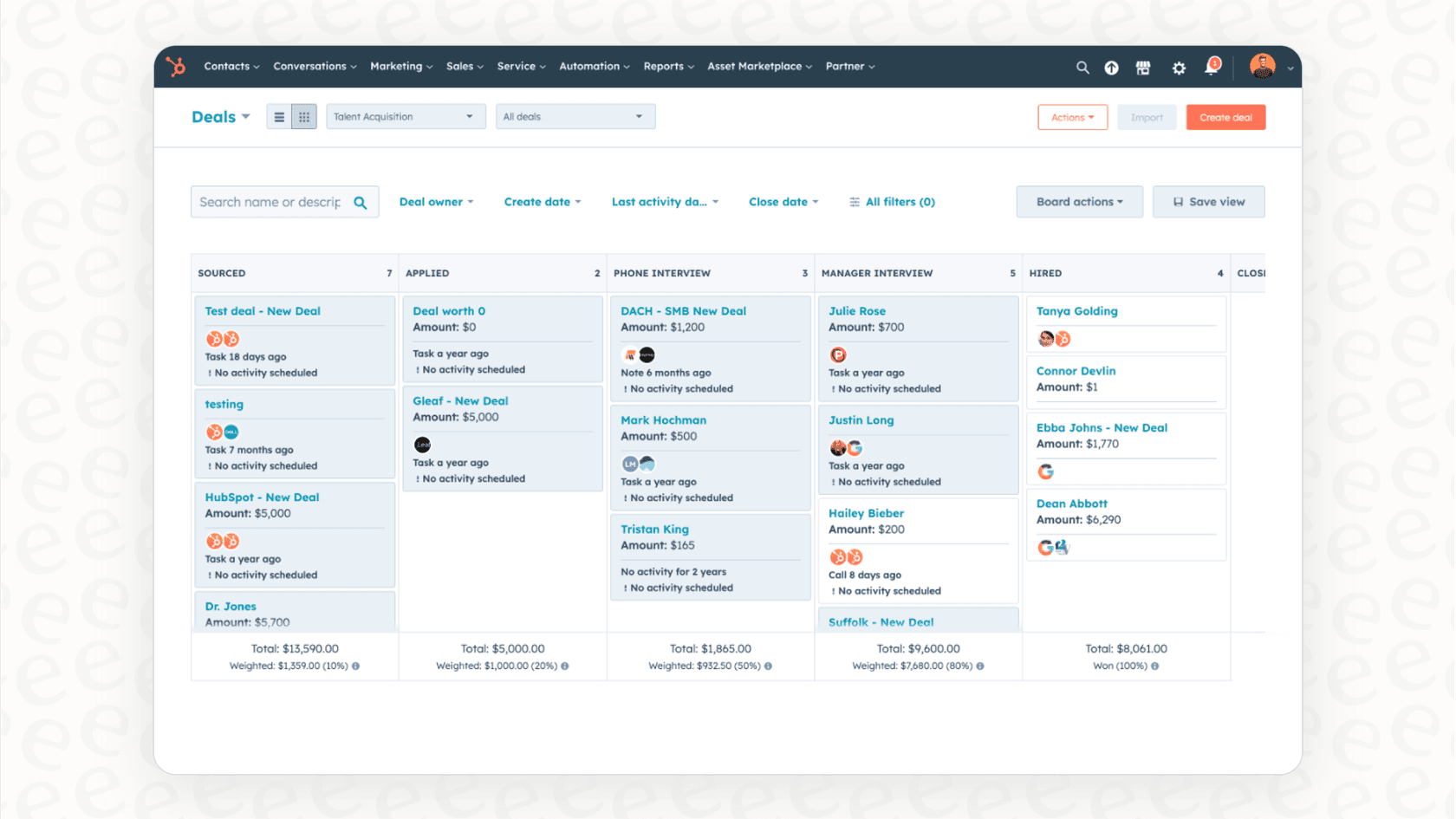
You can complement your existing pipeline reviews with instant answers to specific questions.
-
Prompt idea: "Analyze my open deals in HubSpot that are supposed to close this quarter. Which ones haven't had any activity in the last 14 days? List them by deal size."
-
Why it's useful: This prompt helps you quickly identify deals that might benefit from a follow-up, helping you stay on top of your quarterly goals.
For marketing teams
Get even more clarity on which campaigns are driving your success.
-
Prompt idea: "Which of our HubSpot marketing campaigns from the last 6 months generated the most contacts that turned into closed-won deals? Break it down by source."
-
Why it's useful: You can see which channels are delivering high-quality leads, helping you focus your efforts on your most successful strategies.
For customer service teams
Identify common customer questions to help your team provide even better support.
-
Prompt idea: "Look at all support tickets in HubSpot from the last 30 days that were tagged with 'billing issue.' What are the three most common themes or questions?"
-
Why it's useful: This helps you pinpoint common feedback points. You can use this information to create new knowledge base articles or improve your training materials.

Tips and common mistakes to avoid
To get the most out of this integration, keep these tips in mind.
-
A quick tip: Be specific and always mention "HubSpot." Your prompts will work even better if they are clear. Including the word "HubSpot" helps the AI focus on your CRM as the primary data source.
-
Another tip: Clean data leads to better insights. Like any analytical tool, the quality of your results depends on the quality of your data. Keeping your HubSpot records clean and up-to-date ensures you get the most accurate answers.
-
Watch out for this: Asking questions that are too broad. Instead of "How are sales?", try something more targeted, like, "What was our total revenue from deals closed in HubSpot last month compared to the month before?"
-
And don't forget: It’s read-only. The connector is a powerful tool for analysis and insight. For your security, it is designed to read data rather than create or modify contacts and deals directly in HubSpot.
From analysis to action: What's next?
The HubSpot connector is a great tool for asking questions and gaining insights from your CRM. It makes data analysis more accessible for everyone on your team.
But after you uncover that great insight, you might want to automate the next steps.
The connector is fantastic at showing you what's happening. For example, it can tell you which tickets are most common. From there, you can look into other AI integrations that help you act on those insights. While the HubSpot connector helps you analyze, a tool like eesel AI is designed to complement your setup by helping to automate responses based on your data.
From finding insights to automated support
The HubSpot connector identifies common customer queries. To act on this, an AI Agent from eesel AI can work alongside HubSpot to handle common support tickets automatically. It can provide accurate answers drawn from your HubSpot tickets and knowledge bases, giving your team more time to focus on complex customer needs.
From one data source to all your knowledge
The connector is a specialist for your HubSpot data. For answers that might live in other parts of your company, eesel AI can connect to HubSpot as well as other sources. It works with your wikis in Confluence, your notes in Notion, your files in Google Docs, and your team chats in Slack. This provides a complete picture, helping the AI resolve customer issues with context from across your organization.
From a detailed setup to a quick start
HubSpot makes integrations easy, and eesel AI follows that same philosophy. You can get started on your own without needing complex development. With one-click integrations, you can connect your help desk and start seeing results quickly. You can even use a simulation mode to see how the AI handles past tickets, giving you a risk-free way to preview its impact before it goes live.
Make your HubSpot data work for you
Connecting HubSpot to ChatGPT is a smart step toward making even more data-driven decisions. It empowers your team to ask deep questions and get intelligent answers, turning your HubSpot platform into an even more powerful source of insight.
Use the connector for on-the-fly analysis to spot trends and find opportunities. Then, when you’re ready to turn those insights into automated action and deliver even faster support, see how eesel AI can complement your support team and free up your staff for high-value tasks.
Start by connecting HubSpot and ChatGPT today to see what you can uncover in your data.
Frequently asked questions

Share this article

Article by
Stevia Putri
Stevia Putri is a marketing generalist at eesel AI, where she helps turn powerful AI tools into stories that resonate. She’s driven by curiosity, clarity, and the human side of technology.