
How to customize your Zendesk help center: A complete guide


Last edited January 12, 2026
Table of Contents
Let's be honest, while the out-of-the-box Zendesk help center is a robust and reliable starting point, you might want to infuse it with more of your unique brand identity. A customized Zendesk help center builds trust and reinforces your brand, making the self-service experience feel seamless for your customers.
Customizing Zendesk is an exciting process with several paths to choose from. Whether you're looking for quick wins or a deep dive into design, Zendesk provides a mature ecosystem to help you succeed.
This guide is here to show you the way. We'll walk you through every option you have, from simple branding tweaks to advanced code edits. More importantly, we'll show you how to move beyond cosmetic changes to complement your help center with AI for an even more intelligent customer experience.
The basics of customizing your Zendesk help center
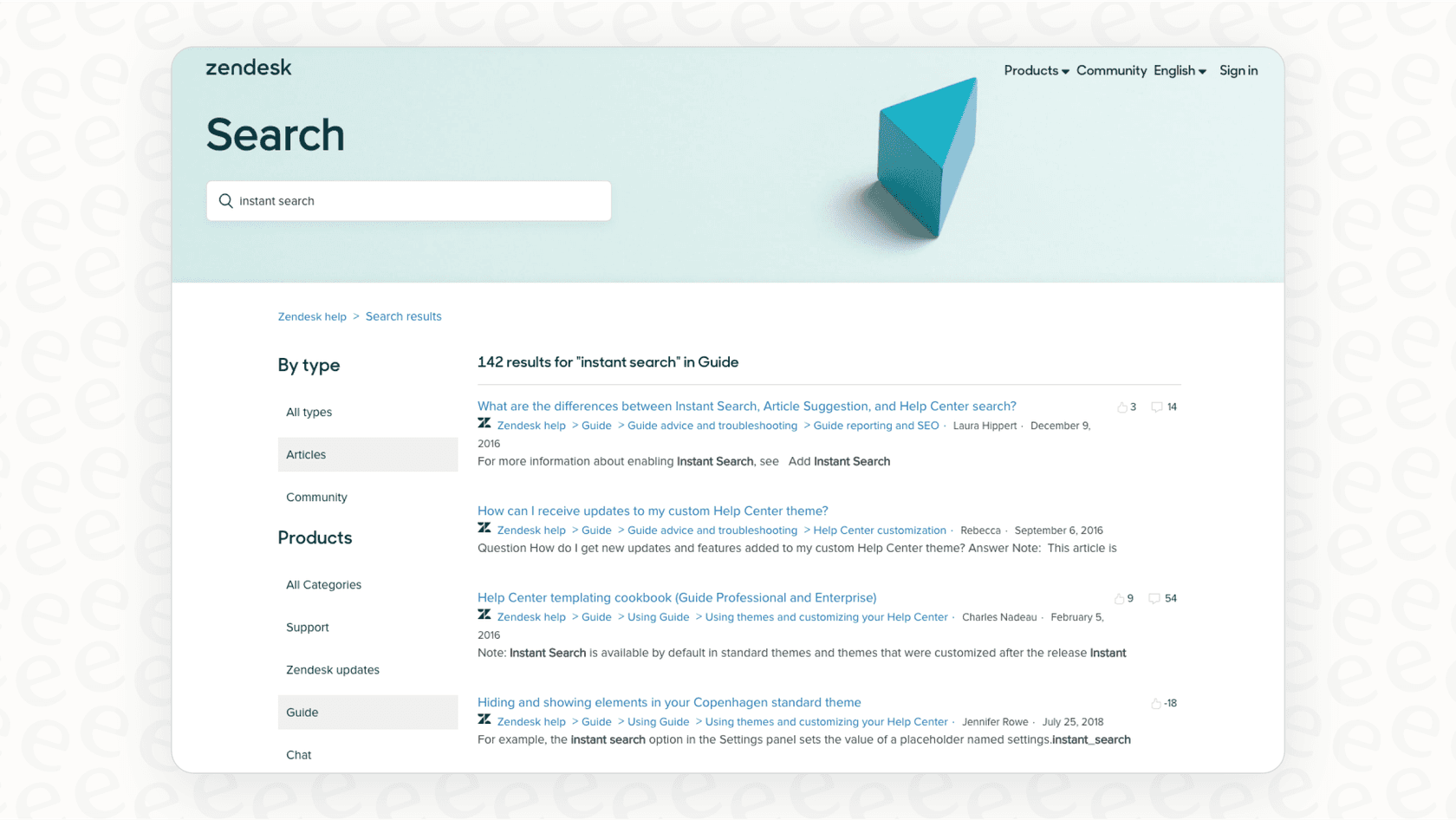
Simply put, Zendesk help center customization is the process of tailoring the look and feel of your help portal. The goal is to create a self-service experience that reflects your brand and makes it easy for customers to find the answers they need. This could be as simple as swapping out a logo and a few colors, or as involved as building entirely new page layouts that leverage Zendesk's powerful infrastructure.
Three ways to customize your Zendesk help center
When you decide it's time for a refresh, you'll find there are three main paths you can take. Each offers a different balance of effort and creative flexibility.
1. Basic branding (the easy wins)
The quickest way to get started is by using Zendesk’s built-in settings panel. It's a user-friendly what-you-see-is-what-you-get (WYSIWYG) editor that’s available across Zendesk plans.
What you can change:
-
Colors: You can easily adjust your main brand color, plus the colors for text, links, and the background to match your style guide.
-
Fonts: Zendesk provides a selection of professional web-safe fonts you can choose for headings and body text.
-
Brand: This is where you upload your company logo and the favicon to ensure your brand is visible.
-
Images: You can quickly replace the large "hero" image at the top of the homepage with something that resonates with your users.
This method is fast, efficient, and requires zero coding, making it a great choice for teams who want a professional look with minimal overhead. You can find all the details in Zendesk's official guide on branding your help center.
2. Use pre-built themes (the marketplace approach)
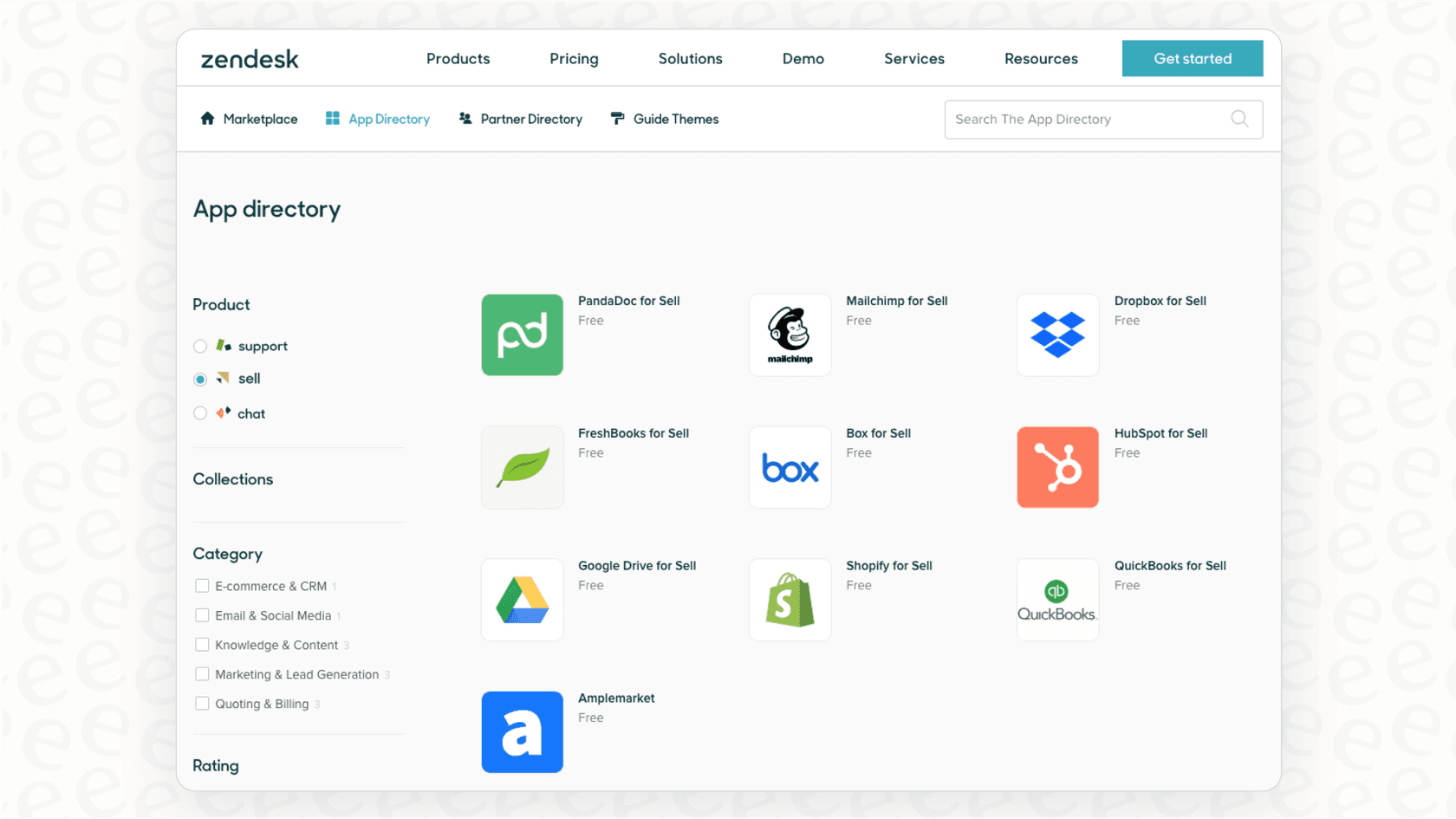
If you're looking for a more specialized design, you can explore pre-built themes from the Zendesk marketplace. Trusted partners like Lotus Themes or GrowthDot offer a wide variety of professional layouts. This approach lets you achieve a highly polished design while leveraging the expertise of specialized designers.
The biggest advantage is getting a modern, responsive design that enhances the user experience. Since these themes involve custom code, your team has the flexibility to manage and update them as needed to keep your help center looking its best.
3. Use advanced code (the developer route)
For organizations that want complete creative control, Zendesk allows you to edit the theme's code directly. This is a powerful method that involves editing the theme's HTML (using Zendesk's templating language, Curlybars), CSS, and JavaScript.
This path gives you the total freedom to create a help center that is perfectly tailored to your brand's unique requirements. It's a great option for teams with developer resources who want to build a truly bespoke experience.
As Zendesk's guide on customizing your help center theme mentions, when you use custom code, your team takes the lead on managing future updates and ensuring the code stays current. This gives your developers full ownership of the front-end experience.
Considerations for your customization journey
While Zendesk offers extensive options for tailoring your help center, it's helpful to understand how different features and plans work together to support your growth.
Tiered plans for different needs
Zendesk offers a range of plans to suit different business sizes. Some advanced customization features, like Custom Pages, are designed for larger organizations. This feature, which allows you to create unique landing pages, is available on the Enterprise plan.
This tiered structure allows businesses to scale their investment as they grow, moving to more advanced features when their customer service needs become more complex.
Managing custom themes
When you choose to implement a custom theme or edit the code, it's important to plan for ongoing management. Because these themes are unique to your brand, they don't receive the standard automatic updates that the default theme does. This gives your team the opportunity to maintain a consistent experience on your own schedule, ensuring that every update aligns perfectly with your specific design goals.
Enhancing functionality alongside appearance
The methods mentioned above are excellent for perfecting the look and feel of your help center. To take it to the next level, you can also look at ways to make the experience even more interactive for your users.
Zendesk's native tools provide a fantastic foundation, and you can pull in additional knowledge or use AI to complement your existing articles. This ensures that your help center remains a dynamic resource, drawing from various information sources like Google Docs, Confluence, or Slack to support your support agents.
Beyond cosmetics: Enhancing your help center with AI
The best customization isn't just about making your help center look great; it's about making it as helpful as possible. This is where a complementary AI platform like eesel AI can add significant value to your Zendesk environment.
Support your help center with unified knowledge
eesel's AI integration for Zendesk works alongside Zendesk to help connect your company's knowledge. It can integrate with the places your team already works, learning from them to support your help center's existing content. This includes:
-
Your existing Zendesk help center and historical tickets.
-
Internal wikis like Confluence and Notion.
-
Company documents in Google Docs.
-
Internal conversations in Slack.
By using these integrations, you can ensure customers and agents always have access to the most up-to-date information, providing a smart layer of support that works in harmony with your Zendesk setup.
Add specialized features to your Zendesk environment
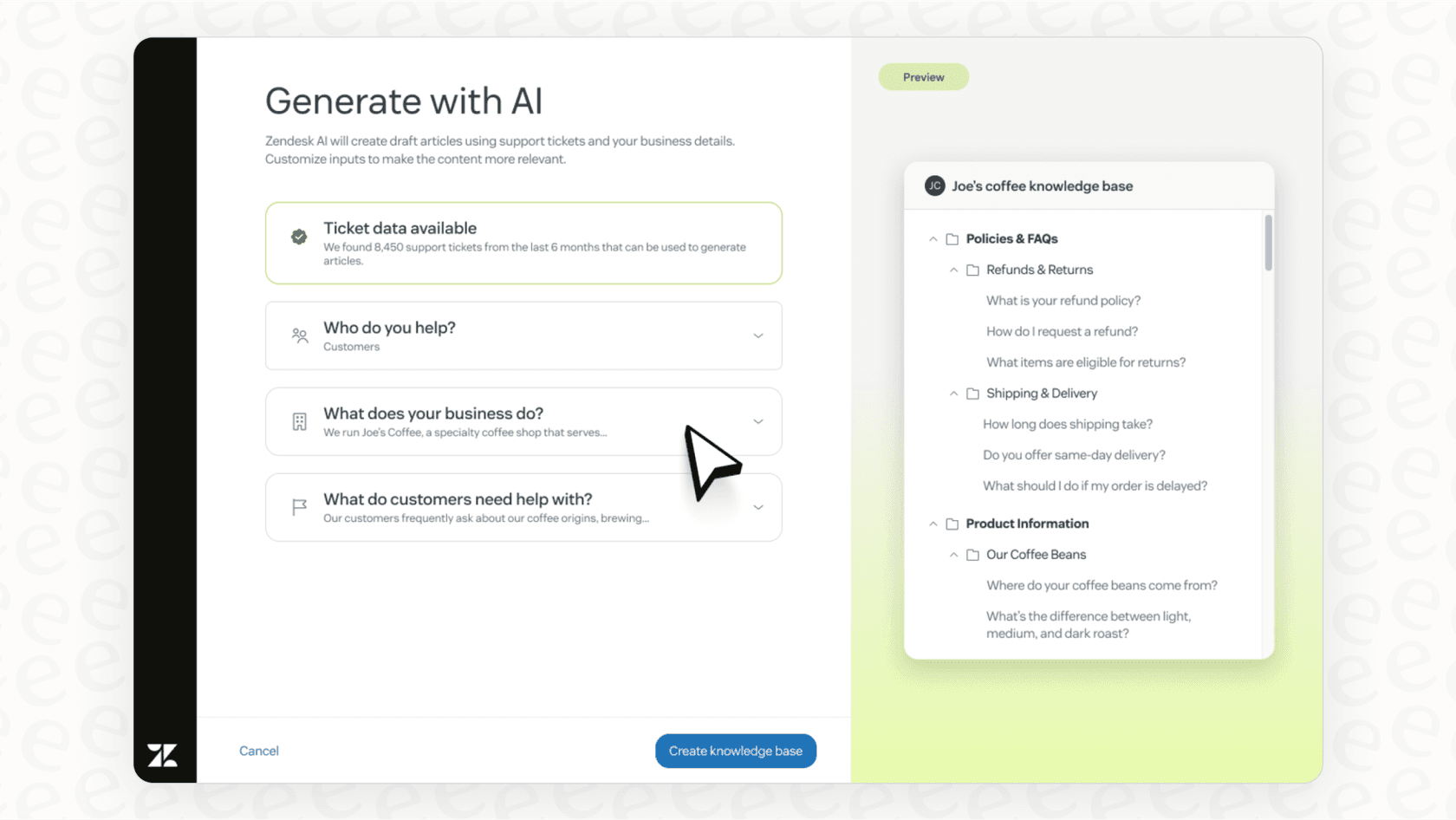
With eesel AI, you can add dynamic features to your help center regardless of your current plan. For example, you can embed an eesel AI Chatbot directly onto your help center. This chatbot provides a dynamic experience, answering questions and intelligently escalating to a live agent within the Zendesk ecosystem when necessary.
The integration with Zendesk is designed to be seamless, allowing you to upgrade your capabilities without needing to manage complex custom code yourself.
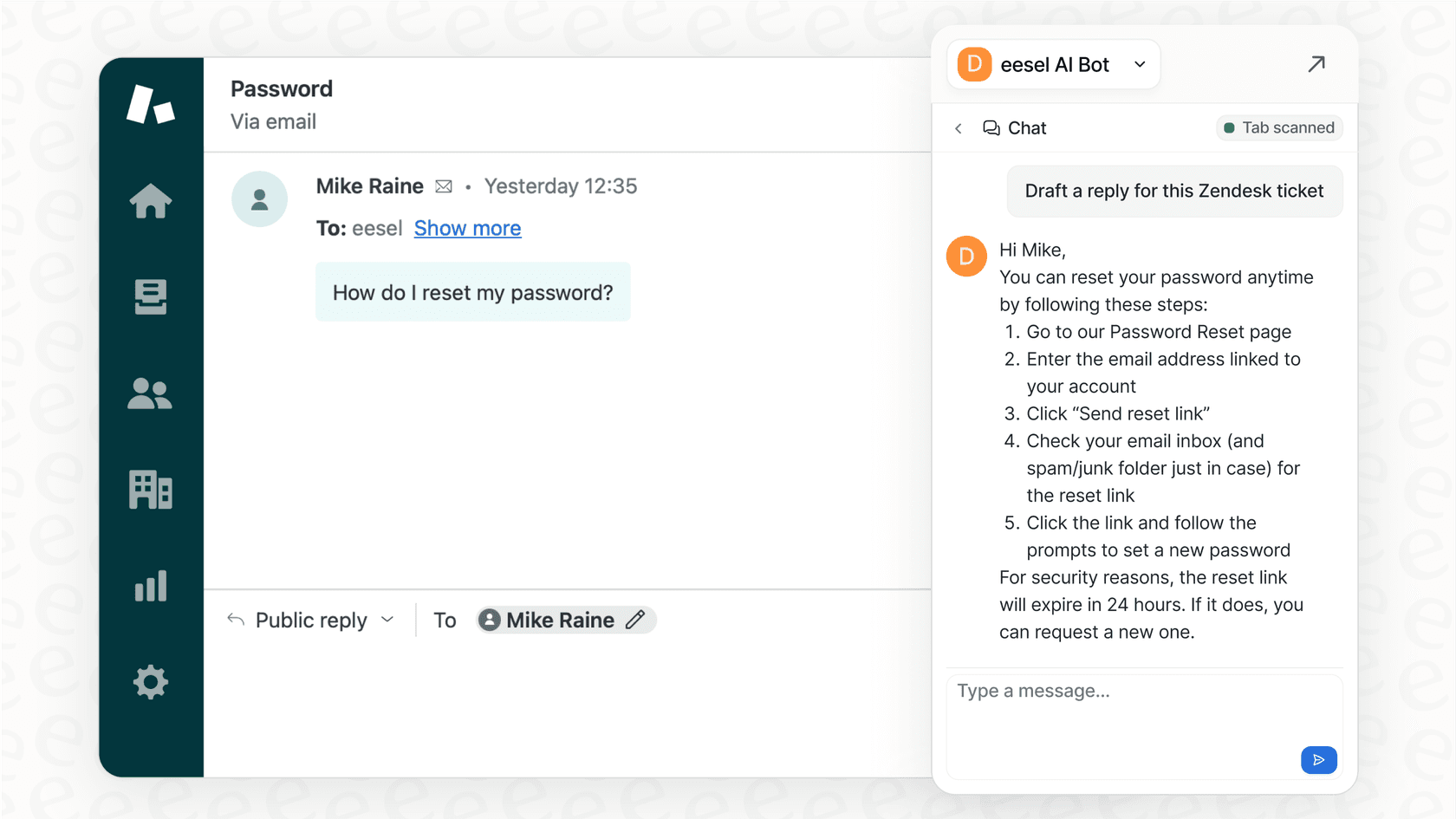
Test and refine your experience
One of the great features of eesel AI is its simulation mode. You can test how the AI would have responded to past tickets, helping you identify knowledge gaps and forecast your automation rate. This allows you to fine-tune the experience and ensure it provides a great addition to your Zendesk help center from day one.
Zendesk pricing and plans for help center customization in 2026
The level of customization you can achieve in Zendesk is aligned with your chosen plan. As you scale, more options become available. Here’s an overview of their main plans for 2026, based on their official pricing page.
| Plan | Price (Billed Annually) | Key Customization Features |
|---|---|---|
| Support Team | $19 per agent/month | Email & ticketing support, basic macros, integrations. |
| Suite Team | $55 per agent/month | Everything in Support Team + 1 help center, basic theme customization. |
| Suite Professional | $115 per agent/month | Everything in Suite Team + Up to 5 help centers, Marketplace theme support, CSAT surveys. |
| Suite Enterprise | $169 per agent/month | Everything in Suite Professional + Up to 300 help centers, advanced theme customization, custom pages, sandbox environment. |
Focus on quality and appearance
You have several great paths for customizing your Zendesk help center. Basic branding is a quick and effective win, marketplace themes offer professional designs, and custom code provides ultimate creative freedom. Each path is supported by Zendesk's reliable and mature platform.
A truly successful help center is defined by both its design and the quality of the answers it provides. By ensuring customers get accurate, instant answers, you create a superior experience.
Consider eesel AI as an intelligent addition to your help center. While Zendesk provides the world-class structure and ticketing power, eesel AI can offer a complementary layer of intelligence. It works with your existing setup and can be live and assisting your team in minutes.
Ready to see how AI can enhance your support experience? Try eesel AI for free and see how it works alongside your Zendesk help center.
Frequently asked questions


Share this article

Article by
Stevia Putri
Stevia Putri is a marketing generalist at eesel AI, where she helps turn powerful AI tools into stories that resonate. She’s driven by curiosity, clarity, and the human side of technology.
