Perplexity Comet vs Brave Leo: The definitive 2025 comparison


Last edited October 26, 2025

It feels like we’re not just browsing the web anymore; we’ve got a co-pilot sitting in the browser with us. A new generation of AI assistants is here, and they can do more than just search. They can read, summarize, and even take action for us. It’s a pretty big shift, but it also means we have a new set of choices to make.
Two of the biggest players pushing this change forward are Perplexity Comet and Brave Leo. They come at the idea of an AI browser from two completely different angles. You can think of Comet as a powerful, hands-off "agent" that can get things done for you, while Leo is more like a secure, private "assistant" that helps you make sense of things.
So, what’s the actual difference between them when you get down to it? This comparison will walk through their features, security models, and costs to help you figure out which one might be the right fit for your daily grind.
What are AI-first browsers?
The whole concept of an "AI-first" or "agentic" browser is more than just having a chatbot tucked away in a sidebar. It’s about flipping the script on how we use the internet, moving from a passive experience of clicking and reading to an active conversation where the browser can follow directions and handle tasks on its own.
What is Perplexity Comet?
Perplexity Comet is an AI-native browser from the folks at Perplexity AI. It’s built to be your personal research assistant that does the tedious work for you. Instead of opening ten different tabs to compare flight prices, you can just ask Comet to do it. It goes to the websites, pulls the information from different pages, and presents you with a neat, cited summary. And since it’s built on Chromium, all your favorite Chrome extensions still work, which is a nice bonus.
What is Brave Leo?
Brave Leo is an AI assistant that lives right inside the privacy-first Brave browser. Its purpose is totally different from Comet's. Leo is designed to give you AI help, like summarizing an article or answering a quick question, without ever peeking at your personal data. You don't need an account, it doesn't store your chats, and your information is never used to train its models. It’s less of an autonomous agent and more of a smart, private helper that’s there when you need a hand.
Features and capabilities: Autonomy vs assistance
Let's dive into what these two browsers can actually do. This is where their different philosophies really become clear.
Perplexity Comet: The autonomous web agent
Comet's main draw is its "self-driving" ability. It's designed to take your instructions and just go.
It understands context across multiple tabs, which means it can piece together information from different sources you have open. You can give it a complex job, like researching a new hobby, comparing a few products, or even trying to book a dinner reservation, and it will navigate the web to get it done. For anyone who has lost hours digging through search results, this can feel like a real superpower. It takes care of the manual labor of opening, reading, and comparing so you can focus on the results.
But here's the catch: Comet is at its best when dealing with public information. Its general design means it can't really handle specialized business tasks that need tight security and deep integrations with other tools. For instance, a support team can't use a browser agent to securely pull up a customer's order details or update a ticket in Zendesk. For that kind of work, you need a tool built for the job. An AI platform like eesel AI connects directly and securely to your helpdesk and internal knowledge bases, giving you precise, controlled automation exactly where it's needed.
Brave Leo: The private smart helper
Brave Leo takes a more hands-off approach. It isn't trying to automate your entire workflow; it's trying to help you understand the web more efficiently while keeping your privacy intact.
Its main features are all about assistance. You can ask it to give you the short version of a long article, explain a tricky concept on the page you're on, or even help you write an email. One of its neatest tricks is its flexibility. It lets you choose from different large language models (LLMs) like Mixtral, Claude, and Llama 2, so you can pick the best one for what you're doing.
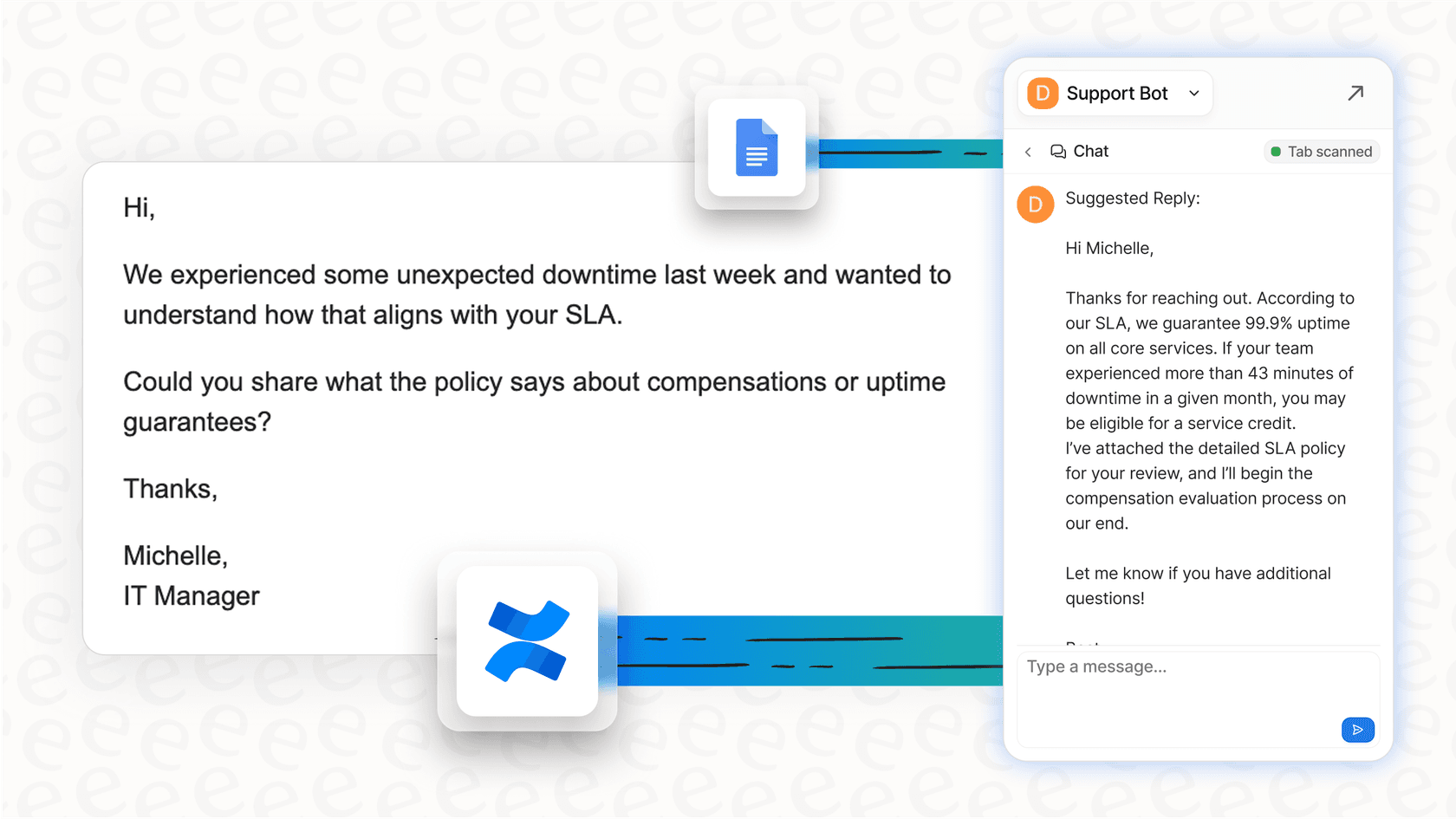
However, Leo is intentionally not an automation machine. It helps with content, but it can’t streamline your business processes. A support team, for example, needs more than a quick summary of a help doc. They need an AI that can draft a reply instantly in the company's specific voice, drawing on a history of thousands of previous tickets. That’s where a specialized tool like eesel AI’s Copilot really makes a difference, offering tailored agent assistance that a generic browser helper just can't provide.
The critical difference: Security and privacy
This is probably the most important thing to think about. How these browsers manage your data and security is what really separates them and defines where they can (and can't) be used safely.
Perplexity Comet’s security challenges with agentic AI
Giving an AI the freedom to control your browser is powerful, but it also opens up some serious security holes. Researchers at Brave actually found a major flaw in Comet called "indirect prompt injection."
In plain English, this means a sneaky website could hide malicious instructions that the Comet AI would carry out without you even knowing. Imagine asking it to summarize a Reddit thread, but a comment on that page has hidden code telling the AI to go to your open Gmail tab, find a password reset email, and send the info to a hacker. This fundamental risk of giving an AI full, autonomous access to your browser makes it completely unfit for handling sensitive customer data or internal company information.
graph TD; A[User asks Comet to summarize a webpage] --> B{Comet scans the page for content}; B --> C{Page contains hidden malicious prompt}; C --> D[Comet AI executes the hidden prompt]; D --> E[AI accesses user's open Gmail tab]; E --> F[Finds and sends sensitive data to hacker];
This is where a dedicated AI platform has a clear upper hand. eesel AI works within a secure, contained environment, not an open browser. Your data stays isolated, is never used for general model training, and all AI actions are limited to specific, pre-approved tasks within your business tools. It’s the difference between giving a stranger a key to your front door and giving a trusted employee a key to a single, specific filing cabinet.
Brave Leo’s privacy-by-design approach
Brave Leo is built on the complete opposite idea: privacy comes first, always. Its whole setup is designed to shield your data.
You don't need an account to use it, your conversations aren't saved on a server, and every request is routed through a proxy to make you anonymous. Brave can’t trace your requests back to you, which makes Leo a fantastic choice for personal privacy. You can ask it pretty much anything without worrying about who might be listening in.
But while Leo is great for individuals, it's a consumer tool at its core. It doesn't have the admin controls, detailed reporting, or testing features that businesses need to use AI responsibly. You can't, for example, see how it would handle your team's specific questions before you roll it out. This is a huge contrast to a feature like eesel AI’s powerful simulation mode, which lets you test your AI on thousands of your own historical support tickets. You get accurate predictions on how it will perform and can adjust its behavior before it ever talks to a single customer, ensuring a safe and effective launch.

Perplexity Comet vs Brave Leo: Pricing and ideal use cases
So, who are these browsers really for, and what do they cost?
Perplexity Comet: Pricing and who it's for
Comet itself is free, but its more advanced AI features and higher usage limits are part of Perplexity's paid plans. Perplexity Pro, which gives you access to more powerful AI models, runs for $20 a month.
- Ideal User: Professional researchers, analysts, and tech-savvy folks who need to gather and make sense of large amounts of public information quickly and are okay with the security trade-offs of an agentic browser.
Brave Leo: Pricing and who it's for
The basic version of Leo is free and built right into the Brave browser. If you need higher request limits and want to use more powerful AI models, you can upgrade to Leo Premium for $14.99 a month.
- Ideal User: Privacy-focused individuals who want AI help on demand for summarizing articles, answering questions, and writing text without having to share their browsing data.
These pricing models are geared toward individual users, but they don't really work in a business context. A company needs predictable costs and a clear return on its investment. eesel AI offers straightforward, business-focused plans that include a whole suite of specialized tools, from an autonomous AI Agent to an agent-assist Copilot, with no surprise fees per resolution. It’s built to deliver real business value, not just be a neat personal gadget.

Perplexity Comet vs Brave Leo: A new browser era, but not one-size-fits-all
The Perplexity Comet vs Brave Leo debate really comes down to one question: do you want the autonomous power of Comet or the deep privacy of Leo? Both are pushing the boundaries of how we use the web, but it's clear they are general tools built for individuals.
For businesses, especially in areas like customer support or IT, their broad approach comes with serious limitations and risks. You wouldn't run your company's accounting on a personal budgeting app, and the same thinking applies here. The solution isn’t a new browser; it’s a dedicated, secure, and integrated AI platform.
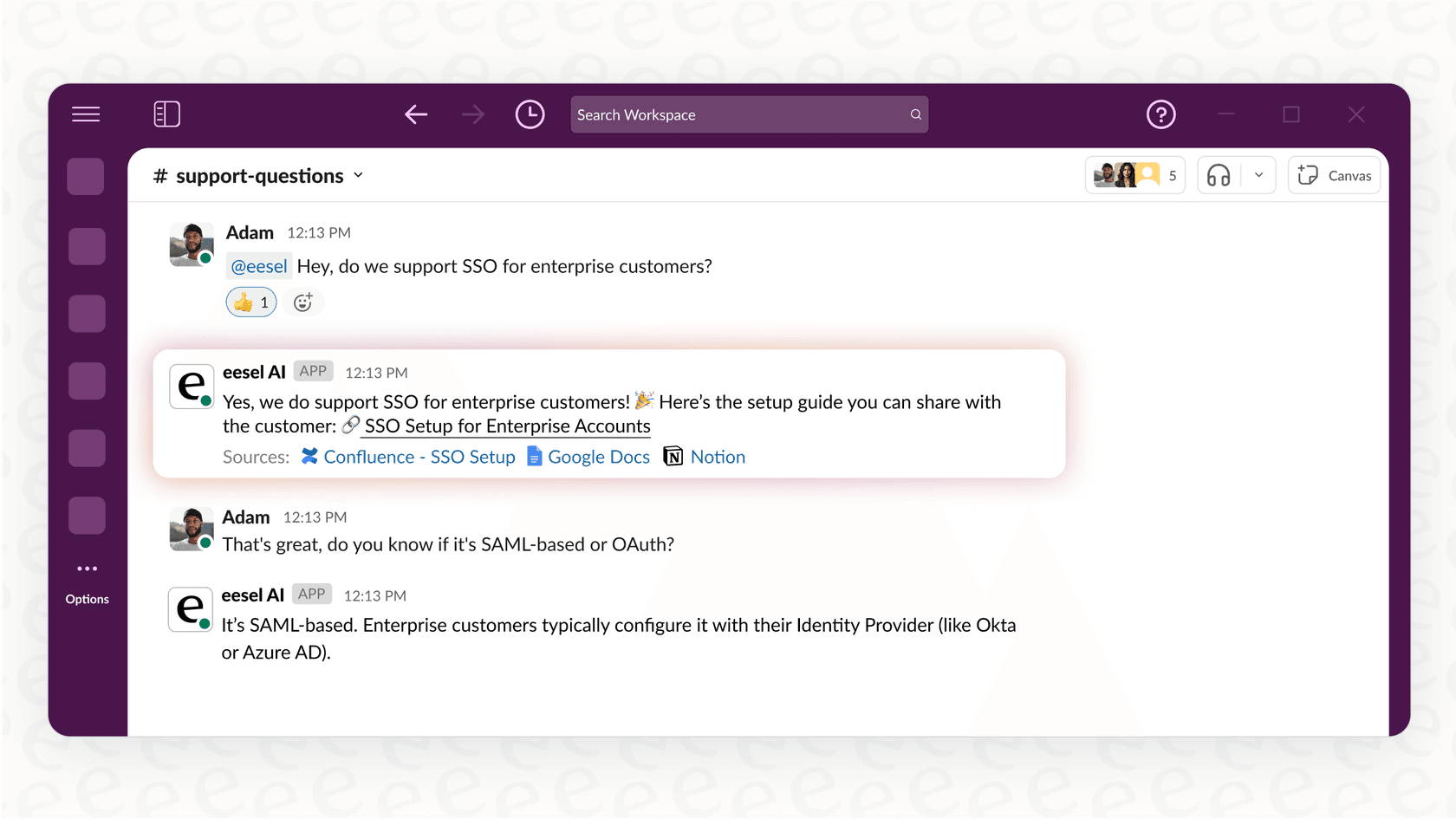
eesel AI is designed from the ground up to solve business problems. It provides powerful, tailored automation that learns from your company's unique knowledge and plugs right into the tools you already rely on, like Slack, Confluence, and your helpdesk. It gives you the power of an AI agent but with the fine-tuned control, security, and enterprise-level reliability that businesses need. You can get started in minutes and see right away what a difference a specialized tool can make.
Frequently asked questions

Share this article

Article by
Stevia Putri
Stevia Putri is a marketing generalist at eesel AI, where she helps turn powerful AI tools into stories that resonate. She’s driven by curiosity, clarity, and the human side of technology.