Perplexity review (2026): What business teams need to know

Last edited September 30, 2025

The way we hunt for information online is starting to feel a bit different. For decades, we’ve been served a list of blue links and left to piece together the answer ourselves. But what if you could just ask a question and get a single, straightforward answer with all its sources attached? That’s the idea behind a new crop of AI tools, and Perplexity AI is at the front of the pack.
It’s a powerful "answer engine" that’s quickly becoming a popular alternative to traditional search. This article will give you a complete Perplexity overview for businesses. We’ll cover how it works, what its main features are, some real-world use cases, and, most importantly, where it falls short for teams in customer support and IT who need more than just public information.
What is Perplexity AI?
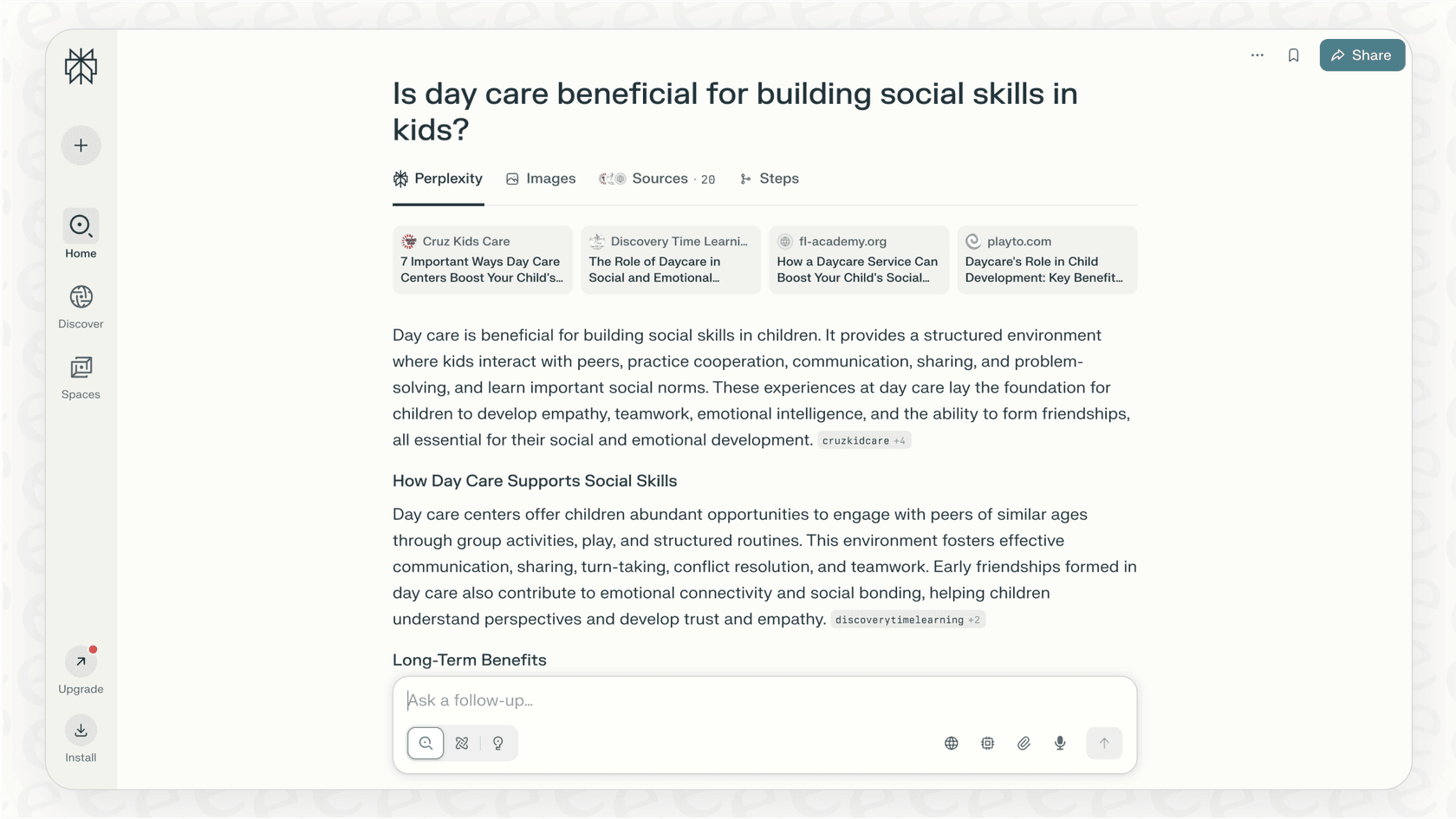
Perplexity isn't quite a search engine like Google, and it's not just a chatbot like ChatGPT. It's a bit of both, calling itself an "answer engine." Basically, Perplexity uses large language models (LLMs) to understand your question, scan the web in real-time, and then pull all the findings together into one summarized answer.
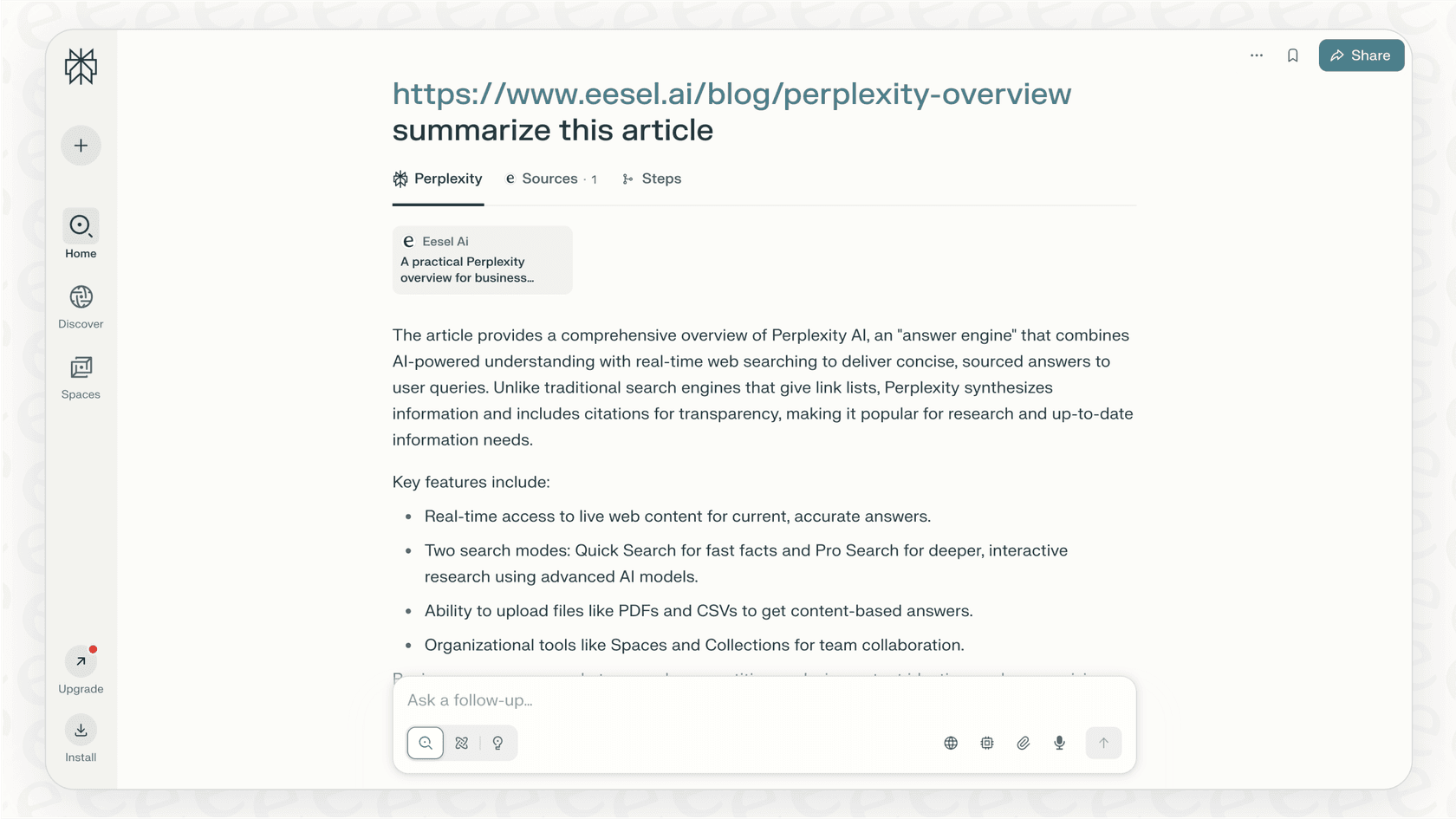
Its biggest selling point is transparency. Every answer includes citations, so you can click through and check the original sources yourself. This adds a layer of trust that’s often missing from other generative AI tools, making it a favorite for researchers, students, and anyone who needs accurate, current, and verifiable info without the hassle.
Key features of Perplexity
Perplexity is more than just a simple question-and-answer box. Its real strength lies in a handful of features designed to make research faster and more organized than just opening a dozen browser tabs.
Real-time web access
Unlike many chatbots that are working with outdated information, Perplexity searches the live internet for every question you ask. This means its answers are always up-to-date. It's perfect for asking about recent market trends, breaking news, or the latest software updates, so you know you're working with current information.
Pro search vs. quick search
Perplexity gives you two main ways to look for information, each for a different kind of task. Quick Search is great for fast, factual answers when you just need a quick lookup. Pro Search is more of a guided conversation. The AI might ask you follow-up questions to really understand what you’re looking for, digging deeper to give you a more detailed report.
| Feature | Quick Search | Pro Search |
|---|---|---|
| Best For | Fast, factual lookups | In-depth, complex research |
| Process | Direct answer generation | Asks clarifying questions |
| AI Model Access | Standard models | Choice of advanced models (GPT-4, Claude 3, etc.) |
| Daily Limit (Free) | Unlimited | 5 every 4 hours |
File uploads and internal knowledge search
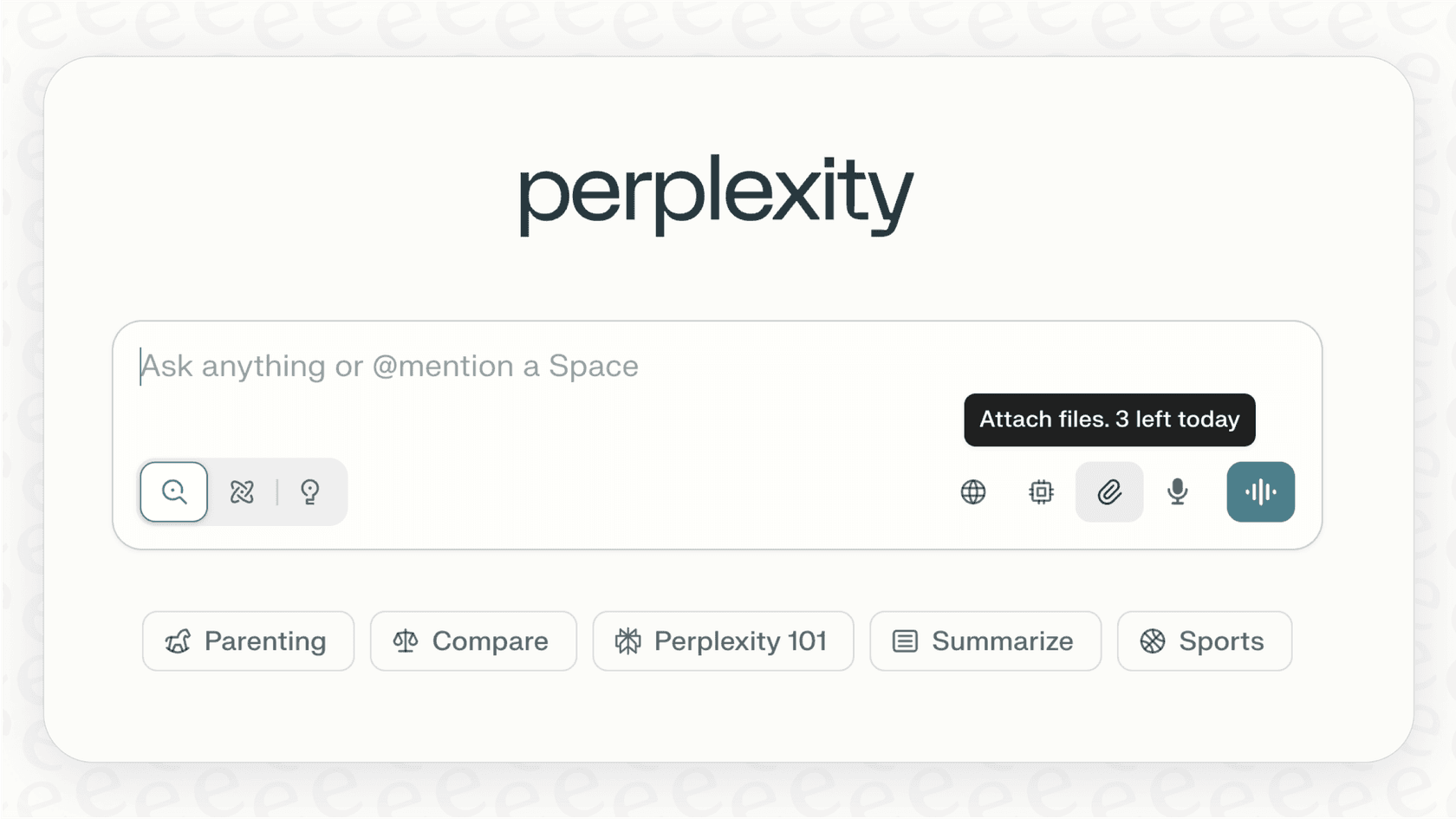
You can upload your own files like PDFs, Word documents, and CSVs directly into Perplexity. The platform will read the content and answer questions based on what’s inside, sometimes even blending information from the web with data from your document. This is handy for summarizing a single report or whitepaper, but it has its limits when it comes to being a true, connected knowledge base for your whole company.
Spaces and collections for organization
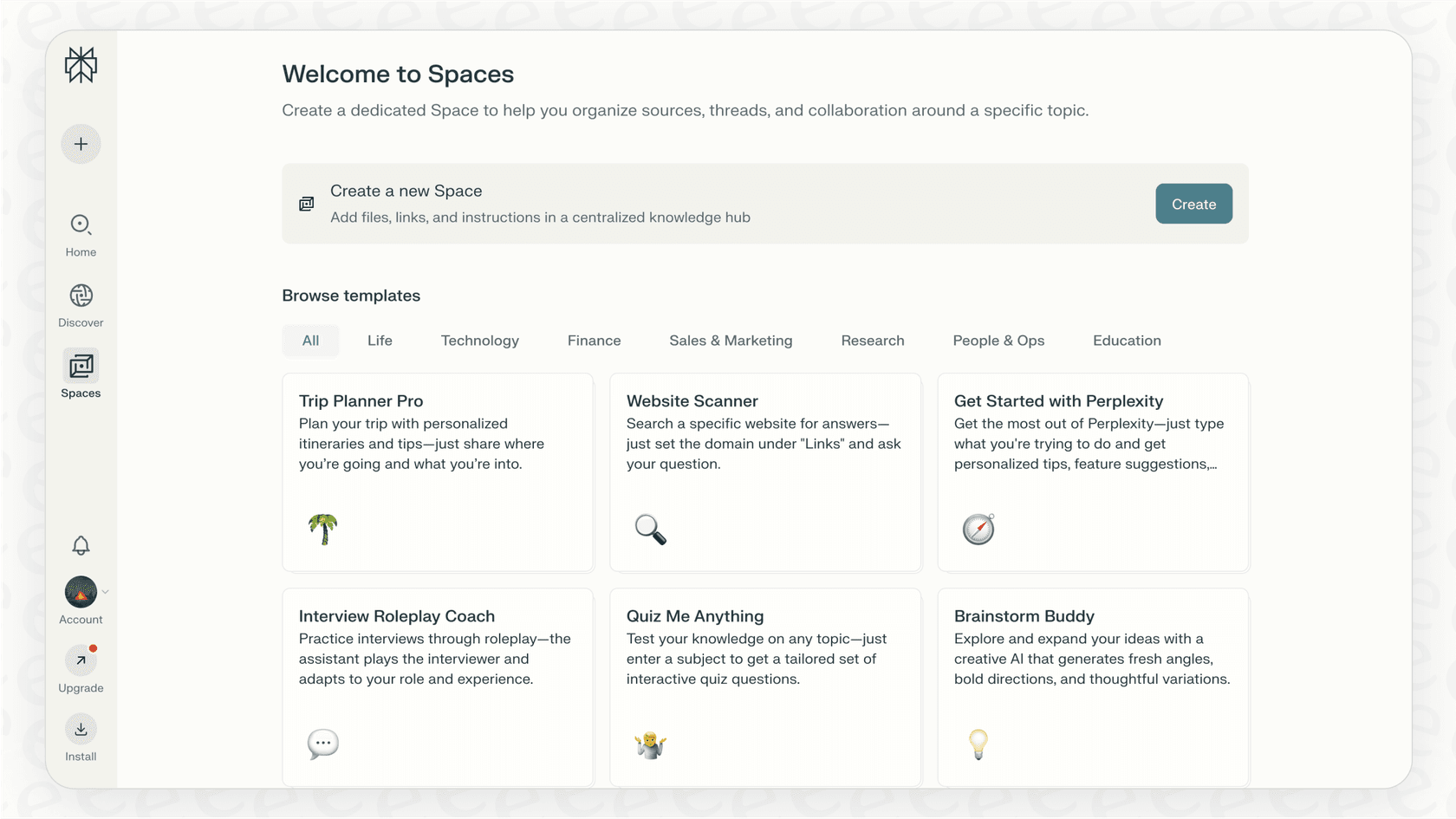
To keep your research from becoming a chaotic mess, Perplexity lets you group conversations into "Spaces" or "Collections." This feature allows teams to create shared folders of research on specific projects, topics, or competitors. It’s a simple way to collaborate and make sure everyone is on the same page.
How business teams can use Perplexity
Aside from general research, Perplexity has some very practical uses for business teams trying to get more done.
Market research and competitive analysis
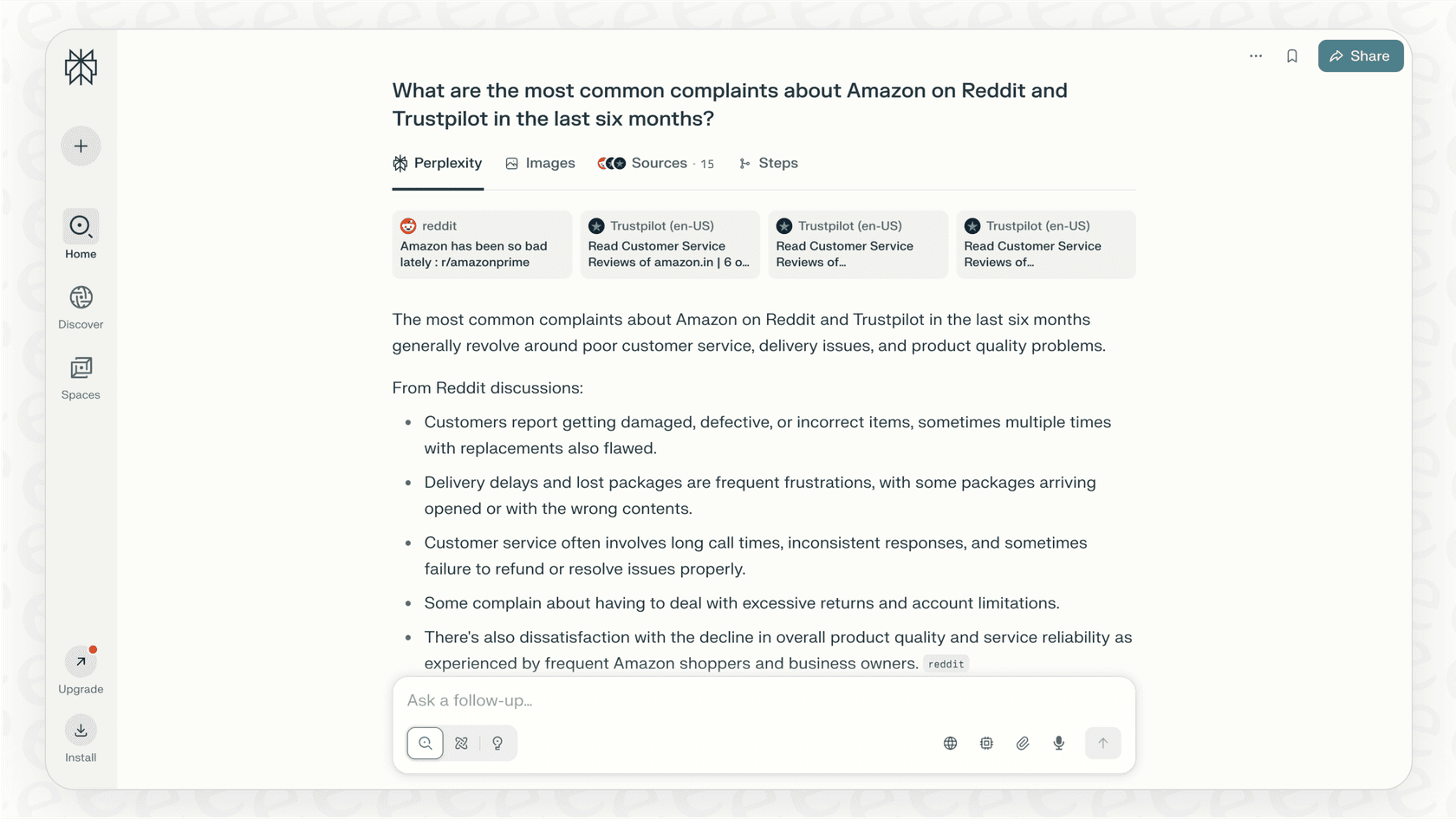
A support manager could ask, "What are the most common complaints about [competitor's product] on Reddit and Trustpilot in the last six months?" In a few moments, Perplexity can pull together public sentiment and point out a competitor's weak spots, saving you from hours of manual digging through forums and review sites.
Content creation and ideation
Marketing teams can use Perplexity to get a head start on content. For example, you could ask it to, "Create a detailed outline for a blog post about the benefits of proactive customer support, with citations from recent industry reports." It can deliver a structured, data-backed outline, which helps cut down on the initial research time.
Summarizing long-form content
We've all been there: an IT lead gets a dense, technical document and needs the key takeaways, fast. Instead of reading the whole thing, they can upload the file and just ask for a summary. This saves a ton of reading time and helps teams stay on top of complex topics without getting lost in the weeds.
Limitations for support and IT teams
While Perplexity is a fantastic tool for searching the public web, it hits a wall when it comes to the specific, internal, and action-based needs of a customer support or IT team. Its design as a general search tool creates some major gaps where a more specialized tool is needed.
It doesn't know your business
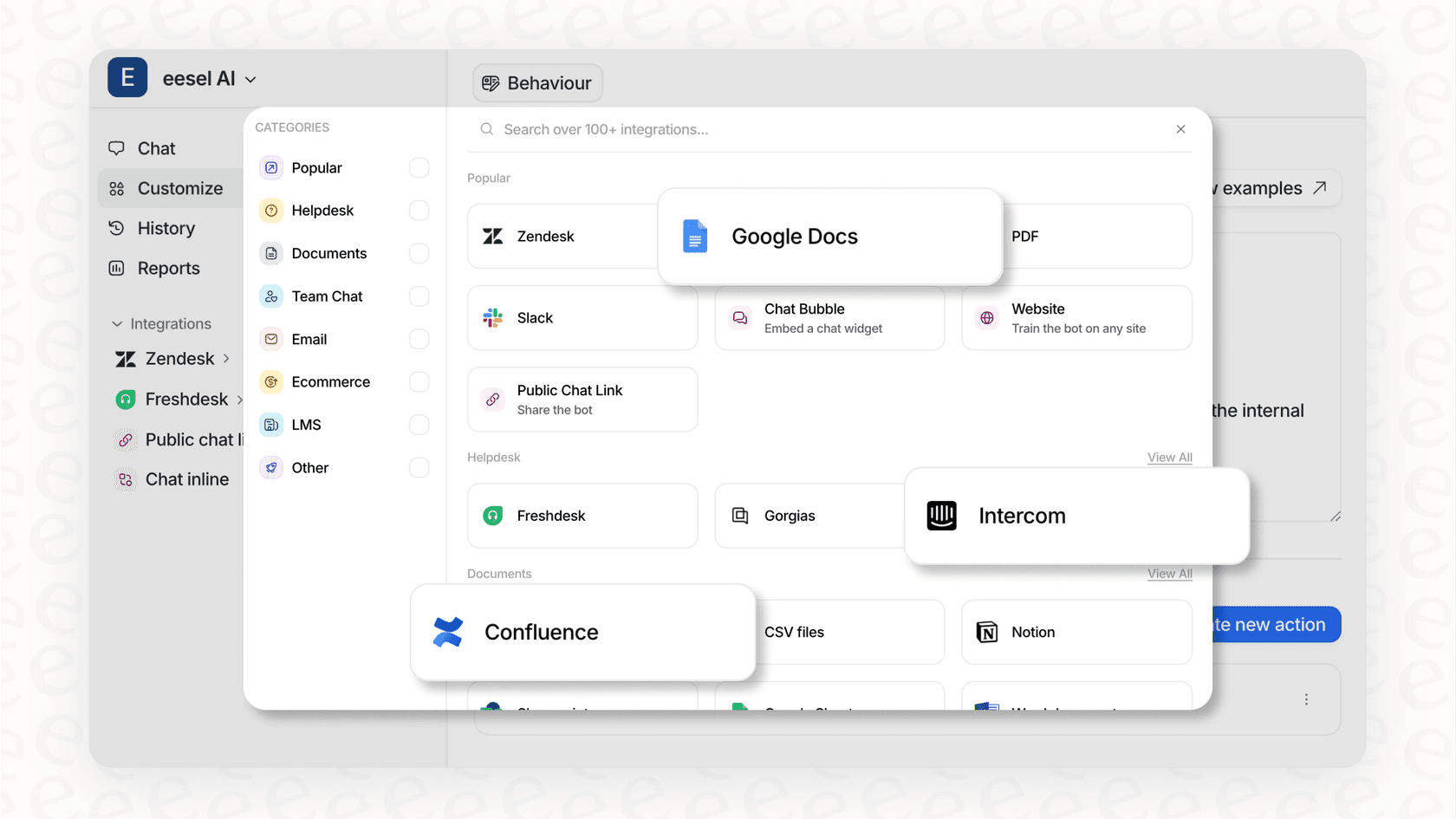
The biggest problem is that Perplexity can't access your company's private, internal knowledge. It has no way of reading your past support tickets, internal Confluence pages, private Google Docs, or Slack threads. Because of this, it can't answer business-specific questions like, "How do we process a refund for a customer in Germany?" or "What was the final fix for ticket #12345?"
This gap is exactly what specialized platforms like eesel AI are designed to fill. It’s built to unify your knowledge instantly by securely connecting to your help desk, wikis, and all your internal apps. It learns your specific processes and gives answers based on your company's actual operations and past conversations.
It provides answers, not actions
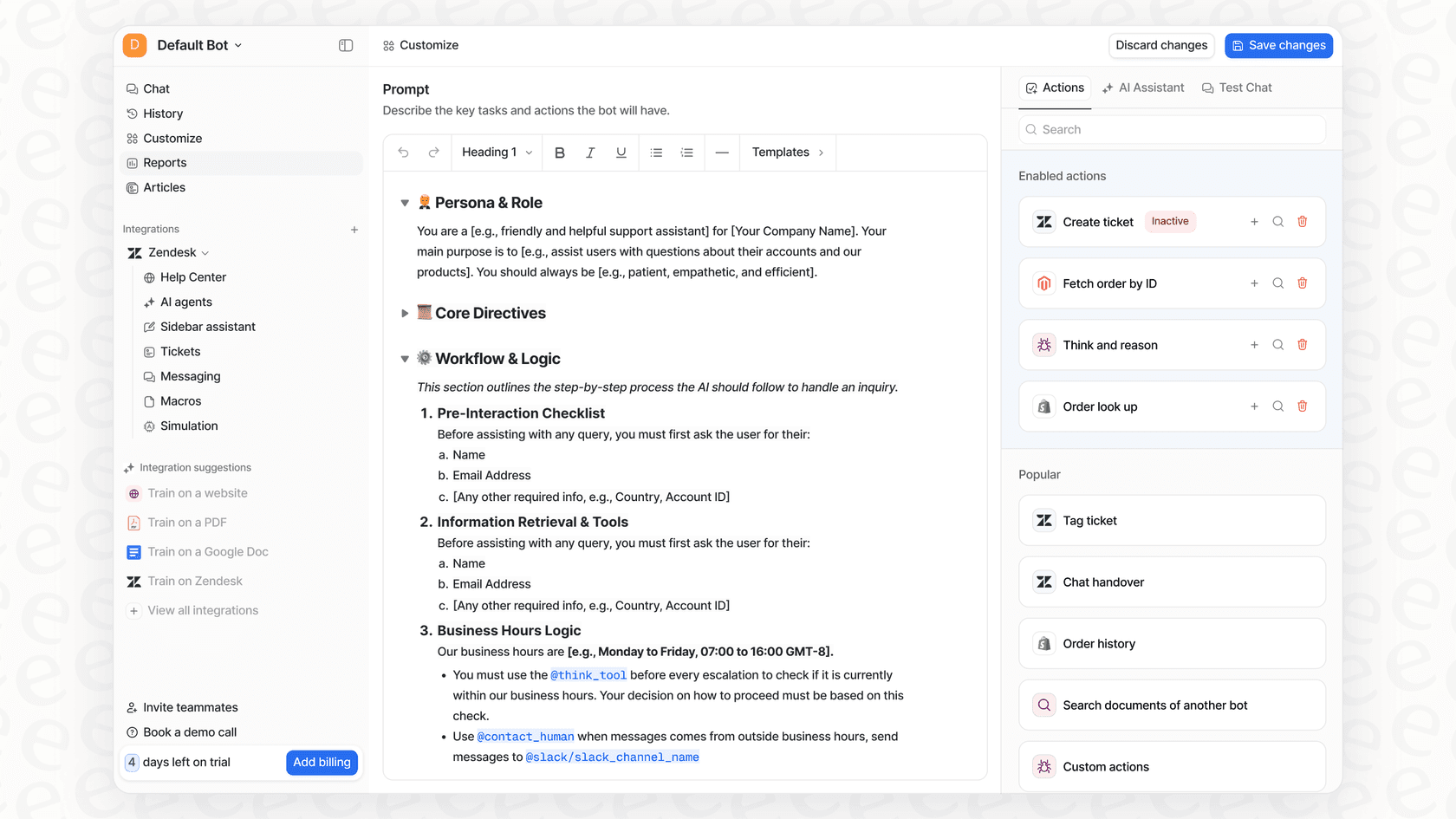
Perplexity is a tool for finding information. It can tell you how to do something, but it can't actually do it for you inside your other software. It can't tag a support ticket in Zendesk, assign an issue to the right team, look up an order status in Shopify, or escalate a chat to a human agent. For support teams, this leaves a frustrating gap between finding an answer and getting the job done.
In contrast, eesel AI offers a fully customizable workflow engine. You can set up specific AI Actions that let your agent not only answer questions but also perform tasks directly in your help desk, like triaging tickets, updating customer fields, or fetching real-time data from other systems.
You have limited control and no safety net
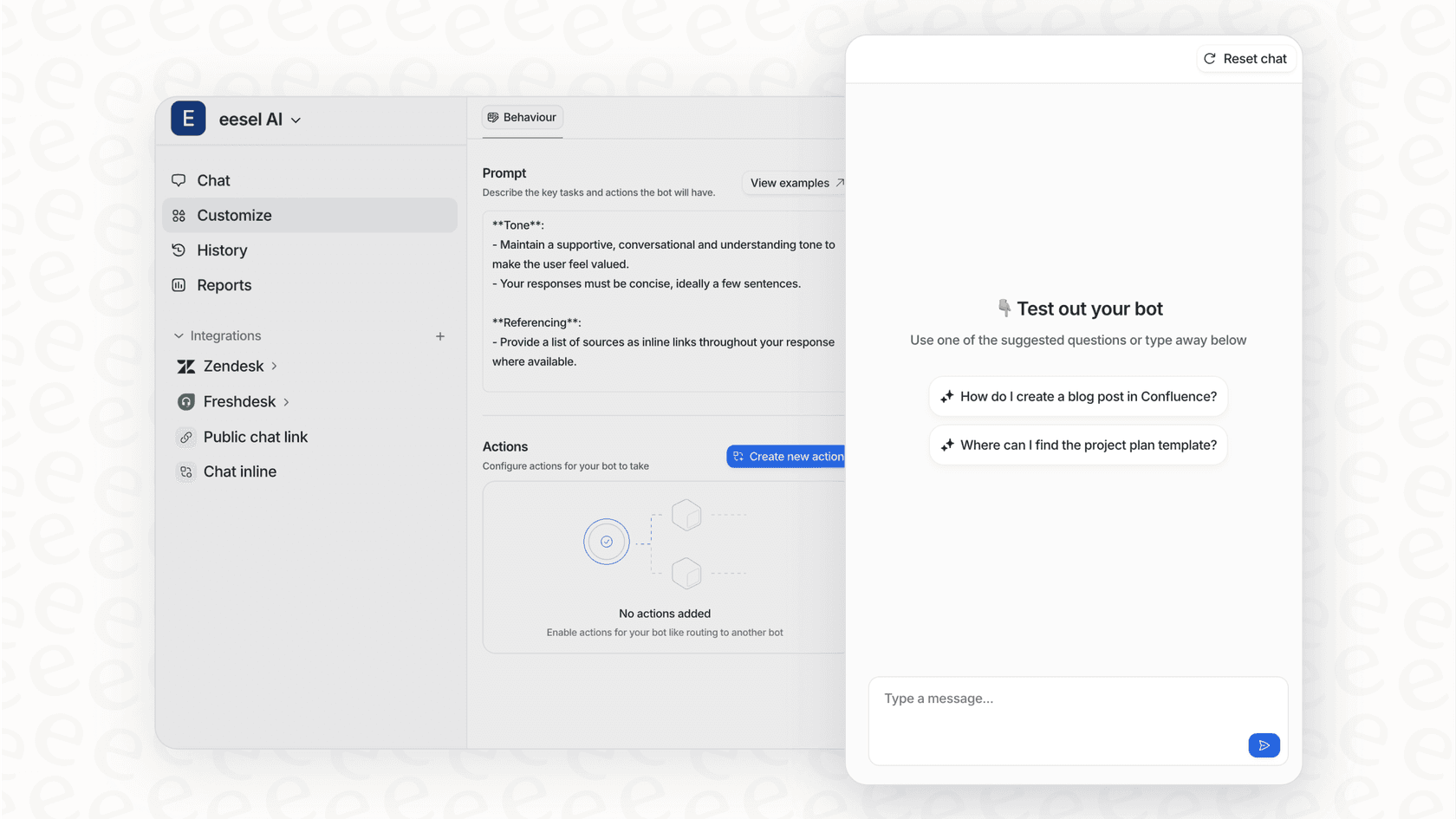
With Perplexity, you can't really control the AI's personality, tweak its tone to match your brand's voice, or stop it from answering off-topic questions. More importantly, there's no way to safely test how it would perform on your actual company data before you unleash it on customers or employees. You're essentially just hoping for the best.
Platforms like eesel AI give you total control and the ability to test with confidence. You can customize the AI's persona, define exactly what knowledge it can access, and use a simulation mode to see precisely how it would have handled thousands of your past tickets. This lets you see its performance and build trust before it ever goes live.
Perplexity pricing
Perplexity has a pretty simple pricing model with a free tier and a Pro subscription. The plans are straightforward, with no surprise costs based on how many answers you generate.
| Plan | Monthly Price | Annual Price | Key Features |
|---|---|---|---|
| Free | $0 | N/A | Unlimited concise searches, 3 pro queries per day, 3 deep research queries per day. |
| Pro | $20/mo | $200/year | Unlimited concise searches, unlimited pro queries per day, 500 deep research queries per day. |
| Enterprise | Custom | Custom | Unlimited collaborators per space, 500 deep research queries per day, unlimited collaborators. |
The right tool for the right job
So, what's the final word? Perplexity AI is a seriously impressive tool for what it was built to do: find fast, accurate, and sourced answers from across the public web. It’s an excellent choice for general research, market analysis, and brainstorming content.
However, for the day-to-day work of a customer support or internal help desk team, a general tool just doesn’t cut it. These jobs require a solution that understands your private company knowledge, plugs directly into your workflows, and gives you complete control over how it behaves. While Perplexity is great for finding what’s out there, it can’t help you with what’s in here, your business.
Get AI that works for your business, not just the web
For teams that need more than just information, a specialized AI platform is the only real path forward. eesel AI is designed to automate actual work by learning from your unique business data and fitting seamlessly into the tools you already use every day.
Ready to try an AI agent that’s trained on your business and can start resolving support tickets right away? Try eesel AI for free and you can be live in just a few minutes.
Frequently asked questions

Share this article

Article by
Kenneth Pangan
Writer and marketer for over ten years, Kenneth Pangan splits his time between history, politics, and art with plenty of interruptions from his dogs demanding attention.