A complete guide to the ServiceNow AI Search Service Portal


Last edited November 19, 2025

Table of Contents
- What is the ServiceNow AI Search Service Portal?
- Key ServiceNow AI Search Service Portal features and benefits
- The headache of setting up the ServiceNow AI Search Service Portal
- ServiceNow AI Search Service Portal pricing: What to expect
- The flexible alternative: A faster path to AI search
- What's the verdict on the ServiceNow AI Search Service Portal?
If your team runs on ServiceNow for IT service management (ITSM), you’re probably always on the lookout for ways to make life easier for your employees and customers. A huge piece of that puzzle is self-service. When people can find their own answers, they're happier, and your support team gets to focus on the truly tough problems.
This is where AI-powered search enters the picture. The ServiceNow AI Search Service Portal is the platform's own answer to creating a slick, modern search experience that helps people help themselves and hopefully deflects a few tickets along the way. But what does it actually do, and is it the right move for your team?
In this guide, we'll get into what the ServiceNow AI Search Service Portal really is, its main features, what it takes to get it running, and what it might cost you. We’ll also look at a more flexible, self-serve alternative if you’re hoping for a faster path to better support.
What is the ServiceNow AI Search Service Portal?
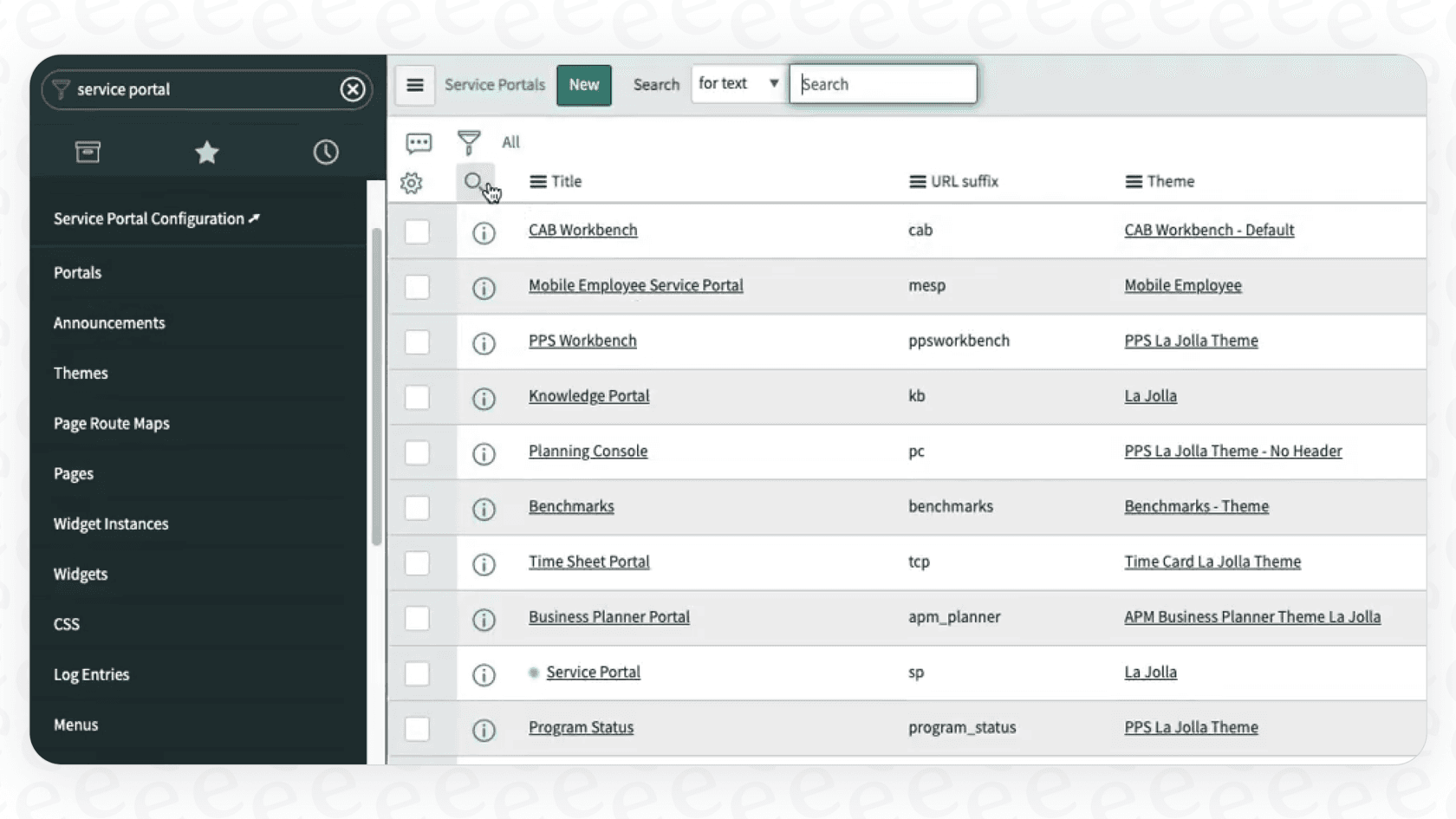
So, what is this thing, really? Think of the ServiceNow AI Search Service Portal as the new, smarter search engine designed to replace the platform's older Zing search. It's built to live inside ServiceNow’s portals, like the standard Service Portal or the Employee Center.
Instead of just matching keywords, it uses AI and Natural Language Understanding (NLU) to figure out what someone is actually trying to accomplish. The main goal is to make self-service work better. When a user types something in, AI Search digs through your ServiceNow knowledge articles, service catalogs, and other data to pull up the most relevant answers. The idea is to solve their problem right then and there, so they never have to log a ticket in the first place.
It’s built around a few key ideas:
-
It understands context: It tries to grasp the meaning of a search, not just the specific words used.
-
It gets personal: It can adjust search results based on a user's role, department, location, or even what they've searched for before.
-
It gives you answers you can act on: It uses special "Genius Results" cards that let people take action directly from the search results, like ordering a new mouse or looking up a coworker’s contact info.
Key ServiceNow AI Search Service Portal features and benefits
ServiceNow has packed some powerful capabilities into its AI Search to give users a more intuitive experience. Let's break them down.
Understanding what you actually mean
This is the brains of the whole operation. Old-school search engines can get tripped up by keywords. If someone searches for "my computer is freaking out," a basic search might come up empty. But with semantic search, the system gets that the user is probably having a performance issue. It analyzes the intent behind the words to give back much more useful results. This is what helps it move beyond simple word matching.
Actionable "Genius Results"
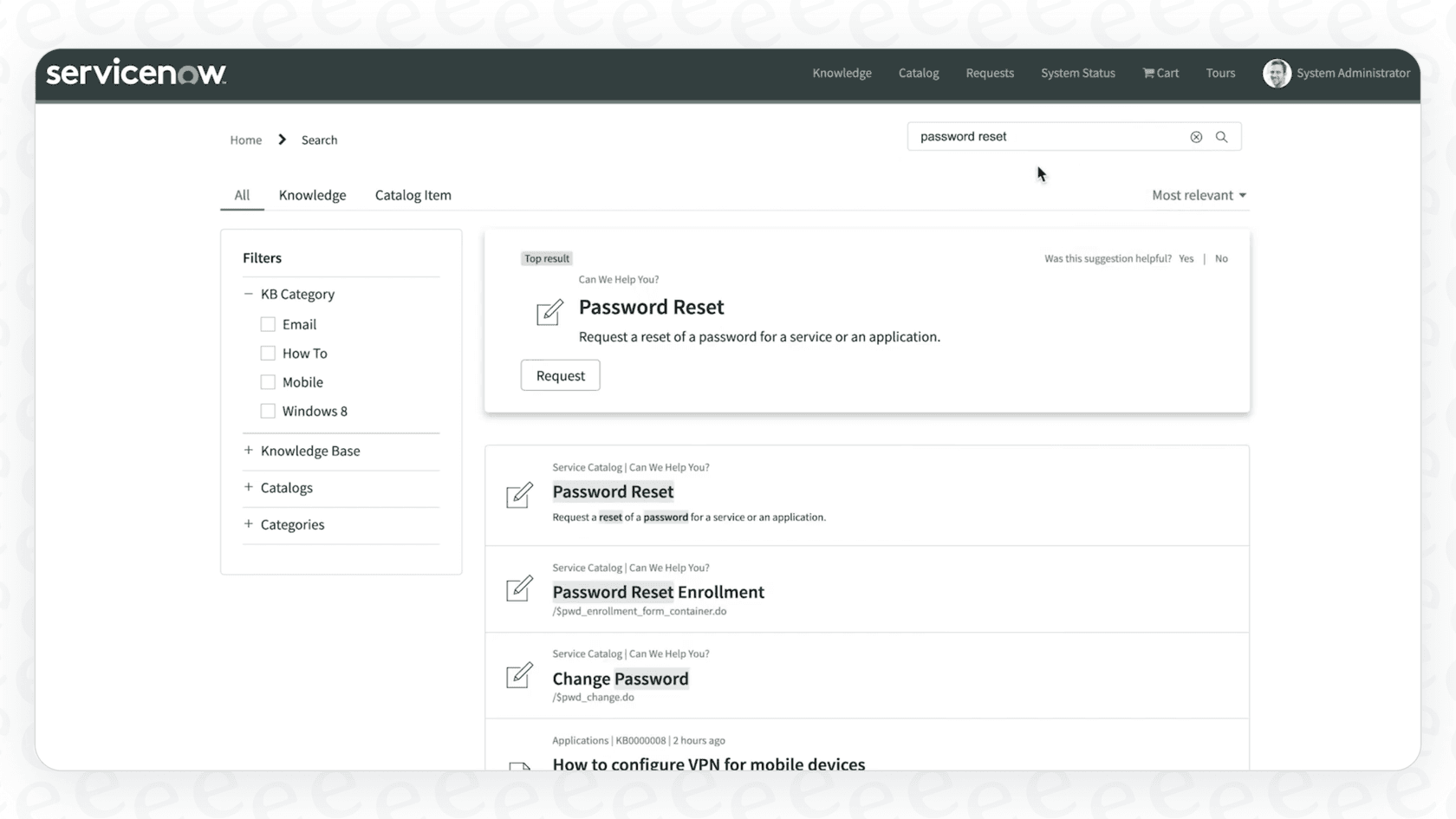
One of the slickest features is what ServiceNow calls "Genius Results." These aren't just links to articles. They are interactive cards that pop up at the top of the search results when the AI is pretty confident it knows what you're after.
For instance, if you search for "new keyboard," a Genius Result might appear with a direct link to order one from your company's Service Catalog. Search for a colleague's name, and it could show their contact details and a link to their spot in the org chart. It's all about cutting down the number of clicks needed to get something done.
Learning as it goes
The platform is designed to get smarter over time. It uses machine learning to observe how people interact with search results, paying close attention to which links get get clicked and which get ignored. This data helps the system automatically tweak its algorithms to push the most relevant stuff to the top. In theory, your search experience should get better without you having to constantly fine-tune it by hand.
Filtering down to what you need
Even with smart search, digging through a mountain of information can be tough. AI Search includes faceted search, which lets users filter their results using categories on the side of the page. You can narrow things down by the source (like a Knowledge Base article versus a Catalog item), author, or other criteria. It’s a straightforward but effective way to help people pinpoint exactly what they’re looking for without trying ten different search queries.
The headache of setting up the ServiceNow AI Search Service Portal
While the features sound great, getting the ServiceNow AI Search Service Portal up and running is not exactly a weekend project. All that power comes with a whole lot of complexity, which can be a real roadblock for many teams.
A complicated, multi-step setup
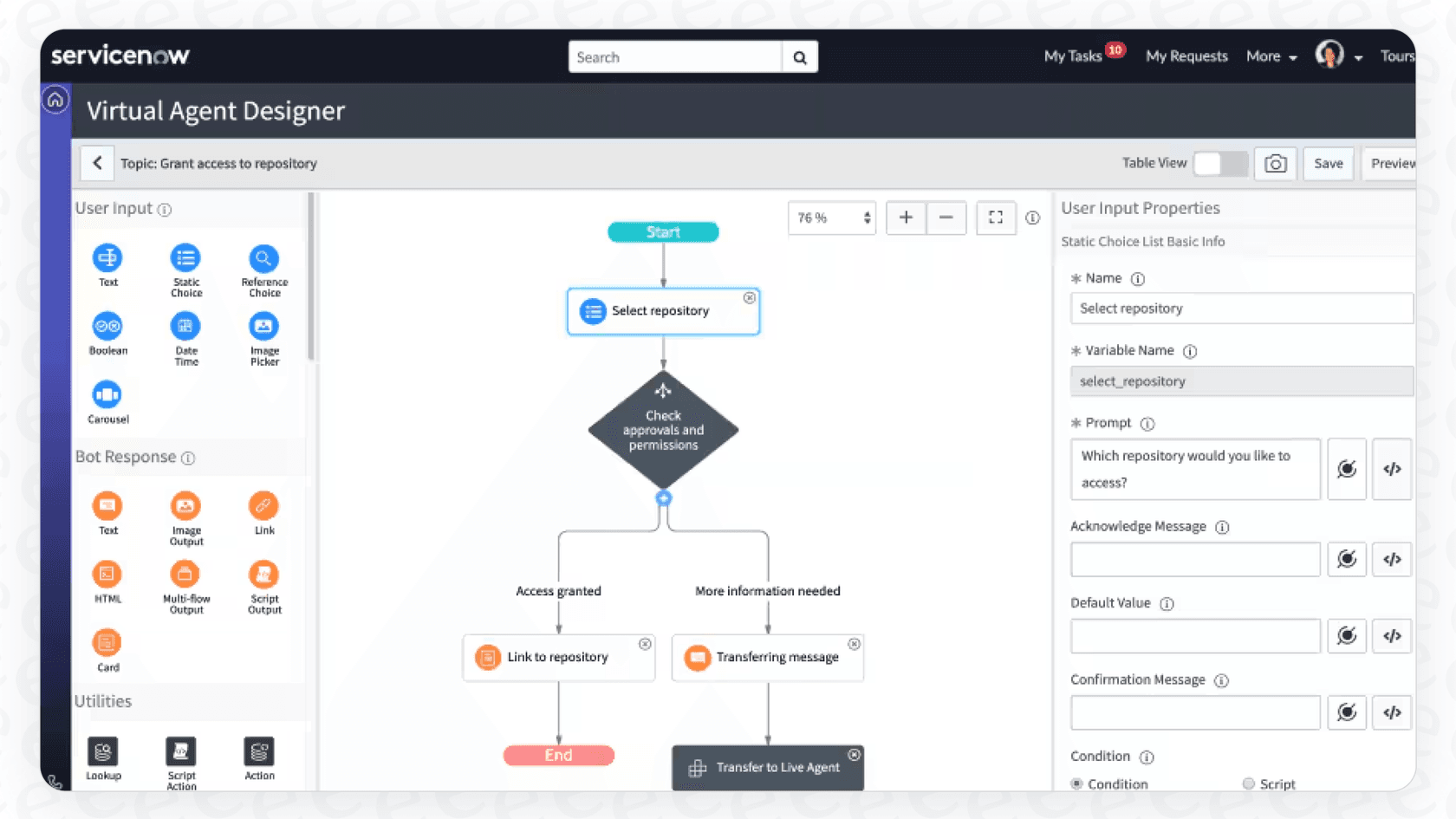
You can't just flip a switch and call it a day. The setup involves navigating a maze of configurations that can be pretty intimidating if you’re not a full-time ServiceNow developer. You'll have to dig into setting up:
-
Indexed Sources: Telling the system which data tables to search.
-
Search Profiles: Creating different search rules for different groups of users.
-
Search Application Configurations: Tweaking all the little settings, like how many results to show.
-
EVAM (Entity View Action Mapping): A whole framework just for defining how search results look and act.
This process usually requires a specialized ServiceNow admin or bringing in an external consultant, which adds a lot of time and money to the project. That's a huge barrier for teams that want to see results from AI quickly. In contrast, modern tools like eesel AI are built to be incredibly self-serve, letting you connect your helpdesk and go live in minutes, not months.
Keeping you in the ServiceNow world
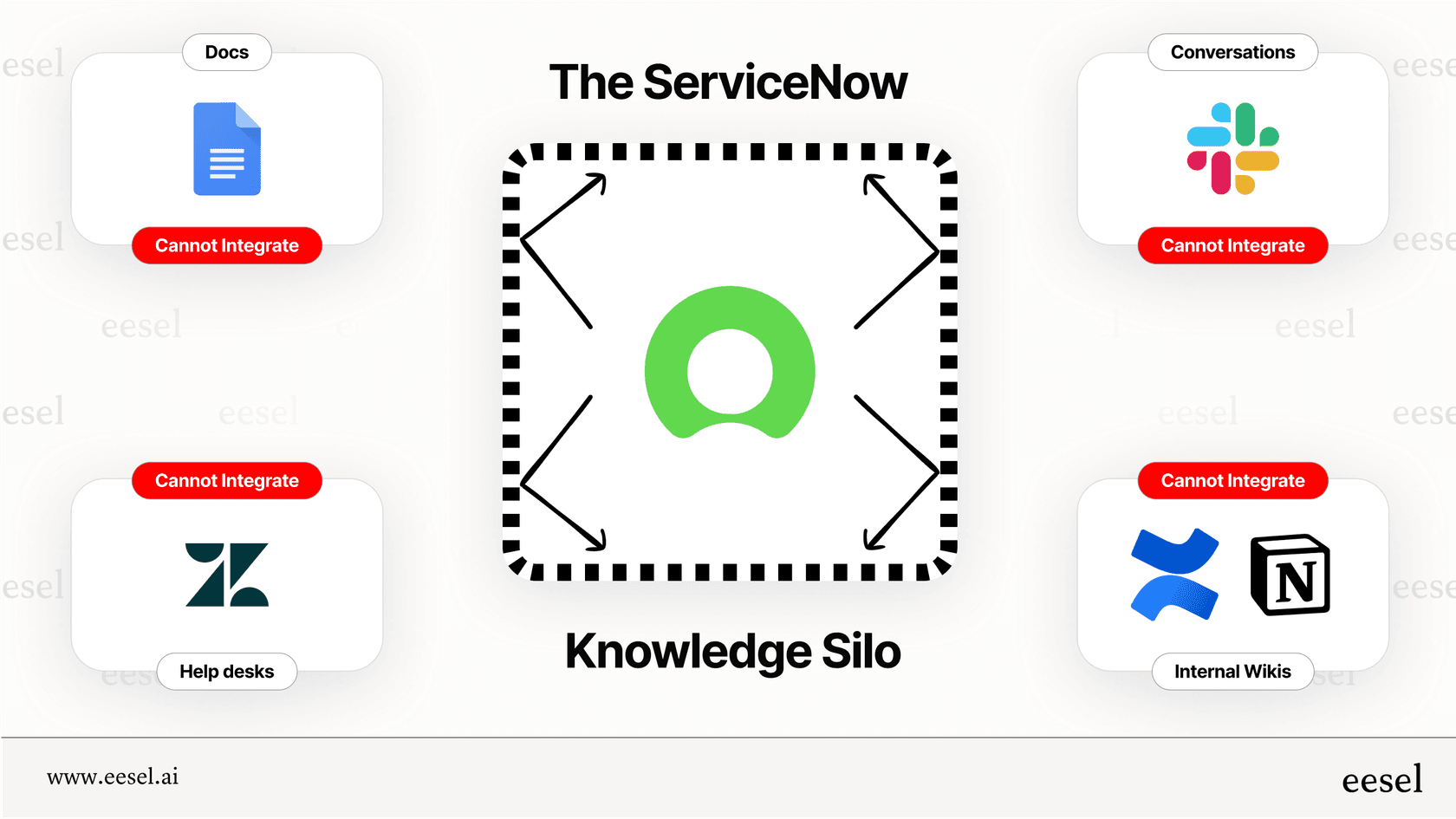
The ServiceNow AI Search Service Portal is, unsurprisingly, built to work best with data that’s already inside ServiceNow. You can connect it to external content, but it's not always a simple process. It often means installing and configuring separate connectors or plugins, each adding another layer of work for your team.
This "walled garden" approach can be a real pain if your company knowledge is scattered across different places. An open platform like eesel AI is designed to bring your knowledge together from wherever it lives, whether that’s in Confluence, Google Docs, Notion, or Slack. It learns from all your existing documents instantly, so you don't have to spend ages migrating content.
Difficult to test and roll out with confidence
When you're automating how users get information, you want to be darn sure the AI is getting it right. Testing and rolling out changes confidently can be tough inside a massive, rigid platform like ServiceNow.
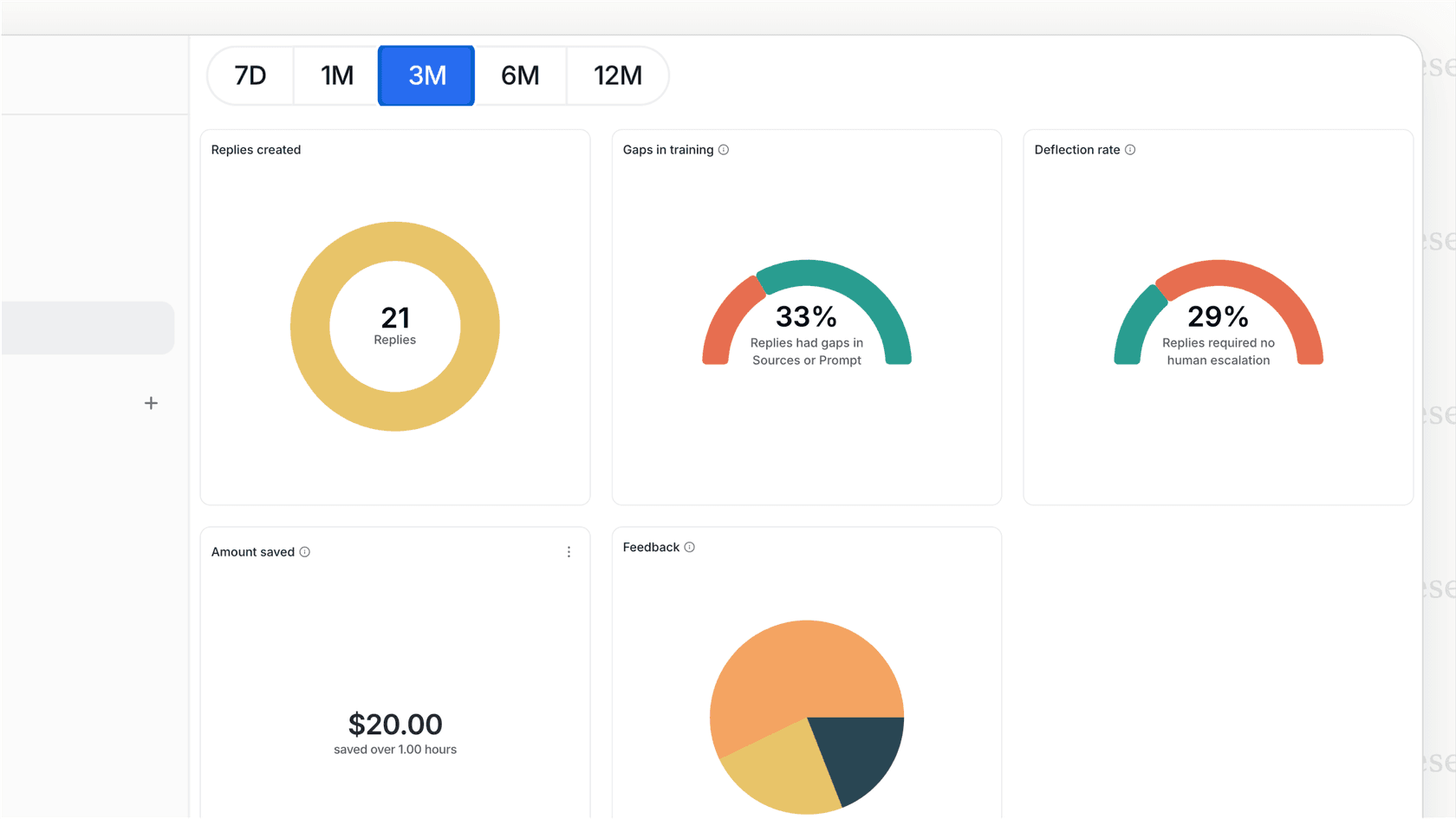
A much better way to do this is with a solid simulation mode. For example, eesel AI lets you test your AI setup on thousands of your past support tickets in a safe environment. You can see exactly how the AI would have answered and get an accurate forecast of how many tickets it could resolve before a single user ever sees it. This lets you start small, maybe by automating just one or two common ticket types, and then grow from there as you get more comfortable.
ServiceNow AI Search Service Portal pricing: What to expect
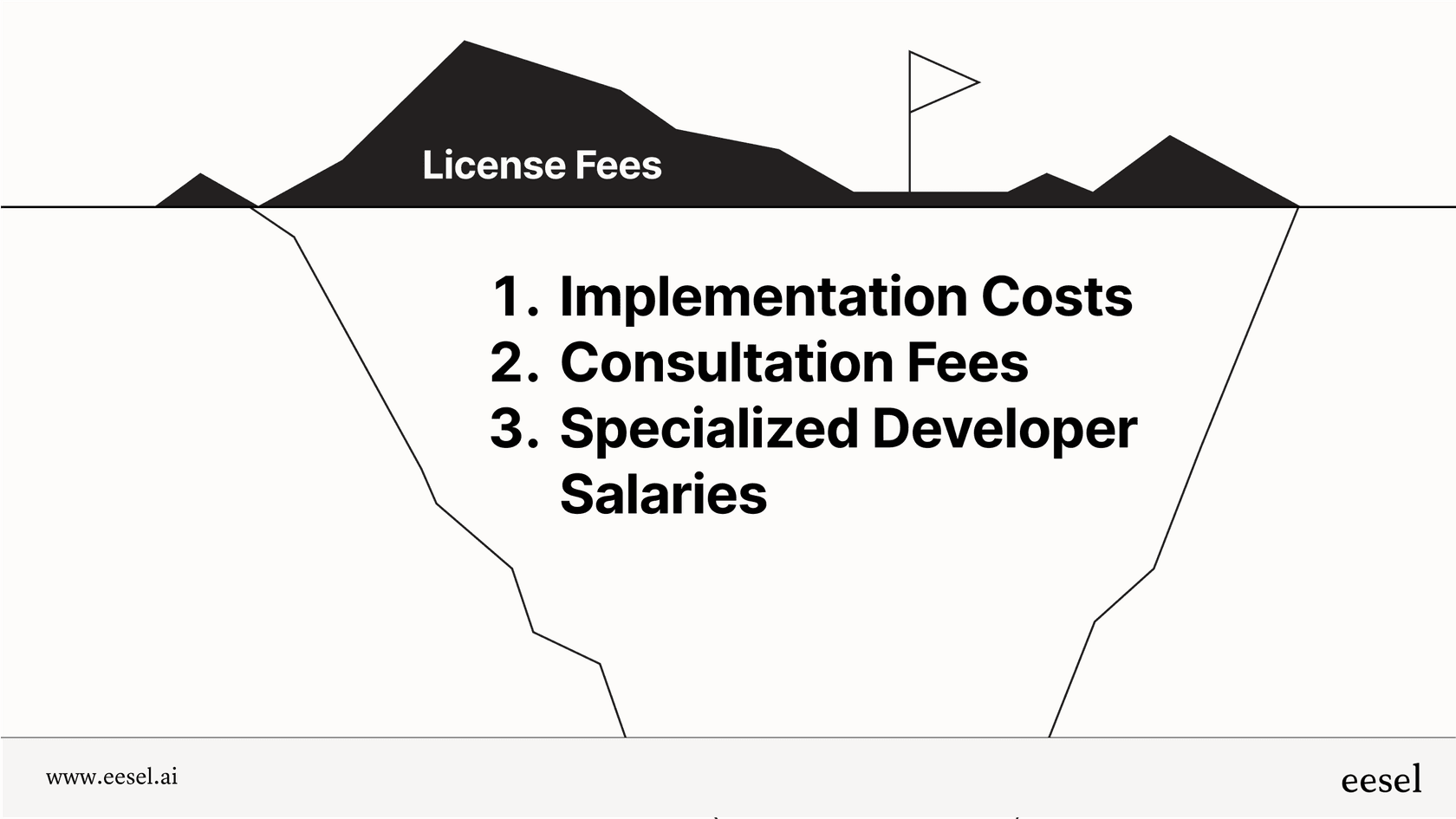
Here’s the million-dollar question for most teams: how much does this thing cost? Well, ServiceNow doesn't publish its pricing for AI Search. It’s typically bundled into their more expensive enterprise licenses, like ITSM Pro, or sold as an add-on that requires a custom quote from their sales team.
This lack of transparency causes a few big problems:
-
Budgeting is a guessing game. Without a price list, you have no idea what the investment looks like until you’re deep into sales conversations.
-
The pricing can be inflexible. The cost is often tied to the number of users you have, which can get expensive quickly and might not match how much you actually use the feature.
-
You have to talk to sales. You can't just try it out. You have to go through demos and calls just to get an estimate, which can really slow things down.
This is a world away from how more modern tools operate. For instance, eesel AI has clear, predictable plans right on its pricing page. The tiers are based on usage (the number of AI interactions per month), not how many agents are on your team, which makes it much more cost-effective and easier to scale. Plus, you can start with a monthly plan and cancel anytime, giving you the freedom to prove its value without getting locked into a long-term contract.
| Feature | ServiceNow AI Search | eesel AI |
|---|---|---|
| Pricing Model | Opaque, custom quote required | Transparent, usage-based plans |
| Public Pricing | No | Yes, available on the website |
| Billing Structure | Typically bundled in enterprise licenses | Monthly and annual options |
| Sales Call Required? | Yes | No, fully self-serve |
The flexible alternative: A faster path to AI search
If the complexity and cloudy pricing of ServiceNow's native tool feels like a bit much, you're not alone. Plenty of teams are looking for a faster, more flexible way to bring AI into their support workflows.
eesel AI is an AI platform designed from the ground up for simplicity and control. It tackles the main frustrations of big enterprise tools by offering:
-
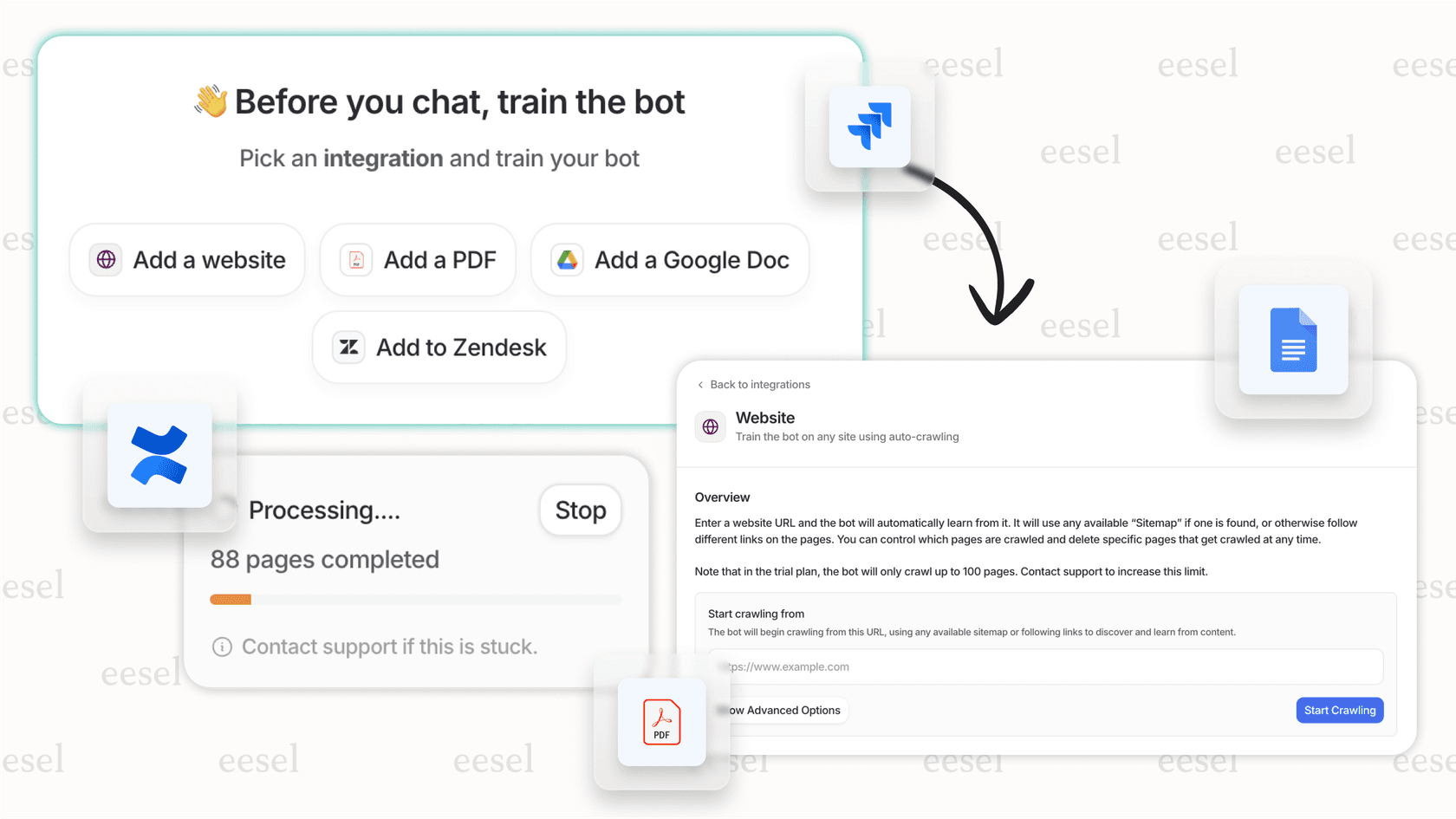
A truly self-serve setup: You can sign up, connect your helpdesk (like Zendesk, Freshdesk, or Jira Service Management), and launch an AI agent in minutes. No mandatory demos or long sales cycles needed.
-
It works with the tools you already have: Instead of forcing you into one ecosystem, eesel AI plugs right into your current helpdesk and learns from all your knowledge, no matter where it's stored.
-
You're in complete control: A simple but powerful prompt editor lets you define your AI's exact tone, personality, and what it should do. You decide which questions get automated and which get sent to a human, giving you full command over the experience.
-
Risk-free simulation: Test your setup on thousands of your own past tickets to build confidence and get a clear forecast of your ROI before you ever turn it on for your users.
What's the verdict on the ServiceNow AI Search Service Portal?
The ServiceNow AI Search Service Portal is a capable tool that can definitely provide a modern search experience, especially for organizations that are already all-in on the ServiceNow ecosystem. But that power comes at a cost: a complex setup, a closed-off system, and a mysterious pricing model that can make it a slow and expensive journey.
For teams that need to move faster and want more control, flexible platforms like eesel AI offer a pretty compelling alternative. By working with the tools you already use, offering a genuinely self-serve experience, and having transparent pricing, they provide a much quicker path to hitting your self-service and automation goals.
Ultimately, the right choice depends on your team's resources, your need for speed, and whether you prefer an all-in-one platform or a specialized tool that makes your current workflow even better. If speed, flexibility, and control are at the top of your list, checking out a dedicated AI platform is a smart move.
Frequently asked questions

Share this article

Article by
Stevia Putri
Stevia Putri is a marketing generalist at eesel AI, where she helps turn powerful AI tools into stories that resonate. She’s driven by curiosity, clarity, and the human side of technology.